
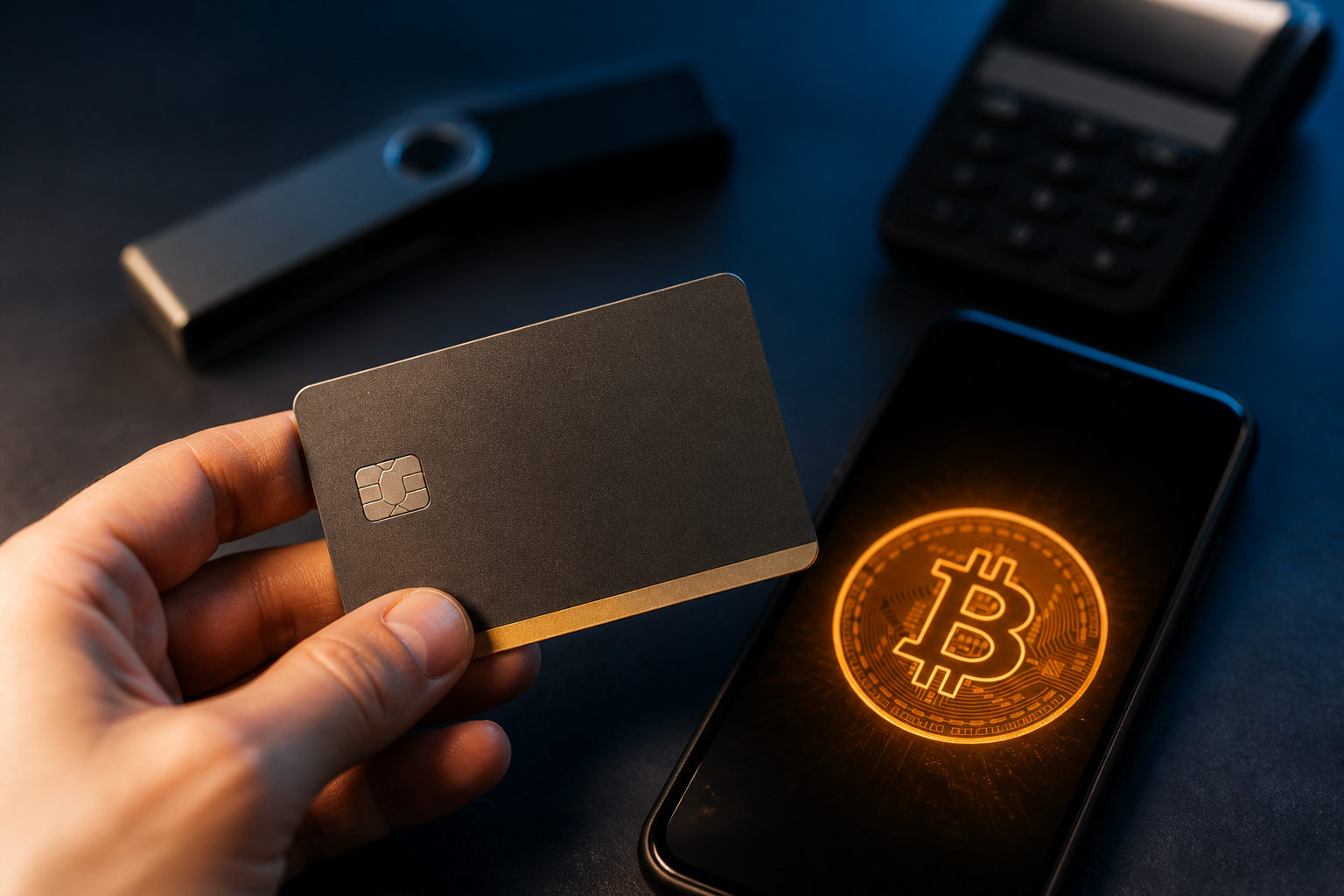
You can buy bitcoin with a prepaid Visa card, but it only works when three pieces line up: the card issuer allows the transaction, the seller accepts that type of card, and your receiving setup is ready. Most problems come from payment restrictions, identity checks, and scams, not from the act of clicking buy.
Check whether your prepaid Visa can be used for bitcoin purchases
Start with the card, not the exchange or broker. A prepaid Visa that works for regular shopping may still be blocked for crypto, financial services, cross-border charges, or merchants that trigger higher fraud screening.
Read the card terms and inspect the card management screen if one is available. You want to know whether online payments are enabled, whether international purchases are allowed, whether the card must be activated first, and whether the issuer permits transactions tied to digital assets. Some prepaid cards also require a registered name or billing profile before they can pass merchant verification.
This matters because a bitcoin purchase often involves more than a simple card authorization. The service may compare your account identity with the payment details on file. If the card behaves like an anonymous gift card, approval can be harder even when the balance is there.
Set up your wallet before entering card details
Decide where the bitcoin will go before you pay. Some buyers leave it inside the service account for a while, while others move it to a personal wallet as soon as withdrawal is available. If you want direct control over future transfers, prepare your own wallet in advance.
Make sure the wallet actually supports bitcoin. That sounds obvious, but new users do mix up wallets built for other assets or copy the wrong address from a multi-asset app. When you copy a receiving address, paste it carefully and check the first and last characters before confirming anything.
There is also a device risk here. If your phone or computer has untrusted software, copied addresses can be swapped in the clipboard. A quick manual check after pasting is a simple habit that catches this kind of attack before funds move.
If your main goal is to see whether a prepaid Visa route works, treat the first purchase as a test. A small trial makes it easier to spot where friction appears: card authorization, identity review, delayed order release, or withdrawal limits.
Use a careful order sequence when you make the purchase
Create your account first and complete any required identity steps before trying to pay. Many services show the card payment box early in the process, but approval often depends on checks that happen in the background. If those checks are incomplete, the payment may fail or the bitcoin may stay locked inside the account until more documents are reviewed.
When you enter the prepaid Visa information, keep the account details consistent with the card profile whenever possible. If the site asks for a billing address and your prepaid card does not have one clearly registered, go back to the issuer side and see whether that information can be added. Repeated mismatches can push the transaction into a higher-risk bucket.
Before you submit the order, inspect the full payment screen. Look for the total charge, any stated fees, and the amount of bitcoin you are expected to receive. Card purchases can include multiple layers of cost, including card processing and spread. If the service highlights convenience but leaves the cost structure vague, stop there and reassess.
After submission, do not keep refreshing the page or clicking the buy button again. A card request may already be in progress even if the page looks frozen. Repeating the action can lead to multiple authorizations or temporary balance holds. Save the order reference, take a screenshot, and check whether your account already shows a pending transaction.
Why prepaid Visa purchases fail so often
A failed bitcoin purchase does not always mean the card lacks funds. The issuer may block crypto-related merchants, the payment processor may reject certain prepaid card categories, or the bitcoin service may apply extra checks based on region, account history, device signals, or incomplete identity records.
If your payment is declined, pause before trying again. Confirm that the card is activated, online spending is on, international use is allowed if relevant, and your account profile matches the card information as closely as possible. Then look at the service side to see whether another verification step is waiting.
Browser and device conditions can also affect approval. Rapid network changes, unusual privacy settings, or a session that looks inconsistent may raise the fraud score. In that situation, the issue is not always the prepaid Visa itself.
Another pattern is authorization without delivery. The card shows a charge or hold, but the bitcoin does not appear right away. That usually means the order is still under review. The most useful items to keep ready are the order number, the payment screenshot, the last digits of the card, and the status of your identity verification.
Scam warning signs specific to prepaid Visa bitcoin purchases
Stop at once if anyone asks you to send card photos, the security code on the back, one-time text codes, or your wallet recovery phrase through chat or email. Legitimate payment flows collect sensitive details only inside a controlled checkout or account interface.
Be careful with anyone claiming they can buy bitcoin on your behalf through a special channel, skip identity checks, or deliver coins instantly after you share card details. Once a scammer has prepaid card information, they may drain the balance or take payment and never deliver anything.
Fake support pages and fake wallet apps are another danger. A search result or social post can lead to a site that imitates a real service, or to an app that steals credentials and addresses. Verify the software source, review permissions, and confirm the receiving address again right before withdrawal.
Prepaid card disputes can also be awkward. Some cards offer limited support compared with a standard bank card, so recovery options may be narrower after fraud or an unauthorized charge. That makes prevention far more important than trying to fix a loss later.
What to do after you receive the bitcoin
Once the purchase clears, confirm that the bitcoin amount and destination are correct before taking the next step. Many mistakes happen after a successful order because the buyer rushes into withdrawal, chooses the wrong network option, or loses track of the order records.
If you plan to hold the bitcoin yourself, store your wallet backup information in a place you control and can access later without relying on the same device. If this purchase was only a test of the prepaid Visa method, keep the order receipt, support replies, and card activity records so future troubleshooting is easier.
Check the card balance again after the transaction cycle settles. Failed or interrupted attempts can leave temporary holds behind. If you do not reconcile the card activity with the order record and wallet receipt, the next payment attempt may be confusing for the same reason.
FAQ
Do I need identity verification to buy bitcoin with a prepaid Visa?
In many cases, yes. Even if the card itself can be charged, the service may still require account verification before releasing the bitcoin or enabling withdrawal.
Why does my prepaid Visa work for shopping but not for bitcoin?
Crypto purchases are often treated differently from ordinary retail payments. The issuer, processor, or seller may apply tighter fraud rules to bitcoin transactions than to a standard online purchase.
Should I test with a small order first?
A small test is usually the safer way to start. It helps you see whether the card is accepted, whether the account passes review, and whether the bitcoin can be received or withdrawn without trouble.
Can I retry right away if the payment fails?
It is better to check the cause first. If the service has already logged the attempt as pending or risky, repeated submissions can create extra holds or make approval harder.
Is it better to keep the bitcoin on the service or move it to my own wallet?
That depends on how you plan to use it. If you want direct control over transfers, a personal wallet is the usual choice, provided you are ready to protect the backup information properly.
If you are about to try this method, make the first order a controlled test: one card, one account, one wallet address, and a careful review of each screen before you confirm the purchase.