
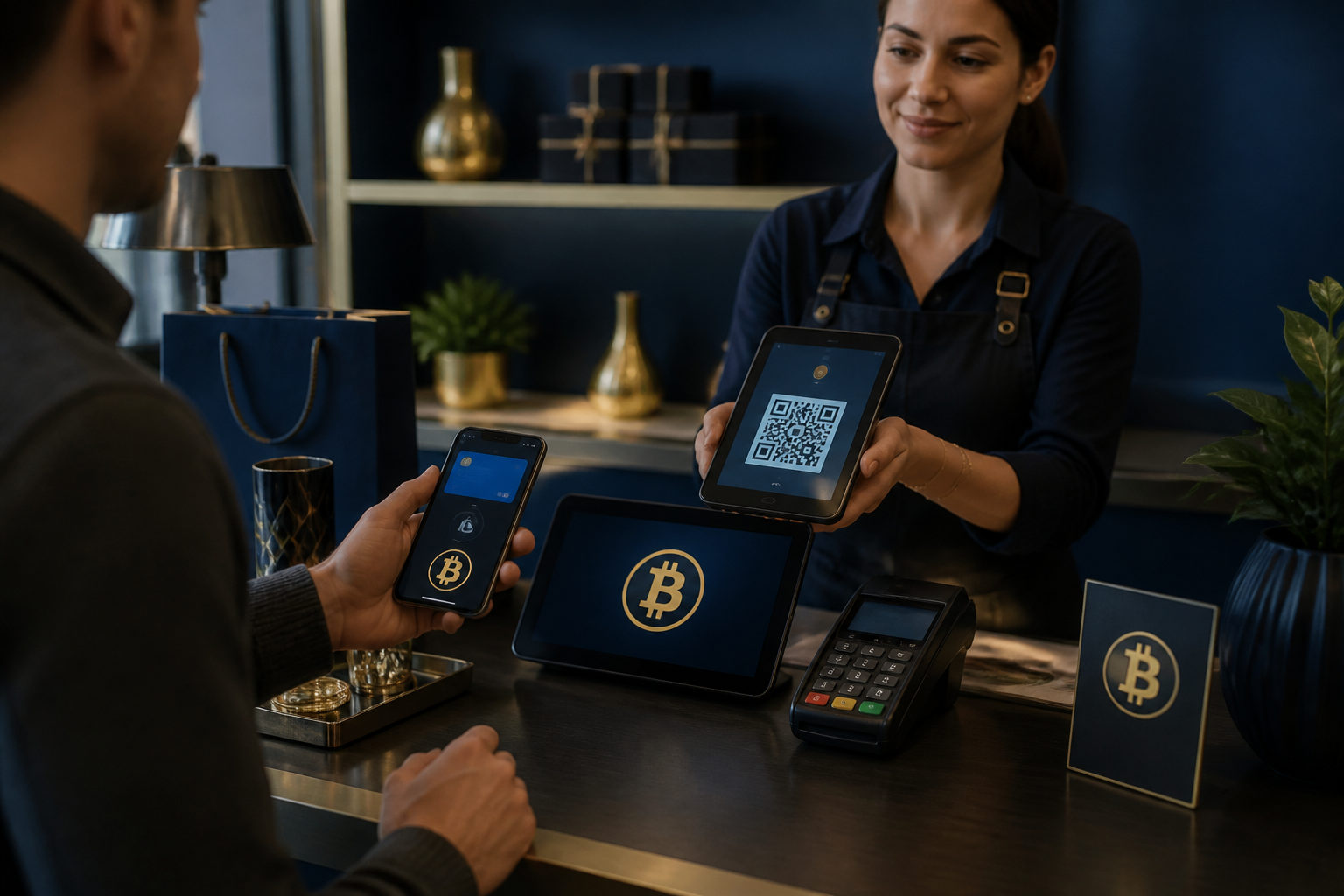
If you want to know which companies accept bitcoins, the best answer is not a static list. The safer approach is to verify a merchant’s checkout flow, payment method, and refund rules before you send any BTC.
Why company lists go stale so quickly
People often search for which companies accept bitcoins because they want a simple list of stores or services where BTC works today. The problem is that payment policies change, regional availability changes, and a merchant may support bitcoin only in certain checkout flows or for certain products.
That is why an old article, a forum post, or a social media screenshot is not enough. Even if a business accepted bitcoin at one point, that does not guarantee the option is still live, still official, or still available in your location. A useful method has to work even when the list itself is out of date.
There is another issue. Many users mix up three different things: a merchant that directly accepts bitcoin, a merchant that uses a payment processor to handle crypto at checkout, and a situation where users buy gift cards or vouchers with BTC and then spend those elsewhere. Those are not the same, and the risks are different.
Step 1: Separate direct bitcoin acceptance from indirect crypto spending
Your first action should be simple: check the merchant’s official payment information. Look at the checkout page, help center, payment FAQ, or store policy page and see whether it explicitly says Bitcoin, BTC, or something broader like crypto payments.
The reason for this step is practical. If a site only says it accepts crypto, that does not always mean bitcoin is included. It may support other digital assets, or it may route the payment through a processor that presents several options but does not treat them all the same. You need to know what is actually accepted before you prepare a wallet transfer.
There is also a difference between direct acceptance and indirect support. A merchant might let you complete a purchase through a third-party payment flow that converts the amount behind the scenes. Another service may only let you buy store credit, codes, or gift cards with BTC. That does not mean the underlying company itself takes bitcoin as a native payment method.
How to sort what you are seeing
- Direct acceptance: The checkout page clearly offers Bitcoin or BTC and creates a payment address, QR code, or invoice.
- Processor-based acceptance: The merchant allows crypto at checkout, but the payment is handled by an outside provider.
- Indirect spending: You use BTC to buy a voucher, balance, or gift card first, then spend that later. That is not the same as direct merchant acceptance.
Be careful with vague wording. If the business never names BTC clearly, do not assume it is supported. If the only evidence is a reposted image or a comment from another user, treat it as unconfirmed until you see the official payment flow yourself.
Step 2: Check the live checkout page, not just screenshots or search snippets
The most reliable way to answer the question is to run a real checkout test without paying yet. Add an item to the cart, go to the payment stage, and inspect the available methods. You are looking for a formal bitcoin option inside the merchant’s own purchase flow.
This matters because screenshots can be outdated, edited, or taken from a page that no longer exists. Search results can also be misleading. Some fake sites copy the look of a well-known store and place a crypto payment form in front of users who think they are on the real domain.
When you reach the payment stage, check whether the page includes normal order details: item name, order summary, customer support path, and any wording about crypto settlement. A real checkout page usually gives enough context for you to understand what you are paying for and how the order will be processed.
You should also verify the domain carefully. Do not rely on an ad result just because it appears at the top of a search page. If the payment flow moves to a separate page, confirm that the transition came from the merchant’s official checkout and not from a random pop-up or chat link.
Red flags that should stop the payment
- The page pressures you to send BTC immediately without time to review the order.
- A support agent asks you to leave the website and pay through private chat.
- The site advertises a bitcoin discount but gives no clear payment rules.
- The instructions do not explain the format of payment or how confirmation works.
Step 3: Confirm whether the merchant wants on-chain bitcoin or Lightning
Many payment mistakes happen after the user has already found a legitimate merchant. The problem is not whether the store accepts bitcoin, but whether the buyer understands the payment format. A merchant may accept standard on-chain bitcoin, Lightning payments, or both. Those are not interchangeable from a user’s point of view.
You need to check this before sending anything because bitcoin payments are generally hard to reverse once confirmed. If you send funds through the wrong method, use a wallet that does not support the required format, or mistake another BTC-labelled asset for real spendable bitcoin, fixing the error can be difficult.
Look closely at what the merchant generates. Is it a standard bitcoin address, a QR code for an on-chain transfer, or an invoice for Lightning? Your wallet has to match what the merchant is asking for. If the store does not explain the method clearly, pause the purchase and ask for a formal clarification through official support.
Minimum checks before you send BTC
- Make sure the payment details are tied to the current order and not a generic address sent in a message.
- Check whether the payment page includes a time limit so you do not send funds after the quote expires.
- Confirm that your wallet supports the required payment format.
- Read how the merchant marks the order as paid and when fulfillment begins.
This step is where many avoidable losses happen. Users often focus on the brand name and skip the actual payment instructions. Do not do that. Payment format matters as much as merchant identity.
Step 4: Review refunds, cancellations, and support before choosing bitcoin
A company may accept bitcoin and still not be a good place to use it for every purchase. Before you pay, review the merchant’s refund policy, cancellation terms, and any language about order disputes. This is one of the most important steps in the process.
The reason is straightforward. Bitcoin can work well for settlement, but the after-sales process may differ from card payments. If an item is unavailable, if an order gets cancelled, or if the amount sent does not match the invoice, the outcome depends heavily on the merchant’s own rules. Some stores explain this clearly. Others do not.
Look for whether the site says how refunds are handled, whether the return path is the same as the original payment route, and what proof you may need if something goes wrong. Save your order number, checkout screenshots, and transaction hash. Those records can make support conversations much easier.
If the site accepts crypto but says little or nothing about returns, that is not a detail to ignore. It is a risk signal. In those cases, you should think carefully about whether using BTC is worth it for that particular purchase.
| What to check | Why it matters | What to do |
|---|---|---|
| Refund method | It affects how and where funds may be returned | Read the policy before paying and save a copy |
| Payment time window | An expired invoice can invalidate the order | Open the payment page only when you are ready |
| Order support path | You need a clear way to contact the merchant if there is a problem | Use only official support channels |
| Payment confirmation rules | You need to know when the order is treated as paid | Read the checkout instructions carefully |
Step 5: Put scam prevention before the payment, not after it
The biggest risk around searches like which companies accept bitcoins is often not technical at all. It is fake stores, fake support agents, fake discounts, and fake payment pages. Many scams do not start by asking you to buy bitcoin. They start by pretending to be a merchant that takes BTC and then pushing you toward a bad address.
Your process should always follow the same order: verify the merchant, verify the order, verify the payment details, then pay. If anything does not match, stop there. Do not rely on the idea that a small test payment is harmless. A small mistake can still be final.
Be extra careful if someone claims the website payment option is under maintenance and asks you to pay manually. Be just as careful if a support account tells you a previous address failed and sends a replacement through chat. Official merchants that truly accept bitcoin should be able to show the payment request inside their formal order flow or in documented support instructions.
A practical anti-scam checklist
- Use official entry points only: Start from the company website, official app, or official help center.
- Do not trust private payment messages: An address sent in chat is a major warning sign.
- Verify every payment request: Do not assume it matches a previous order.
- Save the important records: Keep the order page, payment page, and transaction hash.
- Do not let urgency rush you: Pressure is a common tactic in crypto payment fraud.
Step 6: If the website is unclear, ask better questions
Some merchants do not explain payment options well. In that case, use a clear order for your checks: first inspect the live checkout page, then read the help center and payment FAQ, then review any official announcements, and only after that contact support for clarification.
This order matters because each source gives you a different level of certainty. The checkout page is the closest thing to actual payment availability. The help center should explain the rules. Official announcements may show changes. Support is useful, but support replies without matching website documentation can still leave too much room for error.
When you contact a merchant, ask specific questions. Do not just ask whether they take bitcoin. Ask whether they directly accept BTC, where in the checkout flow it appears, which payment format is supported, and how cancelled orders are handled. Specific questions tend to produce specific answers, and specific answers are what you need before paying with a non-reversible method.
FAQ
How can I tell if a company really accepts bitcoin right now?
The best sign is a live option in the official checkout flow that clearly names Bitcoin or BTC. If the only evidence is an old article, a reposted image, or a social post, treat the claim as unverified until you see the payment option yourself.
Does “crypto accepted” always mean bitcoin is accepted?
No. Crypto is a broad category, and some merchants support only certain assets or only certain payment flows. You need to confirm that BTC is named clearly and that the checkout instructions match your wallet and payment method.
What should I verify before paying a merchant in bitcoin?
Check the order details, the payment format, the time window, and the refund policy first. Then confirm that the address or invoice belongs to the current order and came from an official page.
What if support says I can pay by bitcoin even though there is no BTC button on the site?
That can be risky. Unless the merchant’s official help pages or order flow clearly document manual crypto payments, do not send BTC based only on a chat message. A private address with no formal order context is a serious warning sign.
Where should I look if I want the live bitcoin price before deciding to pay?
You can check a mainstream market data page or a widely used price tracker before checkout. Still, when it is time to pay, use the amount, timing, and instructions shown on the merchant’s active checkout page, not a separate price screen.
Before sending BTC anywhere, run one full checkout test first: confirm there is an official bitcoin payment option, confirm the order details and refund rules, and confirm the payment request matches the current purchase. If any one of those checks fails, do not pay.