
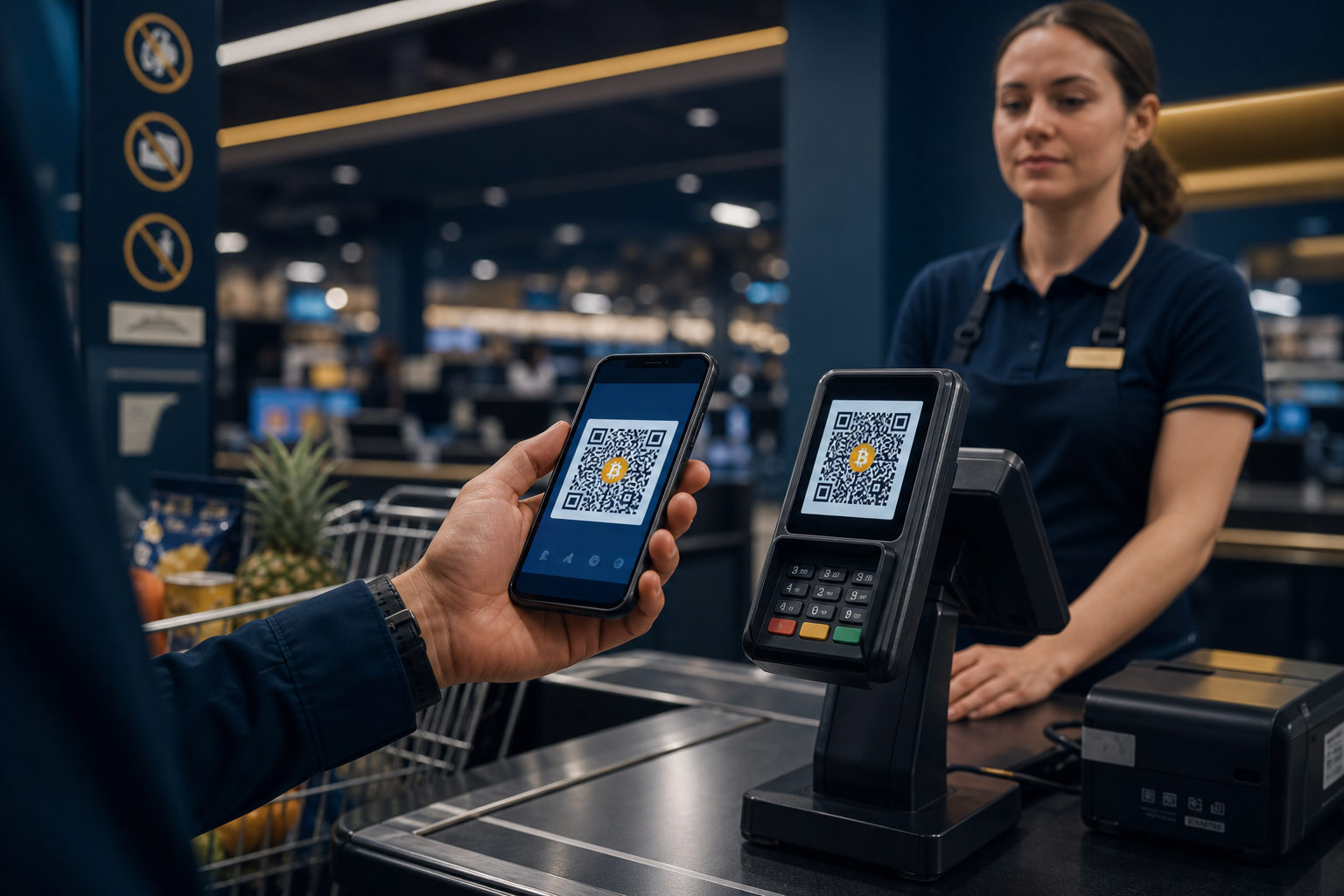
Does Walmart accept Bitcoin in 2026? The only safe answer is: check the exact checkout flow you are using. If the store, website, or app does not clearly show Bitcoin or cryptocurrency as a payment option, do not assume Walmart accepts BTC just because someone online says it does.
Start with the key distinction: direct Bitcoin payment is not the same as indirect use
People often ask this question when they really mean one of several different things. They may want to know whether Walmart itself takes Bitcoin at checkout, whether a third-party payment tool can process crypto on the back end, or whether they can buy a gift card with crypto and then shop at Walmart. Those are different situations, and confusing them is where a lot of trouble starts.
If a page only shows standard methods such as cards, stored balance, or gift cards, that is not proof of Bitcoin acceptance. A guide on social media is not proof either. What matters is the actual payment screen before you place the order, along with the merchant’s own payment and refund terms.
Step 1: Identify the Walmart purchase scenario before you do anything else
Your first move should not be opening your wallet. First identify where the purchase is happening: an in-store purchase, an order on Walmart’s official site or app, or a product sold by a third-party seller through a Walmart-operated marketplace. The reason is simple. The payment flow, merchant of record, and after-sales process may differ across those scenarios.
This matters because many shoppers see the Walmart name and assume every transaction follows one policy. That is not a safe assumption. A third-party seller page is not the same thing as a direct Walmart sale, and a payment option shown in one part of a shopping flow may not appear in the final checkout stage.
What to verify at this stage
- Checkout page: Does it clearly list Bitcoin, BTC, or cryptocurrency?
- Help or payments section: Is there a formal explanation of supported methods?
- Refund rules: Is there any statement about how crypto-related payments are handled if an order is canceled?
- Seller identity: Do the product page, payment page, and order details point to the same seller?
If any of those points are unclear, stop there. With Bitcoin, sending funds first and asking questions later is a bad habit because blockchain transfers generally do not work like card chargebacks.
Step 2: If checkout does not show Bitcoin, do not send BTC to a “support agent”
This is where scams catch people. Someone on social media, in a chat group, or through a direct message may say that Walmart can take Bitcoin and that they can process the order manually. They may send a wallet address, a QR code, or a fake invoice and claim it is part of a temporary payment route. None of that should be treated as official.
The correct way to pay is inside Walmart’s formal payment flow, not through a side conversation. There is a practical reason for that. Real merchant payments should tie back to a visible order, a payment status, and a traceable support path. A random wallet address in a chat window gives you none of those protections.
Common scam patterns to watch for
- Fake customer support: You are told the crypto option exists but is “manual today,” so you should send BTC directly.
- Fake order screenshots: The scammer shows a convincing-looking completed order to build trust.
- Pressure through discounts: You are promised an unusually large discount if you pay in crypto right away.
- False refund promises: The person says any mistake can be reversed later, which is not something you should assume with blockchain payments.
If you are ever asked to leave the checkout flow and send Bitcoin separately, treat that as a high-risk sign. The safest response is not to debate it. Just stop and go back to the official payment pages.
Step 3: Separate direct merchant acceptance from gift card or balance conversion
Even if you end up using Bitcoin in a Walmart-related purchase, you still need to know what kind of transaction you are making. In practice, the path usually falls into one of two buckets. One is direct acceptance, where the checkout page itself shows a crypto payment option. The other is indirect use, where you first convert crypto into a gift card, account balance, or another payment instrument and then use that instrument to shop.
This difference matters because your rights and your risks are not the same. With direct payment, the questions are about payment timing, exchange-rate locking, order confirmation, and refund routing. With gift cards or converted balances, the questions shift toward redemption rules, geographic limits, nonrefundable terms, and the risk of buying invalid or compromised codes.
| Path | What you should confirm | Main risk |
|---|---|---|
| Direct merchant crypto payment | Whether checkout clearly lists it, how refunds work, and whether there is a payment deadline | Misreading the payment page, timing out, sending to the wrong address |
| Gift card or balance conversion | Whether the instrument is valid for your purchase and whether it is refundable | Gift card fraud, usage restrictions, harder support process |
| Third-party assisted payment | Whether the order is real and whether the payee is trustworthy | No delivery, no refund path, exposure of personal data |
The goal is not to force the purchase through by any means available. The goal is to know exactly what transaction you are entering before you send funds.
Step 4: If you do see a crypto option, follow the sequence: verify, pay, document
Suppose the official checkout flow does show a clear Bitcoin or cryptocurrency payment option. Even then, do not rush. The safer sequence is to verify the merchant details, confirm the asset and address, read the payment timing rules, and keep complete records after payment. That order reduces avoidable mistakes.
The reason is straightforward. Most losses in crypto payments do not come from advanced technical failures. They come from simple mismatches: wrong asset, wrong address, expired payment window, or no record linking a blockchain transaction to a real order.
What to check before sending BTC
- Merchant and order details: Make sure the site, app, or store context matches the order you are paying for.
- Asset type: If the screen says Bitcoin, send Bitcoin, not another asset that looks similar.
- Address and network context: Read the payment instructions carefully and do not guess.
- Time limit: If the payment page has a countdown, find out what happens if the transfer arrives late.
- Records: Save the order page, payment instructions, and transaction confirmation.
That last point is easy to skip. People often save only the blockchain transaction record and forget to keep the checkout screen or order number. If there is a dispute later, that missing context can make support far harder.
Step 5: Think about refunds, cancellations, and disputes before you pay
Many shoppers focus on whether they can complete the purchase and forget to ask what happens if something goes wrong. Bitcoin-related payments may not follow the same refund flow as a card payment. That becomes even more complicated if a gift card, stored balance, or third-party payment rail sits in the middle.
So before you pay, check three things: whether the order can be canceled, where any refund would go, and what proof support will require if there is a problem. This is not a minor detail. In many disputes, the person who kept the full order and payment trail is in a much stronger position than the person who only remembers what the page looked like.
Questions worth answering before checkout
- Refund destination: Would a refund go back in Bitcoin, to store balance, or through some other route?
- Expired quote handling: If the payment window closes and the transfer arrives after that, what happens next?
- Partial shipment or cancellation: How is a partial refund handled?
- Support ownership: If a third-party tool is involved, who is responsible for solving the issue?
If those answers are hard to find, that alone tells you something. Lack of clarity is a reason to slow down, not a reason to improvise.
Step 6: Protect yourself from fake urgency and fake authority
Scammers know that shoppers asking whether Walmart accepts Bitcoin are often trying to move fast. Maybe they want privacy, maybe they already hold BTC, or maybe they think crypto will be easier than a card. Fraudsters use that urgency against them. They create the impression that a special payment route is available for a short time, or that a support representative can help if you act right away.
The best defense is boring but effective. Stay inside official checkout screens. Ignore pressure tactics. Do not trust a wallet address just because it arrives with a professional-looking message. Do not trust a payment claim just because it includes a store logo. And do not rely on screenshots as proof of what a merchant officially supports.
If you are ever unsure, choose a payment method with clearer consumer protections instead of trying to force a crypto payment through a confusing process. That is not a failure. It is good risk control.
FAQ
How can I tell if Walmart really accepts Bitcoin?
Look at the final official checkout screen. If Bitcoin, BTC, or cryptocurrency is not clearly listed there, do not assume Walmart accepts it based on rumors, videos, or chat messages.
If someone offers to place a Walmart order for me in exchange for BTC, is that safe?
It is risky. You may have no reliable way to confirm the order is real, no clear refund path, and no proof that the person is connected to Walmart in any way.
Does buying a Walmart gift card with crypto mean Walmart accepts Bitcoin?
Not in the direct sense. That is closer to converting your crypto into another spending tool first, then using that tool at Walmart.
What is the most common mistake when trying to pay with Bitcoin?
People often skip verification and move too quickly. They may send the wrong asset, send to the wrong address, miss the payment window, or fail to save the order details that link the transfer to a purchase.
What should I review before attempting any crypto-related checkout?
Check the supported payment methods, the refund rules, and the identity of the seller or merchant of record. If those three pieces do not line up clearly, do not pay.
What the safest workflow looks like
If your goal is simply to complete a purchase without creating avoidable risk, the safe order is clear: check the official payment options, read the refund terms, confirm who is actually selling the item, and only then decide whether a Bitcoin-related route makes sense. If anyone asks you to leave the official flow, send BTC directly, or trust a private message over the checkout page, stop there.
Disclaimer: This article is for informational and educational purposes only and is not investment, financial, or legal advice. Crypto assets are highly volatile and you could lose your entire investment. Do your own research and decide carefully.