
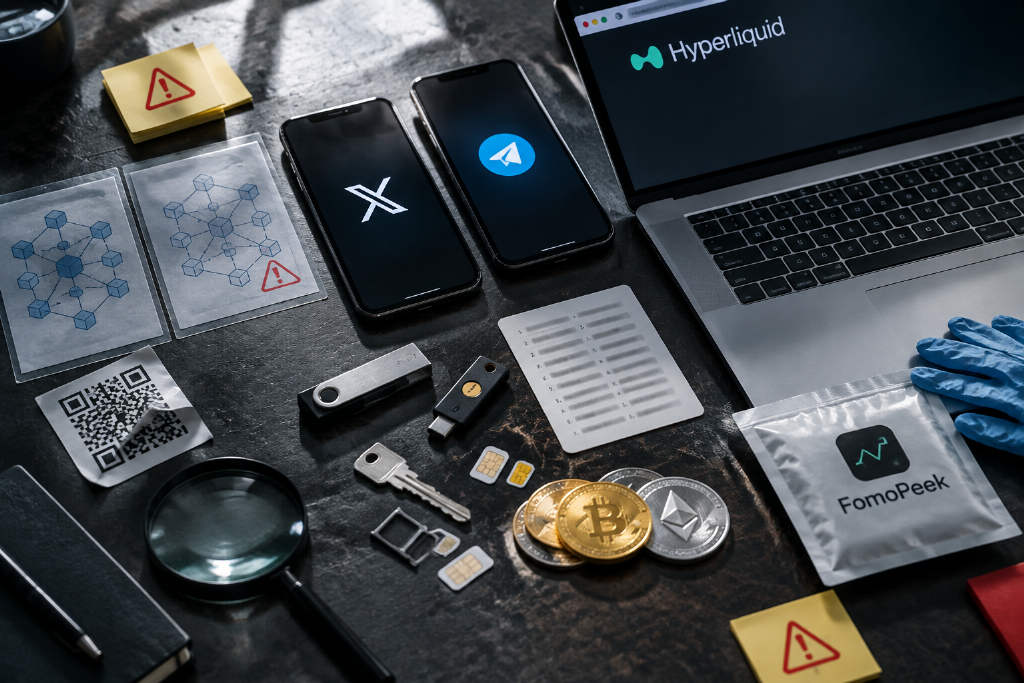
TechFlowPost has released a 2026 anti-scam guide for the crypto market, sorting the usual fraud risks into five categories and 12 repeat schemes. The article, written by Changan from the Biteye content team, starts with a line that says it all: "I've bought fake tokens and fake NFTs, and aped into fake projects, but this is the first time I've run into a fake blockchain."
It argues the fake GIWA mainnet incident was a wake-up call for plenty of users: yes, even a "chain" can be faked. And the broader point is blunt. Scammers keep changing costumes, usually by reusing settings people already trust.
Scams on X
Fake project websites and phishing amplified by KOL reposts
The article says that before Circle's Arc mainnet had officially opened its native bridge, scammers had already put up a fake bridge called onbridge and pushed it on X with a simple pitch: the Arc mainnet was live and users could bridge USDC in directly.
It also says scammers bought KOL comment and repost services through third-party channels. Some accounts focused on airdrops and farming would reply to or repost scam posts, which made users relax because familiar names were interacting with what looked like an official link.
Anyone who clicked the supposed bridge, connected a wallet, and approved assets was really walking into a phishing site.
The advice is plain: check every entry point again through the project's official account, and use AI tools to see whether a link is actually official.
Fake recruiting, fake investors, and business-collaboration traps
The guide treats these as different flavors of the same trick. A scammer shows up with a believable identity, then tries to get the target to run a malicious file on a computer.
One version involves someone posing as a VC, an investment firm, or a project team member to talk about fundraising or partnerships. Everything looks normal at first. Calendly. Google Meet. Standard stuff. Then the other side suddenly says the meeting software is not working and asks the target to download a new Zoom, Teams, or Meet plugin.
Another version goes after developers. Scammers pretend to be crypto companies, AI companies, or recruiters and ask candidates to do a coding test by downloading a repository from GitHub or Bitbucket and running the code locally.
The article says everything before the final move often looks routine. But the real payload is hidden in the plugin, updater, coding test, or project code. Once it runs, it can steal browser cookies, Telegram sessions, API keys, wallet private keys, and seed phrases.
Some attackers take their time and build trust first. Others don't bother. They send a fake meeting link or GitHub project in the very first message.
The suggested response: do not download or run software sent by strangers. For business communication, stick with familiar official entry points like Zoom or Google Meet, and end the conversation if the other side keeps pushing a platform switch or plugin install.
Stolen KOL accounts used to launch tokens or call trades
The piece says this scam centers on influential crypto KOLs, founders, and executives. Attackers usually send phishing links dressed up as DMCA complaints, account anomalies, or security verification requests in order to take over an X account.
After they get in, they use the account's credibility to post meme coins or promote projects, making followers think the real owner is backing the token. Sometimes they keep the performance going by hosting Spaces or replying to comments from the compromised account.
The article names 0xSun, Wesley from Hash Professor, and Nano Labs founder Kong Jianping as examples of hijacked accounts. Same script, basically: steal the account, launch or hype a token, use the built-in audience to generate trading volume, then let the price collapse to zero.
The precaution is simple. If a familiar KOL suddenly starts shilling a token, verify it through another channel.
Telegram scams
Impersonating Telegram friends to borrow funds or phish
The article says scammers can open a new Telegram account and copy a target's friend's profile photo, display name, and username style so closely that, at a glance, it looks real.
Then comes the private chat. A few routine greetings. Nothing odd. And then the ask: borrow some USDT, change the receiving address for a payment, or help process a transfer.
Some take it further. The guide says they study the relationship beforehand, copy the person's tone, and even bring up mutual friends so the exchange feels authentic.
The defense here is direct: call the person or confirm through another channel you already know.
Fake Telegram verification used to steal login codes
Another move is to pretend to be Telegram support, a group admin, or a Safeguard verification bot. Victims are told their account is abnormal, their login has expired, or they need to verify before joining a group. Then they are asked to provide a login code, scan a QR code, or enter a two-factor password.
Hand over that code, and the attacker can log in on another device, kick out other logged-in sessions, and change the two-step verification settings.
The article says the damage keeps spreading after the account is stolen. Attackers often move through the victim's contact list and client groups, then use the victim's identity to ask other people for USDT or send payment addresses.
Its advice is blunt: never give anyone verification codes, login QR codes, or 2FA passwords.
Phishing entry points
Fake websites on Google
Lots of users look up Hyperliquid, MetaMask, or a project's official site through Google. The guide says scammers build lookalike websites and push them up the search page with ads or SEO.
That makes the trap hit harder because users found the page themselves. And people tend to trust that more than some random link dropped into a message.
The article points to a case from August this year in which a user searching for Hyperliquid clicked a promoted fake website, signed a malicious approval, and lost about 550,000 USDC.
The recommendation is to reach official websites through a project's official X profile whenever possible. If the account itself is in doubt, the guide says users can first use XHunt to confirm the official account and then verify the domain name.
Fake Discord verification and wallet-drainer approvals
The article says scammers often dress up a phishing flow as a normal Discord verification step. After joining a server, users are told to click Verify, which sends them to a third-party site to connect a wallet.
On the surface, it looks like a routine identity check. But the backend is tied to a wallet drainer. Once a user connects and signs, scammers can use old token approvals left on protocols like Morpho and Uniswap to move assets out.
The guide says users should check both the domain and the signature request before approving anything linked to a Discord verification prompt.
Fake airdrop emails
Another scam in the article is the mass sending of polished emails saying a recipient qualifies for an airdrop, has tokens ready to claim, or needs to act before a claim deadline runs out. The logo, layout, and sender name are designed to look like an official project notice.
Click Claim or Check Eligibility, and the user gets bounced to a fake project website and asked to connect a wallet to view the supposed airdrop.
The article says these pages aim to collect a signature or token approval and are often tied to a wallet drainer. Some are even more blatant and ask for a seed phrase or private key.
The suggested habit is not to click claim links in emails and to verify all such information through a project's official X account.
Wallet and on-chain scams
Address poisoning
The guide says scammers can generate wallet addresses that closely resemble an address a user often sends to, especially in the first and last few characters.
Then they send a tiny amount, or even 0 USDT, so the fake address shows up in the user's transaction history. If the victim later copies an address from that history and checks only the first and last characters, the funds may go to the scammer instead of the intended recipient.
The article advises scanning QR codes where possible, sending a small test transfer before large payments, and checking more of the full address rather than trusting transaction history alone.
Fake mainnets and fake bridges
The GIWA case is one of the clearest examples in the article. It says GIWA had already disclosed Chain ID 9134, but the mainnet had not officially launched, and there was no official RPC endpoint or official bridge.
Scammers used that gap to piece together a fake "GIWA Mainnet" with the real Chain ID 9134 plus a fake RPC and a fake bridge.
Because the chain ID matched, users who added the network to their wallets could easily assume it was the real mainnet. The article says the fake chain then spread through the community and was even integrated by a DEX, which made it look even more believable.
Driven by the urge to get in before launch, many users bridged ETH into the supposed GIWA mainnet. The article says 1,335 addresses sent about 767.65 ETH to the fake network, and around 766.25 ETH was drained, putting losses near $2 million.
The lesson is sharp: in any early-mainnet rush, trust only the RPC endpoints, bridge addresses, and contract addresses published in official announcements. A matching chain ID does not prove a network is real.
Device and account compromise
Malicious apps that turn harmful after an update
The article points to FomoPeek as a case where an app looked like a normal on-chain monitoring tool. It did not ask users to connect a wallet or enter a seed phrase.
According to the piece, the scammers first got a normal version into the App Store, then pushed invite codes through KOLs and reward groups with a basic offer: install the app and get 5 U. Once enough real users had installed it, a later update quietly added malicious code.
The article says that update could exploit iOS vulnerabilities to read wallet data, private keys, and notes stored on the phone.
Its advice: do not install unfamiliar apps just for a small token reward, keep important wallets separate from everyday phones, and stop storing large assets on devices that have installed suspicious apps. It also says iOS is not perfectly secure and that both the operating system and apps should be updated promptly.
Exchange account takeover through forged identity materials
The guide says attackers may first gather a user's name, ID documents, phone number, and trading records, then combine that material with fake videos, AI-generated faces, or other social-engineering methods to impersonate the account owner during an exchange recovery process.
They may ask for resets on things like a lost email address or an unusable Google Authenticator. If the review goes through, the attacker can replace the email and 2FA settings, then quietly create API keys, withdrawal addresses, or other persistent permissions ahead of time.
The article stresses that getting access back later and changing the password may still not fix it. If those hidden permissions remain, assets can still be moved out.
It adds that as face-swapping, voice cloning, and forged materials become more common, multiple similar cases have already shown up this year.
The recommended response is to regularly check API keys, withdrawal whitelists, logged-in devices, and exchange security settings. If something is wrong, remove those permissions too instead of changing only the password.
Four broader habits the article recommends
In the closing section, the article says many scams are dangerous not because the code is advanced, but because the social engineering works. Attackers use settings people already trust — friends, KOLs, official websites, meetings, recruiting flows, and verification prompts — to lower defenses and push targets into sending funds, signing messages, giving up login codes, downloading files, or running code.
- Assume by default that anyone could be a scammer. Even with acquaintances, partners, and KOLs, verify transfers and money-related requests through another channel.
- Keep devices separate from assets. Store large holdings and primary wallets on independent devices that are not used for daily chats, meetings, software downloads, or code execution.
- Do not click unfamiliar links directly. Whether a link comes from a friend, a KOL, or a search result, check the domain, review project announcements, or ask AI tools to inspect it first.
- Keep systems and common software updated. The article specifically mentions iOS, macOS, browsers, and wallets, saying many attacks depend on vulnerabilities that are already public but still unpatched on the victim's device.
The piece was published on Sept. 29, 2026, by TechFlowPost and is attributed to Biteye@BiteyeCN.