
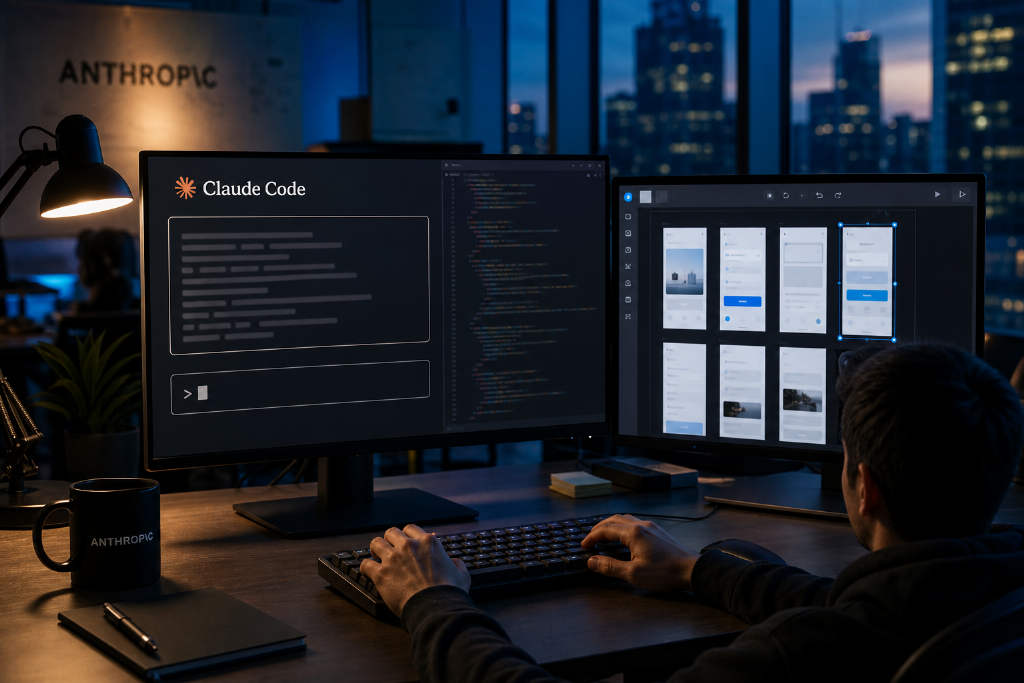
Anthropic has introduced a new /design command for Claude Code, giving users a way to generate and edit interface concepts directly inside the terminal. The feature is currently available as a research preview and works in both the CLI and the desktop version of Claude Code.
Once updated, users can enter a prompt such as /design a few options for a project and receive several editable UI artboards in the same session where they are writing code. Instead of exporting a mockup and rebuilding it in an editor, they can pick one design, make changes, and move straight into implementation.
Multiple interface options from a single command
According to the article, Claude generates several artboards at once after a /design prompt is entered in Claude Code. Users can choose the option closest to what they want, then click into components on the canvas, adjust styles through a properties panel, edit text inline, and use undo and redo while refining the layout.
Pressing Save publishes a new version. But save access depends on account permissions. If an account does not have that authorization, the user can only view the result or export it as a PNG or PDF, without making live saved edits.
The command appears only after users run claude update and move to the latest version. Anthropic announced the update on Aug. 18. The article also cited a post from Anthropic engineer Nate Parrott, who wrote that users on Claude Code Desktop or CLI can try a prompt like “/design a few options for {feature}” before building, then pick an artboard, edit it, and implement it.
Part of a broader push to pull design into development
The release marks another step in Anthropic’s effort to bring design work closer to the development environment. On April 17, 2026, Anthropic Labs launched Claude Design as a visual workspace for creating mockups, prototypes, presentations, and one-page copy with Claude. That product also debuted as a research preview and was powered by Claude Opus 4.7. The article said it surpassed 1 million users in its first week.
Two months later, on June 17, Claude Design received a major update. It added support for importing existing design systems from GitHub repositories, design files, raw uploads, or a local codebase. After generating visuals, Claude compares its own output against that design system and self-corrects before showing the result to the user.
Anthropic described that upgrade as a shift from a tool for quickly making mockups into a governed workspace covering brand, design, and development. As the article framed it, Anthropic first validated demand through a standalone workspace, then added governance to manage cost and quality, and is now pushing the final confirmed generation step directly into the Claude Code command line.
Current limitations remain clear
Anthropic also laid out the limits of the feature in its current form. Artboards have to be saved manually. If a user does not click Save, the work is not retained. The interface itself still has rough edges and is not yet a polished stable release.
The article noted that /design also consumes tokens, adding context load inside sessions that are already being used for coding. More importantly, it does not guarantee automatic inheritance of a project’s existing design tokens and components, which means users often still need to specify those manually.
Its scope is also relatively narrow. Anthropic currently positions /design as a better fit for designing a single feature. For multi-screen flows, the company still recommends using the web version of Claude Design.