
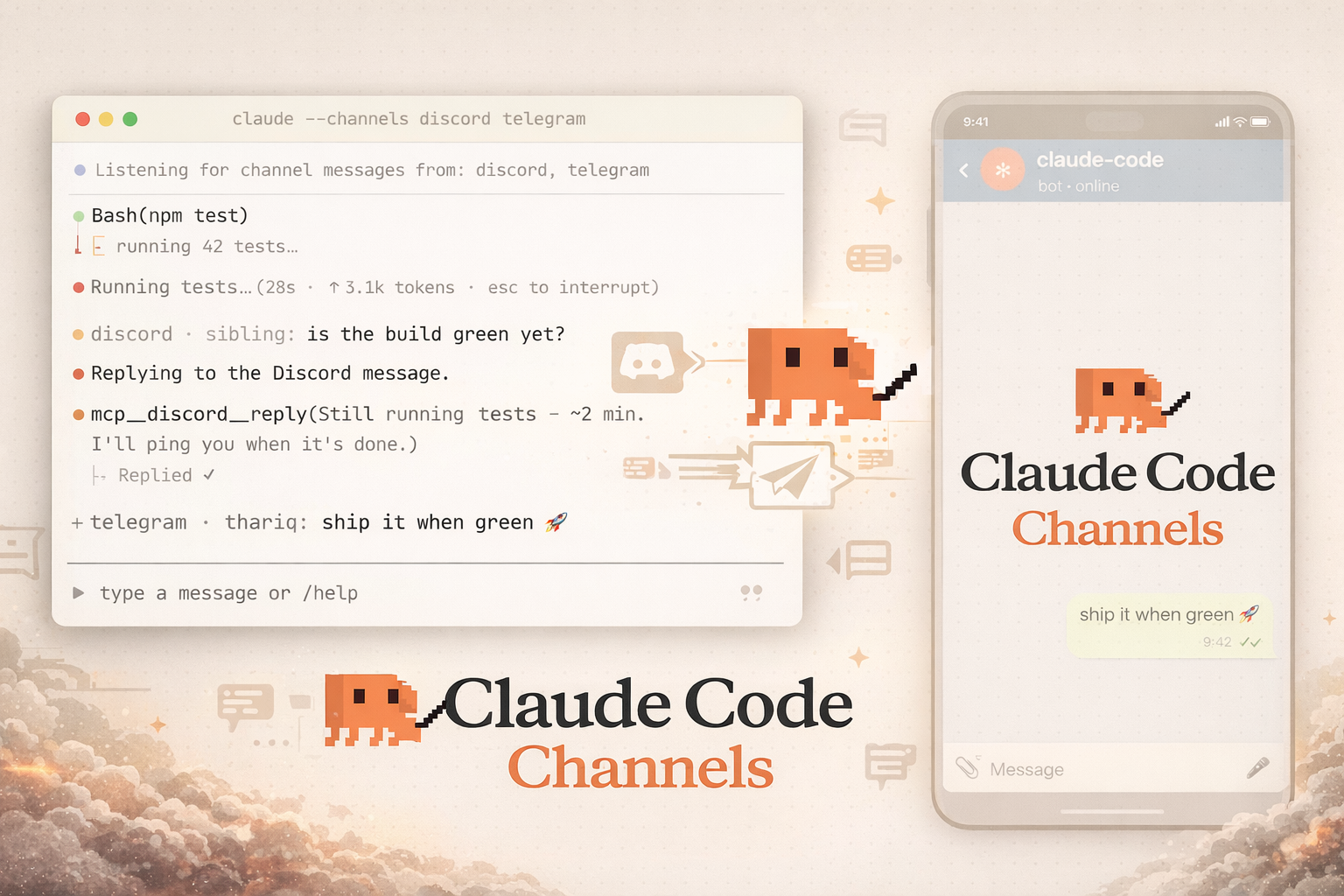
Anthropic released Claude Code Channels as a research preview on July 24, marking a shift away from terminal-bound AI operations. Using an MCP server architecture, Claude Code can now receive real-time message pushes from Telegram and Discord, enabling two-way communication. A single chat message lets developers redirect ongoing tasks remotely, no longer chained to their command line.
The Channels act as an MCP server, pushing external events directly into an active Claude Code session. According to Anthropic's official documentation, this allows the AI agent to react instantly to outside triggers rather than waiting for manual input. The bidirectional design means agents can reply through the same channel, creating a full conversational loop.
Telegram and Discord Setup in Three Steps
The preview supports three channel types: Telegram, Discord, and a local test channel called fakechat (localhost:8787). Setting up is straightforward: create a Telegram bot via BotFather, grab the token, then run /plugin install telegram@claude-plugins-official in Claude Code. After restarting with the --channels flag, complete account pairing and set an allowlist—only paired accounts can push messages to Claude. Discord follows a similar path, but requires bot creation through the Developer Portal.
Channels essentially deliver the same advantage as OpenClaw (an AI assistant integrated into chat apps): users can assign social or physical tasks anytime and receive instant notifications upon completion, enjoying round-the-clock persistent personal service.
Triple-Lock Security for Unauthorized Access Prevention
Anthropic implemented three security layers. First, a Sender allowlist—only Telegram or Discord accounts that have completed pairing can push messages to Claude, blocking strangers from hijacking sessions. Second, the --channels flag must be explicitly set at every launch; Claude Code never enables channels automatically, reducing accidental exposure. Third, external plugins are tightly controlled: only those on Anthropic's official allowlist are accepted. To test custom channels, developers must add the --dangerously-load-development-channels flag, whose name itself warns of risk.
For enterprises, Team and Enterprise plans have Channels disabled by default, requiring manual admin activation. Pro and Max personal plans have it enabled by default, but users must still opt-in at each launch.