
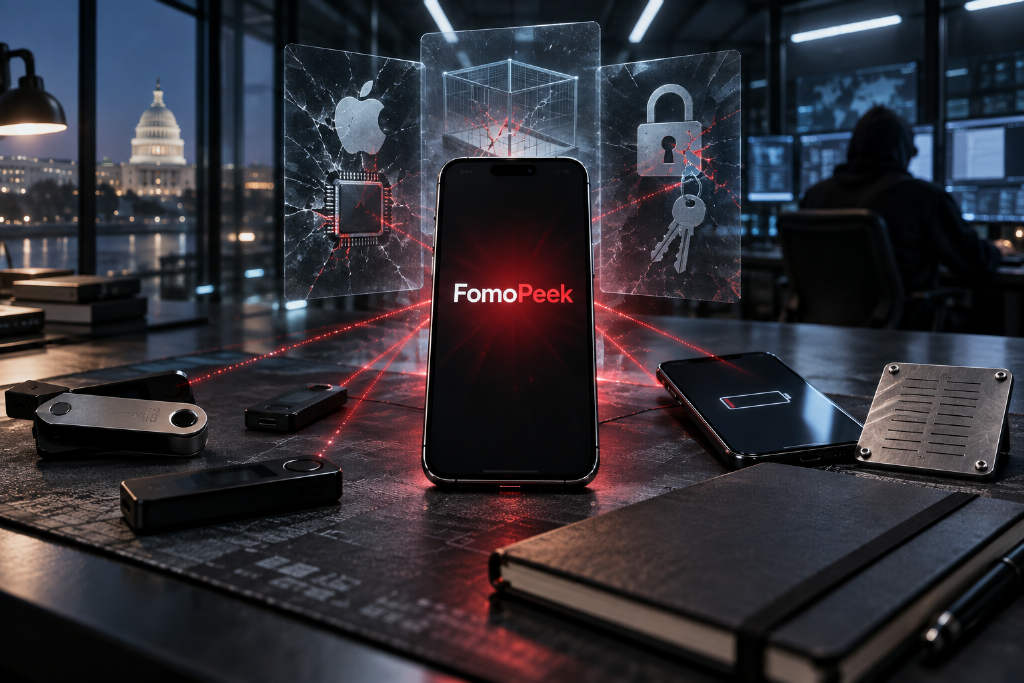
FomoPeek case raises fresh concerns over iOS wallet security
A PANews article from the Biteye content team says several on-chain users saw their wallet balances drained over the past two days without any unusual interaction on their part. According to the article, a joint review by SlowMist and the OKX security team traced the incident to versions 1.1 through 1.2 of the meme-tracking tool FomoPeek.
The report says reverse engineering pointed to a method that differed from standard phishing. Users were not described as having pasted seed phrases into fake websites, nor as having blindly signed malicious contracts. Instead, the article says the app bundled iOS kernel exploit code that could automatically escalate privileges across different device models and system versions. From there, it allegedly escaped the iOS app sandbox, decrypted the system Keychain, scanned wallet data from other apps on the same device as well as system notes, and silently sent plaintext private keys back to a hacker-controlled server.
The article argues that the incident broke the assumption held by some users that an iOS app environment is inherently safe, and that private key protection methods need to be updated.
From basic phishing to a full social-engineering funnel
The piece describes the attack as a more advanced social-engineering chain: attackers buy KOL promotion, offer referral rewards alongside real product features, get users to install the app, and then use mobile system vulnerabilities to extract private keys.
KOL credibility as the entry point
The article says many bloggers and KOLs do not have reverse-engineering or code-audit skills. Faced with ad budgets worth several thousand or even more than ten thousand U, plus commission sharing, some may lower their guard. Retail users, in turn, may see researchers or traders they have followed for a long time recommending the same tool and assume it is safe.
Real utility and referral rewards as bait
Unlike older phishing pages that exposed their malicious nature as soon as a user opened them, the article says this app offered working front-end features and practical utility. It also included an invitation-based rebate mechanism. In that setup, users could be drawn in by the idea of both monitoring the market and earning daily referral income, while paying less attention to the permissions and lower-level behavior of the software.
Malicious code deployed after trust and scale build up
The article says the attackers did not move on day one. They waited until the install base grew and target wallets had accumulated assets. The malicious code did not need to remain visible in the foreground. By using system vulnerabilities, it could escape the sandbox, read Keychain data, search local notes and take private keys without obvious signs to the user.
First line of defense: device and system hygiene
The article says the underlying reason the FomoPeek attack worked was that an iOS vulnerability was successfully exploited. It points to two issues. One is a failure in App Store review, where malicious apps could allegedly bypass manual and automated checks through dynamically delivered instructions and obfuscated secondary modules. The other is delayed patch adoption on older iOS versions, leaving devices that remain on outdated software exposed.
Based on that, the article lists several device-management rules:
- Keep the operating system updated instead of staying on older versions for convenience.
- Do not install niche charting tools or helper apps that are unnecessary, non-leading or not open source on a primary phone that stores assets.
- Do not install unknown mobile configuration profiles or enterprise-signed web-distributed apps.
- Do not jailbreak the device, because that removes one of the last security barriers built into the operating system.
Second line of defense: never leave seed phrases in digital form
The article says one common trait of malicious software is scanning local unencrypted notes. Some victims may believe they never shared their seed phrase with anyone, while in practice they may already have stored the 12 words in local password storage, notes, the photo gallery or chat apps on an iPhone.
The piece lists several practices that should be avoided:
- Taking screenshots or photos of the seed phrase and saving them to the gallery.
- Storing it in Notes, Notion, cloud drives or email drafts.
- Sending it to WeChat File Transfer Assistant or Telegram Saved Messages.
- Copying and pasting the seed phrase between a computer and a phone.
According to the article, these paths can expose sensitive data through OCR, cloud sync, sandbox compromise or clipboard monitoring.
For backup, the article recommends offline handwritten storage in a private space without cameras, followed by repeated verification. For core assets, it suggests using a metal seed phrase plate such as Crypto Steel and storing backups in two separate locations to improve resistance to fire, water and corrosion.
Third line of defense: asset layering and dedicated devices
The article says putting all assets in one mobile wallet while testing new tools or taking part in high-risk interactions magnifies the cost of a single mistake. It recommends physical separation of funds across different environments.
The piece presents a tiered structure described as a "3:5:2" framework, while the actual allocation guidance is split into three buckets:
- Cold storage or vault: 70% to 80% of large holdings in a hardware cold wallet or a multisig Safe, with private keys kept offline and excluded from routine approvals.
- Warm storage for transfers and medium-term use: 15% to 20% of funds on a clean standalone PC browser extension environment, used only with leading audited protocols.
- Hot storage for approvals and experimentation: 5% to 10% of expendable funds on a separate backup phone or hot wallet, used for trying new tools, high-risk interactions or rebate programs.
The article also recommends a dedicated "test device." A primary asset phone should carry only the native operating system, official authenticators and companion apps for hardware wallets. It should not host niche market apps, helper plugins, front-running scripts or cluttered group chats. A spare device, by contrast, can be used for browsing X, trying tools promoted by KOLs or running referral bots. Even if that device is fully compromised, the article says the loss would be limited to a small amount of expendable capital.
Fourth line of defense: tighter permissions and signature checks
The article warns that even if a private key is not stolen directly, attackers can still drain funds by tricking users into signing approvals. It says users should first distinguish among several signature types:
- Transfer: a direct token transfer.
- Approve: granting token allowance to a specified smart contract. The article says users should not give unlimited approval to unknown protocols.
- Permit / Permit2: gasless off-chain authorization signatures. The article says scam sites often disguise these as a wallet connection or an airdrop claim, so users should verify the spender and the amount before signing.
On the tooling side, the article recommends Rabby Wallet and browser extensions such as Scam Sniffer and Pocket Universe to preview asset changes before clicking. It also suggests visiting Revoke.cash weekly or monthly to remove approvals from protocols no longer in use.
Fifth line of defense: self-review before every interaction
The article says the most effective defense in a hostile environment is restraint. Before installing a new app, following a social-media recommendation or signing a transaction tied to a high rebate, users should complete three rounds of self-checks.
Spot the social-engineering setup
- Check whether a tool is being pushed by many KOLs within one to two days.
- Examine whether high referral rewards and user-acquisition incentives are masking the real business model.
- Do not treat paid KOL promotion as a security endorsement, and keep doing your own research.
Separate the operating environment
- Do not install experimental apps or scripts on the primary device that holds major assets.
- Use an independent spare device for trying new tools or small rebate programs.
- If software asks for an unknown mobile configuration profile, an enterprise certificate or installation outside the app store, stop immediately.
Hold the line on private key boundaries
- Check notes, the photo gallery, deleted screenshots and the clipboard to make sure no seed phrase residue remains on the device.
- Confirm that core holdings are stored in a hardware cold wallet and that the seed phrase has never been typed back into a phone or computer.
- Keep only a minimal balance in hot wallets used for interaction, and top up only when needed.
The article's conclusion: private key security depends on discipline
The piece closes by saying decentralization gives users full control over their assets, but also leaves risk control and security in their own hands. In an environment where attacks have moved from low-level phishing to a mix of KOL-driven social engineering and low-level kernel exploitation, relying on device brands or influencer endorsements is no longer enough.
The article's answer is operational discipline: stay skeptical of social-media marketing, isolate device environments, keep seed phrases fully offline, and place large holdings in devices protected by secure hardware. In the article's framing, holding that line is what reduces the risk of losing funds in Web3.