
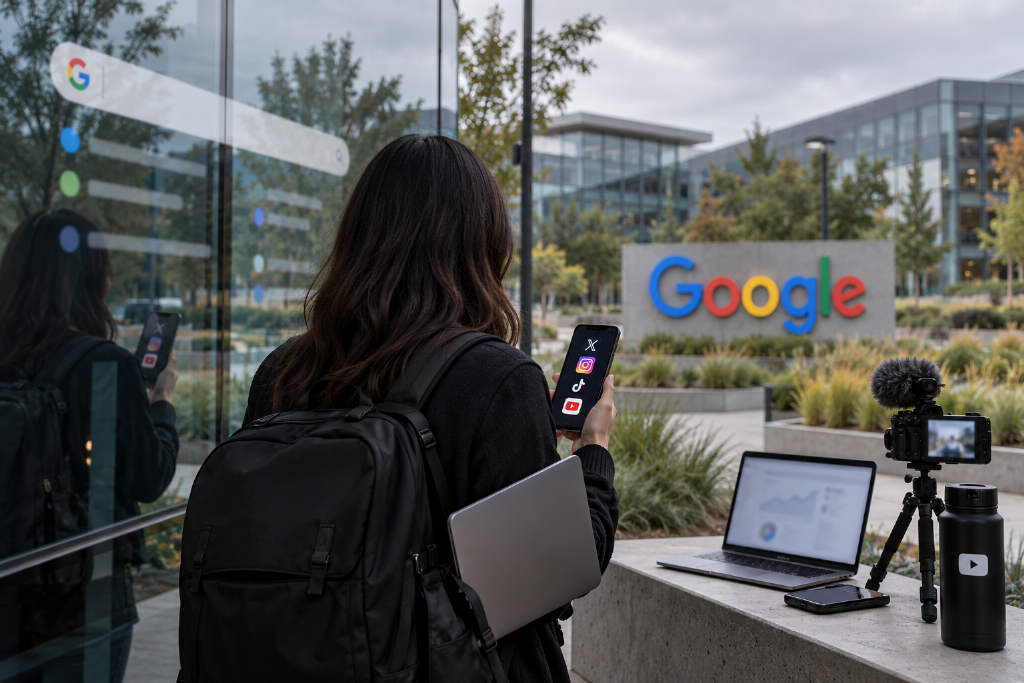
Google has formally expanded Google Search Console (GSC) beyond its traditional use for website operators. Creators who do not run their own websites and instead publish on X, Instagram, TikTok, or YouTube can now use the free tool to see how their content performs in Google Search.
Search Console now covers social platform content in Google Search
Google Search Console is Google’s free search performance analytics tool. Unlike the built-in analytics offered by X, Instagram, and YouTube, Search Console focuses on a different question: how users find content published on other platforms through Google Search.
Google’s example is a creator who regularly posts analysis on AI, cryptocurrency, or the semiconductor industry on X. A single post may continue to receive exposure in Google Search months after publication. Through Search Console, that creator can check how many impressions the post received in search, how many clicks it generated, and which search queries surfaced it.
Four supported social platforms
Google currently supports four social platform properties:
- Instagram: track search performance for profiles, posts, and short-form videos
- X (Twitter): track Google Search exposure for accounts and public posts
- YouTube: analyze videos, channels, and search keyword performance
- TikTok: see how short-form videos are discovered by Google Search users
Google said the new platform properties can also provide performance data from Google Discover and Google News when content meets the requirements and actually appears in those services.
How to add X, Instagram, YouTube, or TikTok to Search Console
Google Search Console is free to use. Users need a Google account and access rights for the platform account they want to connect.
- Sign in to Google Search Console
Go to the official site and sign in with a Google account. Users who already manage website properties can keep using the same account and do not need to register again. - Select “Add property”
Open the property selector in the upper-left corner and click “Add property.” New users can also begin from the welcome screen. - Choose the social platform to connect
In the platform property options, select Instagram, TikTok, X, or YouTube. Unlike standard website properties, social accounts do not require verification through DNS, an HTML file, or website source code. - Complete account ownership verification
Follow the on-screen instructions to sign in to the social platform and authorize access, or complete verification through a supported association method tied to an existing website property. Google said users should make sure they are authorizing an account they own or are permitted to manage. - Open the property report
After verification, click “Go to property” to view the Google Search performance of that social account. Google noted that report data may take several days to appear.
Some verified accounts may already be added
Google also said that if a user has previously claimed a Google Search Profile, related verified accounts may already have been added to Search Console automatically. In that case, users can check the property selector first instead of setting them up again.



