
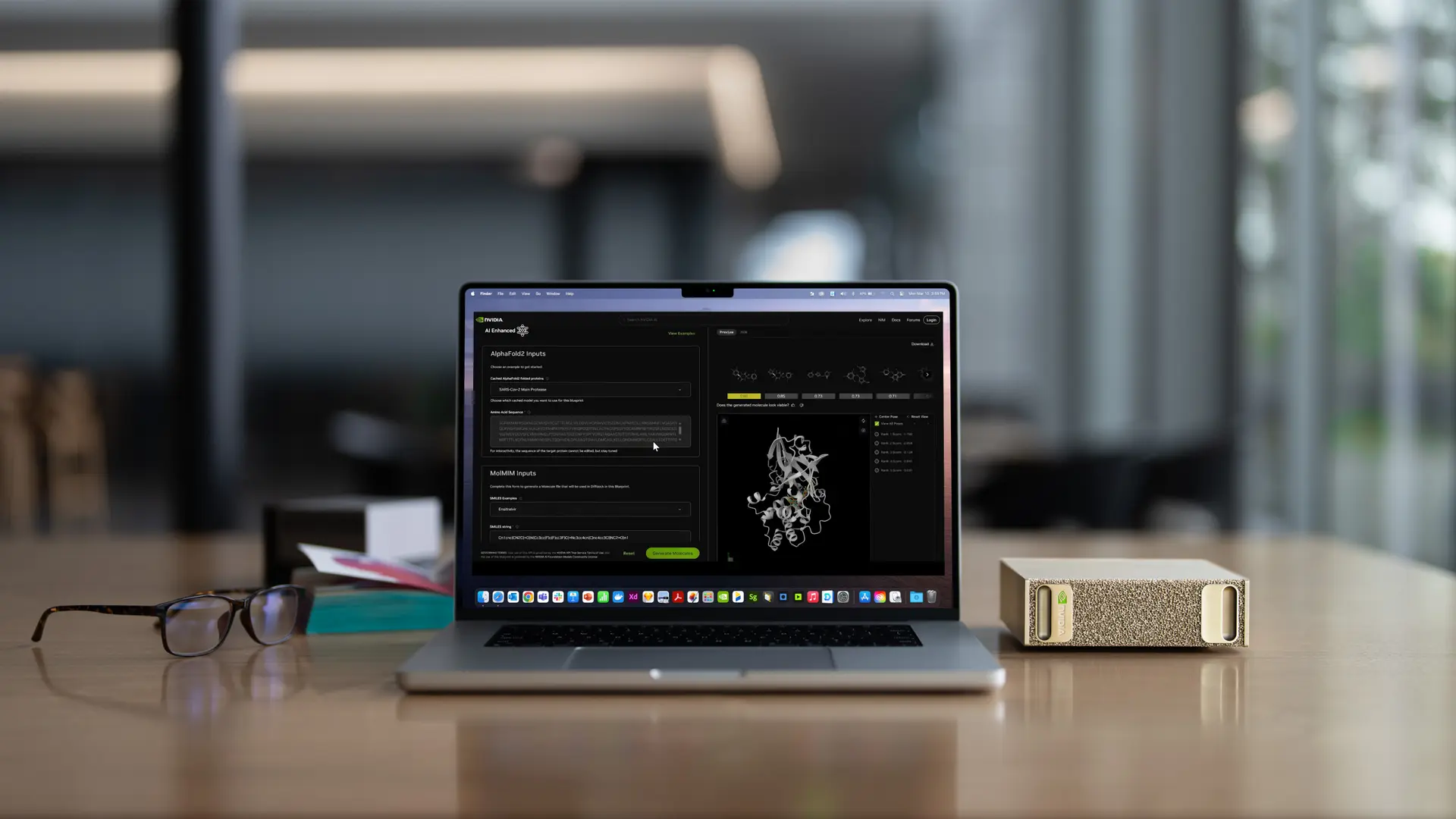
NVIDIA’s $2,999 DGX Spark is presented here as a practical alternative to renting cloud GPUs for local AI workloads. In the source article, the author says he had been spending about $1,900 a month on cloud compute for open-source model fine-tuning, hosting a 70B assistant, and running large document batches. After moving those workloads onto a DGX Spark, he estimates steady monthly operating cost at roughly $10, which turns into about $22,000 kept inside the business over the first year.
Why 128GB of unified memory matters more than the headline specs
DGX Spark uses NVIDIA’s GB10 Grace Blackwell Superchip and comes with a 20-core ARM CPU, a Blackwell GPU, 128GB of LPDDR5x unified memory, and 4TB of Gen5 NVMe storage. The source lists power draw at about 150–240W under load. NVIDIA also markets the box at 1 PFLOP of AI throughput, but the article argues that the real reason it changes what can be done on a desk is the memory design.
That point is framed against consumer GPUs. A 4090 offers 24GB of VRAM, while a 5090 goes to 32GB. Once a model exceeds available VRAM, loading it becomes a problem. DGX Spark, with shared CPU and GPU memory, pushes that ceiling much higher. According to the article, a single unit can handle quantized models up to 200B parameters, and two machines linked with ConnectX-7 can stretch to 405B parameters.
The cost comparison is what drives the purchase case
The source breaks down common cloud spending for local AI builders: $600–1,200 per month for part-time A100 80GB use, $1,000–2,500 for H100 fine-tuning jobs, and $300–900 to host 70B inference. For what it calls a normal AI freelancer or builder, monthly cloud GPU burn is described as roughly $1,500–3,000.
Against that, the DGX Spark setup is simple: a one-time hardware payment of $2,999 and electricity of around $8–15 a month. Using his own prior spending level, the author calculates a payback period of about 1.6 months. After that, the cash that had been leaving for rented infrastructure stays on the books as gross margin instead.
CUDA compatibility keeps the migration lightweight
The machine runs NVIDIA’s DGX OS, described as an Ubuntu-based system with the company’s AI stack already in place. Because it stays within the CUDA ecosystem, the article says tools such as Ollama, vLLM, PyTorch, Hugging Face, and llama.cpp work with little friction. For teams already building against a hosted endpoint, the switch can be as small as replacing a remote base URL with localhost.
The article shows a minimal setup path: install Ollama, pull a large model such as llama3.3:70b, and start serving it locally. A browser-based interface can then be added with Open WebUI in a container. The pitch is not just convenience. It is that the code path remains almost the same while billing stops and the data stays inside the room.
Good fit for private AI workloads, but not a universal replacement
The source points to several use cases where a desktop box like this makes economic sense: coding agents over a client’s private repository, always-on internal assistants, overnight fine-tuning, and inference on sensitive materials such as contracts, medical records, and financial reports. In those cases, the article treats local execution as both a margin decision and a data-control decision.
It also sets clear limits. If the workload already fits inside a consumer GPU’s VRAM, a 5090 may be faster on raw speed. A single DGX Spark is not meant for workloads above roughly 405B parameters, and it is not pitched as a replacement for data centers serving thousands of concurrent users. The author’s conclusion stays narrow: if large open-source models are already costing more than $1,000 a month in cloud GPU rent, DGX Spark may pay for itself quickly; if the job is only an occasional 7B chat session, cheaper hardware still makes more sense.