
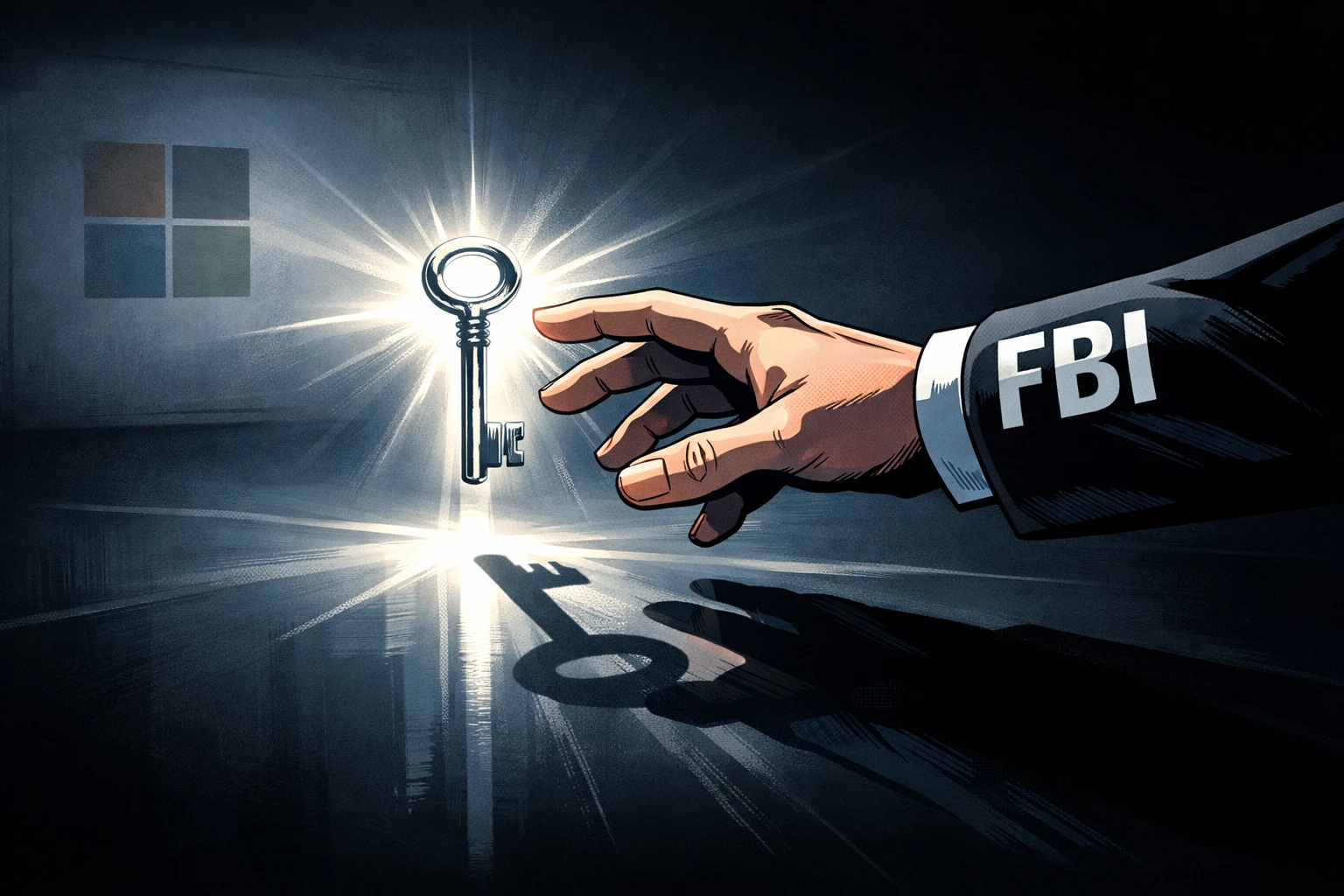
Microsoft has confirmed that it will hand over Windows 11 BitLocker recovery keys to law enforcement agencies when legally required. The revelation stems from a 2025 FBI investigation into pandemic unemployment fraud in Guam, where agents secured a search warrant and obtained the keys directly from Microsoft, successfully unlocking the suspect's laptop. The company later disclosed it receives about 20 similar requests annually, a small number but enough to prove a legal backdoor exists.
How BitLocker Key Backup Works: Auto-Sync to Microsoft Cloud
According to Windows Central, when a user logs in with a Microsoft account during initial setup, the system automatically enables BitLocker and syncs the 48-digit recovery key to Microsoft's cloud. Microsoft spokesperson Charles Chamberlayne called it "a security feature to prevent data loss due to forgotten passwords." The catch: keys are stored in a form readable by Microsoft employees and courts, not end-to-end encrypted. Windows Central described this as a "nightmare" for privacy, as any lawful request can give a third party direct access to the keys.
In contrast, Apple refused to help the FBI unlock an iPhone in the 2016 San Bernardino shooting case. Meta stores encryption keys in the cloud but uses a zero-knowledge architecture and encrypts keys server-side, so only users can access them.
Steps Users Can Take to Protect Privacy
For crypto users who prioritize privacy, these steps can reduce risk: Check backups: Visit account.microsoft.com/devices to review and delete BitLocker keys stored in the cloud. Use a local account: Switch to a local account on Windows 11 to prevent automatic key sync. Group Policy settings: On Windows Pro, use Group Policy to block key uploads to Microsoft servers. The trade-off: if you forget your password and haven't saved the key elsewhere, data becomes unrecoverable — proceed at your own risk.