
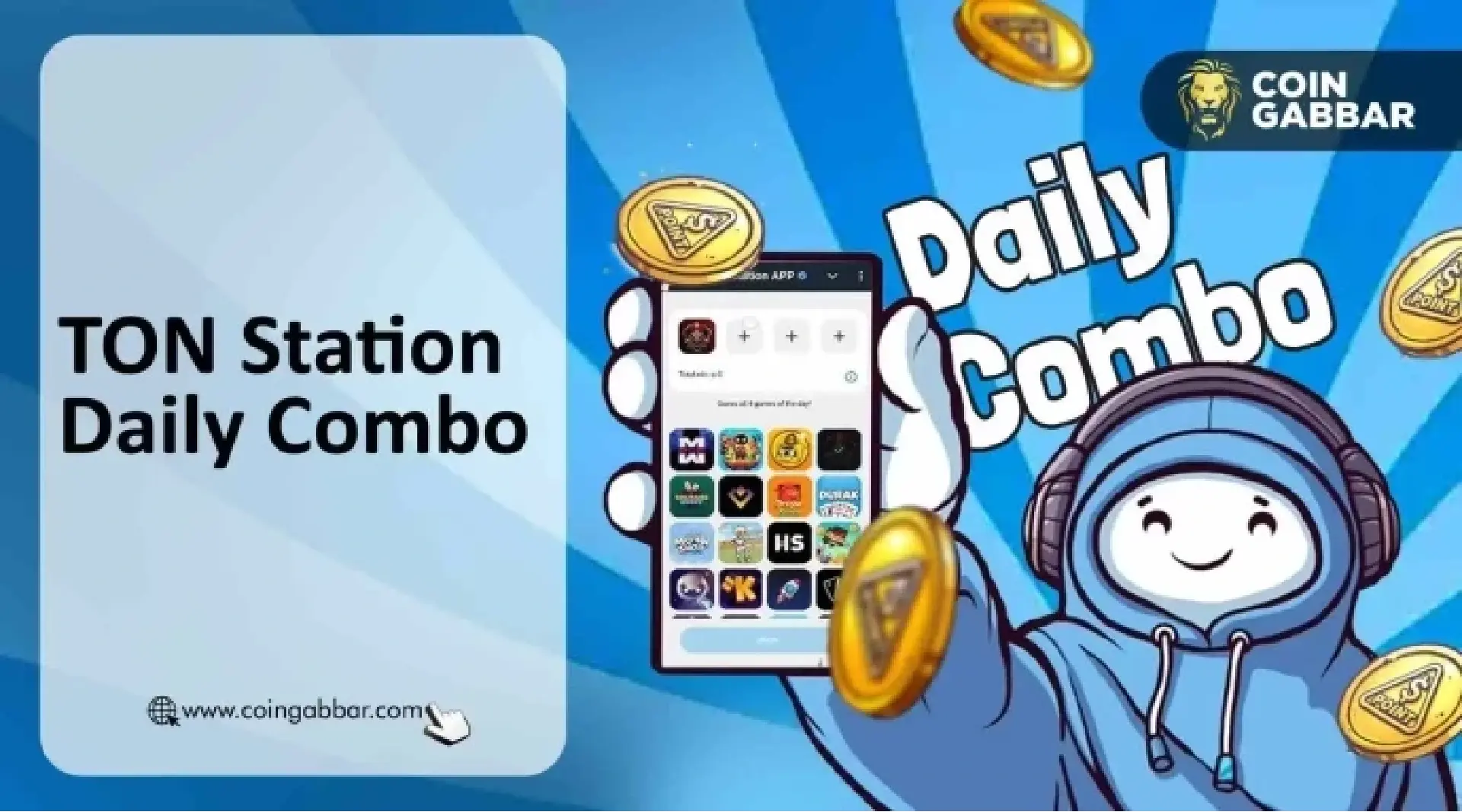
TON Station's Daily Combo task for April 5, 2026 has not been officially released yet. Players must open the TON Station Telegram game and check the Daily Combo section for the live prompt before submitting. Relying on early screenshots or third-party combo code sites often leads to wrong entries due to reset mismatches.
The task resets every 24 hours. The core mechanic is straightforward: pick the correct set of cards shown on the game screen to match the day's pattern, and earn points or in-app rewards. These points are not currently exchangeable for cash or external tokens. The project has not stated any guaranteed market value. New users should treat any in-app credit as a platform feature, not a financial asset.
Step-by-step process and reset rules
- Open Telegram and launch TON Station.
- Navigate to the Daily Combo section.
- Compare the active card pattern with the displayed date.
- Submit your selection before the daily reset.
- If the pattern matches, the reward is credited to your account.
If the layout changes, follow the official menu labels for that day. Most wrong submissions happen because someone uses a screenshot from the previous reset cycle. Always verify the date and task description inside the app before tapping confirm.
What the reward really is
TON Station's Daily Combo is designed as a retention feature. It keeps players coming back each day. There is no official commitment that these points will ever be traded on secondary markets. If the project adds more utility later, the information will come through official channels. For now, treat every point earned as a temporary in-game counter.
Common pitfalls and safety checklist
- Using an old card pattern after reset.
- Trusting screenshots that hide the full app path or bot name.
- Assuming bonus points equal guaranteed token value.
- Paying a fee to unlock a so-called guaranteed answer.
For any crypto-related game, always: download the app or bot only from the official channel; double-check the project name, spelling, and icon; never approve unrelated wallet transactions for a daily task; and never share your seed phrase, recovery phrase, or private key. No legitimate reward requires an upfront payment.
Advice for first-time crypto game users
Telegram mini-games often mix gaming lingo with blockchain terms. Beginners may assume every click creates real-world value. The safer approach: read the official project documentation first. If the task does not require connecting a wallet, keep it that way. The Daily Combo only asks you to tap cards inside the app. Any prompt that requests your private key or a transfer is a red flag.
This article is for informational purposes only. It is not financial advice or an earnings guarantee. All in-app reward rules may change at any time. Always verify the live task inside the official TON Station game before submitting or connecting any wallet.