How to Run AI Models Locally, What Hardware You Need, and Where Cloud Still Wins
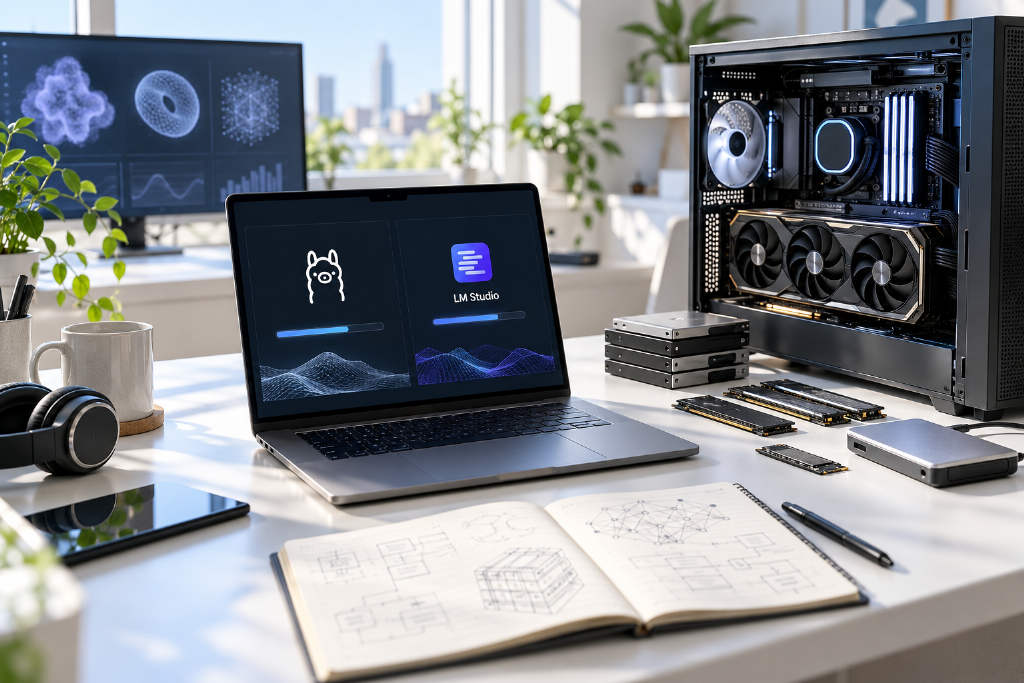
Decrypt has published a detailed guide on running open-weight AI models directly on a personal computer, arguing that the gap between the best open models and top closed systems has narrowed to about four months on average. The article says users can now run a growing number of models on hardware they may already own, using free tools such as Ollama and LM Studio. The guide frames local deployment around three main tradeoffs: privacy, cost, and customization. Running a model on-device keeps conversations on the user’s machine instead of sending prompts to a company server, and it avoids the roughly $20-per-month subscription common among paid chatbot services. It also gives users access to models released under licenses such as MIT and Apache 2.0, which can allow commercial use, modification, and derivative work depending on the model. Decrypt also breaks down the practical limits. Smaller or quantized models may fit on systems with 8GB of VRAM, while heavier users may need 24GB or more, or machines built around large unified memory pools. The piece walks through installation steps for LM Studio and Ollama, notes support for local APIs and MCP servers, and points out that cloud services still hold the edge for the largest models and the hardest benchmarks.