
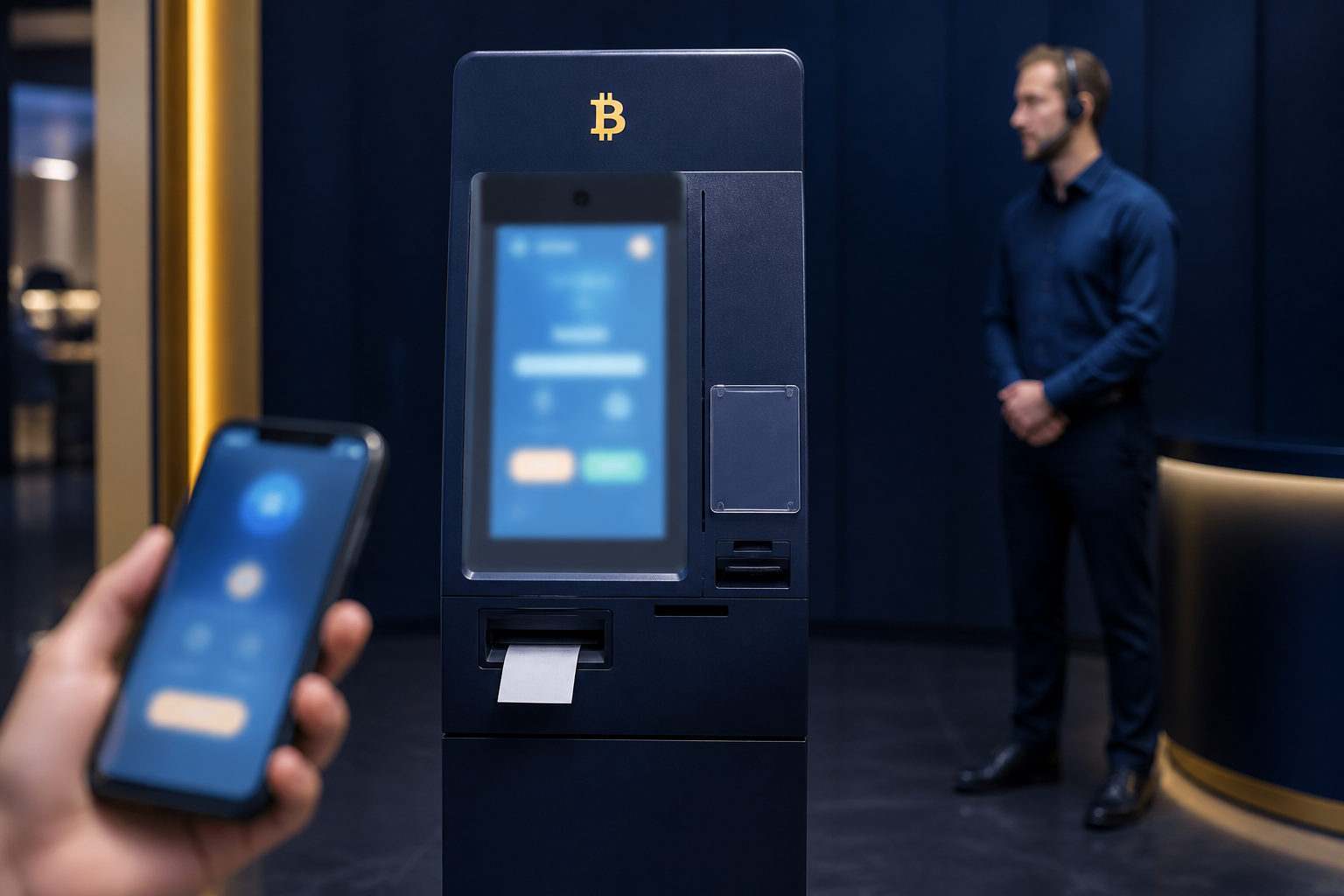
To find Bitcoin ATMs with customer support, start by verifying who operates the machine, how support is reached, and what the machine discloses before any money goes in.
Step 1: Identify what kind of Bitcoin ATM you are looking at
People often use the phrase Bitcoin ATM for several different kinds of crypto kiosks. Some let you buy bitcoin with cash, some handle a sell transaction with cash pickup, and some mainly guide you through a transfer flow. Customer support matters in all cases, but the support team can only help within the functions that machine actually offers.
Before you search, define your own task. Are you trying to buy bitcoin, sell it, or simply confirm whether a nearby machine exists? That choice filters out many dead ends early, because a machine that lacks your intended function can still appear in results and waste your time.
This first check also lowers pressure at the kiosk itself. If you arrive without knowing what the machine is meant to do, you are more likely to make rushed decisions while standing in front of a screen, cash in hand, with strangers nearby.
Step 2: Check the operator before you check the location
The nearest machine is not always the safest one. A better starting point is the operator identity. If the listing shows a machine name but does not clearly state who runs it, treat that as a warning sign. When a cash acceptance issue, verification failure, or transaction dispute appears, support is only useful if you know which business is supposed to handle it.
Look for a clear operator name that matches across the machine listing, the on-screen display, and the printed labels on the kiosk. Inconsistency is a real problem here. If one source shows one brand and the machine itself points to another, you do not have a solid basis for trust.
Do not assume that any phone number attached to a kiosk online belongs to the operator. Search results, map entries, public comments, and copied business pages can all be outdated or manipulated. The safer route is to rely on contact details that also appear on the machine screen or in the operator's own official materials.
Step 3: Verify that customer support is real, reachable, and tied to the machine
A kiosk can advertise support without offering support that works. What you want is more than a generic promise. Look for a support phone number, email, ticket form, or machine-specific help instructions that explain how users report a problem.
One contact channel is better than none, but several matching channels are easier to trust. If the machine only points you to a chat handle with no phone, no email, and no way to cross-check the contact, you have little protection if the conversation turns suspicious or stops midway through a dispute.
Test the support path before making a transaction if possible. You do not need a long conversation. A quick call to confirm that the number connects, or a look at whether the help page opens and contains machine-related instructions, can tell you a lot. A support line that cannot be reached before a transaction is unlikely to become easier after a problem starts.
Pay attention to the quality of answers. Useful support should be able to explain practical issues such as what to keep after a failed attempt, how to identify a transaction record, or what happens if identity verification stalls. If every answer stays vague, the support label may be more promotional than operational.
Step 4: Review disclosures before you scan or insert cash
Once you are at the machine, slow down. Before scanning a wallet address or feeding cash into the kiosk, check whether the screen presents the important terms up front. That includes fees, transaction limits, identity checks, the point when exchange terms are shown, and what record you receive after the transaction.
If key conditions only appear after you have already committed funds, you are operating with weak visibility. Good customer support starts with clear disclosures, because support teams can only resolve issues against terms that were actually presented to the user.
Look at the machine body too. The branding, support details, and troubleshooting instructions on the outer shell should align with what appears on the screen. Handwritten notes, taped-over stickers, or extra contact details placed near the machine deserve caution. They may be harmless, but they can also redirect users away from the real operator.
The setting matters as well. A kiosk located inside a normal business environment gives you a better chance to document what happened if something goes wrong. A machine hidden in an isolated corner gives you less context, fewer witnesses, and fewer ways to explain a dispute later.
Step 5: Prepare your wallet and your device before you arrive
The most common mistakes do not always come from the machine. They often start with the user's own setup. Bring a wallet you control and make sure you know how to display the receiving address correctly. Bitcoin transfers are hard to reverse after broadcast, so address confirmation should happen in a calm setting, not while someone is waiting behind you.
Check your phone battery, mobile connection, and screen brightness before you leave. A weak signal or a dim screen can make QR scanning fail. That is when people start forwarding screenshots, switching between apps, or asking strangers for help, which creates extra exposure.
If the kiosk may ask for identity verification, decide in advance whether you are comfortable with the requested information. Customer support can explain process issues, but it cannot take back sensitive documents once they have been submitted. If the requested data feels broader than you expected, stop and reassess before continuing.
For a first use at any unfamiliar machine, consider starting with a small test transaction. That gives you a practical way to see what receipt is issued, what prompts appear, and whether the operator's support instructions match the actual transaction flow.
Step 6: Watch for scam patterns around the machine
A Bitcoin ATM becomes dangerous very quickly when someone else is directing the transaction. If a stranger, an online contact, a fake official, or an alleged support agent tells you to go to a specific machine and send bitcoin to a wallet they provide, stop there. The problem is not the kiosk itself. The problem is that the transaction destination is controlled by someone else.
Impersonation is another major risk. Fake support actors may post phone numbers, message handles, or printed notices near a machine. Use only the contact details that match across the screen, the machine labels, and the operator's own published materials. If a nearby poster or random person offers an easier support route, ignore it.
Do not let bystanders handle your phone, scan your wallet code, or type details on your behalf. A short moment of access is enough for someone to replace a destination address, capture a verification code, or move you past a fee page you should have read yourself.
There is also a subtler trap: a claimed machine problem used to push you into a side payment. If the screen says busy, delayed, or pending verification, that does not automatically mean your funds are gone. If anyone then urges you to complete the transaction through a direct transfer, a different QR code, or a private exchange, walk away from that suggestion and return to the operator's standard support path only.
Step 7: Keep the records that support will actually need
If you complete a transaction, save the receipt, machine identifier, transaction reference if shown, and the wallet address involved. Those details matter because customer support works from records. Saying that you used a bitcoin machine earlier in the day is far less helpful than providing the exact transaction trail tied to that kiosk.
When contacting support, explain the issue in a structured way. State whether you were buying or selling, whether the problem happened before or after payment, what the screen said, and whether you received any transaction notice. Precision improves the odds of getting a useful response.
If the machine appears to freeze or asks you to repeat a payment, do not rush into a second attempt. First determine whether the initial transaction is already being processed. Repeating a payment can turn one unclear situation into two disputes that are harder to untangle.
A support team that asks for your seed phrase, private keys, or a fresh transfer to a so-called safe wallet is not providing legitimate assistance. Those requests are a signal to stop communication and deal only with the operator's verified channels.
FAQ
How can I tell whether a Bitcoin ATM really has customer support?
Check for a named operator and contact methods you can verify before using the machine. A vague support claim without a phone number, email, or machine-specific help path should not count as meaningful support.
Can customer support reverse a bitcoin transfer sent to the wrong address?
In many cases, support cannot directly undo a completed on-chain transfer to an incorrect address. What they may be able to do is confirm whether the kiosk actually sent the transaction and provide records tied to the machine.
What should I do before using a Bitcoin ATM for the first time?
Prepare a wallet you control, confirm the machine supports the action you want, and review the terms shown before payment. A small test transaction can reveal how the machine behaves without putting too much at stake in a first attempt.
Is it safe to accept help from someone standing near the machine?
It is safer to decline hands-on help from strangers, especially for QR scanning, phone entry, and address confirmation. If you are confused, pause the transaction and use the machine's verified support channel instead.
The transaction is not showing up yet. Does that mean the money is lost?
Not always. Save the receipt and any reference shown on screen, then contact the operator through the verified support path with the exact details of what happened.
If you decide to use a Bitcoin ATM, leave the site only after you have saved the receipt and machine details; support is far more useful when you can point to a specific transaction record.