
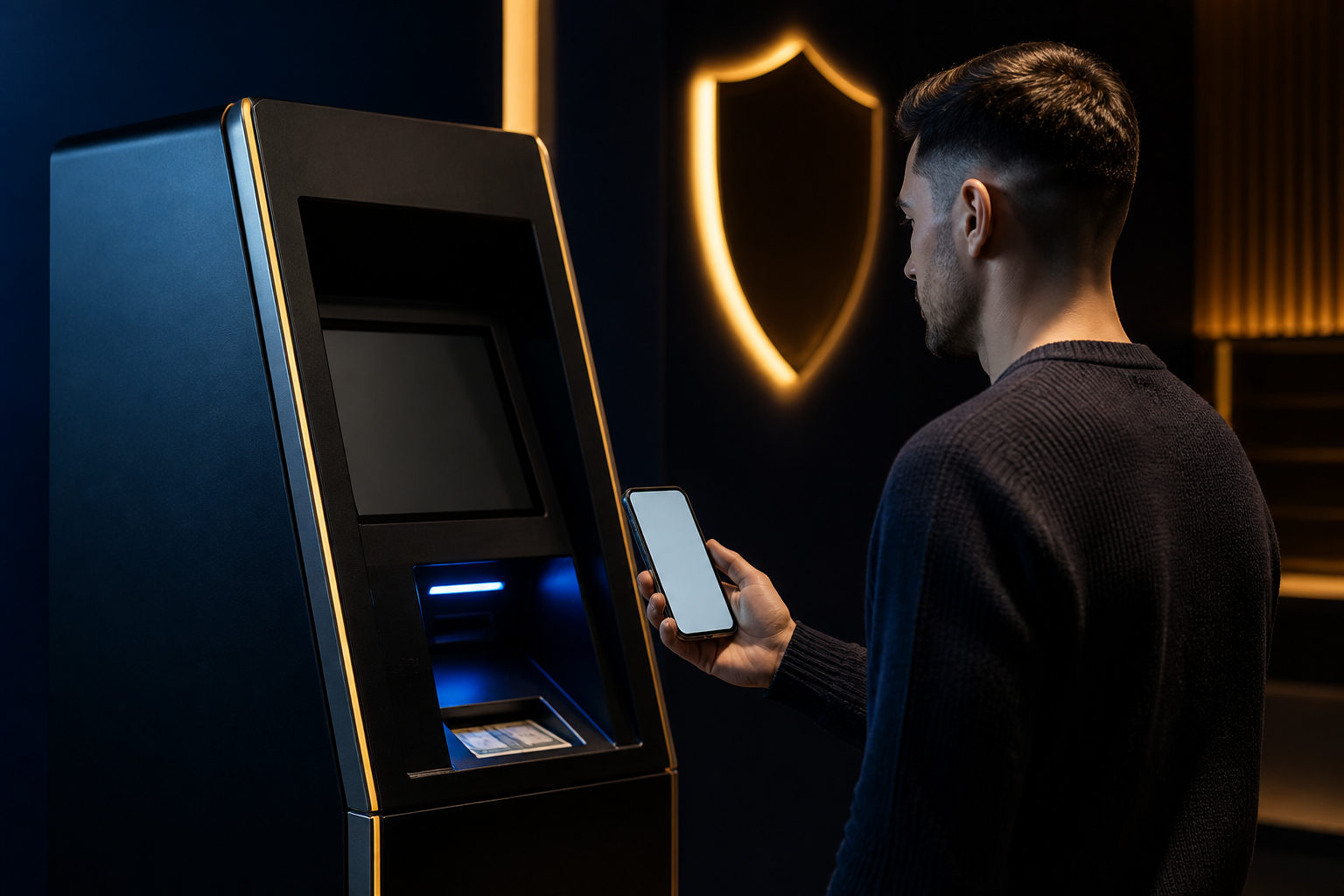
To use Bitcoin Depot safely, set up your own Bitcoin wallet first, follow the machine prompts carefully, scan your wallet’s receiving address, insert cash only after checking the details, and make sure the bitcoin is being sent to an address you control.
What to prepare before using Bitcoin Depot
If you are trying Bitcoin Depot for the first time, most mistakes happen before the transaction even starts. People walk up to the machine without a wallet ready, do not know where their receiving QR code is, or let someone else “help” them through the process.
You should prepare your own Bitcoin wallet, a phone that can receive any required verification messages, and the cash you plan to use. The wallet matters most. Before leaving home, open it, find the Bitcoin receive screen, and make sure you can clearly tell the difference between your receiving address, your balance page, and your transaction history.
This preparation has a simple purpose: once bitcoin is sent, reversing an error is usually not realistic. A few minutes of checking your setup can stop a much bigger problem later.
| Item to prepare | What to do | Why it matters | What to watch for |
|---|---|---|---|
| Your own Bitcoin wallet | Create it in advance and learn the receive screen | The machine needs a destination address | Use a wallet you control yourself |
| Phone | Keep it working and accessible | Verification may be part of the process | Do not rely on someone else’s phone |
| Cash | Decide your spending limit before you go | It helps you avoid rushed choices | Do not increase the amount because a stranger pressures you |
| Backup view of your receive QR code | Keep it easy to access on your device | Useful if the connection is poor on site | Still compare the address characters before confirming |
If you do not have a wallet yet, solve that first. Sending purchased bitcoin straight to a person, chat group, or “investment manager” means you give up control before you even receive the asset.
How to use Bitcoin Depot step by step
The process itself is usually straightforward. What makes it risky is not the screen flow but the chance that someone else tries to guide you into sending bitcoin to the wrong place.
Step 1: Read the machine screen before tapping through
When you reach the terminal, take a moment to read what service is being offered and what action you are selecting. Some machines may show several options or a menu flow before you get to the purchase screen.
Your goal is specific: buy bitcoin with cash and send it to your own wallet. That sounds obvious, but many first-time users assume the machine will “hold” the bitcoin for them until they log in later. In practice, the address you enter or scan is the key part of the transaction.
Step 2: Complete the machine’s verification process
Bitcoin Depot transactions may involve identity or phone verification. That can include entering a phone number, receiving a code, or following additional on-screen instructions. Stay inside the official machine flow while doing this.
Do not scan extra QR codes posted nearby unless they are clearly part of the machine interface. Do not call a number on a random sticker. Do not share a verification code with anyone claiming to be support. A common scam pattern starts when the real process is interrupted and replaced with off-screen instructions.
Step 3: Open your own wallet’s Bitcoin receive screen
This is the most important step. Open your wallet app, go to the Bitcoin receive page, and show the machine the QR code from that screen. If the machine requires manual entry, type the address carefully from your own wallet.
The reason for being strict here is simple: the receiving address decides who gets the bitcoin. If you scan an address from a text message, a chat app image, or a web page someone sent you, you may be sending the purchase to a third party instead of yourself.
After the machine reads the QR code, compare the displayed address with the one in your wallet. Check the beginning and the end. If they do not match, stop the transaction.
| Address source | Recommended? | Reason |
|---|---|---|
| Your wallet app’s receive screen | Yes | You control the wallet |
| An address sent in a chat message | No | You cannot verify who controls it |
| An address provided by a “support agent” | No | They may be directing funds to themselves |
| A random web page showing a QR code | Use caution | Only proceed if it is clearly your own wallet service |
Step 4: Review the order details before inserting cash
Once the machine has your destination address, it will typically show a transaction summary. Focus on the parts that affect the outcome: are you buying bitcoin, is the destination address yours, and are the terms on screen clear enough for you to continue?
Only after that review should you begin inserting cash. Going slowly helps. If something looks wrong, you can stop before committing more funds. Many avoidable mistakes happen because the user starts feeding cash before doing one final address check.
Step 5: Keep the receipt and monitor your wallet
After payment, the terminal may provide a receipt or display transaction details on screen. Keep that record. It can help you compare what you intended to do with what was submitted.
Then open your wallet and watch for the incoming transaction. Bitcoin transfers are processed on the blockchain, so your wallet may first show a pending or newly detected transaction before the funds become fully settled under the wallet’s normal display rules.
Why sending to your own wallet matters
One of the biggest risks around Bitcoin Depot is not the machine itself. It is the situation where someone tells you to buy bitcoin and send it directly to them. The story changes from case to case: investment access, account recovery, release fee, tax payment, deposit confirmation, or “security verification.” The pattern stays the same.
If the bitcoin is sent to your own wallet first, you keep control. You can verify receipt on your device. You can decide later whether to move it elsewhere. You are not forced to trust a screenshot or a stranger’s explanation of where your money went.
| Where the bitcoin goes | Control level | Main risk | Safer approach |
|---|---|---|---|
| Your own wallet | High | You could still mistype or misread the address | Check the address before and after scanning |
| Another person’s address | Low | Fraud or disputes are hard to fix | Receive it yourself first |
| An unfamiliar platform deposit address | Low | You may not understand custody or withdrawal rules | Verify the service before sending anything |
If anyone insists that you must send the bitcoin away immediately after purchase, slow down. That pressure is often the red flag, not the machine.
Common mistakes and scam warnings
New users often think the hard part is operating the terminal. In reality, the harder part is recognizing when the transaction is being influenced by someone else.
- Using an address that did not come from your own wallet. If you did not generate it yourself, treat it as untrusted.
- Accepting remote guidance. Screen sharing, remote access software, or handing over your phone can expose your wallet and your verification steps.
- Downloading a wallet in a rush at the machine. That is when people are more likely to install the wrong app or misunderstand the receive screen.
- Confusing the receipt with proof that everything is safe. A receipt helps track the order, but it does not correct a wrong destination address.
- Letting urgency override checks. If someone says you must act right now or lose money, stop and reassess before continuing.
There is another warning sign worth treating seriously: if the reason you are using Bitcoin Depot comes from a stranger, an online relationship, a “recovery expert,” or someone claiming you must pay in bitcoin to solve a problem, step back. Bitcoin ATMs and cash-based bitcoin purchases are frequently used in scams because the transfer can move quickly once the victim follows instructions.
FAQ
Do I need a wallet before I use Bitcoin Depot?
Yes, having your own Bitcoin wallet ready is the safer way to start. If you try to choose and set up a wallet on the spot, you are more likely to install the wrong app or misread the receive screen.
Will the bitcoin show up right away after I pay?
Your wallet may detect the transaction before it appears as fully settled. What matters first is whether the transaction is visible in the wallet tied to the address you scanned.
Can I send the bitcoin directly to someone else from the machine?
Technically, a machine may only care about the destination address you provide. From a safety point of view, first-time users are better off receiving the bitcoin in a wallet they control and making any later transfer on their own terms.
What should I do if the address on the machine does not match my wallet?
Stop immediately and do not insert cash. Reopen your wallet’s receive page, generate the address again if needed, and compare both ends of the address before trying once more.
Is it safe if someone offers to walk me through Bitcoin Depot over the phone?
No. Anyone asking for verification codes, screen sharing, remote control, or directing you to a specific receiving address should be treated as a serious risk.
The practical rule is short: when using Bitcoin Depot, the receiving address should come from your own Bitcoin wallet, and you should verify it yourself every time before cash goes into the machine.
Disclaimer: This article is for informational and educational purposes only and is not investment, financial, or legal advice. Crypto assets are highly volatile and you could lose your entire investment. Do your own research and decide carefully.