
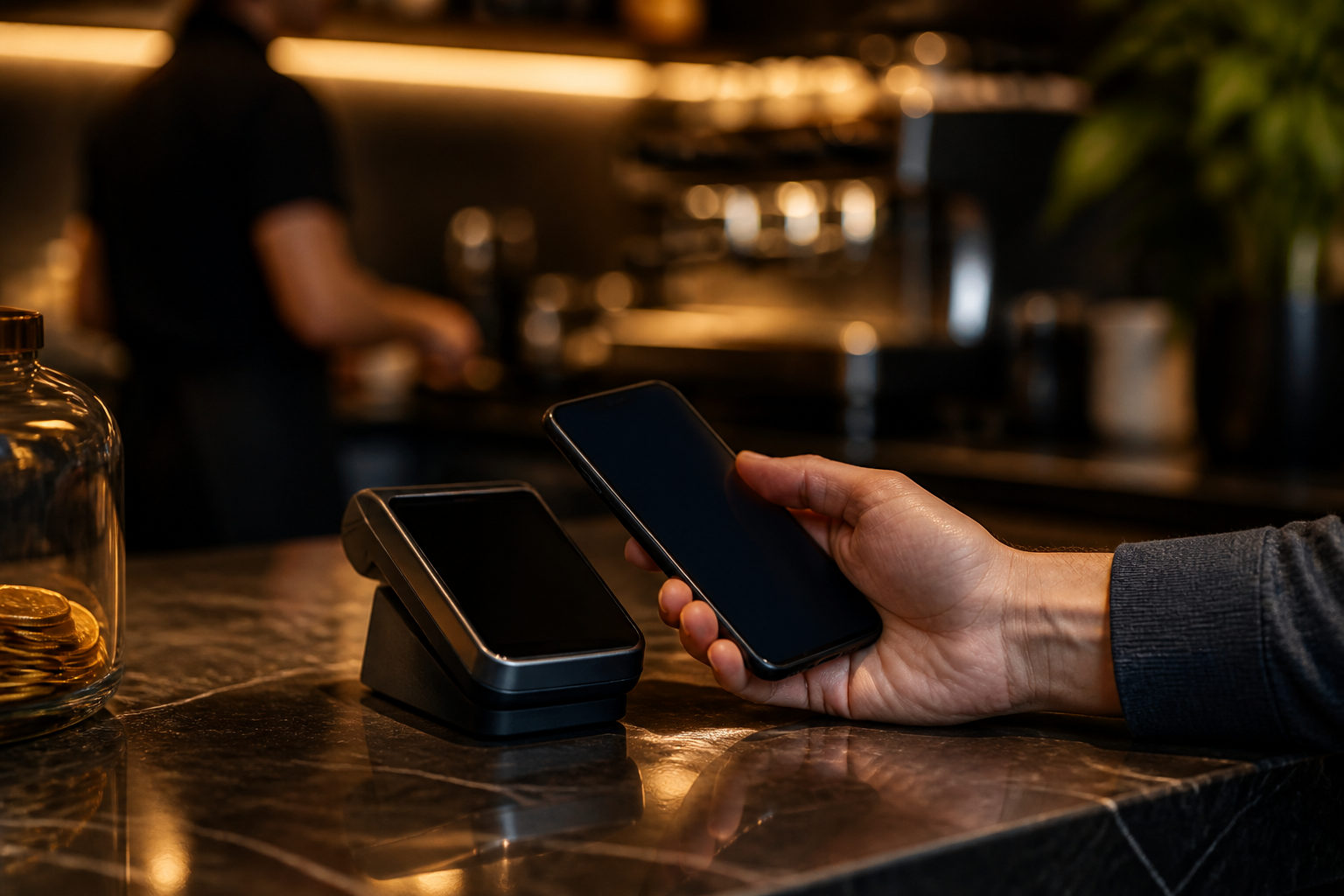
Yes, you can use Bitcoin for payments, but it does not work like cash in every situation. It works best when the other party clearly accepts BTC, you control your wallet, and you verify each payment before sending it.
Start by defining what “use Bitcoin as cash” means for you
People ask this question for different reasons. One person wants to pay a friend back, another wants to buy a product, and someone else wants a direct way to pay across borders. Those are all payment use cases, yet the steps and risks are not the same.
Cash is simple at the point of handoff: one person gives it, the other receives it, and the exchange is usually done on the spot. Bitcoin moves value through the network, so the first real check is whether the receiver actually wants BTC and how that receiver treats a payment as complete.
- Paying a friend: focus on address accuracy and agreement on what counts as received.
- Paying a merchant: focus on the merchant’s payment rules, timing, and displayed amount.
- Cross-border payments: focus on whether both sides can read the transaction status correctly.
- Small everyday spending: focus on convenience and what happens if something goes wrong.
If the seller or recipient does not accept Bitcoin, there is nothing to “use like cash” in the first place. That sounds obvious, but many mistakes begin with assumptions instead of clear confirmation.
Step 1: Separate spending funds from long-term holdings
If you want to pay with Bitcoin, do not begin by throwing all your BTC into one wallet and treating it as a digital pocket. A better starting point is to decide which portion is meant for spending and which portion is meant for storage.
The reason is practical. Every time you open a wallet in public, scan a code, paste an address, or approve a send, you create a moment of exposure. A lost phone, malware, a copied address that changes in transit, or a rushed tap can turn a minor payment task into a major mistake.
A spending wallet is easier to use often, but that convenience should not automatically include your full balance. Keeping only the amount you are prepared to use for near-term payments reduces the damage if the device is compromised or if you make an error during a transfer.
Think through a few questions before you set this up. Will you use Bitcoin often or only now and then? Will your payment amounts vary a lot? Are you comfortable checking details every single time? If your answer points to occasional use, Bitcoin may fit better as an optional payment method than as a full replacement for cash in your pocket.
The main warning here is simple: wallet access matters more than a slick interface. If anyone claiming to be support asks for your seed phrase, private key, or one-time code, end the conversation there.
Step 2: Confirm the payment method before you try to pay
When someone says they “accept Bitcoin,” that is only the beginning. You still need to confirm what kind of Bitcoin payment they expect, whether the address is current, which amount should be followed, whether there is a payment window, and when they consider the transaction complete.
A common error is treating a broad statement like “we take BTC” as if all payment conditions have already been settled. They have not. For a real transaction, you need the exact receiving address for that transaction, clarity on the amount to send, and a shared understanding of what happens after you broadcast the payment.
This matters even more when the payment request arrives through chat apps, social media, or a forwarded image. A QR code can be replaced. A screenshot can be stale. A message can be copied from a fake account. The fact that a code scans does not make it trustworthy.
Ask yourself where the payment instruction came from. Was it sent directly by the person or business you are paying? Was it pulled from an old conversation? Did someone suddenly change the payment destination after you already discussed the deal? A mid-transaction address change should reset your trust and trigger a full recheck.
Another trap is the “test payment” setup. A scammer may ask you to send a small amount first, then direct the main payment to a different address after the first transfer works. Once the address changes, you are no longer continuing the same verified action. You are starting a new one and should treat it that way.
Step 3: Follow a payment order and do not skip the checks
When it is time to send, sequence matters. First confirm the source of the receiving information. Then compare the address, review the amount, check your transaction settings, and only then approve the payment. A large share of user error comes from rushing straight to the send button.
Address checks should be deliberate. Looking at the first few characters is better than looking at nothing, but the deeper issue is whether your device and clipboard are behaving normally. If malicious software has altered the copied address, the pasted version may still look tidy while sending funds to someone else.
The amount also deserves a pause. The merchant may display what they expect to receive, while your wallet shows what you are about to send. Those should line up for the same transaction. If they do not, stop and clear up the mismatch before doing anything else.
There is a strong reason to be this careful. Once a Bitcoin transaction is broadcast to the network, you usually cannot rely on the kind of manual reversal people expect from common payment apps or card services. The useful time to catch a mistake is before the transfer leaves your wallet.
Pressure is its own warning sign. If a seller keeps pushing you to “send now” or claims you must skip the checks to keep a discount or reservation, the pressure itself should make you slow down. A legitimate receiver can explain the process without forcing you into a rushed decision.
Checks to make before you hit send
- Confirm that the receiving address came from the current transaction counterparty.
- Compare the pasted address with the original source, not with your memory.
- Make sure the amount matches the instruction for this exact payment.
- Watch for unusual pop-ups, redirects, or app behavior on your device.
- Know what the other side counts as payment completion.
Step 4: Understand that “sent” and “complete” are different states
With cash, handoff and completion often happen at the same moment. With Bitcoin, the fact that you have sent a transaction does not always mean the seller, service provider, or recipient will treat the payment as complete right away.
Some receivers are willing to proceed once they see the transaction has been broadcast. Others wait for a confirmation on the chain before releasing goods or delivering access. In some cases, there is also a manual review on their side before the order moves forward.
This is where many payment disputes begin. You can see the transfer in your wallet and still be in a waiting stage from the other side’s point of view. On the other hand, if a receiver says the payment is not there yet, that does not automatically mean you failed to send it. They may be checking the wrong address, waiting for confirmation, or using a process you did not understand in advance.
After paying, keep the information needed for verification, such as the transaction reference shown by your wallet and the time you sent it. Do not hand over wallet secrets just because the payment seems delayed. No honest support flow requires your seed phrase, private key, or remote control of your phone to “help the transfer go through.”
If the payment appears stuck or unresolved, check the transaction status yourself first. Then compare the receiving address and amount with the recipient. Do not send a second payment just because the first one is taking longer than expected unless you have clearly established what happened to the first transfer.
Step 5: Build scam prevention into the payment routine
For many users, the biggest obstacle to using Bitcoin as cash is not the act of paying. It is avoiding fraud during the payment process. In a cash world, people worry about counterfeit notes or theft. In Bitcoin payments, the bigger threats are swapped addresses, fake support accounts, fake checkout pages, impersonated escrow claims, and prompts to share your screen.
The best protection is habit. Do not open wallet-related pages from links sent by strangers. Do not store your seed phrase in chat windows, cloud screenshots, or your photo gallery. Use only the receiving details you have personally checked. If the other side suddenly changes the rules, pause the transaction and review everything again.
There is also a social trap that catches people who know the basics. A scammer may sound experienced, use technical language, or present a polished support persona. None of that proves the payment is safe. What protects you is independent verification of the address, amount, and expected completion process.
| Common situation | Main risk | Safer response |
|---|---|---|
| QR code sent in chat | The image may have been replaced | Ask for a fresh payment request and verify it yourself |
| Receiver keeps rushing you | You may skip the key checks | Stop and confirm address and amount first |
| “Support” asks for seed phrase | You can lose wallet control | End the conversation immediately |
| Address changes after a test payment | You may rely on old trust | Treat it as a new transaction and re-verify |
| You are asked to share your screen | Sensitive wallet data may be exposed | Troubleshoot on your own device without granting control |
When Bitcoin feels closer to cash, and when it does not
Bitcoin feels more cash-like in direct transactions where both sides understand the process, both agree to settle in BTC, and there is no complex refund path involved. Paying a friend or settling a straightforward bill can fit that pattern if both sides are comfortable with wallet basics.
It feels less like cash when you expect universal acceptance, easy reversals, or standardized consumer protections across every seller. Those features depend on the payment environment around the transaction, not only on Bitcoin itself.
So, can you use Bitcoin as cash? In some settings, yes. You can send value directly and complete real payments. In day-to-day use, though, the experience is less forgiving than handing over cash, which is why careful verification matters so much.
FAQ
Can I pay with Bitcoin as easily as sending a text?
The visible steps can be short, but the risk profile is very different. A text sent to the wrong person can often be corrected in some way, while BTC sent to the wrong address is usually much harder to recover.
Can I use Bitcoin in stores the same way I use cash?
Only if the store actually accepts BTC and gives you clear payment instructions. If the seller does not support Bitcoin or you cannot verify the receiving details, you should not force the transaction.
Is scanning a Bitcoin QR code enough to pay safely?
No. A QR code still needs context. You should confirm that it belongs to the current transaction, that the address is valid for Bitcoin, and that the amount and timing match the payment terms.
Can a Bitcoin payment be canceled after I send it?
In most cases, you should not expect the kind of cancellation flow people know from standard payment apps. That is why the final review before sending is one of the most important parts of the whole process.
What is the first practical step if I want to spend BTC more often?
Separate a spending amount from your longer-term holdings before you begin. That way, a device problem or payment mistake does not put your full balance into everyday risk.
If you want to start paying with Bitcoin, begin with one transaction you can fully verify from start to finish. Confirm the receiver, confirm the payment details, confirm what counts as complete, and only then send.