
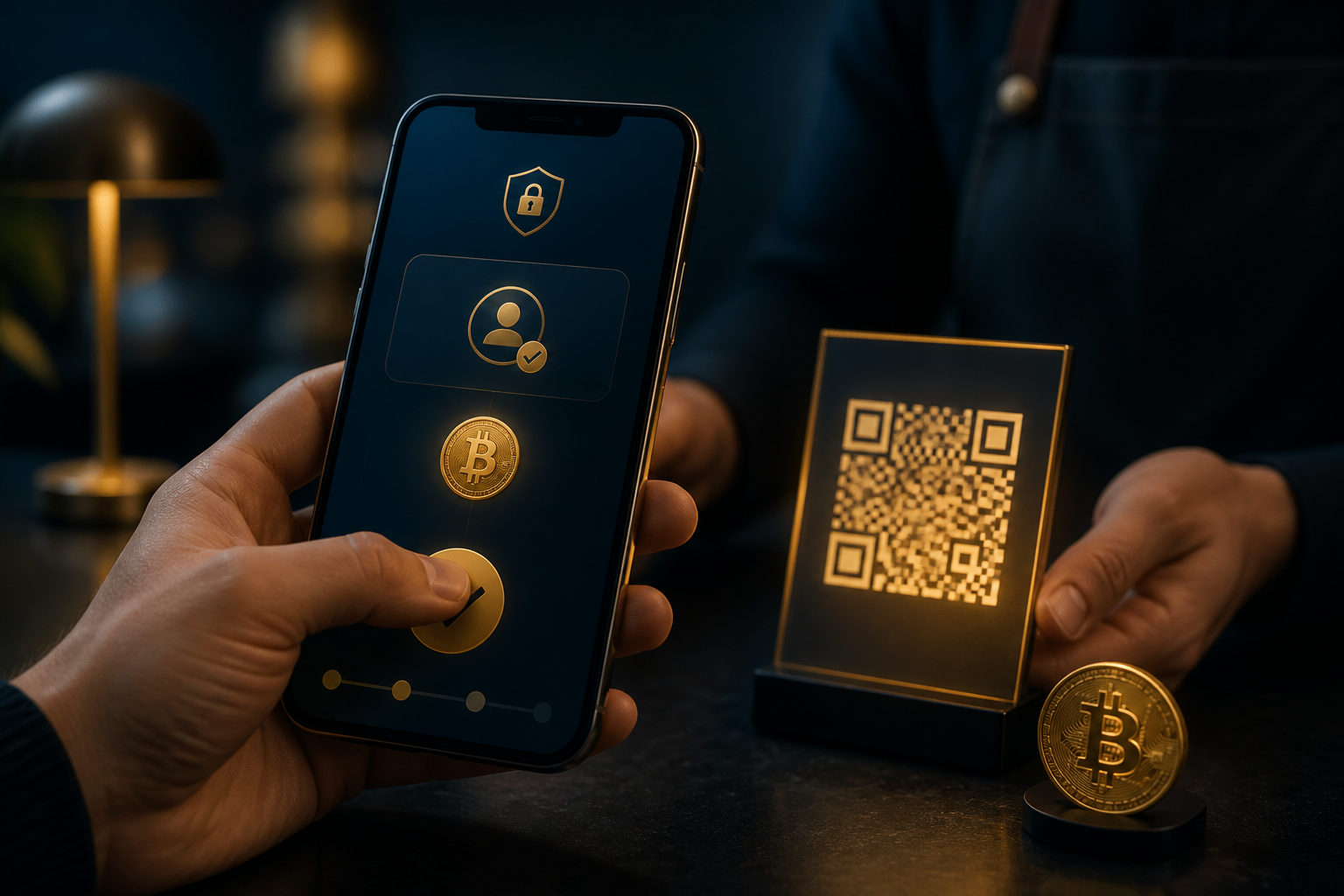
To pay bitcoin with Cash App, open the BTC send flow, verify the recipient’s wallet address or QR code, check the amount and unit, then confirm only after one last review.
What to confirm before you send
The first thing to understand is that a bitcoin payment in Cash App is not the same as a standard in-app cash transfer. If you are paying in BTC, you are sending bitcoin to a wallet address or a QR code supplied by the recipient.
The second check is the recipient’s payment method. Make sure the other person actually wants bitcoin, not a different coin or a generic app payment. Ask whether the address is current, whether they expect a fixed BTC amount or a dollar-based value, and whether there is any time limit for the payment.
The third check is your own account status. If your bitcoin feature is not enabled, your identity steps are incomplete, or your account security is weak, the payment can stall at the worst moment. It is better to fix that before you start the transfer.
How to pay with bitcoin on Cash App
Step 1: Open the bitcoin section
Start inside the bitcoin area of Cash App, not the regular cash balance screen. App layouts can change, but the goal stays the same: enter the BTC section where your bitcoin balance and send option are available.
This matters because a regular app transfer and an on-chain bitcoin payment are different actions. If you start from the wrong place, you may think you paid someone when you only moved funds in a way they cannot receive.
Step 2: Check security and verification first
Before entering any payment details, confirm that you are on your own device and that your account protection is active. A passcode, biometric lock, and any extra verification prompts should be taken seriously.
The reason is simple. Once bitcoin is sent, reversing the payment is usually difficult. If someone is pressuring you over a call, asking you to share your screen, or telling you to change security settings while they wait, stop there and reassess.
Step 3: Paste the address or scan the QR code
When you reach the send screen, either paste the recipient’s wallet address or scan their QR code. Scanning is often safer than typing by hand, and copy-paste is usually better than manual entry, but neither removes the need to review the result.
After pasting, compare the beginning and ending characters with the address the recipient gave you. This helps catch simple mistakes and also reduces the risk of clipboard replacement malware, which can swap a copied address for one controlled by a scammer.
Step 4: Enter the payment amount and check the unit
Cash App may show the payment in BTC terms or as a dollar-based equivalent. That is where many users make a mistake. They focus on the number and miss the unit shown on the screen.
If you are paying for a product, service, or reimbursement, agree on the payment rule before you send. Is the recipient asking for a fixed amount of bitcoin, or the bitcoin value equal to a dollar amount at the time of payment? If that is not settled first, disputes are easy to trigger.
Step 5: Review the confirmation screen carefully
Before you approve the payment, review the destination address, the amount, the unit, and any processing or fee information shown by the app. If you are paying a merchant, confirm whether the payment needs to arrive within a certain window. If you are paying an individual, asking them to send the QR code again in real time can reduce confusion.
This is the point where a short pause can save a lot of trouble. A bitcoin payment usually does not come with the same kind of easy cancellation people expect from card or bank transactions, so the confirmation screen deserves your full attention.
Step 6: Keep records, but do not overshare
After sending, keep the relevant payment record for your own reference. The transaction status, timestamp, and amount can help if the recipient says the payment has not arrived or if you need to verify what happened.
That said, do not send strangers your full account screens, identity details, login prompts, or security codes. A person who claims they need your verification code or remote access to “help” with the payment is giving you a clear warning sign.
Why people get this wrong
Most errors do not come from the app being hard to use. They happen because users treat bitcoin payments like ordinary digital transfers. The mechanics are different, and the consequences of a wrong address or rushed confirmation are much harder to fix.
Scammers also rely on urgency. They may say the offer is about to expire, the item will be gone, or the payment must be made right away. Others try to walk you through the process while keeping you on a call, which makes it easier to push you past the final review.
- Wrong address: the pasted address was never checked.
- Wrong unit: BTC and dollar value were mixed up.
- Wrong recipient: payment was sent based on an unverified message.
- Rushed approval: the confirmation screen was skipped too quickly.
- Weak security: the device or account showed warning signs, but the payment continued.
A simple anti-scam checklist before paying
If this is your first time trying to pay someone bitcoin on Cash App, a fixed review order is more useful than memorizing button locations. A repeatable checklist keeps you steady when the other side is trying to control the pace.
- Confirm that the recipient wants bitcoin, not another asset or an in-platform balance.
- Confirm that the wallet address or QR code came from a trusted source and is current.
- Agree on the payment rule: fixed BTC or a dollar-based equivalent.
- Make sure you are in the official app and on a secure device.
- Review the address, amount, unit, and prompts before approving.
- Share only the proof that is necessary after sending, never your codes or account access.
If any point is unclear, do not send yet. This is especially important in private sales, second-hand deals, group chats, and informal payment requests, where confidence can be manufactured very quickly.
FAQ
What should I check first before sending bitcoin to someone in Cash App?
Check the recipient’s wallet address or QR code first, then confirm that your bitcoin feature is active. If either part is unclear, there is no reason to rush into the payment flow.
Why am I still hesitant after pasting the wallet address?
That hesitation is healthy because bitcoin transfers are usually hard to undo. Break the review into parts: verify the address, then the amount, then the unit, then the final confirmation details.
How can I pay a person with bitcoin on Cash App more safely?
Ask the recipient to send their payment QR code in real time and complete the process yourself. Do not let anyone fill in the address for you, and do not hand over your phone or screen access.
Can I recover a payment sent to the wrong bitcoin address?
In many cases, recovery is difficult, which is why prevention matters more than cleanup. Save your records right away, review the destination address, and check whether the address may have been altered before you sent it.
What if the other person says they did not receive the payment?
Check the transaction status in Cash App and compare the destination address with the one they gave you. If the address matches, do not send again until you understand whether the issue is timing, confirmation, or something else.
The practical rule is straightforward: every time you use Cash App to pay bitcoin, review the recipient details, the amount, the unit, and your security status in the same order before you approve the transfer.