
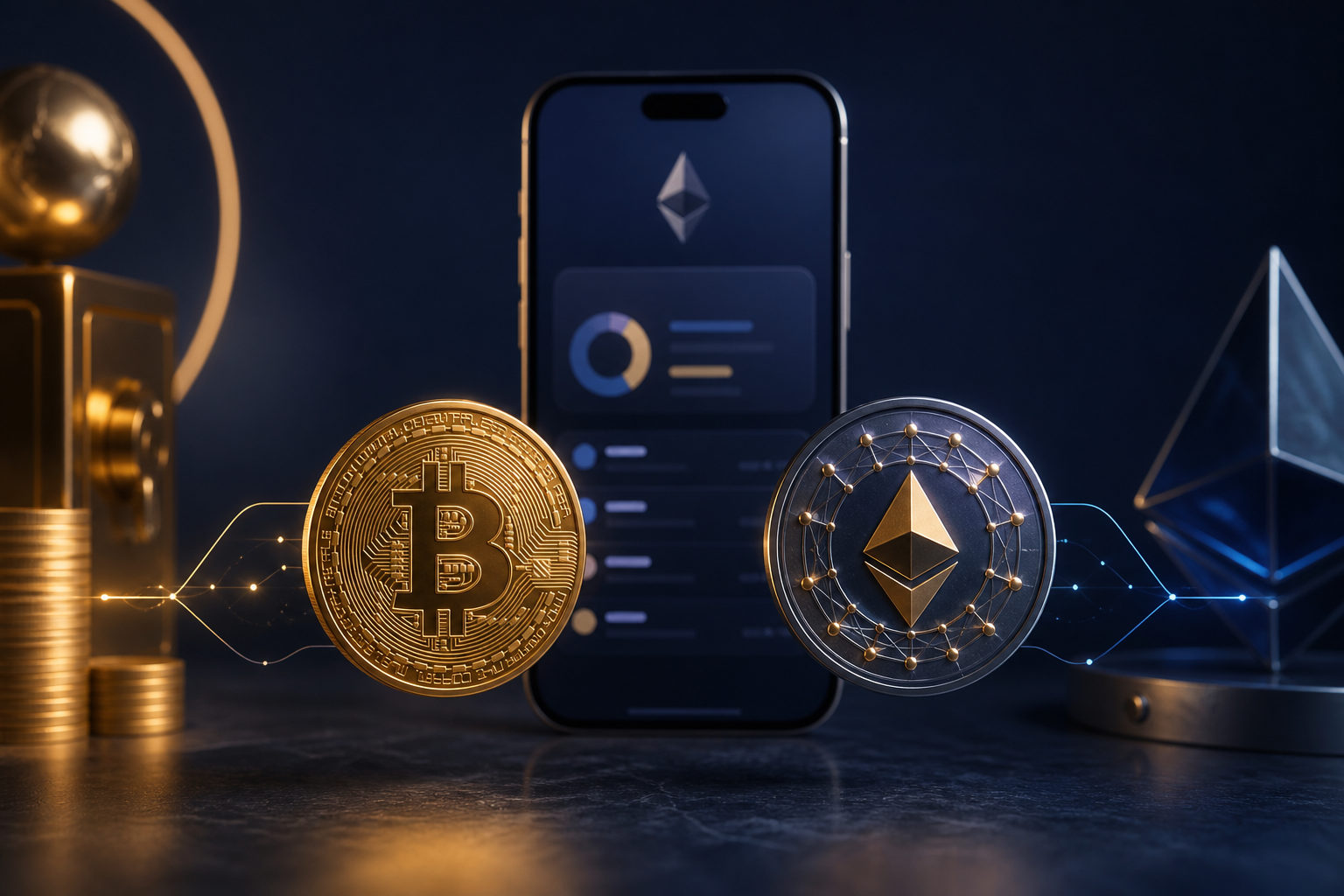
Yes, but usually not as native Bitcoin on the Bitcoin network. In many cases, when people ask whether they can buy bitcoin on MetaMask, the real answer is that they may be buying a BTC-related asset delivered on a different network.
What the question really means
MetaMask is widely used for Ethereum and other compatible networks. It is not, by default, a native Bitcoin wallet in the way a Bitcoin-specific wallet is. That distinction matters more than most beginners expect.
If you open a buy or swap screen and see something labeled BTC or bitcoin, that does not automatically mean you are getting native BTC sent to a Bitcoin address. You may be receiving a tokenized or wrapped version of Bitcoin, or another BTC-linked asset that exists on a separate network. The name can look familiar while the actual asset behaves very differently.
This is where confusion starts. People think they bought bitcoin on MetaMask, then later discover they cannot send it to a standard Bitcoin wallet without extra steps. Others receive an asset they do not fully understand, then learn they need a different network, a bridge, or another conversion process before they can use it as intended.
So the first rule is simple: before you pay, identify the network, the asset type, and the delivery method. If any of those are unclear, stop there.
A safer step-by-step way to check before you buy
The goal here is not to push a purchase. It is to help you avoid buying the wrong thing or handing control to the wrong party. Each step includes what to do, why it matters, and what to watch for.
Step 1: Decide whether you want native BTC or a BTC-linked asset
Start with the end use. Do you want Bitcoin that can be sent to a Bitcoin network wallet and held there under your own control, or do you only need a BTC-related asset inside an Ethereum-compatible environment? Those are two different goals.
This matters because MetaMask is built around compatible networks, not around the Bitcoin network itself. If your plan is long-term self-custody of native BTC, or sending funds to a Bitcoin address later, you should not assume that any BTC label inside MetaMask will meet that need.
Watch for lazy shortcuts here. A familiar ticker symbol is not enough. Check where the asset lives and how it can be withdrawn before you do anything else.
Step 2: Identify who is actually providing the buy service
When you use a purchase option inside a wallet interface, the wallet may only be acting as the front end. The actual payment processing, identity checks, order handling, and asset delivery can be done by a third-party service.
That matters because if something goes wrong, failed payment, delayed delivery, extra verification, or a blocked order, you need to know who is responsible. Many users assume the wallet provider is handling every part of the transaction when that is not always the case.
Look for the service provider name, what payment methods are accepted, what network the asset will be delivered on, and what support path exists if the order is not completed. If the process is vague about any of that, do not rush ahead.
Step 3: Confirm the delivery network before payment
This is the step people skip most often. On the confirmation screen, check which network the asset will arrive on, whether your wallet must be switched to a certain chain, and what kind of address is expected.
The reason is straightforward. Native Bitcoin belongs on the Bitcoin network. A BTC-related token on another network is a different asset for practical purposes, even if the price exposure is meant to track Bitcoin. If your intention is to hold or move native BTC later, buying a tokenized version may create extra work and extra risk.
Never treat an address from one network as if it automatically works on another. Sending assets to the wrong network path is one of the easiest ways to create a serious problem.
Step 4: Test with a small amount first
If this is your first time using a buy option, swap path, or bridge-like flow, run a small test first. See where the asset arrives, how the wallet displays it, and whether you can move it again as expected.
This is worth doing because many issues only become visible after the first attempt. A token may not auto-display. A network switch may be needed. You may learn that future transfers require a separate gas asset. A test exposes these points while the risk is still limited.
A small test is only useful if you complete the full loop. Do not just confirm that the asset appears in the wallet. Confirm that you understand how it moves and what is required to use it.
Step 5: Keep the right gas asset available
If the BTC-related asset you buy is delivered on a compatible network, future actions on that network usually require its native gas asset. Beginners often find themselves with a balance they can see but cannot move.
This happens because they spent everything on the target asset and left nothing for transaction fees. The result is frustrating and easy to misread as a wallet issue or a missing balance.
Leave room for network fees. If you do not understand what asset pays those fees, pause and learn that before buying.
When MetaMask is probably not the best starting point
If your goal is plain and narrow, buy native Bitcoin and hold it under your own control, MetaMask is often not the simplest place to begin. A more direct route is to first set up a wallet that clearly supports the Bitcoin network, then confirm that your purchase path can deliver to a Bitcoin address.
MetaMask makes more sense when your goal is tied to compatible-network activity. For example, you may want a BTC-related asset for use inside a decentralized application or for trading on a compatible chain. Even then, you are not just taking market risk. You may also be taking smart contract risk, bridging risk, and counterparty risk.
It is also a poor fit if you are still unclear about what you want to do with the asset after purchase. Unclear intent leads to rushed choices, and rushed choices create avoidable mistakes.
The biggest danger is not the button, it is the scam setup
Most losses do not begin with advanced technical failures. They begin when a user is pushed into trusting the wrong website, extension, message, or person. That is why this topic should always include fraud prevention, not just buying steps.
Fake wallet extensions and fake download pages
Attackers often use search ads, social messages, chat groups, or copied websites to spread fake wallet extensions. Once installed, those tools can capture seed phrases, private keys, or signing actions.
Only download from verifiable official channels. Do not install a wallet because someone in a chat says it is the latest version or the fastest route. A fake extension can empty a wallet far faster than a bad trade.
Support impersonation and seed phrase theft
If anyone claims they can help with a stuck order, missing asset, failed buy, or blocked account and then asks for your seed phrase, private key, one-time code, or a wallet import into a webpage, stop immediately. That is not normal support.
Your seed phrase is the master key to your funds. It is never something to share with support staff, moderators, recovery agents, or “verification” tools.
Blind signing and approval traps
Not every scam asks for your seed phrase. Some ask you to sign a message or approve a token action without explaining what it does. Users click because the request appears technical and urgent.
Signing is not harmless by default. An approval can grant spending access to assets on a compatible network. If you do not understand why a signature is required, do not proceed.
Confusing a cross-chain move with a normal transfer
People often see BTC on two different screens and assume they can move it between those places as if it were the same asset. It may not be. Native Bitcoin and BTC-linked assets on other networks are not interchangeable by default.
If the move involves a bridge, a conversion, or a third-party issuer, that should be clearly explained before you begin. If it is not clear, do not send anything.
Assuming “it shows up” means “it is ready to use”
An asset icon appearing in MetaMask is not the same as completing a safe, workable setup. You still need to know what network it is on, whether it can be sent, what fees apply, and whether another service will recognize it later.
A visible balance is only one part of the story. Usability matters just as much.
How to tell whether your path leads to native Bitcoin
If native BTC is your goal, ask better questions before buying. Do not focus only on speed or convenience.
- Can the service deliver directly to a Bitcoin address? If not, you may be buying a separate network asset instead of native BTC.
- Is the network stated clearly? If the wording is fuzzy, treat that as a warning sign.
- Are fees explained in a way you can actually follow? You should be able to tell the difference between payment costs, spreads, service charges, and network fees.
- Can you test the flow with a small amount? If a process discourages testing, be more careful, not less.
For long-term holders, the buying screen is only the start. Wallet support, backup habits, withdrawal paths, and asset verification are often more important than the buy button itself.
FAQ
Can MetaMask hold real Bitcoin directly?
Not in the usual sense of a native Bitcoin wallet. In most cases, MetaMask is used with Bitcoin-related assets on compatible networks rather than with direct Bitcoin network balances.
Does a BTC label inside MetaMask mean I bought native BTC?
No. You need to verify the network, delivery path, and asset description. A BTC ticker alone does not confirm that the asset is native Bitcoin.
Why can I see the asset but not send it?
A common reason is that you do not have the right gas asset for that network. Another is that the asset was delivered on a different chain than you expected.
If I want to keep Bitcoin for the long term, what should I check first?
Confirm that you are getting native BTC, then use a wallet that clearly supports the Bitcoin network for receiving and backup. Store your seed phrase offline and never share it.
Is it safe if someone offers to walk me through the purchase remotely?
No. If they need your screen, codes, seed phrase, private key, or signatures you do not understand, the risk is high. End the session and handle the process yourself.
Use this checklist before you pay
Before any purchase, confirm what asset you are buying, which network will deliver it, who is processing the transaction, what fees may apply, whether your wallet truly supports that asset, and what you need for future transfers. Then verify that your seed phrase is stored offline and that no one else has seen it.
If you cannot answer one of those points clearly, do not buy yet. On this topic, moving slowly is usually just inconvenient. Sending to the wrong network, signing the wrong approval, or exposing your seed phrase can be much harder to recover from.
Disclaimer: This article is for informational and educational purposes only and is not investment, financial, or legal advice. Crypto assets are highly volatile and you could lose your entire investment. Do your own research and decide carefully.