
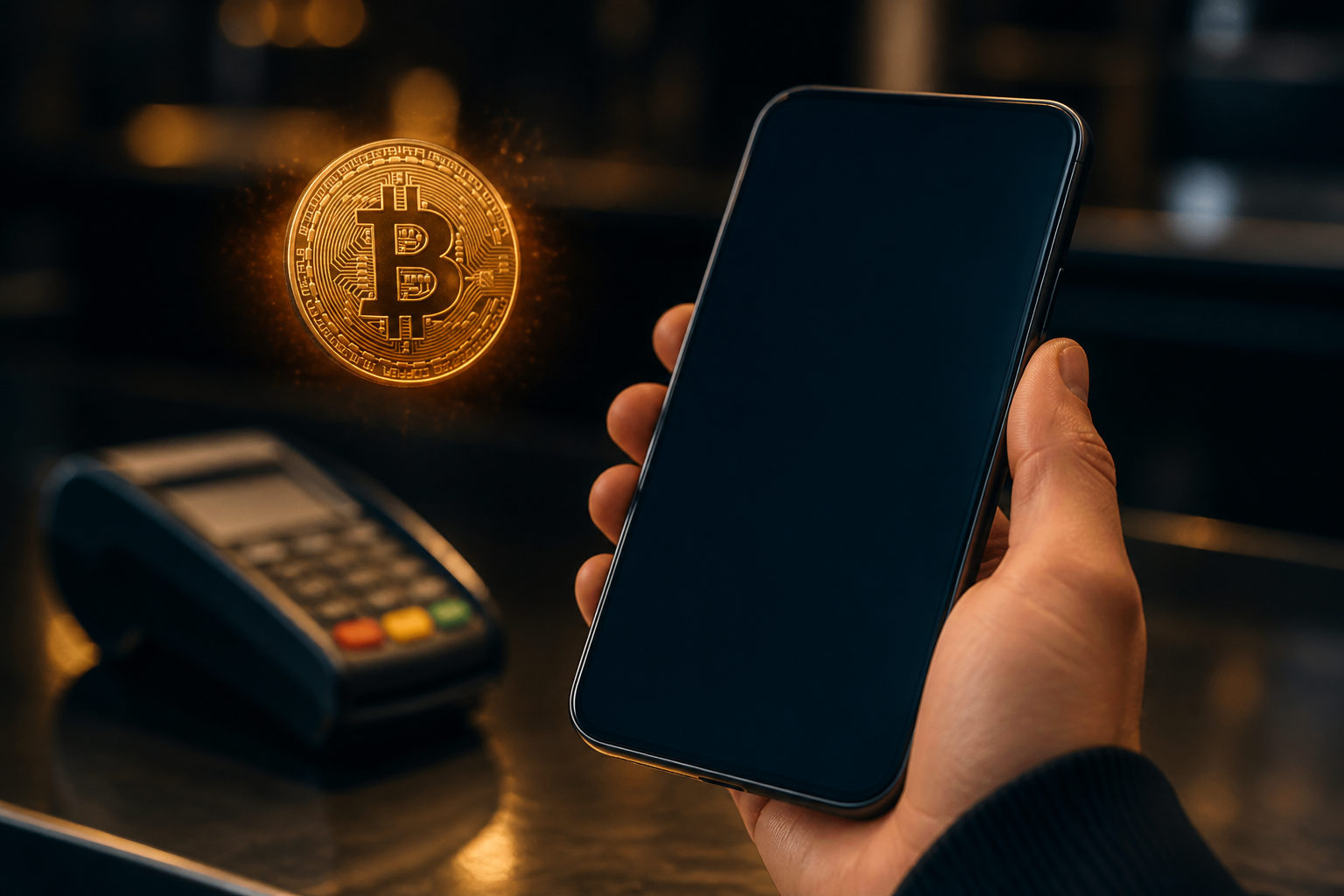
You may be able to spend bitcoin with Cash App, but the real answer depends on the route: paying a merchant that accepts BTC, or handling your bitcoin first and then paying through a standard checkout flow. Those are different actions, and mixing them up is where many costly mistakes start.
Start by identifying the actual payment path
People often use the phrase “spend bitcoin on Cash App” as if it means one thing. In practice, it can mean sending BTC to a merchant that clearly accepts on-chain bitcoin, or using Cash App in a way that turns your holdings into funds usable in a normal purchase flow. You need to know which one applies before you touch the payment button.
This first check matters because a seller can say they “take crypto” while their live checkout page only supports ordinary payment methods. If that happens, moving the conversation into private messages and sending bitcoin to a wallet address is no longer a standard merchant payment. It becomes a direct transfer, which changes the risk profile immediately.
- Read the merchant checkout page first and see whether bitcoin is listed as a payment method.
- Open Cash App and confirm whether you are in a bitcoin send flow or a regular payment flow.
- If the only “instruction” is a wallet address sent in chat, stop and ask for a formal payment step inside the order process.
If the merchant accepts bitcoin, verify the payment details before sending
Once you confirm that the order itself supports BTC, the next step is verification. Bitcoin transfers are usually far less forgiving than common card payments, so the address, amount format, and order status all need a careful review before you confirm anything.
A practical way to do this is to keep the merchant checkout page open and obtain the address or QR code from the live order screen. Then switch to the bitcoin sending function in Cash App and scan or paste the payment details. Before confirming, compare what appears in the app with what the merchant page shows. Look at the beginning and end of the address, then look again. A single mismatch can send funds somewhere else.
Amount format is another frequent source of errors. Some merchants present amounts in BTC, while others may reference the smallest unit. Since 1 satoshi is one hundred millionth of a BTC, reading the decimal place incorrectly can produce the wrong payment even if the address is correct. That kind of mistake is easy to make when you are rushing through checkout.
There is also the issue of stale payment data. A screenshot of a wallet address may not match the current order, and a code copied from an earlier conversation may belong to a different invoice. Use the active order page whenever possible. That reduces the chance of paying with outdated instructions.
- Confirm the order is still active before opening the send screen in Cash App.
- Scan the QR code or paste the address, then compare it with the merchant display rather than trusting the clipboard blindly.
- Check how the amount is shown and make sure you are reading the unit correctly.
- Keep a record of the order page and the payment confirmation in case you need to reconcile the transaction later.
One more point is easy to miss: a merchant may not treat your order as paid the moment you hit send. Some sellers wait for their own internal confirmation process before they ship or release goods. You do not need to guess how they handle that; you should read their payment terms before sending funds.
If the merchant does not support direct BTC checkout, do not treat a wallet transfer as a substitute
This is where many fraud attempts begin. A purchase that should have stayed inside a regular checkout process gets pushed into an informal exchange such as “send bitcoin here and we will mark the order manually.” Once that happens, you have left the normal transaction structure that would usually document the payment method, order state, and merchant obligations in one place.
Watch for certain patterns. A seller asks you to leave the checkout page and continue in direct messages. They split the payment into several transfers without a clear system reason. They ask for a test amount first and promise to apply it later. They claim an account issue prevents normal payment, so bitcoin is the only temporary option. Each of these signals calls for caution because they move money away from a controlled order flow and into a direct wallet transfer.
If what you actually need is a way to convert your bitcoin into spendable funds inside available app features, rely only on the app’s own interface and prompts. Do not let another person “walk you through” the steps over screen share or remote access software. In many cases, the scam does not depend on stealing credentials. It depends on persuading the victim to authorize the transfer personally.
Check your account and device before you try to pay
Bitcoin payment safety is not only about the merchant. It also depends on whether your Cash App account and device are in a condition where you can trust what you see. If you no longer control the phone number or email linked to your account, or if you ignore security alerts, you may not notice a problem until after the transfer is completed.
Device hygiene matters just as much. Avoid handling bitcoin payments on a public network, a borrowed phone, or a computer that other people use. The risk is not limited to someone seeing your screen. Clipboard manipulation, hidden remote-control tools, and background recording software can all interfere with what looks like a normal payment session.
- Update the app before starting so the interface matches the current flow.
- Turn off screen sharing and remove remote support tools from the session.
- Use scanning or secure paste for wallet addresses instead of typing them by hand.
- Never provide your recovery phrase, private key, or one-time code to complete a payment; none of those are required for a normal purchase.
It also helps to slow down your environment before you move funds. Close extra tabs, pause the conversation with the seller if they are pressuring you, and read the payment request in one place from top to bottom. Most preventable losses happen when the user is hurried, distracted, or trying to handle several instructions at once.
How to spot a bad payment setup before it costs you bitcoin
A risky setup often reveals itself through inconsistency. The checkout page says one thing, the chat says another, and the wallet address appears only in a side conversation. That mismatch is useful information. It tells you the payment process is not clean enough to trust yet.
Be careful when the seller avoids clear written terms. If you cannot tell whether they accept bitcoin directly, when they consider an order paid, or what happens if the payment cannot be matched to the order, you are missing core transaction details. A vague answer is not a small inconvenience when bitcoin is involved.
Pressure is another warning sign. Fraudsters often create urgency because careful users ask questions. A legitimate merchant may want fast payment, but a risky counterparty often resists basic verification. If they become impatient when you ask for an order page, a formal invoice, or a clear payment option inside the normal flow, that reaction is useful in itself.
You should also pay attention to requests for unnecessary data. A merchant does not need your recovery phrase to receive payment. A support agent does not need remote access to your device so you can send BTC. If the request goes beyond what is needed to complete a simple payment, end the interaction and reassess.
FAQ
Can I use bitcoin in Cash App to pay for purchases directly?
Only if the merchant actually accepts bitcoin or if the app gives you a valid route to use your funds within its available features. You should confirm the payment method on the order page rather than relying on a message from the seller.
Why does a seller say they take bitcoin, but I cannot find that option in Cash App?
The seller may accept BTC in theory while the live order page does not support it for your purchase. It can also mean you are looking at a regular payment screen instead of a bitcoin transfer function, so check both sides of the transaction before proceeding.
What should I do if I sent bitcoin and the merchant says it was not received?
Save the transaction record and the order details first. Then compare the destination address and the amount format with the payment instructions tied to that exact order, because a mismatch there is a common cause of payment disputes.
Is it safe to let someone guide me through the payment over screen share?
No. Screen sharing gives a stranger visibility into your account activity, security prompts, and payment steps, which can be enough for them to redirect the transaction or manipulate your decision in real time.
If a bitcoin payment fails, will the funds automatically come back?
That depends on what failed. A transaction that was never properly sent is different from one that was sent but not matched to an order, and those situations need different follow-up steps.
What to review right before you confirm
Make one final pass through four items: whether the merchant truly accepts bitcoin, whether you are using the correct Cash App function, whether the wallet address matches the live order, and whether the amount unit is clear. If any one of those points is uncertain, stop there and sort it out before sending funds.