
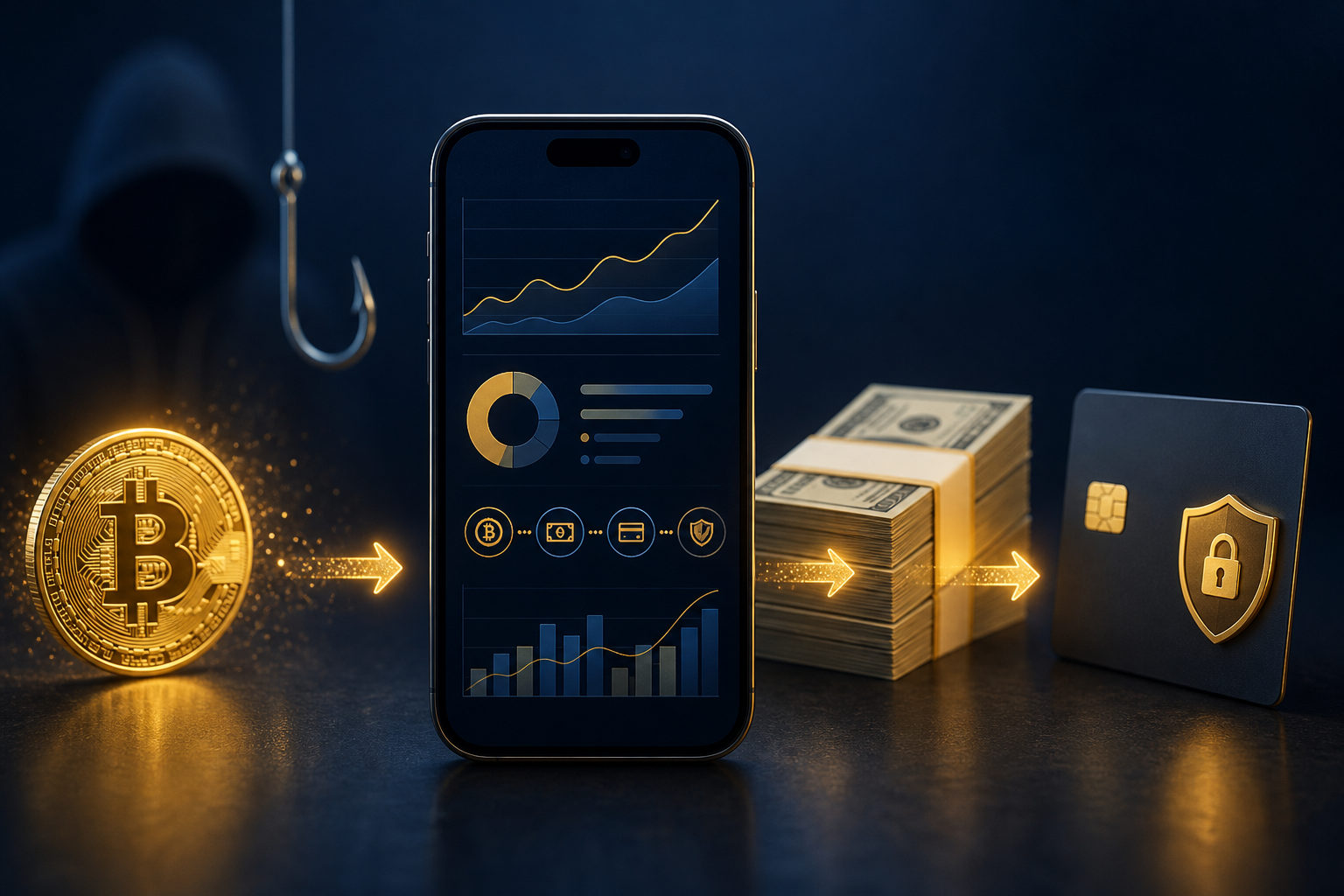
To convert Cash App Bitcoin, the safe path is simple: confirm your account can use Bitcoin features, sell BTC inside the app, review the resulting cash balance, and only then decide whether to withdraw. The biggest mistake is treating selling, cash balance updates, and bank withdrawal as one action.
What “convert Cash App Bitcoin” actually means
When people search for how to convert Cash App Bitcoin, they usually want to turn BTC held in the app into spendable cash. In practice, that means selling Bitcoin within the app and then checking where the proceeds sit after the sale. It does not mean sending your BTC to another person who promises to “cash it out” for you.
That distinction matters because scams often target users who are in a rush. If you mix up selling Bitcoin with sending Bitcoin, you can end up moving coins out of your control instead of converting them into a cash balance. Once that happens, the problem is no longer a payment delay. It is a custody problem.
Step-by-step: what to do, why it matters, and what to watch for
Step 1: Check that your account and Bitcoin features are available
Before doing anything else, confirm that your account is in good standing and that Bitcoin features are visible in the app. This matters because an incomplete setup, a restricted account, or an unfinished verification process can change what you see on screen. Users often assume the app is broken when the real issue is that a required feature is not active yet.
The caution point here is straightforward: do not ask strangers to walk you through your account by message or screen share. If a person asks for a login code, asks to see your verification screen, or wants remote access to your phone or computer, stop there. A real conversion process should not require you to hand over account control.
Step 2: Make sure you are choosing “sell,” not “send”
This is the step that causes the most damage when people get it wrong. In a Bitcoin menu, you may see options related to buying, selling, receiving, or sending. If your goal is to convert Cash App Bitcoin into cash, you are looking for the in-app selling flow, not a transfer to someone else.
The reason is simple. Sending Bitcoin changes where the asset is held. Selling Bitcoin changes the asset from BTC into cash value inside the app. A scammer will often blur those two actions and claim that sending funds to a “processor,” “agent,” or “support wallet” is part of the conversion. It is not a standard safety practice for a user trying to cash out.
Step 3: Decide whether you want to sell all of your BTC or only part of it
Some users only need part of their Bitcoin position converted into cash. Others want to exit their BTC exposure completely. Take a moment to decide that before you move into the confirmation flow. This keeps you from making a rushed decision on the final screen and regretting it right after.
The reason this matters is not market timing. It is operational clarity. If you know your goal before you begin, you are less likely to tap through screens too quickly, misread the sale preview, or submit a sale larger than you intended. A careful user is harder to trick because there is less panic and less improvisation.
Step 4: Review the sale carefully before confirming
Once you are in the selling flow, do not treat the preview screen like a formality. Read what asset is being sold, how much is involved, and where the proceeds are expected to go next. If the app behaves in an unexpected way, if it asks you to leave the app, or if you suddenly see a prompt telling you to contact support through a random chat handle, do not continue.
This step matters because a normal conversion process should stay inside the official app experience. If a website, message thread, or pop-up tries to pull you into a different path, that is a warning sign. Users who stay inside the standard flow keep more control over what is happening.
Step 5: After the sale, check the cash balance and activity history
Do not close the app the second the sale appears to go through. Review your activity history, notifications, and cash balance so you can tell whether the transaction is completed, pending, or awaiting another action on your side. This is one of the easiest ways to avoid duplicate sales.
People often assume a transaction failed when the issue is simply that they have not reviewed the status properly. The app’s own activity record should be your first reference point. Social media screenshots, forum posts, and direct messages are not a substitute for your account history.
Step 6: Decide whether to keep the cash balance in-app or withdraw it
After you convert Cash App Bitcoin, the next question is whether you want the funds to remain as a cash balance in the app or move to a linked bank account. Those are separate actions. Selling BTC is one decision. Withdrawing cash is another.
That separation matters because many users think the process failed if money has not reached their bank right away, even though the Bitcoin sale itself may already be complete. It also helps you think clearly about destination risk. If you do withdraw, make sure the receiving account is one you control. Do not accept offers from anyone who says they can receive funds on your behalf and forward them later.
Why users think the conversion “didn’t work”
In many cases, the problem is not that Cash App Bitcoin cannot be converted. The problem is that users blend several stages into one. Feature access, sale submission, sale completion, cash availability, and withdrawal completion are not the same thing. A delay or extra check at one stage can look like a total failure if you are not separating them in your mind.
Another common issue is entering the wrong section of the app. If you open a send or receive screen and assume it is the cash-out path, you may miss the sale flow entirely. Some users then turn to search results or social media comments and follow bad instructions from strangers. That is often where a manageable app question turns into asset loss.
- Feature access is incomplete: parts of the Bitcoin flow may not appear as expected.
- You selected “send” instead of “sell”: BTC moved, but no cash balance was created.
- You repeated the action: you thought nothing happened and submitted again.
- You skipped the activity review: you guessed instead of checking your actual account record.
- You followed an outsider’s instructions: the process drifted away from the official in-app flow.
Scam prevention matters more than speed
This topic attracts urgency, and urgency attracts fraud. A scammer does not need to know much about your account. They only need you to believe that a problem exists and that they can solve it faster than the app can. Once you are flustered, they push you toward a transfer, a fake support chat, or a screen-sharing session.
Common scam signals
- Someone contacts you first: they claim to be support and say they can help convert your Cash App Bitcoin quickly.
- They ask you to send BTC to a specific address: they frame it as verification, processing, or temporary custody.
- They ask for one-time codes: this is one of the clearest signs to stop.
- They want remote access: if they can see or control your device, they can interfere with the process.
- They show a payment screenshot and pressure you: fake proof is easy to create and often used to rush victims.
A useful rule is this: if the process takes you outside the app to complete the “conversion,” assume something is wrong until proven otherwise. You should not need a private chat, an unknown website, or a third-party helper to sell BTC you already control in your own account.
How to reduce the risk
- Stay inside the official app flow: sell, review activity, and withdraw through the standard interface.
- Do not share your screen during login or transaction review: visibility creates attack opportunities.
- Never provide verification codes: no exception.
- Read the preview before you confirm: check the asset, the action, and the destination of proceeds.
- Keep your own record of what happened: if something looks wrong, gather the in-app details before seeking official support.
What to think about before and after you convert
Converting Bitcoin is not only about button clicks. It also ties into your reason for converting in the first place. Some users need cash for spending. Some want to reduce exposure to price swings. Some only want to test the process with a small portion of their BTC. Your goal changes how you evaluate the result, even if the mechanics are similar.
It also helps to think about account security after the transaction. People often focus on the sale itself and forget the next risks: a compromised device, a mistaken withdrawal destination, or a failure to review account activity after the fact. Good operational habits do more to protect your funds than speed does.
| Stage | What you do | Why it matters | What to watch for |
|---|---|---|---|
| Account check | Confirm Bitcoin features are available | Avoid confusion caused by incomplete setup | Do not ask strangers to troubleshoot your account |
| Action selection | Choose sell, not send | Selling converts BTC to cash; sending does not | A transfer can move funds out of your control |
| Sale review | Check the asset, amount, and destination | Prevents accidental or rushed actions | Do not ignore the preview screen |
| Post-sale review | Read activity and cash balance status | Shows whether the action is complete or pending | Avoid repeating the sale |
| Withdrawal decision | Choose whether to move cash to your bank | Keeps selling separate from withdrawal timing | Only use an account you control |
FAQ
How do I turn Bitcoin into cash on Cash App without sending it away?
Use the in-app selling flow rather than any transfer feature. If a person tells you to send BTC to an external address so they can convert it for you, that is a major warning sign.
Why do I only see a send option and not a cash-out path?
You may be in the wrong part of the app, or your account setup may not be fully ready for the Bitcoin feature set. Check your account status and the Bitcoin section carefully before doing anything else.
Does selling Cash App Bitcoin mean the money goes straight to my bank?
Not always. A Bitcoin sale and a bank withdrawal are separate actions, so first confirm that the sale created a cash balance and then decide whether you want to withdraw it.
What should I do if the sale shows as pending?
Review the activity details in the app and avoid submitting the sale again right away. Repeating actions without checking the status first can create more confusion and a bigger problem than the original delay.
Is it safer to let someone else cash out my BTC for me?
No. Giving another person control over the process usually increases risk rather than reducing it. The safer approach is to keep the process inside your own app and under your own control.
If your goal is simply to convert Cash App Bitcoin safely, the practical routine is this: verify your account, choose the sell flow, review the activity record, and then decide whether to withdraw. Do not share codes, do not hand over your screen, and do not send BTC to anyone claiming they will cash it out for you.
Disclaimer: This article is for informational and educational purposes only and is not investment, financial, or legal advice. Crypto assets are highly volatile and you could lose your entire investment. Do your own research and decide carefully.