
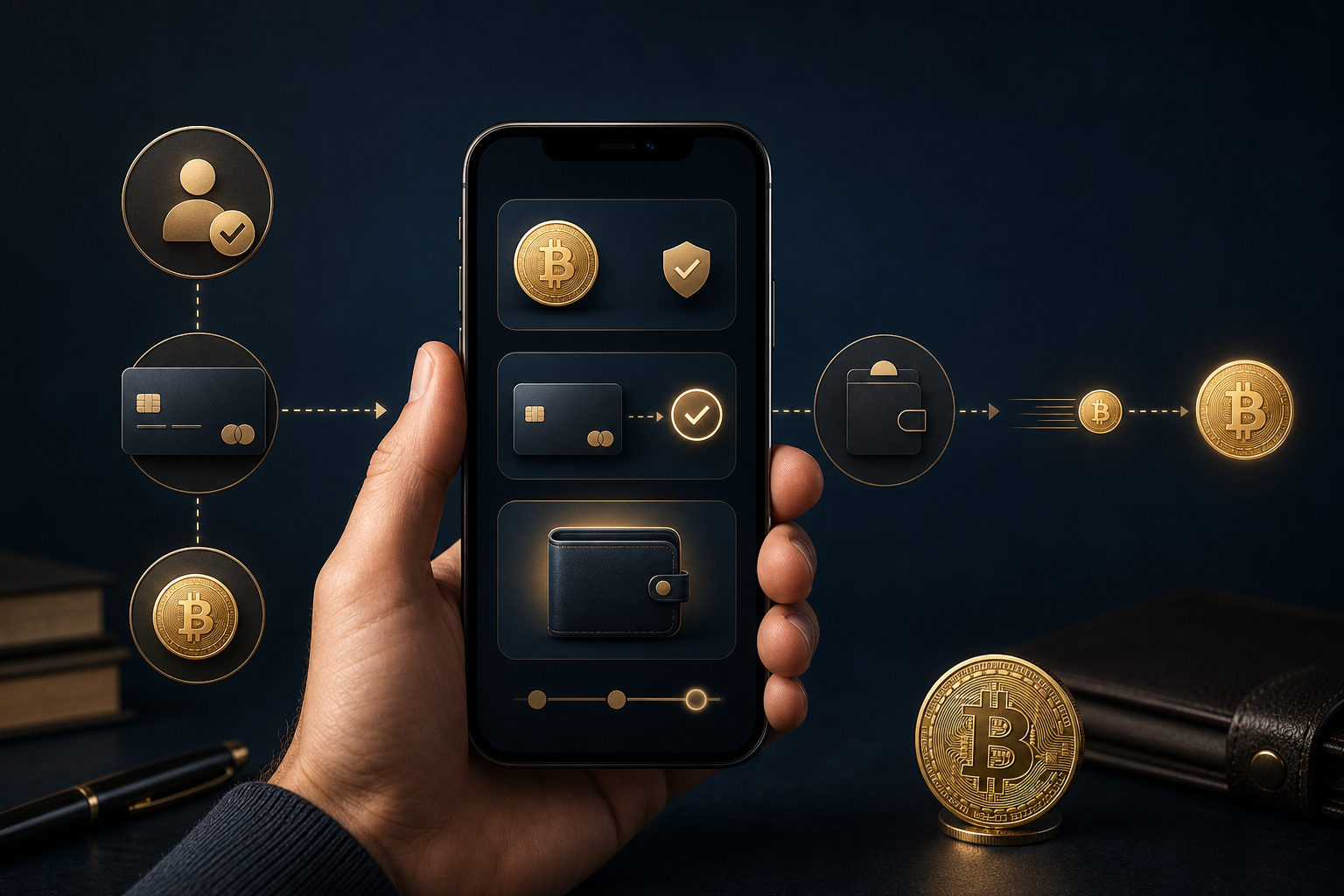
To buy and send bitcoin on Cash App, start by verifying your account, use the BTC section to make a purchase, then confirm the recipient address and send a small test transfer first. The hard part is not the app menu. It is avoiding mistakes and scams before you confirm.
What to check before you buy or send
First, make sure your Cash App account is fully set up for bitcoin activity. Many users can buy but run into trouble when they try to withdraw or send. That often comes down to identity checks, security prompts, or account permissions that still need attention.
Second, decide why you are buying bitcoin in the first place. Buying to hold inside the app is different from buying to pay someone or moving coins to your own wallet. If your goal is to send funds out, the recipient address matters more than the person’s name, username, or messages in chat.
Third, use a safe environment. Do not handle a bitcoin transfer on public Wi-Fi, and do not follow live instructions from a stranger on a phone call or screen-share session. Once bitcoin leaves your account, reversing the transaction is usually not an option.
How to buy bitcoin on Cash App
Open the bitcoin section, not the regular payment screen
After opening Cash App, go to the part of the app that handles bitcoin. This sounds obvious, but it matters because the app may show regular balance features, peer-to-peer payments, and BTC tools in different places. Starting from the correct section reduces the chance of buying the wrong asset or using the wrong flow.
Read the prompts on the screen before you continue. Some messages tell you that verification is still pending. Others explain fees, transfer timing, or account requirements. New users often skip these notices and end up confused later.
Enter the amount you want to purchase
Once you are on the buy screen, enter the amount you want to use. The practical move is to begin with an amount you are comfortable managing, especially if this is your first time. Bitcoin prices move up and down, so seeing the value change after purchase is normal.
There is another reason to keep the first purchase simple. A smaller trial makes it easier to review the order details, understand how your balance updates, and prepare for the sending step without rushing.
Review the order before you confirm
Before you complete the purchase, check that you are buying bitcoin, confirm the funding source, and make sure every prompt on the page matches what you expect. A short pause here can stop common errors such as duplicate taps, accidental purchases, or using money you meant to keep for something else.
Be extra careful if someone told you to buy bitcoin and then send it to them right away. That pattern appears in fake customer support schemes, task scams, and fraud involving so-called account verification. If another person is pushing the timing, slow down.
How to send bitcoin from Cash App
Get the recipient’s bitcoin address first
Before sending, ask the recipient for their bitcoin address. This may appear as a long string of characters or as a QR code generated by a wallet. This step is the most important one in the entire process because the bitcoin network routes funds by address, not by a contact name or a chat handle.
Do not type the address by hand if you can avoid it. It is better to copy it directly from the recipient’s wallet or account screen. Also, be careful with screenshots passed around in messages, because an outdated or altered image can send you in the wrong direction.
Paste the address and check it carefully
Go to the send or withdraw part of the bitcoin section in Cash App and paste the recipient address, or scan the QR code if that option is available. Then compare the beginning, middle, and end of the pasted address with the original. This takes only a moment and can prevent a serious loss.
The reason is not just human error. In some cases, malware can swap a copied wallet address for a scammer’s address without making the change obvious. If you never compare the pasted result with the source, you may send bitcoin to the wrong place and not realize it until it is too late.
Send a small test amount first
If this is your first transfer to that address, or if the amount matters to you, send a small test payment before sending the full amount. Wait until the recipient confirms it arrived, or verify receipt from the destination wallet if it is your own. Only then should you send the rest.
This habit protects you from several problems at once. The address might be wrong, the recipient might have shared the wrong wallet, or you might have misunderstood what kind of address they needed. A test transfer adds one more step, but it can save much bigger trouble.
Confirm the details and wait for processing
Before you hit send, review the address, the amount, and any prompt shown by Cash App. After submission, keep the transaction record and give the transfer time to process. Do not send again just because someone says they do not see it yet.
If a recipient claims the transfer has not arrived, ask them to confirm the exact address you used. Then compare it with your transaction details inside the app. Many disputes are caused by address mismatches, confusion on the recipient side, or pressure tactics meant to push you into sending twice.
Why some users can buy bitcoin but cannot send it
This usually happens because one part of the setup is still incomplete. The account may still need verification, the app may be running a security review, or a transfer setting may not be enabled yet. In that situation, checking your account and security settings is more useful than repeating the same action over and over.
There is also a second possibility: the recipient did not give you a usable bitcoin address, or they are rushing you on purpose. Any message that says you must send immediately, complete a task, unlock funds, or move coins to a safe address should be treated as a warning sign.
Common scams to avoid when sending bitcoin
- Fake support requests: No real support team should tell you to buy bitcoin and send it to a verification or security wallet.
- Guaranteed profit claims: If someone says you will get more back after sending bitcoin first, assume it is a scam.
- Relationship pressure: A person you know online may use urgency, emotion, or trust to push you into sending funds fast.
- Screen-sharing instructions: If someone wants to watch your screen or guide every tap, they are trying to control the transaction.
- Payment screenshots: A screenshot in chat is not proof that funds were really sent or received.
A simple rule helps here: if you cannot explain where the bitcoin is going, why you need to send it now, and what happens after it leaves your account, do not confirm the transfer yet. Delay is safer than panic.
FAQ
Can I send bitcoin right after buying it on Cash App?
Sometimes yes, but not always. Your ability to send depends on account verification, security checks, and whether the bitcoin transfer feature is fully available on your account.
Is copying and pasting a wallet address enough?
No. Copying helps reduce typing mistakes, but you should still compare key parts of the address after pasting it. For larger or first-time transfers, a small test send is still the safer move.
Why is someone asking me to buy bitcoin and send it immediately?
That is a common pressure tactic used in scams. Whether the story involves support, rewards, jobs, investments, or a personal emergency, urgency is often meant to stop you from checking the details.
Can a bitcoin transfer on Cash App be canceled?
Usually not. Once the transfer is submitted, the focus shifts from canceling it to whether you checked the address and the purpose carefully before sending.
What is the safest way to send bitcoin for the first time?
Use a trusted address source, compare the pasted address carefully, and send a small test amount first. Keep your transaction record and never send again just because a stranger pushes you to move faster.
Final checklist before you confirm
- Your account verification and security settings are complete
- You are in the bitcoin buy or send section, not the regular payment section
- The recipient address comes from a current wallet or account screen
- You checked the beginning, middle, and end of the pasted address
- You used a small test transfer for an important payment
- No one is pressuring you through chat, a call, or remote access
If you want to buy and send bitcoin on Cash App without avoidable mistakes, follow that checklist every time. Most problems happen before the transaction is broadcast, not after, and a short review can stop them.
Disclaimer: This article is for informational and educational purposes only and is not investment, financial, or legal advice. Crypto assets are highly volatile and you could lose your entire investment. Do your own research and decide carefully.