
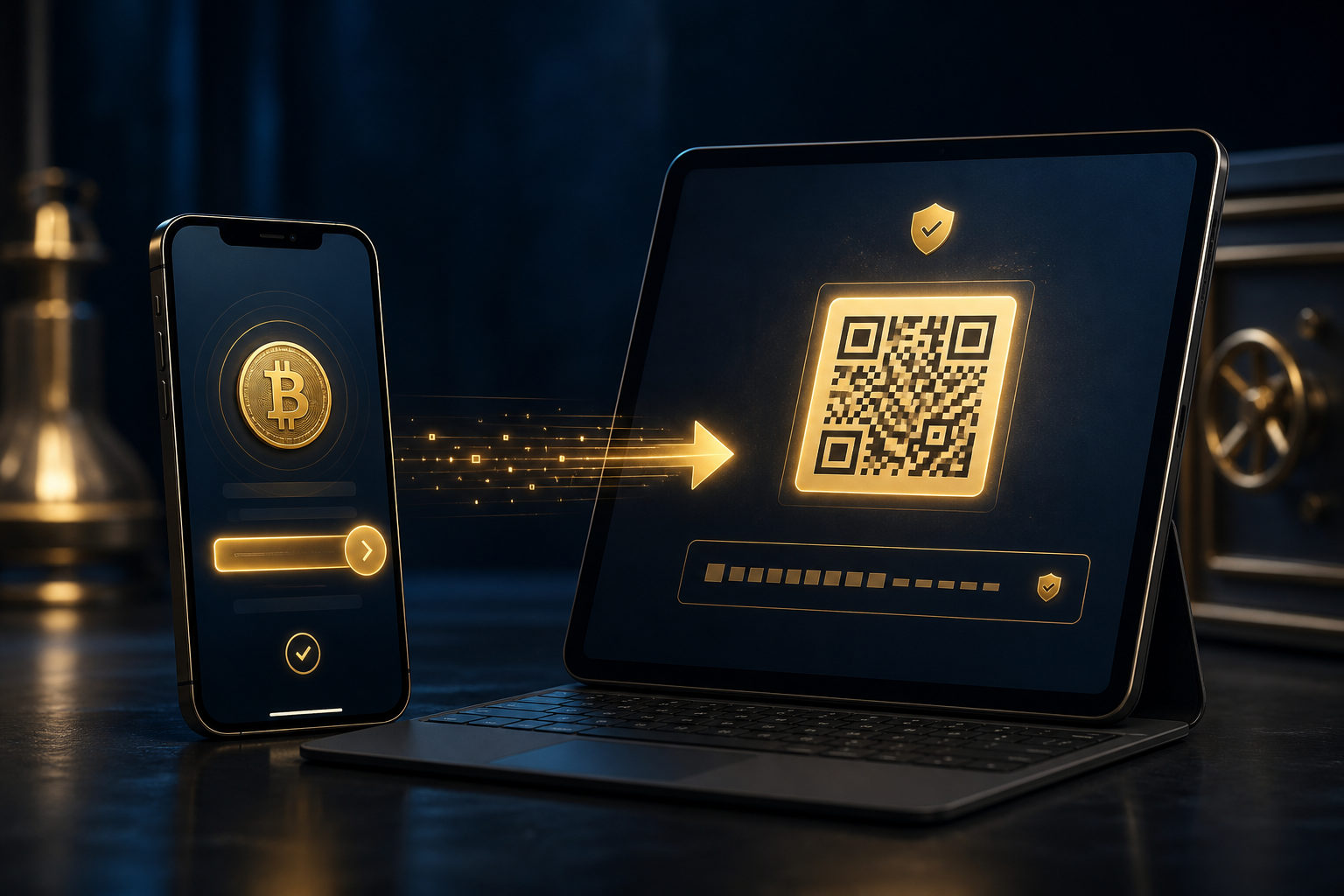
To send bitcoin from Cash App to Coinbase, first copy your Bitcoin deposit address from Coinbase, then paste it into Cash App and confirm the transfer. Check the address carefully before you hit send, because a bitcoin transaction usually cannot be reversed once it goes through.
What matters before you move anything
The biggest risk is simple: using the wrong address. Coinbase supports many assets, so you need the Bitcoin deposit page specifically, not a general funding screen and not an address for another coin.
There is a second issue people skip past. Cash App and Coinbase are custodial services, which means you usually do not control the on-chain private keys directly while your bitcoin sits there. The platforms handle access and account tools, but they do not erase the consequences of a bad withdrawal. If you send to the wrong place, there may be no practical undo button.
Step-by-step: Cash App to Coinbase
- Open Coinbase and go to the receive or deposit section for Bitcoin.
- Copy the BTC address shown on that page, or use the QR code if you prefer scanning.
- Switch to Cash App and open the bitcoin send or withdrawal flow.
- Paste the address or scan so Coinbase becomes the destination.
- Enter the amount you want to send.
- Review the details, especially the first and last part of the address, then submit the transfer.
That is the whole path. Short on paper. Easy to rush in real life, especially on a phone where one quick app switch can hide a small mistake.
Where transfers usually go wrong
A pasted address is not always a safe address
Clipboard errors happen. So does accidental overwriting. After pasting, compare the beginning and end of the address with the one still visible in Coinbase. Scanning a QR code lowers typing mistakes, but it does not replace a final visual check.
The asset selection can be wrong even if the page looks right
People often see a receive button and assume they are done. Not quite. Coinbase lists many coins, and each one may have its own deposit details. If you are moving bitcoin from Cash App, the destination must be the BTC deposit page.
A small test transfer can save you from an expensive typo
First time doing this? Use a small amount first. That extra step helps if you copied the wrong address, switched accounts without noticing, or set things up on a new device and want proof that the route works before moving the rest.
Slow arrival does not automatically mean lost funds
Bitcoin transfers need network confirmations, and exchanges may have their own crediting process after they detect the transaction. So a transfer can show as sent in Cash App while Coinbase still marks it as pending or waiting.
A practical checklist before you press send
- Make sure the Coinbase page is for Bitcoin, not another asset.
- Confirm the deposit address comes from your own Coinbase account.
- After pasting, compare the first and last characters with the original.
- If this is your first transfer, consider sending a small test amount first.
- Review the amount and any fee information shown in the app before confirming.
- Save the transaction record or screenshot so you can track status later.
This kind of checklist is boring right up until it prevents a mistake. Then it feels smart.
One more habit helps: do not send twice just because the first transfer is not visible right away. Check the status in Cash App. Check the status in Coinbase. A delayed credit is frustrating, but a duplicate transfer is worse.
FAQ
Can I move bitcoin from Cash App straight to Coinbase?
Usually yes, as long as you use a valid Bitcoin deposit address from your Coinbase account and your Cash App bitcoin transfer feature is available. The path is standard; the details are where errors happen.
How long does a Cash App to Coinbase BTC transfer take?
There is no fixed answer because network confirmations and Coinbase account crediting do not happen on the exact same clock. If Cash App says the transfer was sent, Coinbase may still show it as pending for a while.
Can I cancel the transfer after I send it?
In many cases, no. Bitcoin transactions are typically irreversible after they are broadcast and confirmed, which is why address checking matters more than trying to recover from a mistake later.
Why should I double-check the address if I used a QR code?
A QR code helps reduce manual entry mistakes, but it does not guarantee that you picked the right asset page or that nothing changed during the process. A quick visual check is still worth doing.
What if Coinbase does not show the bitcoin as available yet?
Look at the transfer status first. The transaction may still be moving through confirmation, or Coinbase may have detected it but not finished crediting it to your usable balance yet.
Right before sending, open the Coinbase Bitcoin deposit page one last time, compare it against what sits in Cash App, and decide whether a small test transfer makes sense for you. That final pause does real work.