
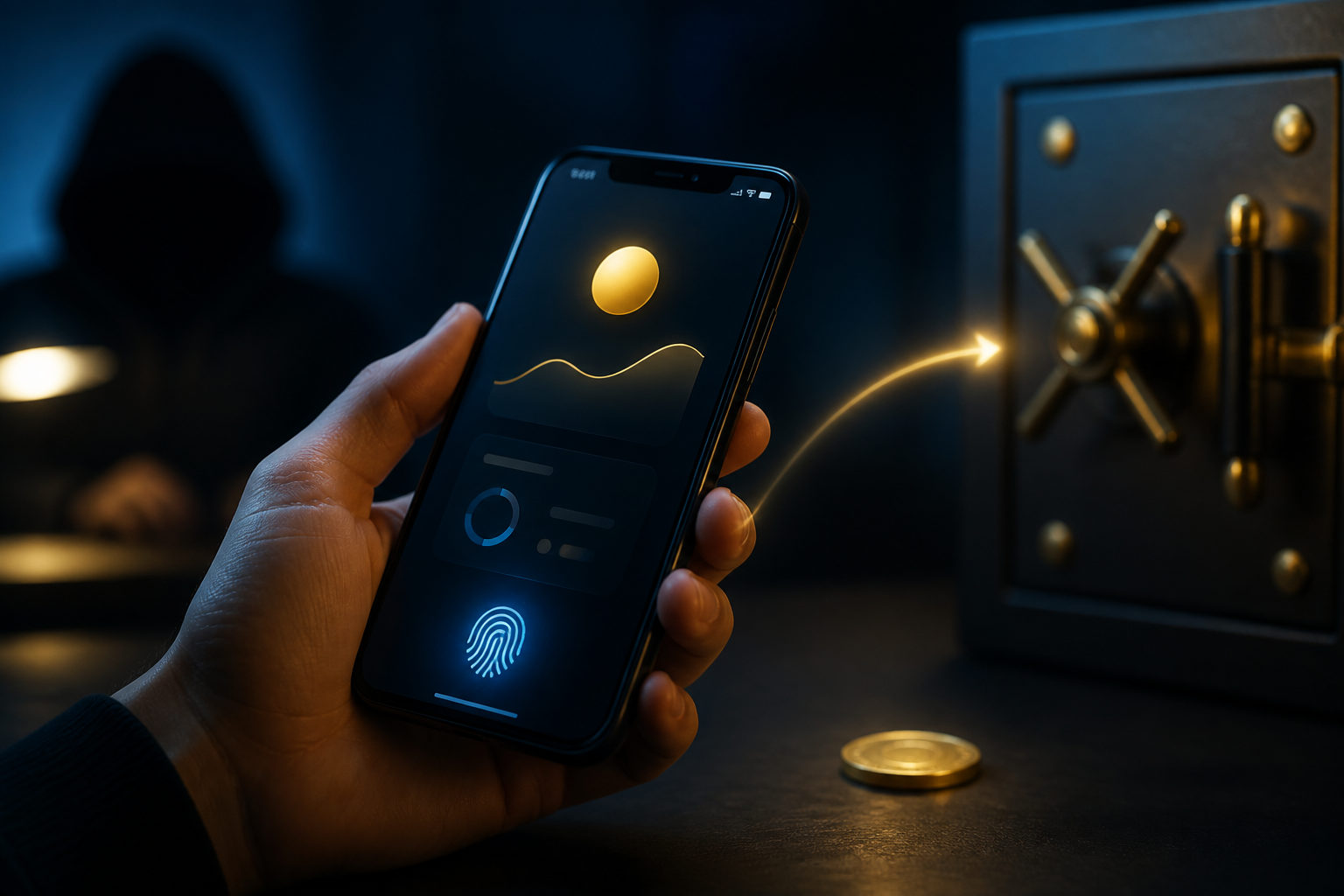
When you buy bitcoin on Cash App, the process usually does not end at the moment you tap buy. What follows is a chain of events: account verification, order execution, balance display, custodial holding, and possibly a withdrawal to a wallet you control. If you understand those stages, you are far less likely to make an expensive mistake or fall for a scam right after purchase.
The first thing that happens: your account and purchase are matched to platform rules
For many users, the visible action is simple: enter an amount, confirm the purchase, and watch bitcoin appear in the app. Behind that simple flow, the service may require identity checks, security settings, or additional confirmation before every feature is available. That is standard for apps that connect traditional payments with crypto transactions, because they need to manage fraud risk, payment disputes, and account misuse.
Once the order is accepted, the app shows a bitcoin balance. At that point, you have exposure to bitcoin through your account, but that does not always mean the asset has moved into a wallet under your direct control. In many cases, what you receive first is a custodial balance recorded by the platform.
This distinction matters from the start. Seeing bitcoin in the app means the platform has credited your account. It does not automatically mean you have already completed an on-chain withdrawal or taken possession of the keys tied to self-custody.
What you actually own after purchase depends on where the bitcoin stays
New buyers often assume that purchasing bitcoin and controlling bitcoin are the same event. They are often separate. If the asset remains inside Cash App, the service is usually handling custody, which means the platform manages the access layer while you access the position through your login.
That setup has an obvious advantage: convenience. You do not need to set up a wallet, protect recovery material, or learn address handling before your first buy. It also creates a boundary. If you want to move the bitcoin somewhere else, your ability to do that depends on account status, feature access, and the platform's internal review process.
So the key question right after purchase is practical: are you buying bitcoin to hold inside the app for now, or do you want to move it to a wallet you control? Those are different paths, and the right next step depends on which one you had in mind before pressing the buy button.
Four things you will notice after the purchase
Your app balance can change quickly because bitcoin's market price moves
Once the purchase is complete, the value shown in your account can move up or down with the market. That is the part most people notice first, and it is where many bad decisions begin. Watching every small move can push a new buyer into impulsive behavior, especially if the purchase had no clear purpose attached to it.
A better approach is to define the purpose before buying. You may be testing the mechanics with a small amount, planning to hold long term, or preparing to learn how withdrawals work. If that purpose is already set, short-term movement in the app is less likely to turn into random trading.
You may have a bitcoin balance before you have full withdrawal freedom
Some users discover only after buying that they still need to complete more verification, wait for feature access, or satisfy security checks before sending bitcoin to an outside address. That can happen because a platform treats purchase access and withdrawal access as separate risk decisions.
This is why the useful question is not only whether the app lets you buy bitcoin. You also need to know whether your account can send bitcoin out, whether there are extra approval steps, and whether you understand those steps well enough to use them safely. If your goal includes self-custody, that should be checked before you fund the purchase.
The total cost may show up in more than one place
New buyers often focus on the visible fee at checkout and miss the bigger picture. Your actual cost can be shaped by the buy execution, the difference between displayed and executed pricing, and any costs tied to moving the bitcoin later. Even without quoting numbers, the lesson is simple: the full cost of a small crypto action is often wider than one line item on a confirmation screen.
That matters most when you plan to experiment. If you buy a small amount, move it out immediately, then move it again, the experience may cost more than expected. It helps to map the path first and decide whether your first purchase is meant for holding, learning, or transferring.
Your activity creates a record that may matter later
When you buy bitcoin through a mainstream payment app, the service usually keeps records of your actions, including purchase details, account activity, and transfers. For a user, that is not just a background compliance issue. It becomes useful if you need to review your cost basis, check an unusual transaction, or explain what happened in a support request.
Keeping your own notes can help as well. Save confirmation screens, label wallet addresses for their purpose, and keep track of test withdrawals separately from larger transfers. Those details are easy to ignore on day one and very useful when something does not match your memory later.
What changes if you decide to move the bitcoin out
If you withdraw bitcoin from Cash App to a wallet you control, the situation changes in a serious way. Inside the app, most of the operational burden sits with the platform. During a withdrawal, accuracy starts to matter on your side. You need the correct bitcoin receiving address, a wallet you can access, and enough patience to let the transfer complete without panicking.
The safest habit is to prepare the destination before starting the withdrawal. Set up the wallet, generate a receiving address from that wallet, and confirm that the address is for bitcoin. Then copy and paste carefully. Do not type an address by hand. Do not rely on memory. Do not ask a stranger in a chat room to verify it for you.
A small test transfer is often the smartest move for a first withdrawal. It shows whether the address works, whether the wallet receives funds as expected, and whether you understand what the pending and confirmed stages look like. If the test arrives correctly, you can decide what to do next with a lot more confidence.
After you submit the withdrawal, you may see different status signals in different places. The app may show a transfer in progress while your wallet still shows nothing visible, or your wallet may detect the payment before the transfer feels final to you. That mismatch in timing often leads inexperienced users to search for help, and that is exactly where scammers like to step in.
The biggest scam risks begin after the buy, not before it
A common mistake is to think the danger ends once the bitcoin purchase is done. In reality, many scams target people right after they buy. One of the oldest tricks is a message from someone claiming to be a coach, account specialist, recovery agent, or support worker who tells you to send your bitcoin to a certain address for verification, unlocking, profit sharing, or account protection. If you send it, recovery is usually very difficult.
Another risk comes from fake support channels. A search result, social post, or direct message may lead to a page that looks official and asks you to log in again, share a code, or install remote access software. A real support process should never require your recovery phrase, private key, or a transfer to a so-called safe address.
There is also a quieter misunderstanding that leaves people exposed. A balance shown inside an app can feel like complete ownership, but if you have not withdrawn to self-custody, your risk still includes account security, platform controls, and service availability. Self-custody changes that risk profile because the main point of failure shifts to your own storage and backup practices.
- Do not send bitcoin to anyone promising guaranteed returns.
- Do not share verification codes with a person claiming to be support.
- Do not trust a search result just because it looks official.
- Do not skip a test withdrawal if this is your first time moving bitcoin.
How to think about your next move after buying
The right next step depends on your goal. If you bought bitcoin to learn the basics, you may want to stop after the purchase and study the app's settings, security tools, and withdrawal options before doing anything else. If you bought it because you want direct control, the next step is preparing a wallet and learning the withdrawal process carefully before moving a larger amount.
What you should avoid is turning a simple first purchase into a rushed chain of actions. Buying, withdrawing, re-sending, chasing a tip from social media, and replying to strangers in the same afternoon is how beginners create preventable losses. Slow decisions are often the safer ones in crypto, especially when the task is new.
FAQ
Do I really own bitcoin after buying it on Cash App?
You usually own the economic exposure shown in your account once the purchase is completed. Full control depends on whether the bitcoin remains in platform custody or has been moved to a wallet you control directly.
Can I withdraw bitcoin right after I buy it?
Possibly, but that depends on your account status and what features are enabled. Some users can send bitcoin out quickly, while others need more verification or security review before withdrawals are available.
Why does the app show bitcoin in my balance if my wallet has not received anything?
The app balance can update when your purchase is completed inside the platform. A transfer to an external wallet is a separate step, so your wallet will not show anything until you actually request and complete a withdrawal.
Should I leave bitcoin in Cash App or move it to my own wallet?
That depends on what you value more: convenience or direct control. Keeping it in the app is simpler for a beginner, while moving it to your own wallet gives you stronger control if you are ready to handle the security responsibility.
How can I tell whether a post-purchase message is a scam?
If someone asks you to send bitcoin for verification, share a one-time code, reveal wallet secrets, or install remote access software, treat it as a major warning sign. Stop the conversation and verify any issue through the app's official in-product support path.
If this is your first time buying bitcoin on Cash App, the most useful order is simple: confirm what your account can do, decide why you are buying, and only then take the next action you fully understand. If a withdrawal is part of the plan, prepare your own wallet first and test the process with a small amount before doing anything larger.
Disclaimer: This article is for informational and educational purposes only and is not investment, financial, or legal advice. Crypto assets are highly volatile and you could lose your entire investment. Do your own research and decide carefully.