
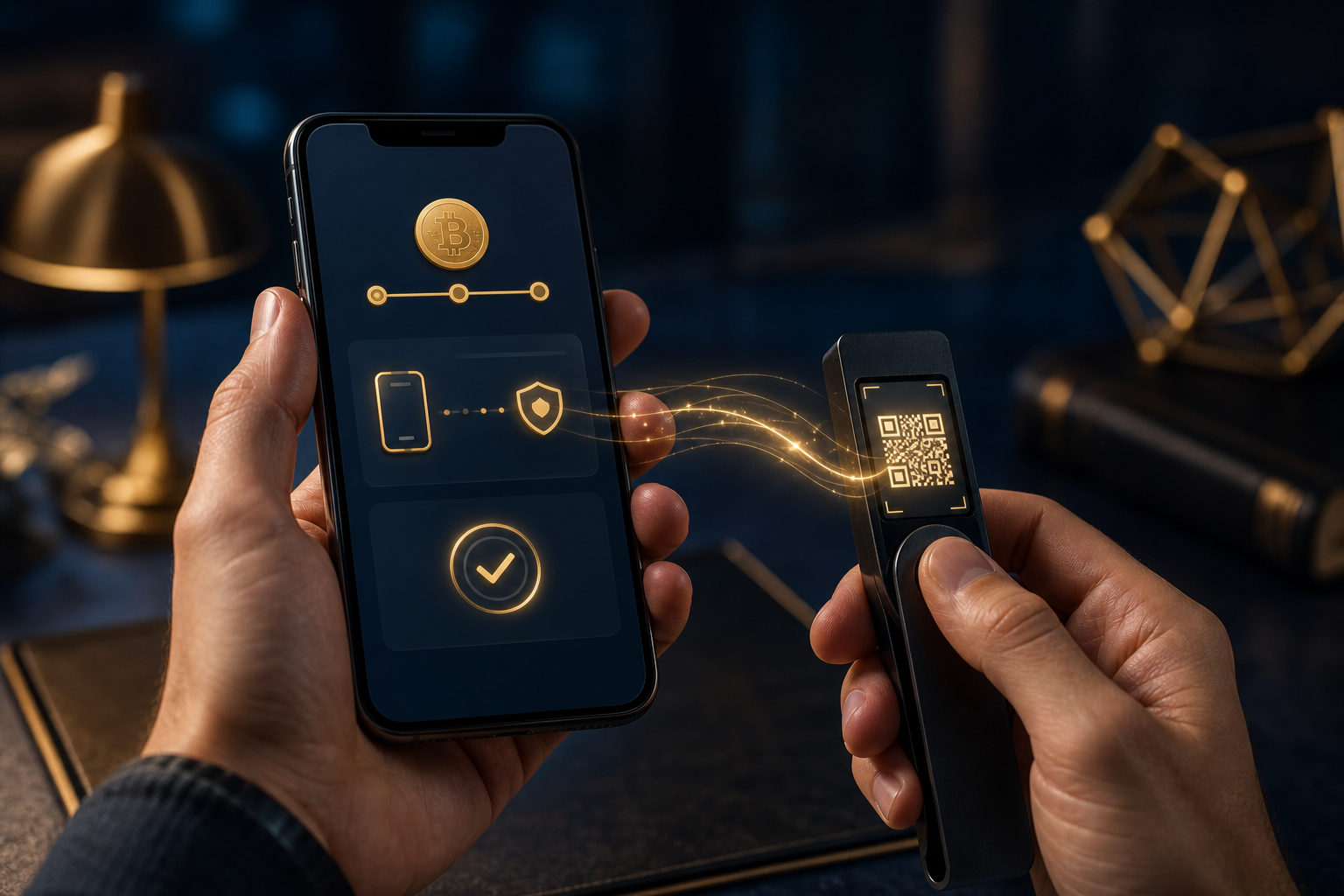
To withdraw bitcoin on Cash App, first make sure your account and bitcoin features are verified, then enter an external wallet address, review the amount, and confirm the transfer only after a full check.
What to prepare before you start
Most people do not run into trouble because the app is confusing. The bigger issue is trying to send BTC before the account is ready, the wallet address is confirmed, or the security checks are complete.
You will need an external bitcoin wallet address before you begin. A withdrawal moves BTC from Cash App to a blockchain address, and if that address is wrong, the transfer usually cannot be reversed.
- Make sure you can access your account and complete security checks
- Confirm that bitcoin withdrawals are available on your account
- Get a receiving BTC address from a wallet you trust
- Check that the destination wallet supports bitcoin deposits
How to withdraw bitcoin from Cash App step by step
Open the bitcoin section in Cash App
Start inside the bitcoin area of the app and look for the option to send, withdraw, or transfer out. You need to be in the BTC section because selling bitcoin and withdrawing bitcoin are different actions.
If you choose sell, you are converting BTC into your app cash balance. If you choose withdraw, you are sending BTC to an external wallet address on the bitcoin network.
Check your verification status
If Cash App asks for identity details or extra confirmation, complete that first. Apps that handle money often place stricter checks on crypto withdrawals because sending assets out of the app carries a higher fraud risk.
This step also matters if you changed devices, updated security settings, or had repeated failed attempts. In those cases, the app may delay or restrict withdrawals until it is satisfied the request is legitimate.
Paste or scan the receiving wallet address
On the withdrawal screen, enter the destination wallet address. In many cases you can paste it directly, and some setups may also support scanning a code from the receiving wallet.
Do not type the address by hand unless you have no other choice. Copy and paste it, then compare the first and last characters with the original address shown in your wallet to catch mistakes or clipboard tampering.
Enter the withdrawal amount and review it
Next, choose how much bitcoin you want to send. This is not just a routine field. It is your last clean chance to catch an error before the transaction is submitted to the network.
Review any details shown on screen, such as available balance, transfer amount, fee display, or expected receipt. The app may show the amount being sent and the amount expected to arrive in slightly different ways, so read the labels carefully.
Complete the security confirmation and submit
Cash App may ask for a passcode, biometric confirmation, or a one-time code before the transfer goes through. That extra step is there to stop unauthorized withdrawals if someone has access to your phone or account session.
Pause before you tap confirm. Check the address again, confirm the amount, make sure you are sending bitcoin to a trusted destination, and only then submit the withdrawal.
Why each step matters
A lot of guides tell you where to tap but skip the reason behind each screen. That leaves users exposed at the exact points where withdrawals go wrong: account verification, address accuracy, and trust in the receiving party.
- Account verification: helps prevent failed requests and adds a layer of account protection
- Wallet address prep: reduces rushed copying and last-minute mistakes
- Amount review: lowers the chance of sending more BTC than intended
- Recipient check: helps you avoid transfers to scammers or fake support agents
If this is your first time, a small test withdrawal can make sense. The goal is not speed. It is to confirm that the address, wallet, and receipt process all work the way you expect before sending a larger amount.
Common mistakes and scam warnings
When a withdrawal fails, many users assume the app is broken. In practice, failed attempts are often tied to incomplete verification, security review, address issues, or misunderstanding what the app is asking for.
- Confusing sell with withdraw: selling creates a cash balance inside the app, while withdrawing sends BTC out on-chain
- Using the wrong address: copied text can be altered by malware, so always verify key characters
- Following fake support instructions: legitimate support should not tell you to send bitcoin to a “safe” address for verification
- Trusting guaranteed profit claims: if someone asks you to withdraw BTC to a wallet they control, treat it as a serious risk
- Expecting instant availability: a submitted withdrawal may still need blockchain confirmation before the receiver can use the funds
Be especially careful with urgent messages. Scammers often claim your account needs protection, a refund requires verification, or a transfer must be completed right away. If the instruction came through chat, text, or social media, go back to the official app and verify it there.
FAQ
How do I move bitcoin from Cash App to my own wallet?
Get a BTC receiving address from your own wallet first, then choose the withdrawal option in Cash App and paste that address into the destination field. Review the address and amount carefully before sending.
Why can't I withdraw bitcoin from Cash App?
Common reasons include incomplete identity checks, account security review, or missing access to bitcoin withdrawal features. Read the in-app notice closely and fix the issue shown there before trying again.
Is withdrawing bitcoin the same as selling it on Cash App?
No. A withdrawal sends BTC to an external wallet, while a sale converts BTC into your in-app cash balance. If your goal is self-custody or sending bitcoin to another wallet, you want the withdrawal option.
How do I turn bitcoin into cash on Cash App?
That is a separate action from withdrawing bitcoin. Turning BTC into cash means selling your bitcoin first, while a withdrawal sends the asset itself to another wallet.
What should I double-check before I confirm a withdrawal?
Review the wallet address, the amount, the identity of the recipient, and the security of your device. If anyone is pressuring you to send immediately, stop and verify everything again.
Final checklist before sending
Before you submit, run through a simple checklist: your account can pass security checks, the receiving address came from a trusted wallet, the first and last characters match, the amount is intentional, and no one is rushing you through the process.
If any part feels uncertain, do not send yet. In practice, the safest habit when learning how to withdraw bitcoin on Cash App is not speed, but one extra review before every transfer.
Disclaimer: This article is for informational and educational purposes only and is not investment, financial, or legal advice. Crypto assets are highly volatile and you could lose your entire investment. Do your own research and decide carefully.