
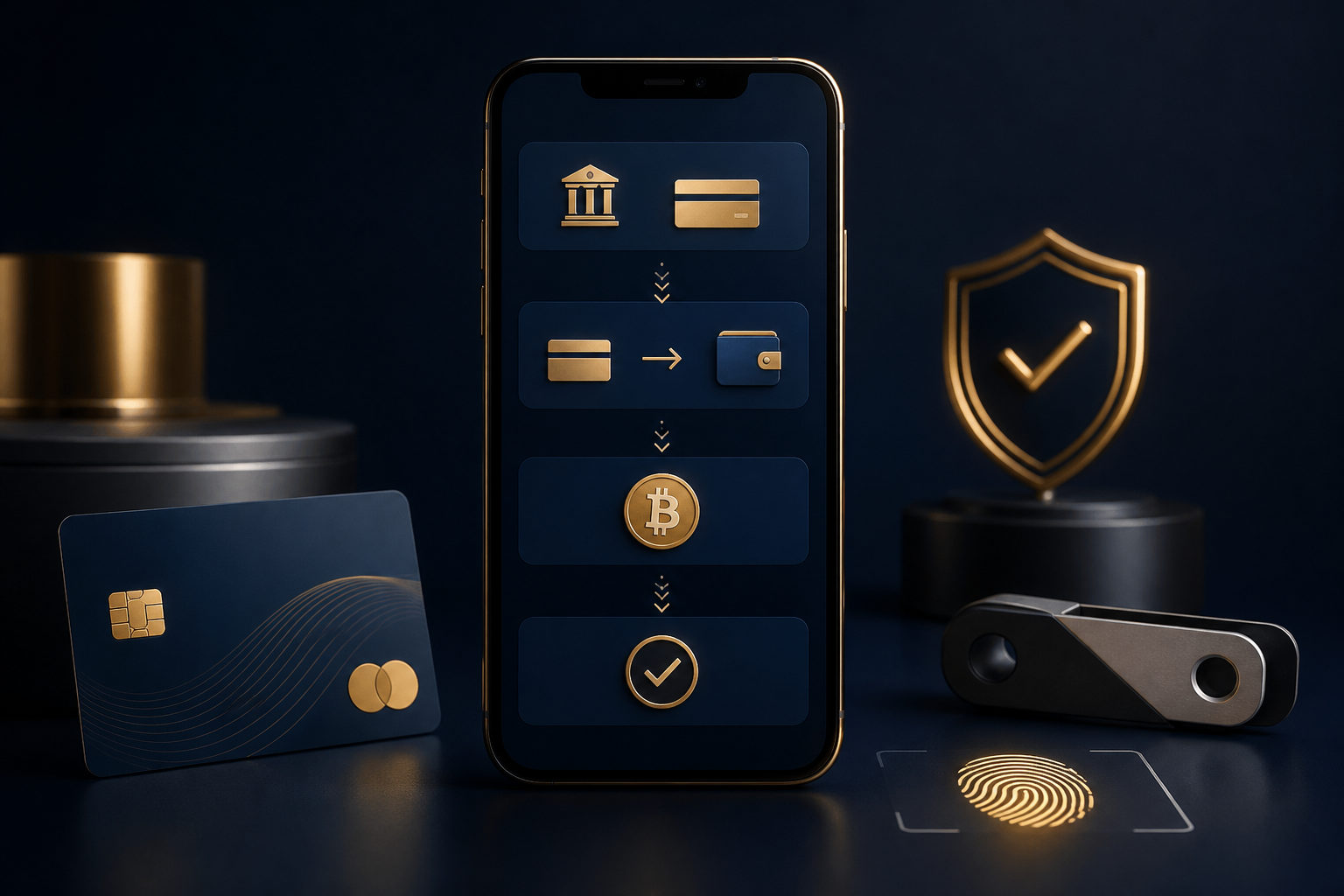
Short answer first: buying bitcoin on Cash App only works if you are a legal resident of one of the 50 US states or Washington, D.C. The UK version of Cash App never supported bitcoin purchases in the first place, and Cash App shut down its entire UK service on September 15, 2024, so that route is closed either way. Once location is settled, you will need to complete identity verification, and you can only fund a bitcoin purchase with your Cash App balance, a linked debit card, or a linked bank account. Credit cards are not allowed for bitcoin purchases, and that rule comes from both the card networks and Cash App itself. On fees: Cash App announced on February 9, 2026 that buys over $2,000, along with all Auto Invest, Round Ups, and bitcoin direct deposit purchases, now carry zero fees and zero spread. Smaller one-time buys under $2,000 still carry a fee and some spread; the prior structure was a sliding scale roughly 0.75% to 3% depending on size plus a spread on top, but the same update also promised clearer pricing, so treat the exact figure on your confirmation screen as authoritative rather than assuming the old numbers still apply. You can start with as little as $1. Unverified new accounts are capped around $250 in bitcoin purchases per 7 days; once you are verified, the regular weekly limit is closer to $7,500, and accounts with a longer history sometimes see higher caps, though the exact number depends on what your app shows you at checkout. Everything below walks through this in the order you will actually run into it, not as a generic step list.
Step one: check whether your location and account status even qualify
A lot of generic guides assume everyone who opens Cash App sees a buy button, and that is just not accurate. Bitcoin buying and selling on Cash App is currently limited to legal residents of the 50 US states and Washington, D.C., with one carve-out: bitcoin payments are not available to Square sellers or seller locations in New York. If you are in the UK, there is no hidden menu to go find. Cash App pulled its UK service entirely on September 15, 2024, and even before that shutdown, the UK version never included bitcoin purchasing as a feature. It was a US-only product from the start, not the same app with a region switch.
So the first thing to check is not where the buy button is, it is whether your account and region fall inside the supported range at all. Open the app and look for a full bitcoin buying section, and check whether your account page shows any verification, tax, or security prompts. If all you see is a price screen with no real buy or send option, that is almost always a regional or account-status restriction, not something you did wrong. Confirming this early saves you from linking a card and loading funds just to discover you cannot actually buy anything.
One thing worth keeping in mind: what a financial app shows you can vary by region, account history, and internal risk review, so seeing someone else's screenshot with a full set of buy, send, and receive options does not guarantee your own account looks the same that day. If your account seems limited, do not trust anyone who offers to unlock a regional restriction for you or claims they have an inside way to skip verification. That kind of offer is close to always the setup for a scam. Account access is supposed to come through Cash App's own process, not a stranger in your inbox.
Step two: identity verification and what your limits actually look like
A lot of new users treat “I can log in” as the same thing as “I can buy bitcoin,” but the part that actually trips people up is usually verification and the limits tied to it, not the buy button itself. Cash App starts new, unverified accounts at a fairly low ceiling: you can buy up to roughly $250 in bitcoin within a rolling 7-day window before you verify your identity. To raise that, you will need to submit your legal name, date of birth, and the last four digits of your Social Security number inside the app. Once you are verified, the standard weekly buy limit moves up to around $7,500. Some users with longer account history and steady activity report higher ceilings than that, but there is no single published number that applies to everyone. Cash App adjusts this based on your account's risk profile, so treat whatever the app shows you at checkout as the real number, not a figure someone posted online.
| Account status | Approximate buy limit | What is required |
|---|---|---|
| Unverified new account | Around $250 per 7 days | Basic sign-up only, no ID submitted |
| Verified account | Around $7,500 per week, sometimes higher with account history | Legal name, date of birth, last 4 of SSN, submitted and approved |
Treat that table as a rough guide, not a guarantee. Cash App changes these numbers based on account behavior and risk signals, so whatever you see at the time of purchase is the number that actually matters for you.
Why verify before you fund the purchase rather than the other way around? These apps operate under anti-fraud and anti-money-laundering requirements, and verification is part of how they reduce the risk of stolen cards, account takeovers, and laundered funds moving through the platform. It is an extra step, but it lowers the odds that a withdrawal or transfer gets blocked later, after you have already put money in. Getting verification done properly the first time tends to save more hassle than rushing to buy and hoping it works out.
A few practical notes on submitting your information. Keep your legal name and date of birth consistent with your actual ID; do not use a nickname, an old address, or an expired document. Submit verification photos on a stable connection with good lighting so you are not stuck redoing it. And if anyone contacts you asking you to read out a verification code, forward a text message, or share a login link “to finish verification,” that is not something Cash App support actually does, and you should stop the conversation there.
Step three: what you can actually pay with
There are exactly three ways to fund a bitcoin buy on Cash App: your Cash App balance, a linked debit card, or a linked bank account. A credit card cannot be used to buy bitcoin directly. That is not a temporary app limitation, it is a rule enforced by both the card issuers and Cash App. If you try to work around it by loading your Cash App balance from a credit card first, many issuers will treat that as a cash advance, which typically comes with extra fees and a higher interest rate that starts accruing right away rather than during a normal grace period. It is rarely worth the workaround.
The safer path is to only connect a debit card or bank account that is actually in your name and that you use regularly. Do not borrow someone else's card to hit a purchase, and do not route funds through some third-party top-up service you found online. The more convoluted your payment chain looks, the harder it becomes to explain if your account gets flagged for review, and the higher the odds your funds get frozen or delayed while that review happens.
Payment methods at a glance
- Cash App balance: the most direct source, assuming the balance itself came from a clean, traceable place.
- Linked debit card: needs to be a card in your own name; avoid borrowing someone else's temporarily.
- Linked bank account: works well for larger amounts, though timing depends on your bank's processing.
- Credit card: not usable for buying bitcoin directly; working around it usually triggers cash-advance fees.
Step four: fees and spread — know which rules apply to your purchase
On February 9, 2026, Cash App announced a change to how it charges for bitcoin purchases. Buys over $2,000, plus anything done through Auto Invest, Round Ups, or bitcoin direct deposit, now carry no fee and no spread at all. That is a meaningful change from the prior structure, where all bitcoin purchases were charged on a sliding scale, roughly 0.75% to 3% depending on purchase size, with smaller purchases sitting at the higher end, plus some spread on top of that.
| Purchase type | Fee situation (as of February 2026) |
|---|---|
| One-time buy under $2,000 | Fee and spread still apply; prior scale was roughly 0.75% to 3% plus some spread — check the confirmation screen for the current figure |
| One-time buy over $2,000 | No fee, no spread |
| Auto Invest / Round Ups / bitcoin direct deposit | No fee, no spread, regardless of amount |
In practical terms, if you are used to buying small amounts frequently, the percentage you are actually paying might be higher than you would guess. If you can consolidate into a single larger purchase, or you are comfortable setting up recurring buys, the savings are real and worth checking against your own habits. Before you confirm any purchase, look at what fee and spread the confirmation screen actually shows for that specific transaction. Do not go off memory or someone else's experience, since the numbers move with purchase size, method, and ongoing policy changes, and the price itself can shift between the moment you open the screen and the moment you submit.
One misconception worth flagging: some people treat Auto Invest as automatically safer. It is not. It just executes a planned purchase on schedule. It does not remove price volatility, and it does not judge whether now is a good time to buy. If you set up recurring purchases, check where the money is pulled from, how often it runs, whether you can pause it, and what happens if a scheduled payment fails, so you actually understand what the automation is doing on your behalf.
Check these before you submit an order
- The price shown right now: make sure you are not looking at a stale screen.
- Fee and spread disclosure: check whether it is listed separately or already baked into the quoted price.
- The actual bitcoin amount you will receive: do not just look at the dollar amount going in.
- Which purchase type this is: a one-time buy, Auto Invest, or direct deposit each follow different fee rules.
Step five: placing the order and what to check before you submit
Once you are verified, your payment method is connected, and you understand the fee structure, the actual purchase is simple: go to the bitcoin tab, enter the dollar amount you want to spend, starting at $1, and the app will show you the estimated bitcoin you will receive, the current price, and the fee or spread that applies. Read that confirmation screen before you tap through. The mechanics are not complicated. What actually determines whether you come out ahead is whether you paid attention to that screen instead of clicking through it out of habit.
A lot of losses do not come from a technical mistake, they come from rushing. Someone buys during a price spike out of fear of missing out, someone mixes up buy and sell, someone uses money they should not have touched, or someone submits a purchase only to realize afterward that what they actually wanted to do was send bitcoin to someone else, not hold it themselves. Before every order, it helps to answer one question: is this bitcoin meant to be held, moved to your own wallet later, or sent to pay someone right now. The answer changes what you need to worry about next.
Do not treat “bought it” as the finish line, either. After the purchase clears, check your transaction history to confirm the order status and the actual execution price, and make sure there is no security alert sitting in your notifications before you decide whether to buy more. Price swings are just part of how bitcoin behaves. Being comfortable with the app's interface does not make that go away.
Step six: moving bitcoin to your own wallet — on-chain fees vs. Lightning
If you are planning to hold long-term, most people eventually move bitcoin off Cash App into a wallet they control rather than leaving it sitting in the app indefinitely. There are two ways to do that, and the cost difference between them is real. An on-chain transfer charges a variable network fee that goes to the miners processing the transaction. During quiet periods that might run $1 to $3, but during network congestion it can climb past $10 to $20. You typically get to choose a speed tier, Standard, Rush, or Priority, and faster generally means a higher fee. Separately, as part of the same February 2026 update, Cash App raised bitcoin withdrawal limits by 5x for qualifying customers, though again, check the app for your actual current limit rather than assuming a fixed number.
The other option is a Lightning Network transfer, which Cash App has offered fee-free with near-instant settlement since it rolled the feature out in 2022. That makes Lightning the better fit for small, frequent transfers or everyday spending, while an on-chain transfer at a slower speed setting makes more sense for a larger amount where you are not paying extra just for speed.
| Transfer method | Cost characteristics | Best fit |
|---|---|---|
| On-chain (Standard / Rush / Priority) | Variable miner fee, roughly $1 to $3 in quiet periods, can exceed $10 to $20 during congestion | Larger amounts, no urgency |
| Lightning Network | No fee from Cash App, near-instant settlement | Small, frequent transfers or everyday payments |
Whichever method you use, double-check the receiving address before you hit send. Compare the first and last several characters against the source, and use copy-paste or a QR code rather than typing it out by hand, since clipboard-hijacking malware exists specifically to swap addresses on you without any visible warning. If you are sending to a new wallet for the first time, test with a small amount before you move anything larger, and confirm the funds actually landed before repeating the transfer.
Checklist before you send
- The address belongs to a wallet you actually control: do not assume an address someone sent you in a chat is automatically trustworthy.
- Test small before you send large: confirm the funds arrive before committing more.
- Recheck the address after pasting it: this guards against clipboard-swapping malware.
- Keep your seed phrase or recovery information secure: for a self-custody wallet, this matters more than your app password ever will, and anyone asking you for it is a red flag.
Is bitcoin on Cash App actually protected? No FDIC, no SIPC
This is the part generic guides tend to skip, and it matters for how you think about risk. Bitcoin held in Cash App is not a stock or a security, and it is not covered by FDIC insurance or SIPC protection. Cash App's stock trading runs through a separate entity, Cash App Investing LLC, which is a FINRA and SIPC member, and that is where the insurance-style protection actually applies. Bitcoin and peer-to-peer transfers are not offered through that licensed entity, so the same protection does not extend to whatever bitcoin sits in your account. In plain terms, if the parent company, Block, Inc., ran into serious financial trouble, what happens to your bitcoin would depend on how bankruptcy proceedings play out, not on an insurance payout landing in your account.
On the regulatory side, Block, Inc. is classified as a money services business rather than a chartered bank, so there is not one single regulator overseeing everything it does. Bitcoin activity falls under the same Bank Secrecy Act framework that applies to money transmitters, and FinCEN treats businesses dealing in convertible virtual currency as money transmitters subject to anti-money-laundering and identity verification rules. Licensing itself happens state by state. Block, for example, holds a money transmitter license and a virtual currency license in New York. Requirements in other states vary enough that it is fair to just say it depends on where you live, since a full state-by-state breakdown would go stale fast.
Taxes: what Cash App actually reports, and what is on you
Starting with the 2025 tax year, Cash App issues a separate IRS Form 1099-DA for each bitcoin sale, based on the W-9 information you provided in the app. This is a newer, digital-asset-specific reporting form, different from the more general reporting that used to apply. One thing worth knowing: Cash App does not report your cost basis, meaning the price you originally paid, to the IRS, so tracking that yourself matters. The 1099-DA also does not include peer-to-peer transfers to other Cash App users or transfers out to an external wallet, since those are not treated as taxable sale events on their own.
If you sell bitcoin, spend it, or trade it for another asset and that creates a gain or a loss, you are generally expected to report each taxable event on Form 8949, which then flows into Schedule D. Exactly what tax rate applies depends on your income, how long you held the asset, and where you live, and that varies enough person to person that guessing at a number here would not be responsible. If real money is at stake, talk to a tax professional or use dedicated crypto tax software rather than relying on a percentage you saw somewhere online.
Common scams: they are counting on you knowing how to click, not how to spot risk
Most scams built around buying bitcoin on Cash App do not rely on some elaborate fake system. They lean on a new user's fear of missing out or fear of doing something wrong. Once you have figured out how to buy bitcoin on Cash App, it is easy to mistake “I know how to use this app” for “I understand the risk here.” Those are two different things, and the gap between them is exactly where scammers operate.
The first pattern is fake support. Someone reaches out through social media, a messaging app, or a search ad claiming they can lift a regional restriction, raise your limit, or recover funds for you, then asks for your verification code, login details, or screen-sharing access. Real Cash App support will never ask you to read them a verification code, and they will never instruct you to move bitcoin to some safe address for verification purposes. Legitimate help only comes through the in-app help center or official cash.app channels.
The second pattern is the trading or signal-selling scam. Someone shows you screenshots of profits and asks you to buy bitcoin on Cash App, then send it to a wallet they control, framed as a copy-trading opportunity, early token access, or arbitrage with guaranteed returns. What you are being sold is a promise of easy money. What they actually want is the bitcoin you just bought, which becomes very hard to recover once it is transferred out of your control.
The third pattern involves romance or long-term relationship scams, where the buildup can take weeks and still ends the same way: you are asked to buy bitcoin and send it to a platform, a mentor figure, or a custodial address that is not yours. If you do not control where the bitcoin ends up, it is not your investment position anymore, no matter how the request was framed.
The fourth pattern is address substitution. If a device is compromised by malware, a wallet address you copy can get silently swapped for the scammer's own address before you paste it. That is why checking the start and end of an address every single time, and keeping your device and operating system updated, is worth the extra few seconds it takes.
Frequently asked questions
Can I move bitcoin I bought on Cash App to my own wallet?
Yes, as long as your account is verified and there is no active security restriction. On-chain transfers carry a variable network fee that depends on congestion; if you are moving a small amount and want to avoid that fee, the Lightning Network option is free and settles almost instantly.
Do I need to deposit a lot of money to get started?
No. You can buy with as little as $1. Unverified accounts are capped around $250 over a 7-day period, and verified accounts typically get a weekly limit closer to $7,500, though the app will show your actual number at checkout.
Can I buy bitcoin with a credit card?
No. Credit cards cannot be used directly for bitcoin purchases on Cash App, and both the card issuers and Cash App enforce that rule. Loading your balance from a credit card as a workaround usually gets treated as a cash advance, which brings extra fees and interest that starts right away.
Is bitcoin sitting in my Cash App account actually safe?
It is not covered by FDIC or SIPC protection, unlike stock investments made through Cash App Investing LLC. Most people who plan to hold long-term eventually move their bitcoin to a wallet they control rather than leaving it in the app balance indefinitely.
Does Cash App handle my taxes automatically?
Not entirely. Starting with the 2025 tax year, Cash App issues a 1099-DA for each bitcoin sale, but it does not report your cost basis, and peer-to-peer or external wallet transfers are not included on that form. You are still responsible for reporting gains and losses on Form 8949, and a tax professional can help you get the specifics right for your own situation.
Is it safe if someone asks me to buy bitcoin and send it to them?
Usually not, especially when the reason involves unfreezing funds, paying a tax before you can withdraw, an internal allocation, or a guaranteed high return. The purchase itself might go through fine, but once the bitcoin moves to an address someone else controls, you generally lose the ability to get it back, since bitcoin transfers are not reversible the way a bank error might be.
I am outside the US. Can I still use Cash App to buy bitcoin?
Not currently. Bitcoin buying and selling on Cash App is limited to legal residents of the 50 US states and Washington, D.C. Cash App shut down its UK service on September 15, 2024, and bitcoin purchasing was never part of the UK product even before that.
If you are getting ready to actually do this, confirm your region is supported, finish identity verification, connect a debit card or bank account that is really yours, and read the price, fee, and spread shown on the confirmation screen before you submit. Then decide, separately, whether you are keeping the bitcoin in the app or moving it to a wallet you control. Getting those steps right tends to matter more than trying to time the perfect moment to buy.
Disclaimer: This article is for general information and educational purposes only and is not investment, financial, legal, or tax advice. Fees, limits, and tax rules described here are based on publicly available information as of this writing and may change with platform policy, so always confirm current numbers directly in the Cash App interface or official Cash App sources. Cryptocurrency prices are highly volatile and you could lose your entire investment. Do your own research and consult a licensed professional before making financial decisions.