
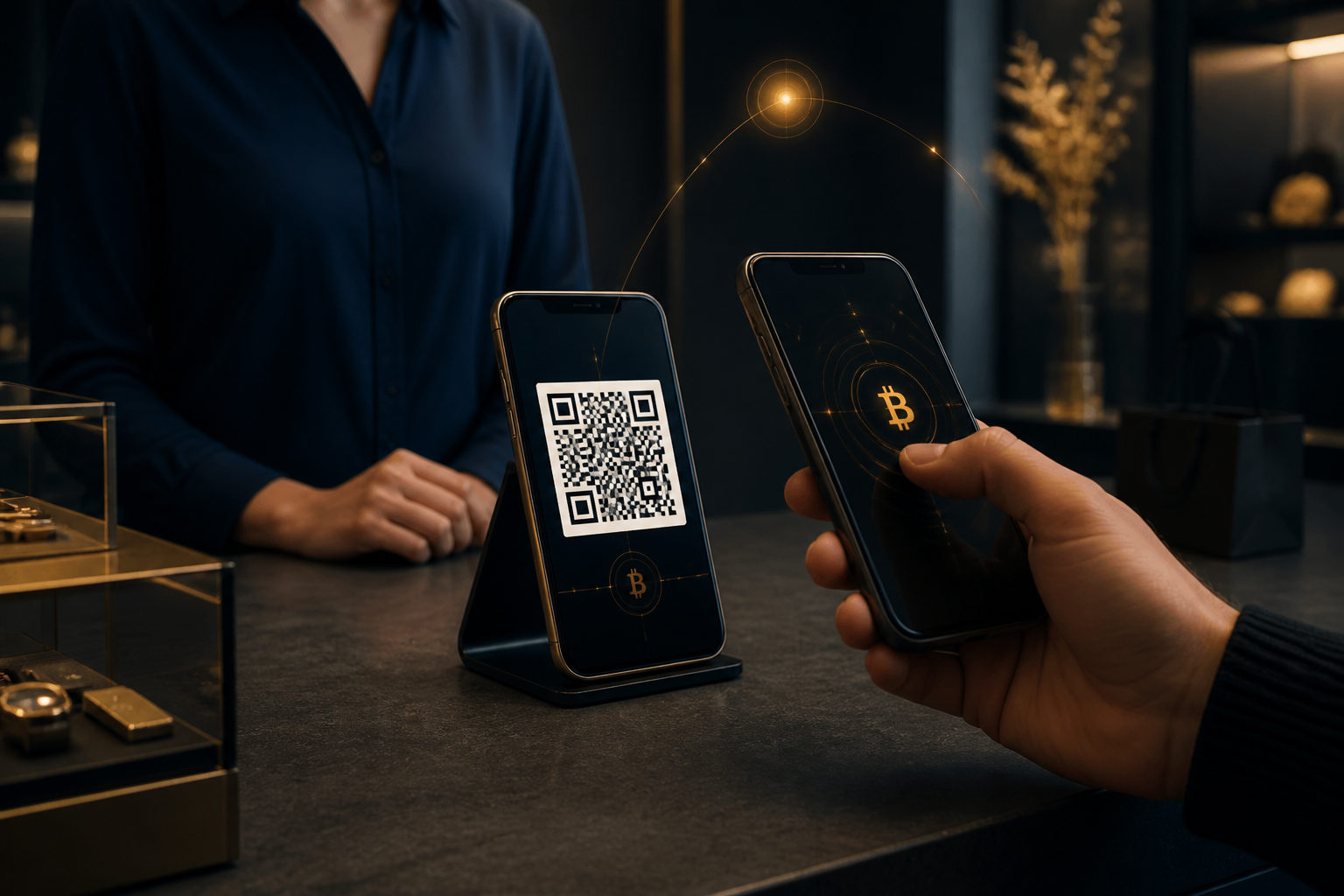
To accept contactless bitcoin payments with a QR code, you need a dedicated receiving wallet, a clear checkout flow, and a rule that payment is only accepted based on what your wallet shows. The QR code helps the customer send funds to the right place, but it does not prove that payment is complete.
What a bitcoin payment QR code actually does
A lot of first-time merchants treat the QR code as if it were the payment itself. It is not. In most cases, the code simply packages the receiving details for the payer's wallet to read, such as a bitcoin address, a payment amount, and sometimes a note for order tracking.
The actual transaction still has to be created and broadcast by the customer. That is why a customer scanning your code means very little on its own. What matters is whether your receiving wallet detects the incoming transaction and whether that status matches your release policy for goods or services.
Step 1: Separate business receipts from personal holdings
Your first move should not be making a QR code. It should be setting up a wallet environment that is used only for receiving business payments. The reason is simple: cleaner accounting, smaller exposure if something goes wrong, and less chance of mixing routine receipts with long-term holdings.
This also helps with internal controls. If more than one person handles payments, you should decide in advance who can view balances, who can generate payment requests, and who can move funds out. Putting all permissions in one place may feel convenient at first, but it creates avoidable risk.
Keep backups away from shared devices. Do not leave seed phrases, private keys, or wallet recovery material on a checkout tablet, office computer, or team chat. If a device is used in front of customers, treat it as exposed.
What to do in this step
- Use a dedicated wallet or account for bitcoin receipts.
- Test that you can recognize pending and confirmed incoming transactions.
- Store backup material offline and under tight access control.
Step 2: Define exactly what kind of bitcoin payment you accept
A customer saying they want to pay with bitcoin does not mean both sides are talking about the same thing. Different wallets may present different payment paths, and customers may assume that any option labeled BTC will work. If you accept a method you do not fully understand, you increase the chance of network confusion, failed receipt checks, or disputes at the counter.
The safer approach is narrow and boring: accept only the payment method that your own receiving setup clearly supports and that you already know how to verify. If you need the customer to teach you how to receive the payment on the spot, stop and reset the transaction.
This is not just a technical point. It is also a fraud control point. Once the payer starts directing your process, the risk rises fast. A simple instruction works best: please scan the QR code shown for this purchase, do not alter the address manually, and do not switch to another payment path unless we have already approved it.
Step 3: Generate the QR code yourself for each transaction
When you are ready to collect payment, generate the QR code from your own receiving wallet instead of asking the customer to type in an address. This reduces address errors, helps tie the payment to a specific order, and makes disputes much easier to review later.
If the amount is fixed for that sale, include the amount in the payment request. If the amount changes from order to order, create a fresh QR code each time. Reusing one static QR code for many different sales can create confusion over who paid for what, whether a customer paid too little, or whether an old payment was meant for a different order.
Before showing the code, check it yourself. Confirm the amount, the asset you expect to receive, and a visible part of the receiving address. Do this before the customer scans, not after. Once the customer says they have sent the payment, the pressure shifts to you, and that is exactly when mistakes happen.
A practical checkout sequence
- Enter the amount due for the current order.
- Generate the QR code from your receiving wallet.
- Verify the amount and part of the receiving address.
- Let the customer scan the code directly.
- Keep an order note or internal reference for later matching.
Step 4: Judge payment status only from your own side
This is the most important anti-fraud rule in the whole process: trust your wallet, not the customer's screen. A screenshot can be prepared in advance. A recording may not reflect the present moment. Even a wallet screen that says the payment was sent does not prove that your receiving setup has detected a valid transaction.
The correct workflow is strict. After the customer sends the payment, look only at your receiving interface and check whether the expected transaction appears. If your wallet shows nothing, do not release the product because the customer is in a hurry, because there is a line behind them, or because the order feels small enough to ignore the risk.
You should decide your release rule before facing customers. Some businesses may allow delivery once a payment is visible as pending. Others may require a stronger status before goods or services are released. The right choice depends on your own risk tolerance and on how reversible the sale is.
Step 5: Understand the difference between sent, pending, and confirmed
If you want to accept contactless bitcoin payments using a QR code without unnecessary mistakes, you need to separate three ideas that people often blur together. The customer says the payment was sent. Your wallet shows the transaction as pending. Your wallet shows the transaction as confirmed. These are not the same thing.
The customer's statement has no independent value by itself. A pending transaction on your side is much better because your own receiving tool has detected it, but you still need to decide whether that is enough for release. A confirmed transaction is generally stronger because it has been included in a block and gains extra security as additional blocks are added.
You do not need a one-rule-fits-all answer. A low-risk service that can be paused or reviewed may justify one policy. A product that is easy to resell or impossible to recover after delivery may justify a stricter one. What matters most is consistency. If your team makes exceptions whenever the store gets busy, fraudsters will notice.
Step 6: Build anti-scam checks into the process
Bitcoin QR payments are not automatically dangerous. Loose procedures are. The strongest defense is turning key checks into fixed actions so that nobody has to improvise under pressure.
Start with four rules. First, payment is recognized only when your own wallet shows the expected transaction status. Second, the amount and receiving details come from your side, not from the customer. Third, any unexpected change pauses the sale, including requests to switch methods, alter addresses, or settle the order in a different asset. Fourth, no employee skips verification because the order seems minor.
Another common weakness is social pressure. A customer may say the network is slow and ask you to hand over the item first. Someone else may claim their battery is about to die. A group may create a busy atmosphere so staff rush the check. These are all reasons to slow down, not speed up.
Common red flags at checkout
- A customer shows a pre-made payment success screenshot.
- Your wallet shows no incoming transaction, but the customer says it is just delayed.
- The customer wants to change the payment method after scanning your code.
- The customer asks you to trust a chat message instead of the wallet status.
- Staff are pressured to release goods before the internal check is complete.
Step 7: Plan for reconciliation, refunds, and staff permissions
Receiving bitcoin is only part of the job. You also need to match receipts to orders, handle wrong payments, and avoid internal mistakes. Every incoming payment should be traceable to a specific sale, a time, and a staff action. That way, if there is a dispute later, you can review what happened without guessing.
Refunds need extra care. Do not refund to an address simply because the customer pasted it into a message. Re-check the reason for the refund, the amount, and the destination address. If your operation has more than one person, use a second review before sending funds back. On-chain transfers are generally not something you can reverse like a card charge in a normal checkout system.
Permission design matters here as well. The person who receives payments does not automatically need the power to move all funds out. Even a small business benefits from separating duties where possible and keeping a clean record of who did what.
Step 8: Use short customer instructions to reduce friction
The QR code is only one part of the customer experience. Clear instructions make the process smoother and safer. Keep them short: scan the QR code for this order only, do not edit the address manually, wait for the merchant's system to detect the transaction, and goods or services are released only after the required payment status is reached.
That language helps in two ways. It tells honest customers what to expect, and it prevents fraud attempts from reframing your checks as arbitrary delays. Staff also benefit because they do not have to explain the whole process from scratch every time.
If you send QR codes online, the same rule applies with even more force: avoid reusing old payment images. A fresh code for each order makes matching easier and reduces the chance that someone pays against an expired instruction.
Operational mistakes to avoid
Some problems are not scams at all. They are self-inflicted. One is relying on a single static QR code for everything. Another is failing to label orders clearly. A third is letting staff decide release rules on the fly. A fourth is storing wallet recovery details on devices used in front of customers.
Another mistake is treating bitcoin receipts as if they were ordinary chat confirmations. They are not. Your proof is the state shown by your receiving wallet and the way your business has chosen to treat that state. If there is any mismatch between the order and the payment details, pause first and resolve the mismatch before doing anything else.
FAQ
Can I release the product once the customer shows a payment success screen?
No. Your decision should be based on what your own receiving wallet shows, not on the customer's screenshot, recording, or sent screen.
If your side does not show the expected transaction, you should not treat the payment as complete.
Is it okay to use the same bitcoin QR code all the time?
You can, but it is usually weaker for reconciliation and risk control. A fresh QR code for each order makes it easier to match payments to sales and reduces confusion around old or repeated instructions.
If you choose to keep a static code, add a strong order-tracking process around it.
Can an unconfirmed bitcoin transaction count as paid?
That depends on what you sell and how much risk you are willing to accept. A delivery that is hard to reverse usually calls for a stricter release rule than a low-risk service.
The key is to decide the rule in advance and apply it consistently.
What if the customer asks to switch to another method because of fees?
Only consider that if your setup already supports the alternative and you know exactly how to verify it. If you would need to learn the process during the sale, the safer choice is to decline the change.
Last-minute switches create a lot of room for confusion and payment disputes.
How do I lower fraud risk when I send a QR code online?
Use a fresh payment request for each order whenever possible, and rely only on your own wallet's transaction record. Do not ship goods based on a customer-provided screenshot.
Keep the order reference, communication record, and receipt timing organized so you can review any dispute quickly.
If you plan to accept contactless bitcoin payments with QR codes on a regular basis, the next useful step is not adding more features. It is writing down a fixed process for wallet use, QR generation, payment release rules, exception handling, and refund review. Once the process is stable, faster checkout usually follows on its own.