
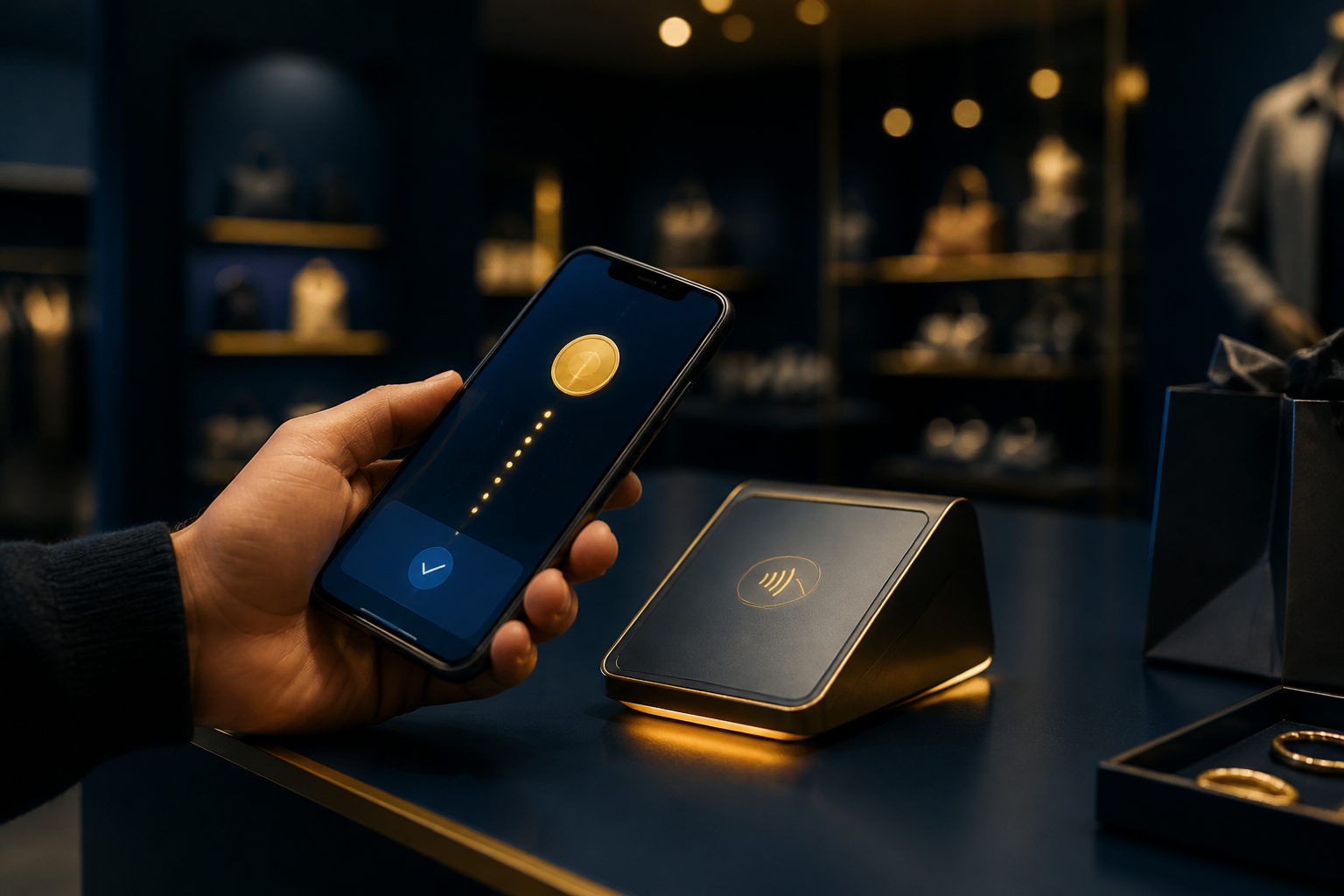
How to buy things with bitcoin comes down to a simple process: use a wallet you control, confirm the merchant accepts BTC, verify the payment details carefully, and send funds only after checking the address and order terms.
What to check before you pay
Bitcoin payments do not work like card payments. Once a transaction is sent on-chain, reversing it is often difficult, so you need to confirm the merchant, the payment window, and the refund policy before you approve anything.
You also need to confirm that the store really accepts bitcoin at checkout. Some merchants take BTC directly, while others use a payment processor that shows a QR code, a BTC amount, or a countdown timer for the order.
Step-by-step: how to use bitcoin to buy things
Step 1: Set up a wallet you control
Start with a wallet from a legitimate source and back it up properly. The reason is practical: when it is time to pay, you need direct control over signing and sending the transaction instead of waiting for a third party to release funds.
Keep your recovery phrase offline and private. Do not store it in random notes apps, send it in chat, or save screenshots of it on an exposed device.
Step 2: Keep a separate spending wallet
If you hold bitcoin for the long term, do not use that same wallet for routine shopping. Move only the amount you plan to spend into a separate wallet so a small purchase does not expose your main balance on a daily-use device.
This also makes mistakes easier to contain. If something goes wrong during checkout, you are dealing with limited funds rather than your full holdings.
Step 3: Confirm the merchant really accepts BTC
Do not rely on a homepage banner alone. Go through the checkout flow and make sure bitcoin appears as a live payment option, not just as a vague mention of crypto support.
If someone asks you to leave the order page and pay a wallet address sent over chat or social media, stop there. A normal checkout process usually generates payment details inside the order page itself.
Step 4: Verify the address, amount, and payment conditions
This is the most important step. Check that the merchant is asking for a standard bitcoin payment, that the BTC amount matches the order screen, and that you understand any time limit tied to the invoice.
Never type a long address by hand if you can avoid it. Use the QR code or copy function, then compare the beginning and end of the address before sending because clipboard malware can swap in a different destination.
Step 5: Send a small test first when possible
If the order is large and the merchant allows split payments, a small test transaction can reduce risk. It helps confirm that the address is valid, your wallet is working, and the payment flow is behaving as expected.
After the test arrives, send the remaining amount. If the merchant does not allow split payments, double-check every field before you send the full amount.
Step 6: Choose an appropriate fee and save your records
Bitcoin wallets usually let you choose a network fee. If the fee is too low, confirmation can take longer; if it is too high, the purchase becomes more expensive than expected.
After sending, save the order number, the transaction ID, and a screenshot of the payment page. Those records can matter if the order needs manual review, a refund, or payment matching by support staff.
Why bitcoin purchases sometimes fail
Many failed payments come from routine issues rather than anything mysterious. A common one is timing: the invoice expires before the transaction is recognized, so the order no longer matches the original checkout session.
Another is an incorrect amount. Some merchants generate a BTC amount at checkout, and if you pay late, send less than required, or misread the decimals, the system may not mark the order as paid automatically.
Address errors are another major cause. If the destination came from a message instead of the checkout page, or if your clipboard was altered by malware, the payment can go to the wrong wallet with no easy recovery path.
Fraud prevention matters more than the payment click
When people ask how to buy things with bitcoin safely, the answer is mostly about avoiding scams. Be careful with anyone who pressures you to send funds immediately or claims that a discount will vanish unless you pay at once.
Fake support accounts are common. A social post, a chat message, or a search result that looks official may still be an impersonator, so handle payment questions only through the merchant's normal order support channel.
Phishing stores are another risk. The site may look like a working shop, but the real goal is just to collect bitcoin. If the product details are thin, the refund terms are unclear, or the payment instructions keep changing, do not proceed.
Also avoid letting someone remote into your phone or computer to help you pay. If another person can touch your screen, clipboard, or wallet interface, they may be able to replace the address or trick you into approving the wrong transaction.
Refunds and after-sale issues
Paying with bitcoin does not mean refunds are impossible, but the rules are usually set by the merchant rather than by a card network. Read the refund policy before payment so you know whether the seller returns BTC, store credit, or another form of value.
If a refund is needed and the merchant asks for a receiving address, generate a fresh address from your own wallet for that purpose. That makes record-keeping easier and reduces repeated exposure of the same address.
Keep your order number, payment time, transaction ID, and message history in one place. If the order gets delayed or needs manual confirmation, those details can speed up the process.
FAQ
Is scanning a QR code enough to pay with bitcoin safely
No. Scanning is safer than typing, but it does not remove every risk. You still need to verify the address and amount in case the QR code or your device has been compromised.
What should I check first if I want to buy products with bitcoin
Check that the merchant actually accepts BTC at checkout and read the refund policy before paying. Clear payment terms usually mean fewer disputes later.
I sent bitcoin but the order was not confirmed. What should I do
First check whether the transaction was broadcast and whether the order was still within the payment window. Then gather the transaction ID and order number and contact the merchant through the official support path shown on the order page.
Should I keep all my bitcoin in one wallet for shopping
That is usually a bad idea. A separate spending wallet limits exposure during routine purchases and keeps your long-term holdings away from your day-to-day payment device.
Can I trust someone who offers to buy something for me if I send them bitcoin first
That approach carries obvious risk. Unless you know exactly who you are dealing with and trust the process fully, pay the merchant directly through the checkout page instead of sending BTC to a middleman.
The safest routine is straightforward: use a clean device, pay from a separate spending wallet, rely only on the payment details shown inside the order page, and keep the transaction ID with your order record. If the address, amount, or network is unclear, do not send yet.
Disclaimer: This article is for informational and educational purposes only and is not investment, financial, or legal advice. Crypto assets are highly volatile and you could lose your entire investment. Do your own research and decide carefully.