
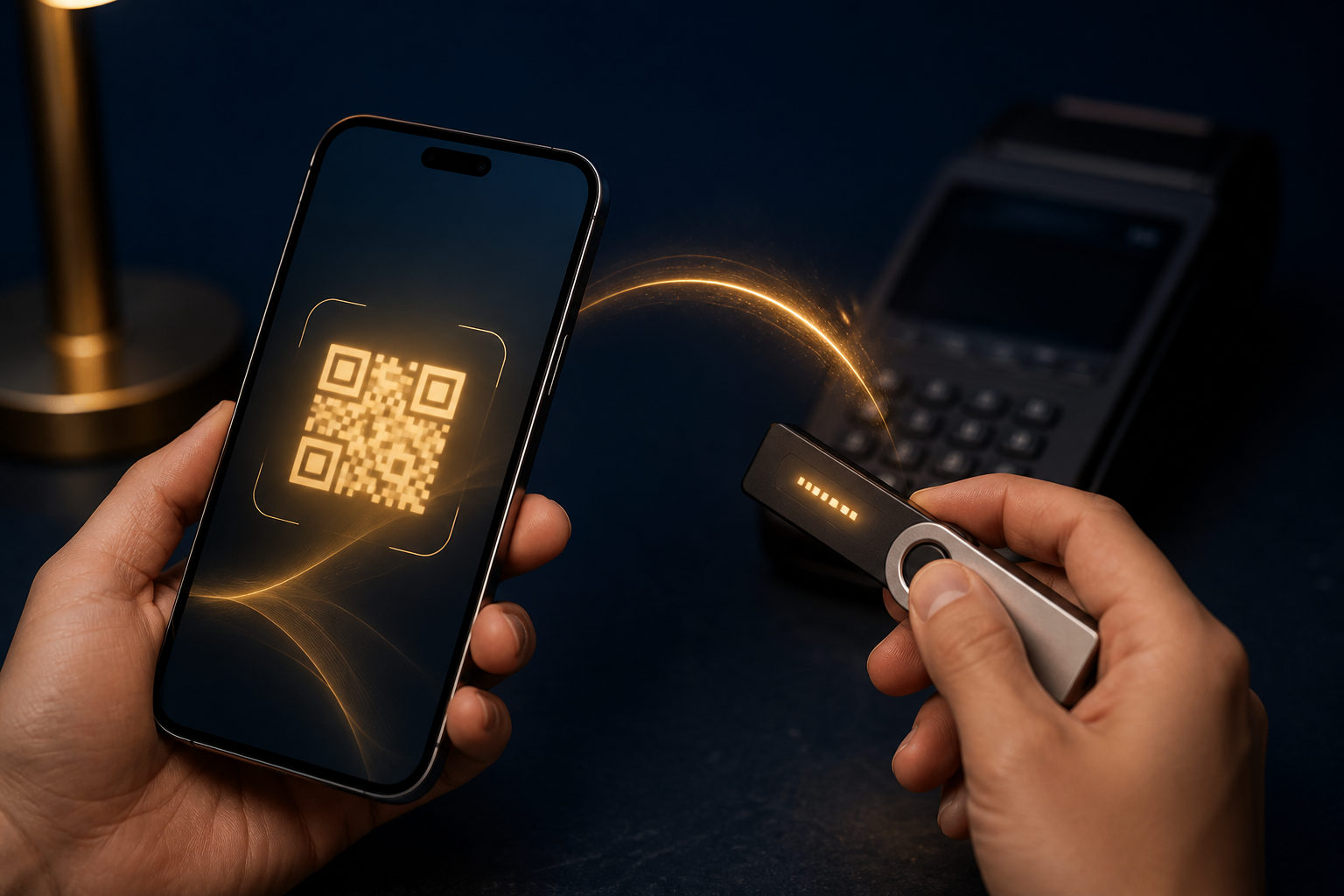
To pay in bitcoin, you need a wallet that can send BTC, a verified payment address or QR code from the merchant, the right fee setting, and a final review before you send.
How bitcoin payment actually works
Paying in bitcoin does not work like sending money to a username. Your wallet creates a transaction and sends BTC to a blockchain address provided by the seller, service, or recipient.
In practice, the payment request may appear as a plain address, a QR code, or a checkout screen that fills in the amount for you. That matters because bitcoin payments are usually hard to reverse after the transaction is broadcast to the network.
What to prepare before you pay
Make sure the merchant truly accepts BTC
Some businesses say they accept crypto, but that does not always mean they accept bitcoin for direct checkout. Before you do anything else, check the payment page, invoice, or support instructions to confirm that the required coin is BTC.
This step prevents a common mistake: assuming all crypto payment options are interchangeable. They are not, and sending the wrong asset or using the wrong payment flow can create a mess fast.
Use a wallet you can control
If your bitcoin sits only inside a third-party account, your payment may be slowed by withdrawal reviews, sending limits, or account checks. A wallet you can operate directly gives you better control over the transaction, the fee, and the payment record.
One rule is absolute: never share your seed phrase or private key. Anyone asking for those details to verify a payment, process a refund, or speed up confirmation is trying to take your funds.
Understand the form of the payment request
Some merchants show a simple address. Others provide a QR code, and some generate a request that includes the amount and a payment window. You should know which one you are looking at before you move to the send screen.
That reduces preventable errors. Manual entry is risky, while QR codes are convenient but still need checking, especially if they come from a chat app, social post, or message rather than the merchant’s checkout page.
How to pay with bitcoin step by step
Step 1: Confirm the coin and the payment requirement
Before opening your wallet, verify that the order is asking for BTC. New users often rush past this part because the send action looks simple, but the real risk starts earlier, when the payment requirement is misunderstood.
The reason is clear: once you send to the wrong destination or follow the wrong checkout instructions, fixing the mistake can be difficult or impossible. If the page is unclear, stop and confirm first.
Step 2: Copy or scan, then review manually
Paste the address into your wallet or scan the QR code. Do not hit send right away. Check the first part and last part of the address against the merchant’s page, and confirm the amount shown in your wallet.
This extra review blocks simple but damaging attacks. Clipboard malware can replace a copied address, and a quick visual check of the beginning and ending characters can catch that kind of switch before you send.
Step 3: Choose a fee with the deadline in mind
Bitcoin payments usually include a miner fee. A higher fee can help your transaction get processed sooner, while a very low fee may slow things down.
That does not mean you should always pick the highest option. It means you should match the fee to the situation. If the merchant gives you a limited payment window, a fee set too low can leave you with an expired order and extra support work.
Step 4: Send a small test first when appropriate
If the amount is meaningful to you, or if this is your first time paying that recipient, a test transaction can be a smart move. Send a small amount, confirm that the recipient can see it, then send the rest if the order allows split payments.
The benefit is practical, not theoretical. A test can reveal address mistakes, poor checkout instructions, or a mismatch between what the seller says and what the payment system actually records.
Step 5: Keep the transaction record after sending
After payment, your wallet will usually show a transaction record. Save the transaction ID, the amount, and the related order details so you can provide them if the merchant needs to check manually.
This is useful because real-world payment issues are often administrative rather than technical. An order page may lag behind, a support team may need proof, or a system may fail to match your payment right away.
Fraud risks and safety checks
- Fake support messages: A scammer may send a “new payment address” in chat or email. Trust the final address shown on the official checkout page, not a private message.
- Clipboard hijacking: Malware can swap copied addresses. Always compare the visible beginning and ending characters after pasting.
- Phishing pages: Search results, group messages, and unsolicited emails can lead to fake payment screens. Start from the merchant’s known interface when possible.
- Urgency pressure: “Pay right now or lose the deal” is a classic scam tactic. Pressure makes people skip checks.
- Screenshot confusion: A screenshot is not the same as a transaction record. What matters is the record inside your wallet and the transaction details it provides.
Another common misunderstanding is thinking that “sent” always means “accepted by the merchant.” It does not. Different merchants may have different confirmation rules, payment windows, and manual review steps.
How to tell whether the payment is complete
Once your wallet broadcasts the transaction, it will usually show a status update. For a buyer, the safest approach is to check both sides: your wallet record and the merchant’s order status.
If your wallet shows that the transaction was sent but the merchant page has not updated yet, do not send a second payment immediately. Share the transaction ID with the merchant first and ask them to verify it against their system.
FAQ
Is paying with bitcoin just a matter of scanning a QR code?
Often, yes, the final action is a scan. Still, the scan is only the input method. You must also verify the address, the amount, and the requested coin before sending.
A QR code can come from the wrong page or be altered in a scam. Convenience does not remove the need for review.
What is the most common mistake when paying in bitcoin for the first time?
The biggest mistake is rushing to send before checking the payment requirement. People overlook the requested coin, miss a payment deadline, or choose a fee that does not fit the order timing.
A safer habit is to break the process into small checks. If the payment is important, a test transaction can reduce risk.
Can I cancel a bitcoin payment after I send it?
In most cases, you should assume that a bitcoin payment cannot be canceled like a standard card payment once it has been broadcast and processed. That is why the review before sending matters so much.
If you send to the wrong address, your best option is to contact the recipient at once. Recovery depends on their cooperation, not on an automatic reversal.
What should I do if the merchant says the bitcoin never arrived?
First, check your wallet to confirm that the transaction was actually sent. Then collect the transaction ID and the order details and give them to the merchant for review.
Do not rush into paying again. A delay in order updates or a manual review issue is far easier to solve than a duplicate payment.
Should I always choose the lowest fee to save money?
No. A very low fee can slow down processing, which may be a problem if the order has a time limit. Saving a small fee is not helpful if the payment flow breaks.
Pick a fee that matches the urgency of the order. The right fee is the one that fits the payment deadline and the level of certainty you need.
When you actually make a bitcoin payment, use a trusted device, pull the payment request from the correct checkout page, review the address carefully, test when needed, and save the transaction record. Those habits prevent more mistakes than any shortcut.