
How to pay with Bitcoin Cash comes down to one discipline: verify everything before you hit send. A BCH payment can be simple when the coin, address, amount, and order details match; if any one of those items is wrong, the transfer may be final and hard to fix.
Start by confirming that BCH is actually accepted
Before opening your wallet, make sure the seller or recipient is asking for Bitcoin Cash specifically. “Crypto accepted” is too vague. You need a BCH address, a BCH QR code, or a checkout screen that clearly states the payment is for Bitcoin Cash.
This matters because payment mistakes often happen before the transaction itself. A buyer assumes “Bitcoin” means any major coin, while the merchant expects a different asset or a different network. When that misunderstanding is discovered after the transfer, the problem is no longer a checkout issue; it becomes a recovery issue.
Clarify these points first:
- Is the payment method Bitcoin Cash or another cryptocurrency?
- Will you receive a wallet address, a QR code, or a checkout invoice?
- Is the amount shown in BCH, or will the store convert from a product price at checkout?
- What does the seller count as payment completion: a broadcast transaction, a wallet notification, or later confirmation on their side?
If the recipient cannot explain how they accept BCH, pause there. Sending funds into a vague process is an easy way to create a dispute that could have been avoided in advance.
Get your wallet and device ready before the payment screen appears
Use a wallet you control and understand. If your BCH sits inside a custodial account, your transfer may be delayed by withdrawal checks or account restrictions at the exact moment you need to pay. That is inconvenient during ordinary shopping and risky during time-limited checkout flows.
Your device matters as much as your wallet. Make the payment on a phone or computer you trust. Do not enter wallet recovery words on a random website, and do not let a “support agent” walk you through deep wallet actions over chat or screen sharing. A normal BCH payment requires a transaction from you; it does not require you to reveal the keys that control your funds.
There is also a practical threat many users miss: clipboard replacement. Malicious software can swap the address you copied and replace it with an attacker’s address. For that reason, pasting an address is only the first step. You still need to compare what you pasted with the original source.
A short pre-payment check
- Make sure your available balance is in BCH.
- Check that the send screen shows Bitcoin Cash, not another asset.
- Avoid unfamiliar browser extensions, remote access tools, or suspicious apps on the device you are using.
- Make sure your connection is stable so you do not misread a delay as a failed send.
- Know where your wallet displays the transaction record after submission.
If this is your first payment to a new address, a small test payment can reveal a lot. It helps confirm that the address works, the seller can identify the transfer, and the order instructions are being followed correctly.
When paying, verify the address, amount format, fee setting, and merchant instructions
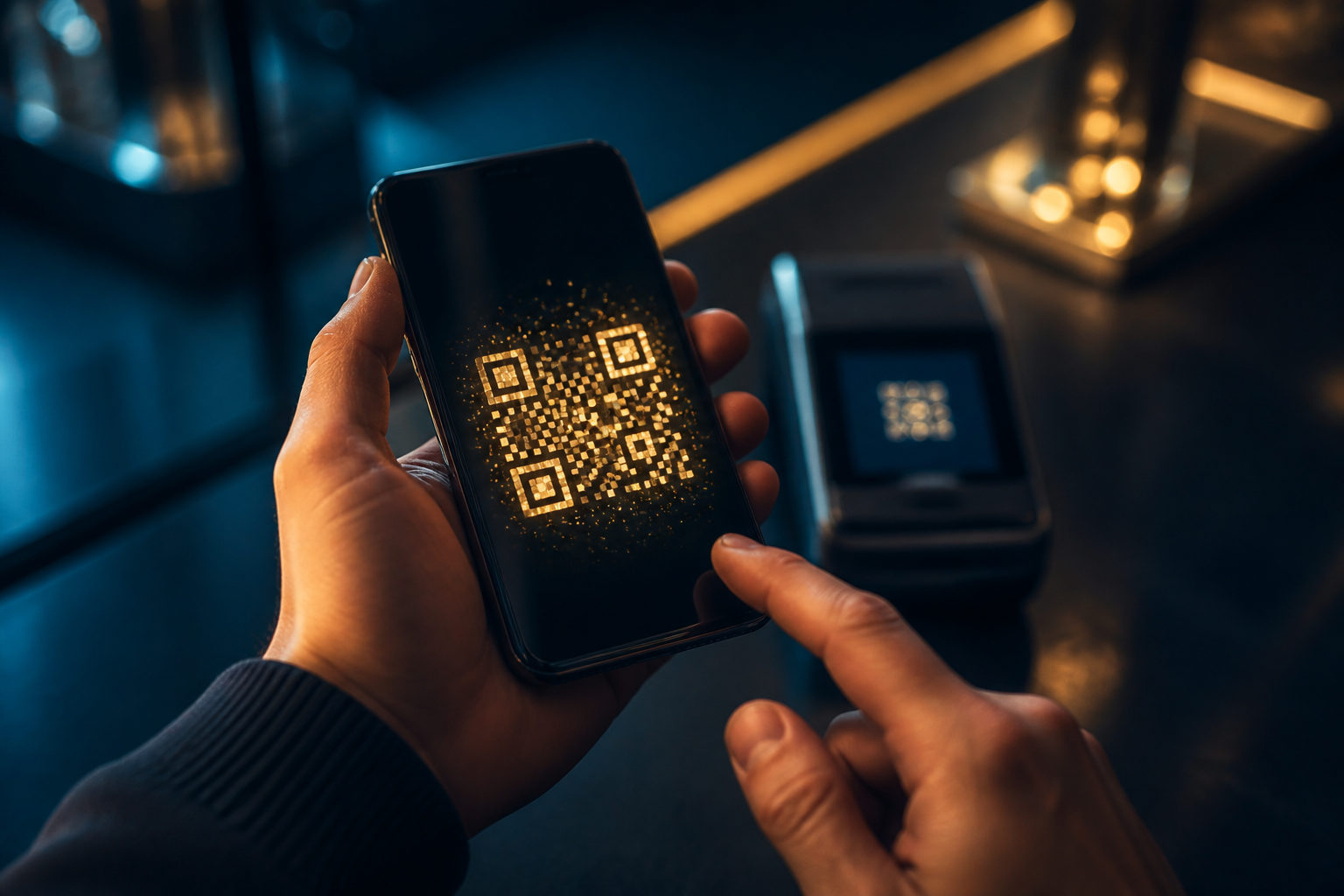
At the send screen, you will usually scan a QR code or paste an address. Scanning is convenient, but convenience does not replace verification. A printed code, a screenshot in chat, or a pop-up on a website can all be replaced by a bad actor. Once the transfer is sent, reversing it is usually not an option.
Next, look closely at the amount entry. Some payment pages generate the BCH amount for you. Others expect you to type it in yourself. What matters here is the display unit in your wallet. If you do not notice the unit format, you can send the wrong amount even if your arithmetic is fine.
Then review the network fee setting. Many wallets choose a default automatically, and for everyday payments that is often the sensible choice. Manual adjustment makes sense only if you know what you are changing and why. Lowering the fee without understanding the trade-off may slow processing; raising it without a reason can make the payment costlier than needed.
Finally, check for merchant-specific requirements before the send is approved. Some sellers want you to generate the payment request from the order page first. Others may ask for the transaction ID if they reconcile payments manually. Ignoring those steps can leave you with a valid transfer that still needs extra back-and-forth before the merchant matches it to your purchase.
- Open the send function in your wallet.
- Scan the BCH QR code or paste the BCH address.
- Compare the beginning and ending characters with the original payment source.
- Confirm that the asset selected is BCH.
- Review the amount and the unit format before approving it.
- Leave the fee setting at the wallet default unless you fully understand the effect of changing it.
- Save the order details or payment page information before sending.
- Submit the transaction and keep the transaction record for later reference.
If someone messages you during checkout and asks you to use a “new payment address,” do not trust the message on its own. Go back to the original checkout page or the verified communication channel you started with and confirm the change there. Account takeovers and impersonation attempts often rely on that last-minute switch.
After sending, focus on proof, order matching, and duplicate-payment risk
A wallet status that says “sent” is not the same thing as a completed purchase in every context. The recipient may look for a transaction record, a matching order number, or a payment tied to a specific checkout session. If you leave the page too early or fail to save the right details, a simple payment can become a support problem.
Keep two kinds of records. First, retain the on-chain transaction reference shown by your wallet. Second, keep the order information that explains what the payment was for. A screenshot is not a substitute for the blockchain record, but it is useful when the merchant needs help identifying which order belongs to your transfer.
If the merchant page does not update right away, do not rush into sending the same amount again. Check whether the checkout session expired, whether the store is waiting for manual review, or whether the transaction is still being processed on the network. Duplicate payments are a common user mistake precisely because the first payment may look uncertain for a short period.
| Payment context | What you should verify | Safer approach |
|---|---|---|
| Online checkout | Whether the order is tied to this exact payment | Keep the order reference and transaction record together |
| In-person payment | What the seller treats as paid | Confirm status at the counter before leaving |
| Chat-based transfer | Whether the address source is trustworthy | Verify through the original agreed channel |
| Manual review | Whether the merchant needs the transaction ID | Provide only the records needed to identify the payment |
When something looks wrong, gather facts before taking action. Your wallet history, the payment page, and publicly visible transaction status are useful. A stranger offering to “fix” the transfer for you usually is not.
The biggest danger is often fraud around the payment, not the payment tool itself
Many Bitcoin Cash scams rely on urgency. A fake support account may claim the system failed and tell you to send funds to a different address. A copied checkout page may display a fraudulent QR code. A dishonest recipient may say the transfer never arrived and pressure you to pay again even though the first transaction was already submitted.
Another serious warning sign is any request for your recovery phrase, private key, or full wallet access. No legitimate merchant needs those details to receive BCH. If someone says they need your recovery words to “verify payment,” stop immediately. That request is about taking control of your wallet, not helping with your purchase.
Refunds deserve attention too. If the order is canceled or the item is unavailable, the return of funds usually depends on the recipient sending a new transaction back to you. It is wise to ask how refunds are handled before you pay, especially when the purchase is large or the seller is new to you.
- Do not switch to a different payment address based only on a private message.
- Do not share your recovery phrase, private key, or one-time verification code.
- Do not pay twice just because a page has not updated yet.
- Be skeptical of “urgent replacement address” or “manual review wallet” requests.
- For a larger purchase, a small test transfer can reduce avoidable errors.
FAQ
Should I send a small test amount first when paying with Bitcoin Cash?
If the address is new to you, a small test payment is often a sensible step. It can show whether the address is correct and whether the seller can match the transfer to your order before you send the full amount.
Can a Bitcoin Cash payment be canceled after I send it?
Once a BCH transaction has been broadcast, there usually is no card-style cancel button. If you notice a problem, save the record and contact the recipient before doing anything else, especially before sending another payment.
Is scanning a QR code safer than pasting an address?
Both methods can work, and both still require verification. QR codes reduce typing mistakes, while pasted addresses need extra attention because copied content can be replaced by malware.
If a store says it accepts crypto, can I just pay with BCH?
No. You should confirm that Bitcoin Cash is accepted specifically and that the address or QR code provided is meant for BCH payments.
What if support asks for my wallet recovery phrase to confirm the payment?
That is a major red flag. Recovery words control the wallet itself; they are never a normal requirement for proving that you sent a payment.
The practical path is simple: get BCH payment details from a verified source, check the address and amount format carefully, follow any order instructions, keep the transaction record, and stop the process the moment someone asks you to change the address, reveal wallet secrets, or send the payment again.