
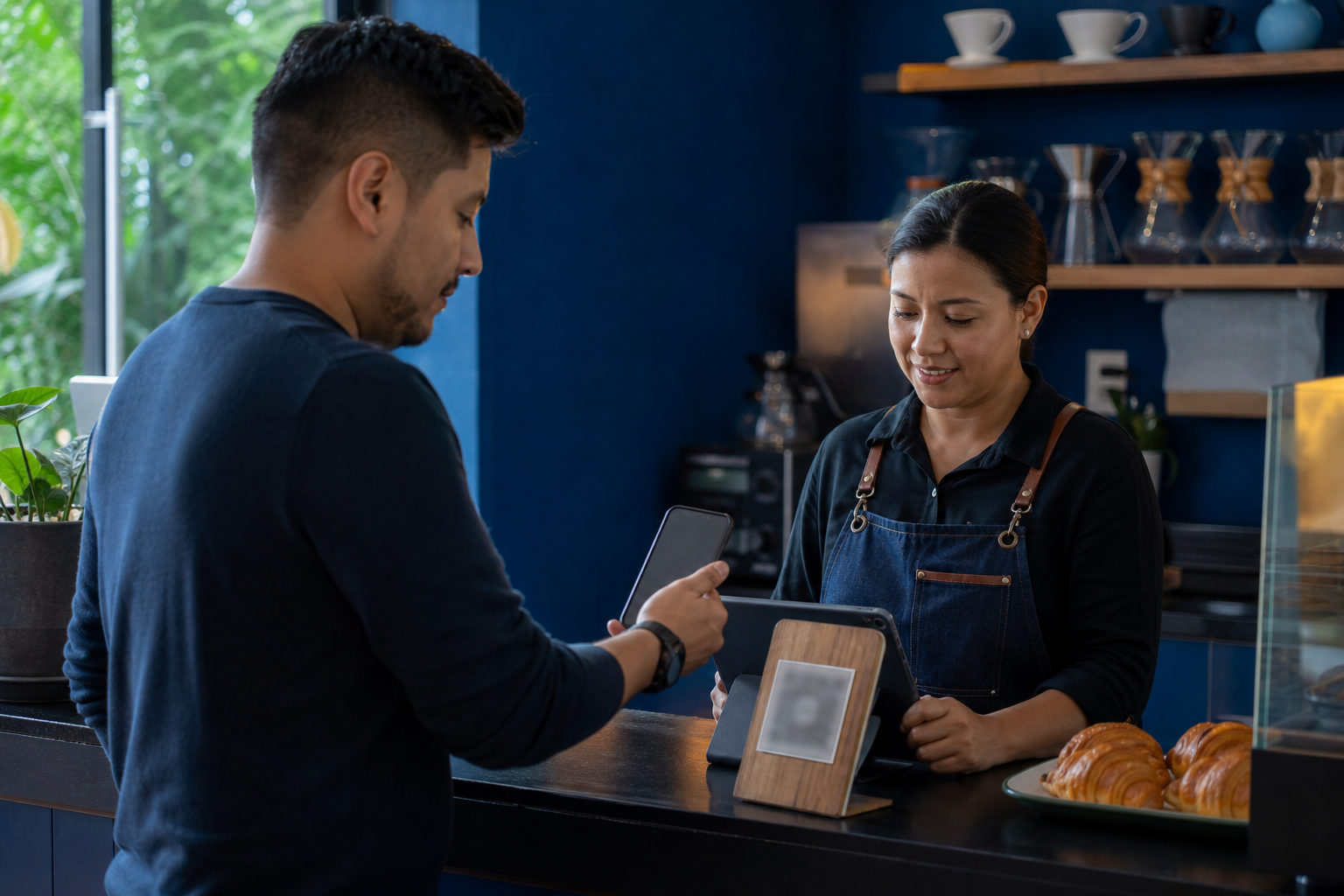
To pay with bitcoin in El Salvador, first confirm whether the merchant accepts on-chain BTC or Lightning, then use your own wallet to scan, verify the amount and network, and wait until the merchant sees the payment on their side.
Start by identifying the payment method
The merchant may be accepting a standard on-chain bitcoin payment or a Lightning payment. Both are bitcoin payments, but they are not handled the same way.
Ask before you scan. Find out whether they are showing a normal BTC address, a standard QR code for an on-chain payment, or a Lightning invoice.
| Payment type | What you may see | Best fit | Main caution |
|---|---|---|---|
| On-chain BTC | Bitcoin address or regular payment QR code | Larger purchases or cases where instant settlement is less important | Once sent, it is usually hard or impossible to reverse |
| Lightning | Lightning invoice or Lightning QR code | Small retail payments and fast checkout | Invoices can expire and may need to be generated again |
This matters because not every wallet handles every payment flow the same way.
What to prepare before you reach the counter
Open your wallet before you need it. Make sure you know where the send button is, where the scan function is, and how your wallet displays BTC payments.
Check that your bitcoin balance is actually usable for spending and that the wallet can send BTC right now.
Your phone also needs a quick check. Network access, battery level, screen brightness, and unlocking method all affect whether the payment goes smoothly.
| Preparation item | What to do | Why it helps | Common mistake |
|---|---|---|---|
| Wallet readiness | Open the wallet and find the send or scan page | You avoid searching through menus at checkout | Users stay on the portfolio screen and freeze |
| Spendable BTC | Confirm you can actually send bitcoin | Prevents avoidable payment failure | Assuming visible funds are immediately spendable |
| Phone connection | Check mobile data or local Wi-Fi before paying | Scanning and broadcasting depend on connectivity | Connecting to a public network that barely works |
| Battery and access | Keep enough battery and a quick unlock method | Reduces delay at the register | Low-power settings interfering with app behavior |
How to pay at the register, step by step
When the merchant presents the payment screen, look at how the amount is being shown. Some merchants display the purchase in US dollars and let the system convert it for payment. Others generate a BTC amount directly. Make sure the payment details in your wallet match what the merchant is showing for that purchase.
Use the wallet’s built-in send or scan function rather than a generic camera app. After scanning, check the amount, the destination details, and the payment network. If it is an on-chain payment, compare the address shown in your wallet with what the merchant provided. If it is Lightning, check that the invoice is valid and that the amount shown makes sense for that order.
Only then should you approve the payment. Once you send it, stay there long enough for the merchant to see the change on their side. That gap can be caused by a slow connection, an expired invoice, or a payment page that has not refreshed.
If this is your first time paying with bitcoin in a new place, start with a small purchase.
| Checkout step | What you do | What to verify | When to move on |
|---|---|---|---|
| Confirm payment type | Ask whether it is on-chain or Lightning | Do not assume based on the QR code alone | You know which payment path to use |
| Scan the request | Use your wallet’s send or scan tool | Check whether the wallet reads the request correctly | A review screen appears inside the wallet |
| Review details | Check amount, address, or invoice | Make sure the amount and network are right | The wallet details match the merchant screen |
| Send and wait | Approve the payment and remain at the counter | Watch for acknowledgment on both sides | The merchant confirms receipt or active processing |
Fraud and error traps to watch for
The biggest risks are usually ordinary mistakes mixed with a little pressure. One common problem is a suspicious QR code. A printed code that looks covered, replaced, or oddly placed deserves a second look. If the merchant cannot clearly explain what you are being asked to scan, ask for a fresh payment request.
Another risk is being rushed. If someone is pushing you to hit confirm quickly, slow down. If you misread the amount or send through the wrong path, fixing the result can be hard.
A third warning sign is anyone telling you to send bitcoin to a personal wallet first so they can "pay for you." For a normal purchase, send only to the merchant’s actual payment request.
Privacy matters too. Paying with bitcoin does not require you to reveal your backup phrase, full wallet balance, or every screen in your app. The merchant only needs to see that the payment was made. No cashier needs control over your phone, and no helper needs your recovery information.
| Risk scenario | What it may look like | Why it is dangerous | Best response |
|---|---|---|---|
| Suspicious QR code | Covered sticker, unusual display, unclear explanation | You may send funds to the wrong recipient | Ask for a new payment request from the merchant |
| Pressure to confirm fast | Someone tells you to skip checking details | You may miss the amount or network type | Pause and review the payment screen again |
| Middleman offer | Someone asks you to send BTC to them first | It adds fraud risk and dispute risk | Pay the merchant directly |
| Oversharing wallet info | Requests to view seed words or full balances | Your wallet security can be compromised | Show only the payment screen you need |
What to do after you send the payment
Do not treat the tap on "send" as the final step. Check that your wallet created a payment record, and wait for the merchant to confirm that their system reflects the payment.
If your wallet says the payment was sent but the merchant says nothing appeared, do not send again right away. First figure out whether the issue is a stale payment page, a Lightning invoice that expired, a weak connection, or a mismatch between the request and what your wallet actually processed. Duplicate payment is one of the most common beginner errors.
Keep track of the payment record. You do not need to screenshot every wallet screen, but you should know where to find the transaction status, time, and amount later. If there is a refund discussion or any question about the purchase, that record gives you something concrete to rely on.
FAQ
Do I need to convert bitcoin into dollars before paying in El Salvador?
Not always. In many cases, you can pay directly in BTC while the checkout system shows the purchase in US dollars or converts it during the payment flow. The main task is to verify what your wallet is about to send, not to rush into manual conversion.
Can any bitcoin wallet work for payments there?
No, not automatically. The key question is whether your wallet supports the payment format the merchant is using, especially if the merchant relies on Lightning for fast checkout. Testing your wallet before you go out saves time and stress later.
What should I do if the amount looks wrong after I scan?
Do not confirm the payment. Ask the merchant to generate the request again, then check whether you are looking at the correct purchase and the intended payment method.
If my wallet shows sent but the merchant sees nothing, has the payment failed?
Not necessarily. You need to check the payment status and look for causes such as an expired invoice, a slow connection, or a merchant screen that has not refreshed yet. Until that is clear, do not try a second payment.
What is the most practical first-time tip for travelers paying with bitcoin?
Use it first in a small, low-pressure purchase. That gives you a clean way to learn the flow, notice how your wallet behaves, and catch usability issues before they matter in a more stressful setting.
If you want one rule to remember, make it this: confirm the merchant’s payment type, verify the amount and network in your own wallet, and wait for visible acknowledgment before walking away.