
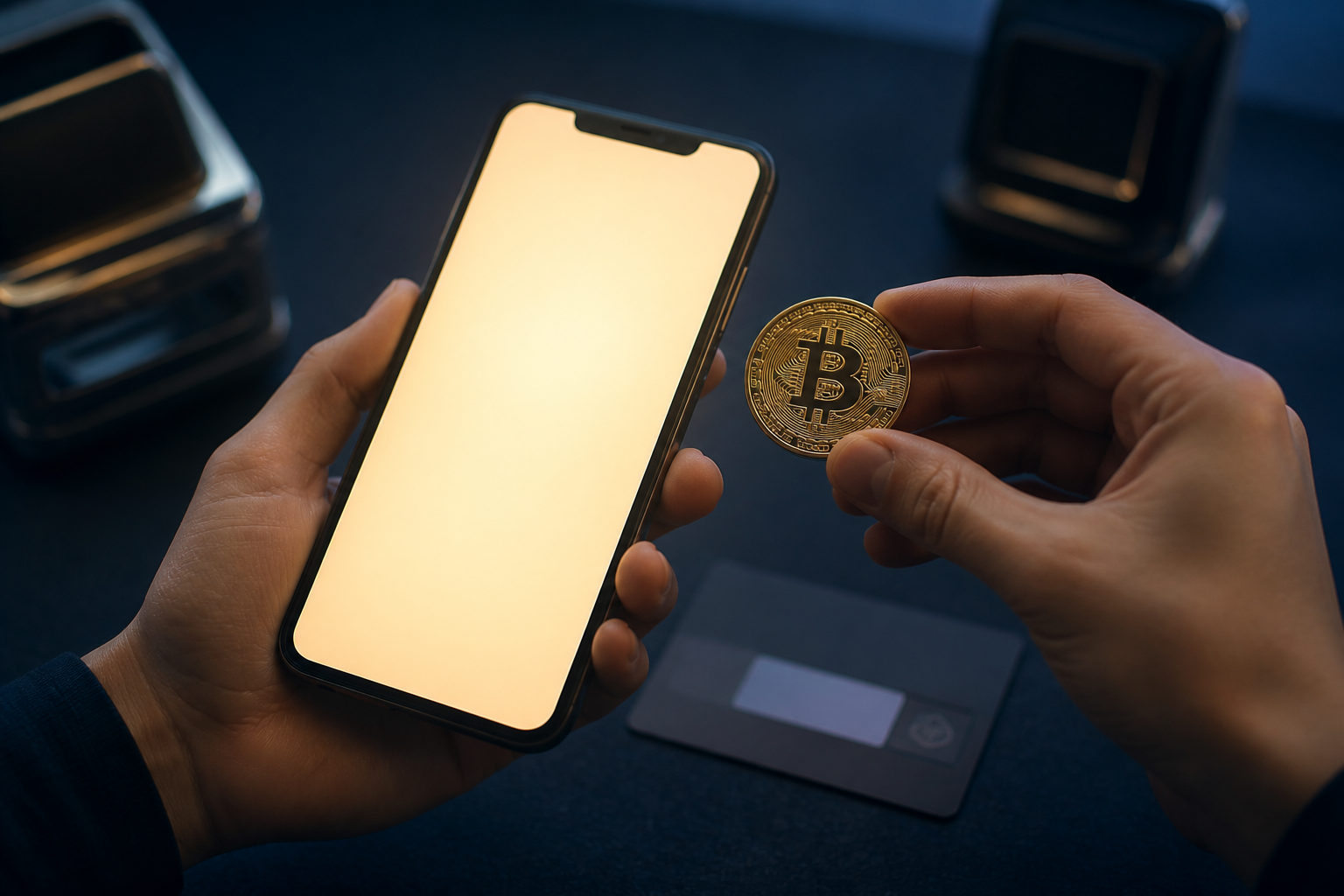
To send Bitcoin on Cash App, open the Bitcoin transfer flow, confirm the recipient address and network, then approve the transaction. One thing comes first: once a Bitcoin transfer is sent on-chain, you usually cannot pull it back.
Know what you are actually sending
A lot of confusion starts before anyone taps the send button. Inside Cash App, you may have a cash balance and a Bitcoin balance, and those are handled in different ways. Sending dollars to a person inside the app is one thing. Sending BTC to a wallet or exchange deposit address is something else entirely.
If your goal is to move Bitcoin out of Cash App, focus on the Bitcoin withdrawal or send screen. The recipient needs to give you a valid BTC receiving address, or in some cases another supported receiving method. What matters is that the method shown by the recipient matches what Cash App supports at that moment.
There is also a custody question that many short guides skip. If Bitcoin stays inside a platform account, the platform controls the access system around it. If you move Bitcoin to a self-custody wallet, control shifts to whoever holds the private key or recovery phrase. That changes your responsibility right away.
What the sending process usually looks like in Cash App
App layouts change. The main flow usually does not. You go to the Bitcoin section, check that your account is allowed to send, and complete any identity or security steps required by the app before you try to move funds.
Then you enter the recipient details. If you paste an address, do not glance at the first characters and assume all is well. Check the beginning, the end, and part of the middle. If you scan a QR code, still verify what was imported. Clipboard hijacking exists. Wrong screenshots exist. A copied address can be incomplete if it came through a messy chat thread.
After that, you enter the amount. The screen may show the Bitcoin amount, a fiat equivalent, and some fee or speed information. Slow down here. Make sure you are sending BTC to a Bitcoin address, not dropping funds into an address meant for a different asset with a similar name. If the receiving platform has a special deposit instruction, read it before you confirm anything.
A short pre-send check helps:
- Use a reliable source for the address: copy it from the recipient's official deposit page when possible, not from a forwarded image.
- Confirm the network: make sure the recipient is expecting Bitcoin, not another asset or another chain's version of it.
- Read the unit carefully: some screens switch between a fiat view and BTC, and that can change how the number feels at a glance.
- Consider a small test first: this is useful for a new address, a new recipient, or any transfer you cannot afford to misroute.
- Know who controls the coins after the transfer: sending to a platform account and sending to a self-custody wallet lead to very different follow-up risks.
Only then should you hit confirm. After submission, the transaction has to move through the Bitcoin network and then through the receiving side's own deposit process.
Where people make mistakes: address checks, fees, and arrival time
The biggest errors usually happen in the reading stage, not the tapping stage. An address that looks like a Bitcoin address is not enough. You need to know that it belongs to the exact destination the recipient wants you to use for BTC right now. Exchanges, hosted wallets, and merchant payment pages often separate deposit routes by asset, and the account you see on screen may have different instructions depending on what you selected.
Fees are another place where users rush. There is no single fixed experience that applies to every send. What you pay and how long the transfer feels can depend on current network conditions, the options Cash App presents, and the route you choose. If timing matters, check the prompts before you submit, not after.
Arrival time has two layers. First, the transaction is broadcast to the Bitcoin network. Then it waits for confirmation in a block. Bitcoin produces a block about every 10 minutes on average, but any single transfer can feel faster or slower than that. On top of that, the receiving platform may wait for its own internal deposit conditions before it credits the funds to the account.
| Stage | What to verify | Common mistake |
|---|---|---|
| Choose the send function | Make sure you are using Bitcoin send, not a cash payment flow | Treating a dollar transfer like a BTC withdrawal |
| Enter recipient details | Check address source, asset type, and destination page | Looking only at the format and sending anyway |
| Set the amount | Read whether the screen is showing BTC or fiat value | Misreading the unit after a display switch |
| Review before confirming | Check fees, speed prompts, and whether a test send makes sense | Rushing through the final review |
| Wait for deposit | Follow transaction status and the recipient's crediting rules | Assuming sent means received |
Private key responsibility after the coins leave Cash App
This part matters. A lot. Many tutorials show the buttons and stop there, but the real shift happens after the transfer. If the Bitcoin remains on a custodial platform, access depends on your account security and the platform's controls. If you send it to a self-custody wallet, recovery depends on your handling of the wallet's private key or recovery phrase.
That recovery information should not live in a casual notes app, a chat thread, or a cloud document you forget is synced across devices. An offline record is safer, and access to it should be tightly limited. Anyone with full recovery information may be able to move the coins.
If you simply need to pay someone, think before adding extra hops. Sending from Cash App to your own wallet and then to the final recipient creates another moment where an address can be mixed up or a network instruction can be misread. Start with the purpose of the transfer: payment, withdrawal, storage, or moving funds between your own accounts. The cleanest path depends on that answer.
Do not treat the ability to sign in as proof that everything is secure. Platform account safety depends on password hygiene, device security, two-factor protection if available, and your ability to spot phishing. Self-custody safety depends on key management. Different setup, different failure points.
FAQ
Can I cancel a Bitcoin transfer after I send it from Cash App?
Usually, no. Once the transaction has been submitted to the Bitcoin network, it should be treated as irreversible. If Cash App ever shows a cancellation window at an early stage, the app would need to display that clearly.
Why can I see Bitcoin in Cash App but still cannot send it?
Common reasons include incomplete account verification, missing security requirements, or a recipient method that is not supported in the flow you selected. Go back to the send screen and check the prompts carefully before trying again.
What should I verify before sending Bitcoin from Cash App to an exchange?
Make sure the exchange gave you a BTC deposit address and that the address is meant for your current account. Some exchanges separate deposits by asset very strictly, and choosing the wrong route can create a hard recovery problem.
What changes after I move Bitcoin to my own wallet?
You take on the job of protecting recovery information, securing the device environment, and following the wallet's own receive and send rules. Self-custody gives you direct control, but it also removes the safety net a platform may offer around account access.
What is the safest way to handle a first Bitcoin send?
Get the address from an official deposit page, avoid typing it by hand, and verify what was pasted or scanned. For a new address or a transfer that matters, a small test transaction can reduce the chance of a painful mistake.
If you are about to send Bitcoin on Cash App now, pause for one last review of the address, network, amount unit, fee prompt, and who will control the coins after arrival. That final check is often the difference between a clean transfer and an expensive error.