
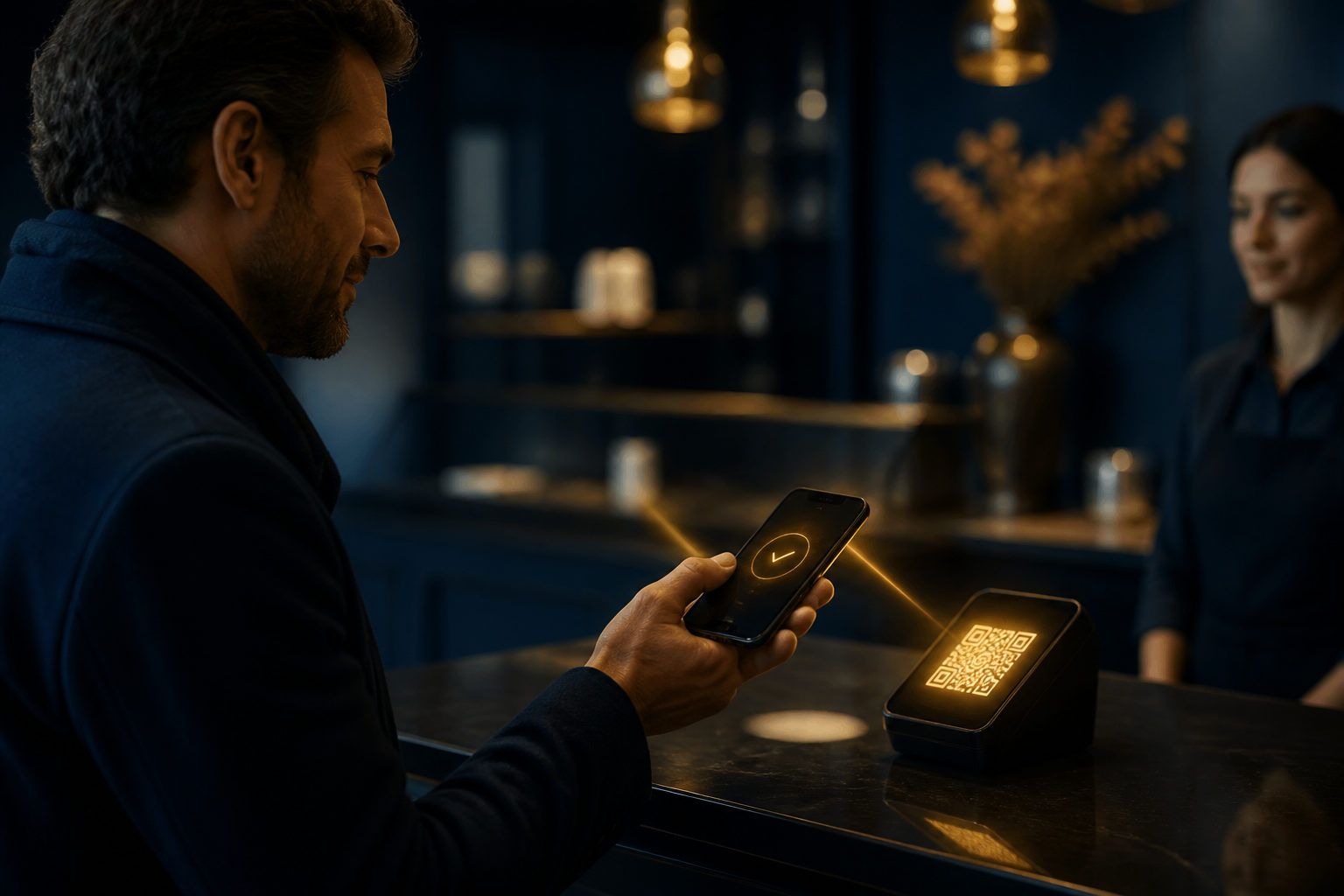
How to spend bitcoin comes down to a simple flow: confirm the seller accepts BTC, pay from a wallet you control, verify the payment details before sending, and keep the transaction record afterward. The hard part is not pressing send. It is catching mistakes before they become permanent.
What spending bitcoin actually looks like
Spending bitcoin usually means sending BTC from your wallet to a merchant's payment address, or checking out through a processor that handles the crypto side for the seller. From the buyer's seat, it may look like a QR code at a counter or a payment window on a checkout page. Underneath, though, the seller may have different rules for when an order counts as paid.
That is why a basic question such as “where can I spend bitcoin” only gets you part of the answer. A better starting point is whether the merchant clearly supports BTC, which network or payment method is being used, and how they handle failed or delayed orders. Those details decide whether the purchase feels easy or turns into a support ticket.
Before you pay, set yourself up properly
Use a wallet you control
If you plan to buy things with bitcoin more than once, a wallet where you control the recovery phrase usually makes the process smoother. You can send directly, review the transaction status yourself, and avoid extra delays tied to a third-party account.
One warning matters more than the rest: protect the recovery phrase offline. No screenshots. No cloud notes. No sharing it with anyone claiming to be support.
Leave room for network fees
New users often focus on the amount shown on the order and forget that the wallet may also need enough balance for the network fee. Then checkout starts, the code is scanned, the timer is running, and the payment cannot go through because the wallet balance is too tight.
A little spare balance saves you from that mess. Especially in person, with someone waiting.
Make sure the merchant is asking for BTC
“Crypto accepted” is not specific enough. Some merchants support several assets, and some payment pages can switch between different options. You should see a clear BTC payment request, a bitcoin address, or a checkout flow that explicitly names bitcoin.
Sending the wrong asset, or using the wrong network path for what the merchant requested, can create a problem that is hard to fix. Sometimes impossible.
How to spend bitcoin step by step
Start by checking the payment request
Once the merchant shows a QR code or a payment string, pause for a second and inspect it. Confirm that the request is for BTC. Then look at the amount unit. Some wallets show bitcoin in BTC, others show smaller units such as sats, and if you rush through the screen you can misread the amount even when the numbers look familiar.
Checkout pages may also have a time limit. If the order expires and the merchant generates a fresh payment request, an older code may no longer match the live order.
Review the address, amount, and any order reference
Before sending, compare the first and last characters of the destination address if your wallet displays them, and check the payment amount one more time. Also look for a merchant note about an order reference. Some sellers rely on that reference to match your transaction to the purchase.
This part feels boring. It also prevents a lot of avoidable back-and-forth.
Send the payment and keep the record
After you broadcast the transaction, do not close everything at once. Save the transaction ID, keep a screenshot of the payment confirmation if your device allows it, and retain the merchant order page until the status updates. If the order stalls, those records are what you will need.
Bitcoin produces a new block about every 10 minutes, but a merchant may wait for a certain number of confirmations or use internal review rules before marking the order as complete. So your wallet showing “sent” is only one piece of the story.
Why a payment can be sent but the order is still not complete
This catches beginners all the time. You have paid from your side, yet the store still says pending. That can happen because the transaction is waiting for confirmation, the fee was set too low for current conditions, the payment arrived after the checkout window ended, or the merchant system has not matched the transfer to your order yet.
Refunds can be awkward too. Some merchants do not automatically send bitcoin back to the address that paid. They may ask you for a separate refund address, or they may apply their own store policy before doing anything. Read the payment and refund terms before you send, not after.
| Situation | What to check | Common mistake |
|---|---|---|
| Online checkout | Asset type, amount unit, order reference | Paying after the timer expires |
| In-store QR payment | Whether the code belongs to the current sale | Scanning an old code |
| Sending from your wallet | Address details and fee headroom | Using the full balance with no room for fees |
| After payment | Transaction ID and order status | Closing the page without saving proof |
Fraud risks and beginner mistakes that cause real losses
The biggest red flags are usually behavioral, not technical. Someone pressures you to send BTC immediately. A supposed seller refuses to issue a proper order page. A “support agent” asks you to move coins to a “safe address” for verification. Stop there.
Bitcoin transactions are not built for casual do-overs. Once the payment is sent, getting it back is rarely as simple as reversing a card charge or asking a bank to cancel a transfer. That is exactly why scammers push urgency: they want you moving too fast to verify what is on the screen.
Another mistake is letting another person guide your taps step by step through chat or phone while you are inside your wallet. Open the merchant checkout yourself. Read the amount yourself. Confirm the destination yourself. If you are paying on the go, using your own mobile connection is safer than relying on an unknown public network or handing your phone to someone across the counter.
FAQ
Can you really use bitcoin to buy things?
Yes, if the merchant accepts BTC. The key issue is not whether bitcoin can be spent in theory, but whether the seller has a payment flow that clearly supports it and can match your transfer to the order.
Where can you spend bitcoin?
You may find bitcoin payments in online stores, digital services, and some physical shops, but availability is uneven. The practical way to check is at the point of sale or on the merchant's payment page.
How do you spend bitcoin without making a rookie mistake?
Use a wallet you control, verify the payment request carefully, and keep the transaction record after sending. Most beginner errors happen when people rush through the amount, the asset type, or the order details.
Why does the merchant still show pending after I paid?
Your wallet sending the transaction does not always mean the merchant is ready to release the order. The store may be waiting for confirmations, reviewing the payment, or dealing with an expired checkout session.
Can you cancel a bitcoin payment after sending it?
Usually not in the way people expect from bank or card payments. If a refund is possible, it normally depends on the merchant's own process, so checking the payment details first matters far more than hoping to undo it later.
For your first purchase, pick a small order with a clear checkout flow and do the whole process yourself from start to finish. Scan the code, verify every field, send the payment, keep the transaction ID. That single dry run will teach you more than reading ten generic tips.
Disclaimer: This article is for informational and educational purposes only and is not investment, financial, or legal advice. Crypto assets are highly volatile and you could lose your entire investment. Do your own research and decide carefully.