
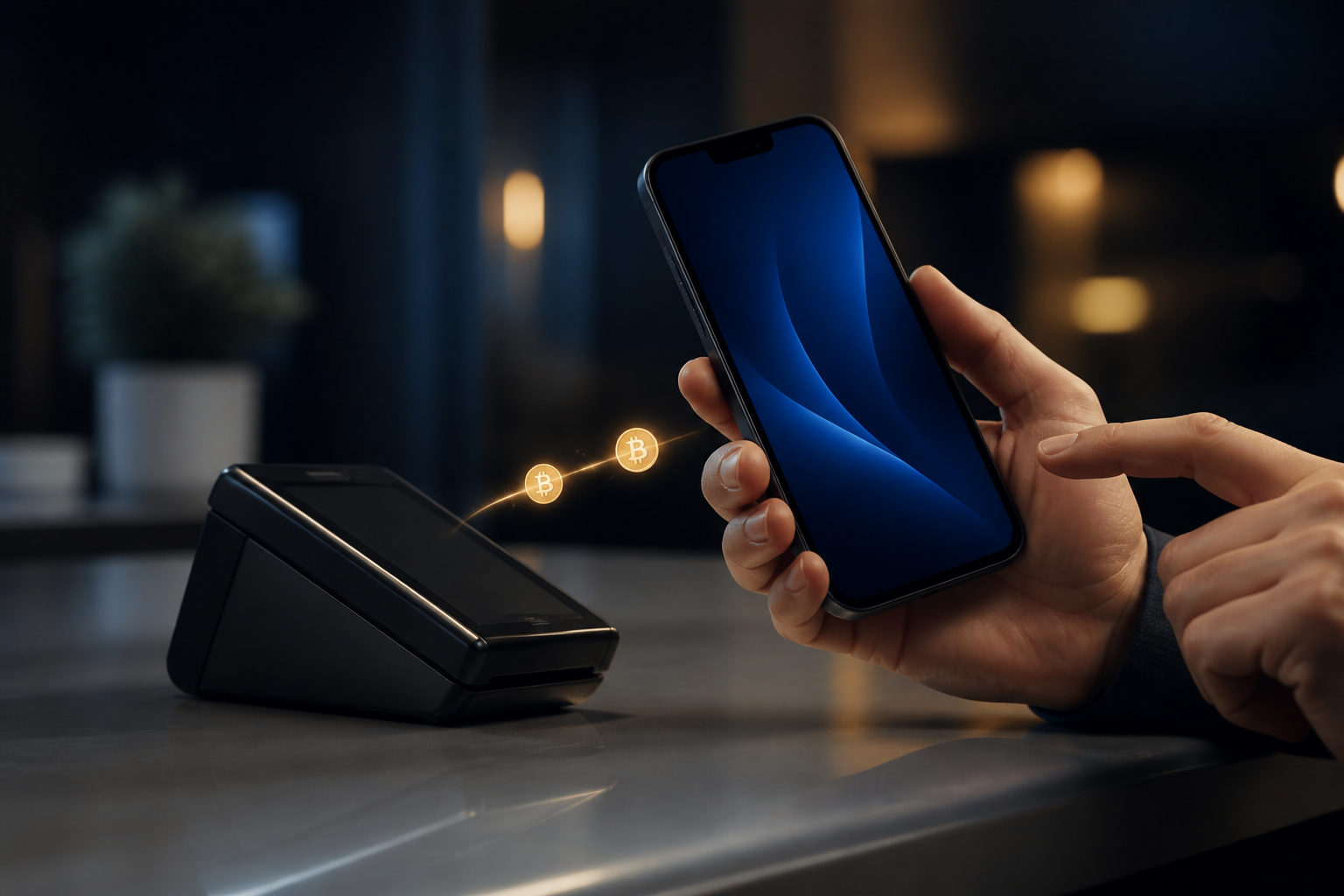
To use bitcoin for payment, confirm the payee’s BTC setup, verify the address and amount, send a small test first, and save the transaction ID before any dispute starts.
What a bitcoin payment actually is
A bitcoin payment is a transfer from your wallet to a recipient’s BTC address, often entered by scanning a QR code or pasting a string of characters. It does not work like a card charge and usually does not come with a built-in reversal process. Once the transaction is broadcast and confirmed on the blockchain, recovery is often difficult or impossible.
Owning bitcoin and paying with bitcoin are different. Paying depends on operational details: whether the merchant accepts BTC on the Bitcoin network, whether your wallet can send properly, how the amount is quoted, and what the recipient counts as received funds.
You do not need a whole bitcoin to pay. Bitcoin can be divided into very small units. The smallest unit is 1 satoshi, equal to 0.00000001 BTC. On-chain settlement takes time because Bitcoin targets about 10 minutes per block, so a seller may see your transaction quickly but still wait for one or more confirmations before releasing goods or services.
| Term | What it means | Why it matters during payment |
|---|---|---|
| Receiving address | The destination for your BTC, usually shown as text and a QR code | A wrong address is usually not reversible |
| BTC amount | The amount you send in bitcoin units | You must match the seller’s quoted amount or conversion rule |
| Miner fee | The fee paid by the sender so the transaction can be included in a block | A fee that is too low may delay confirmation |
| Confirmations | The number of blocks added after the transaction enters a block | Many merchants wait for this before final delivery |
| Transaction ID | The hash used to identify your transfer on-chain | It is the key record if a payment dispute appears |
How to use bitcoin for payment: step by step
Step 1: Confirm that the seller really accepts BTC and ask which setup they use
Ask the recipient to state clearly that they accept BTC, not just “crypto.” Also confirm what kind of receiving setup they expect, because some payment flows look similar but only recognize a specific address format or workflow.
If the address format, internal processing method, or payment instructions do not match what your wallet is sending, you may see “sent” on your side while the recipient cannot credit the order.
If there is a last-minute address change, a replacement QR code in chat, or a request to send funds to a “finance desk” or “support holding address,” stop the process. Legitimate sellers usually do not need an unknown third party to receive your BTC first.
Step 2: Use a wallet that can actually send BTC and inspect the send screen before checkout
Before you try to pay, open the wallet’s send screen and make sure it supports scanning a QR code, pasting an address, showing the network fee, and displaying a transaction ID after broadcast. If your bitcoin is sitting in an account that only allows buying and selling, it may not be sendable when you need to pay.
You need to understand where the amount is entered, where the fee is shown, and how the wallet reports pending or confirmed status before checkout.
Back up your seed phrase or private keys before relying on that wallet for real payments. If your phone is lost or the app fails, you may lose access to your records. Never send a seed phrase to anyone claiming to be customer support.
Step 3: Check how the amount is quoted and whether the seller uses a live dollar conversion
Some merchants quote a fixed BTC amount. Others quote a price in dollars and convert it to BTC at the time of payment. If it is the second case, ask which live price source they use, how long the quote stays valid, and what happens if your payment arrives after that window.
Bitcoin’s market price changes constantly, and your wallet’s estimated dollar value may differ from the merchant’s internal pricing rule. If you pay after the quote expires, the seller may mark the invoice as underpaid or request an adjustment.
Be careful with decimal places. BTC amounts can include many digits after the decimal point. Typing them by hand increases the chance of sending too much or too little. If a QR code is available, scanning is usually safer than manual entry.
Step 4: For a new recipient, send a small test payment first
If you are paying a merchant or individual for the first time, especially for a meaningful amount, send a small test transaction before the main payment. Wait for the recipient to confirm that it arrived as expected, then send the rest. Even after a successful test, recheck the address on the second transfer.
Clipboard malware can replace copied addresses, and a QR code can be swapped in chat or on a compromised page. A test payment reduces the cost of a mistake.
Do not confuse a test payment with a demand for a deposit. If someone says you must send BTC first to “activate” an account, “verify” a wallet, or “unlock” a payout, that is different and often a fraud signal. A real test is your decision to verify the path, not their excuse to collect another transfer.
Step 5: Choose an appropriate fee, send the payment, and store the proof right away
When you are ready to send, choose a network fee that matches the urgency of the transaction. If the seller needs prompt confirmation before releasing a product or service, a higher fee may be appropriate. If timing is flexible, you do not need to overpay blindly.
After broadcast, save the transaction ID, a screenshot of the payment screen, and the order details. The transaction ID is the most important item because it is the reference used to track the payment on-chain.
A visible transaction ID does not always mean the seller considers the payment final. It proves that you sent a transaction. The recipient may still wait for confirmation based on their own release policy.
| Step | What to do | Why it helps | Main mistake to avoid |
|---|---|---|---|
| Confirm payment method | Check that the seller accepts BTC and clarify their receiving setup | Avoid incompatible payment instructions | Assuming “crypto accepted” means BTC is handled the way you expect |
| Inspect your wallet | Review the send screen and make sure BTC can actually be withdrawn | Prevents checkout failure | Keeping funds in an account that cannot send on demand |
| Verify the amount | Confirm whether the invoice is fixed in BTC or converted from dollars | Reduces pricing disputes | Ignoring decimal places or quote expiry |
| Run a test | Send a small amount first to a new recipient | Checks the address and payment path | Treating a scam deposit request as a “test” |
| Save proof | Keep the transaction ID and order record | Makes later verification possible | Saving only a screenshot without the hash |
Fraud and error risks that matter most before you pay
The biggest danger in a bitcoin payment is often sending funds to the wrong party, following altered instructions, or reacting to pressure instead of verifying details.
Clipboard replacement and QR code swapping
Some malware watches for copied wallet addresses and replaces them with an attacker’s address the moment you paste. QR codes can also be replaced in a chat image, on a malicious page, or through a compromised device.
Compare the first and last characters of the destination after pasting. If the amount is meaningful, cross-check by rescanning or by asking the seller to confirm the address again through a trusted channel.
“Send another payment and we will refund you” scams
A common script says your order is frozen, your wallet needs verification, or your account must be upgraded. You are told to send another BTC payment and the previous one will be returned. In regular on-chain use, there is no automatic reverse path that forces the other party to refund you.
If someone says one more transfer will fix the previous transfer, stop and verify the situation before doing anything else. Payment disputes should be resolved before more bitcoin is sent.
Impersonation of support staff, merchants, or even friends
An attacker may copy a company name, logo, and tone well enough to look convincing. In other cases, a friend’s account is compromised and used to request an urgent payment on someone else’s behalf. Because BTC transfers are usually irreversible, a fake identity can do serious damage quickly.
Move the confirmation outside the same chat thread. Use an existing contact method you already trust, or ask for a second confirmation through a separate route.
| Risk | What it looks like | What you should do |
|---|---|---|
| Clipboard replacement | The pasted address differs from the copied one | Compare the destination after pasting and rescan if needed |
| QR code swap | An old image or suspicious page shows a receiving code | Ask for a fresh code and verify it again |
| Extra-payment refund trick | You are told to send more BTC to recover earlier funds | Stop immediately and verify the claim before sending anything |
| Fake support or fake merchant contact | The sender changes the address or contact account at the last minute | Return to a trusted channel for confirmation |
| Fee set too low | The payment remains unconfirmed for a long time | Check whether your wallet supports fee adjustment or acceleration |
FAQ
How long does a bitcoin payment take to show up?
The recipient can usually see a broadcast transaction quickly, but whether they count it as paid depends on their policy. Bitcoin targets about 10 minutes per block, and many merchants wait for at least one confirmation before they deliver.
Do I need to own a whole bitcoin to pay with BTC?
No. Bitcoin is divisible down to 1 satoshi, which is 0.00000001 BTC. Small purchases can still be paid in BTC as long as the seller accepts that method and the fee makes sense for the transaction.
Can I reverse a payment if I sent it to the wrong address?
In most cases, no. Once the transaction is sent and confirmed, it usually cannot be canceled like a standard online payment. That is why a small test payment to a new address is such a useful habit.
If the merchant prices the item in dollars, how do I know the right BTC amount?
Ask which live price source they use, how long the quote remains valid, and how they handle late arrival. Your wallet’s estimated conversion may not match the merchant’s settlement rule.
Who pays the miner fee, and can I set it extremely low?
The sender usually pays it. A very low fee can leave the transaction waiting for a long time, which may be fine in some cases but not when the merchant needs confirmation before releasing the order.
Use this payment checklist before you press send
Check the receiving address, confirm the payment instructions, review whether the amount is fixed in BTC or converted from dollars, make sure the quote is still valid, choose a suitable fee, and decide where you will store the transaction ID and order notes. If this is your first payment to that address, run a small test first. If the other side changes the address, changes the contact identity, or pushes you to hurry, pause the transfer and verify everything again before any BTC leaves your wallet.
Disclaimer: This article is for informational and educational purposes only and is not investment, financial, or legal advice. Crypto assets are highly volatile and you could lose your entire investment. Do your own research and decide carefully.