
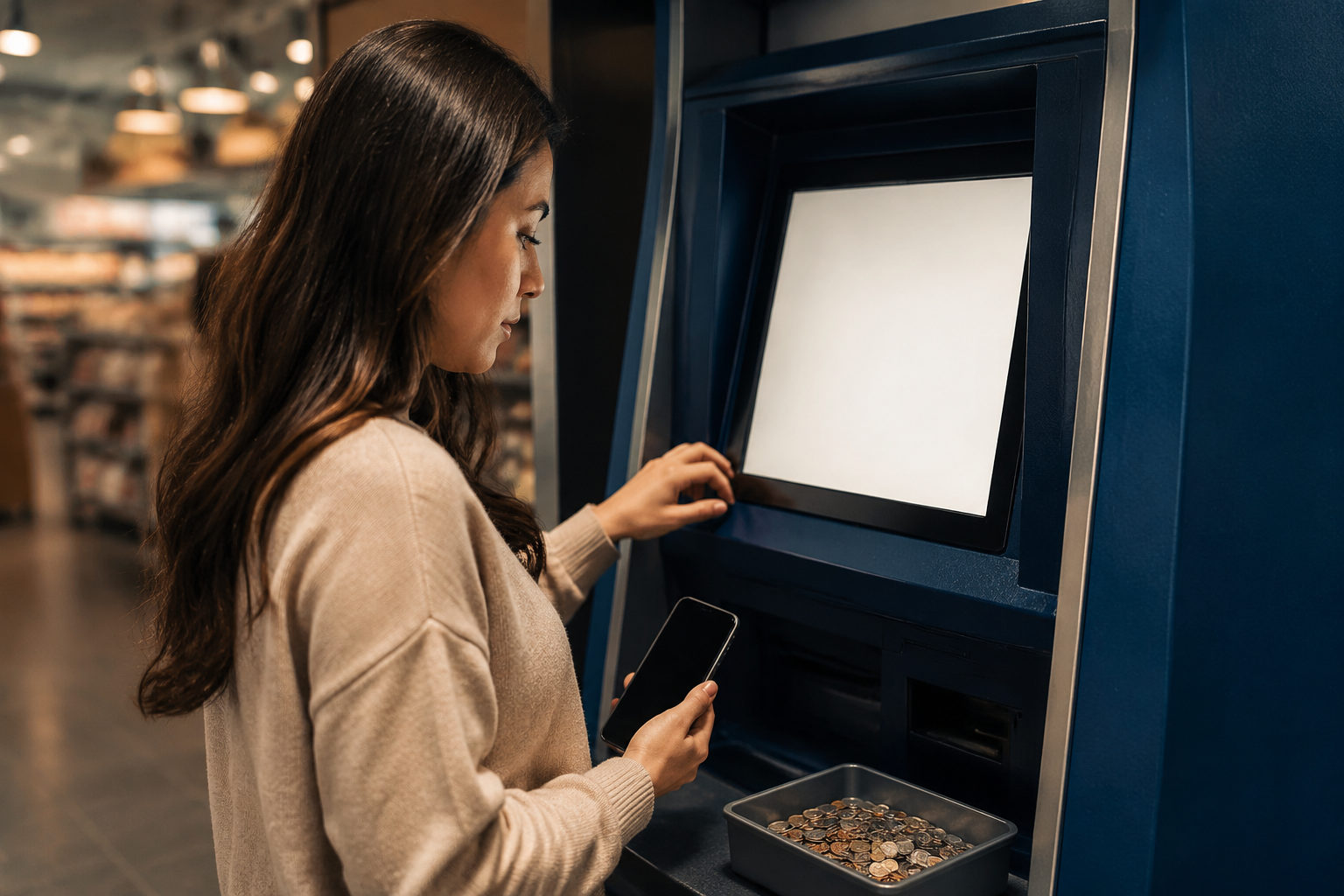
To use a Coinstar kiosk for bitcoin, prepare your own wallet before you leave, verify each screen slowly, and treat every code or receipt as sensitive information.
Decide first whether this buying method fits you
A kiosk can look simple because the screen only shows a few options at a time, but the purchase still depends on details you need to understand on your own. You should know what a bitcoin receiving address is, where your wallet shows it, and what happens after the machine accepts your cash.
The big question is what you receive at the end of the process. Some offline flows send bitcoin to a wallet after you complete the steps. Others may give you a voucher, claim code, or another form of redeemable record that still needs action later. If you do not know which one you are dealing with, stop there.
This matters because a scammer does not need to break into your phone if they can trick you into sending value to their address or handing over a redeemable code. A kiosk is only a tool. The real risk comes from confusion, pressure, and bad verification habits.
What to prepare before you go
Set up a wallet you control
Before visiting a Coinstar kiosk, install or open a bitcoin wallet that you control directly. Make sure you can reach the receive screen without searching through menus under pressure. You should also know how your wallet stores backup information, because buying bitcoin is the easy part; keeping access to it is the part that causes trouble later.
If you plan to send the purchase to an exchange account, check with care that the deposit screen is actually for bitcoin. Many beginners confuse account pages, internal balance screens, and blockchain deposit addresses. If any field or label feels unclear, do not guess at the kiosk.
Use a live receive screen, not a random image
The safest habit is to open your wallet and show the current receive QR code directly from the app. Avoid pulling a code from old screenshots, chat threads, cloud albums, or images forwarded by someone else. A QR code can send funds anywhere, and the machine cannot tell whether that destination belongs to you.
If you keep screenshots for convenience, treat them only as a backup reference. At the kiosk, compare what the machine displays with what your wallet displays on that same visit.
Bring a working phone and finish verification yourself
Offline bitcoin purchases may involve identity checks, text messages, or other approval steps. Your phone should be charged, connected, and in your possession for the full process. Do not borrow someone else’s number. Do not read verification codes out loud to a stranger who claims they are helping you.
People often focus on the cash they are inserting and forget that the approval step can be just as sensitive. If another person controls the verification, they may control the purchase outcome as well.
How to use the kiosk step by step
Start by confirming you selected the bitcoin service
Many kiosks offer more than one service. The opening screen may include gift card functions, bill-related services, transfers, or other options next to bitcoin. Read carefully before tapping anything. A rushed first choice can send you into a completely different workflow.
If a stranger nearby says they know exactly which buttons to press, refuse the help. A self-service purchase should remain self-directed from the first screen to the last receipt.
Read the terms and delivery method before inserting cash
Once the bitcoin flow begins, the machine may show terms, fees, identity prompts, or a description of what you receive after payment. Slow down here. You want to know whether the result is direct delivery to your wallet or a separate code that must be redeemed later.
Do not rely on assumptions such as “I used a bitcoin machine, so the coins must already be in my wallet.” If the screen uses wording you do not understand, cancel and review the process elsewhere before trying again.
Scan your own wallet address and verify what appears on screen
When the kiosk asks for a wallet address, use the QR code from your own wallet. After the scan, compare the address shown by the machine with the one in your wallet app. A practical check is to compare the beginning and ending characters visible on both screens.
Errors here can come from opening the wrong screenshot, scanning an image from a message thread, or moving too quickly in a bright public area. If the machine requires manual entry, slow down even more. A single wrong character can redirect the purchase.
Before payment, confirm the full path of the transaction
At this point, do not focus only on the amount field. Ask yourself three plain questions: where is the bitcoin going, what proof will I receive, and do I need to do anything after this screen? If you cannot answer all three from the machine’s prompts, you do not understand the transaction well enough to continue.
For a first attempt, a small test purchase is a sensible way to learn the full sequence. It helps you see the receipt format, any follow-up step, and how your wallet reflects the incoming transaction without exposing a larger amount to avoidable mistakes.
Keep the receipt or code private
After the transaction, the machine may print a receipt, show a reference number, or provide a redeemable code. Save it yourself. Do not post it in a chat group, send it to someone claiming to be support, or leave it visible while you are still in public.
Many losses happen because people think a slip of paper is just a record of payment. In some cases, that record may be enough for another person to interfere with the next step if they can view it first.
Fraud risks that matter more than the machine
Someone tells you to use the kiosk while they stay on the phone
A very common scam pattern starts before you ever reach the machine. A caller may pose as a company representative, a refund agent, a job recruiter, a family emergency contact, or an investment guide. They create urgency, then tell you to go to a kiosk and follow instructions in real time.
In that situation, the Coinstar kiosk is simply being used to convert your cash into an asset that is harder to recover once sent. If anyone tells you to stay on a call, read your screen aloud, or send a picture of the receipt, end the interaction.
A bystander offers to scan, type, or hold something for you
Public places create social pressure. When a line forms, people rush. A stranger may sound helpful when they offer to hold your phone, enter the address, or keep the printed receipt while you gather your things. That is exactly the kind of moment when control slips away.
You should keep your phone in your hand, verify the address yourself, and keep every printed item in your possession. Even a small interruption can break your attention long enough for a bad address or code to go unnoticed.
You treat support contact details casually
If you need help after the transaction, use only the support path shown on the kiosk interface or the official instructions tied to that purchase flow. Do not search social media replies, message random accounts, or trust phone numbers posted by strangers in comment sections.
Scammers often wait until a user is confused, then present themselves as support. A person who asks for your full code, your verification message, or a screenshot of everything on your phone is not reducing your risk.
What to do after the purchase
Do not leave the area until you are sure the machine has finished every required step. Some flows end at the kiosk. Others require you to check a code, review a status page, or watch your wallet for the incoming transaction. If you walk away too early, you may later struggle to tell whether the process was completed or interrupted.
Once you are back in a calmer setting, open your wallet or related record page and verify that the destination details match what you intended to use. A screen that says the purchase was accepted is not the same thing as a fully reviewed transaction on your side.
If you notice that you used the wrong address, misplaced the receipt, or exposed a redeemable code, do not keep buying in hopes that the next attempt will fix the problem. Gather the records you still have and use the official support route attached to the transaction.
FAQ
What should I check before using a Coinstar kiosk for bitcoin the first time?
Make sure you already have a bitcoin wallet that you control and that you can open the receive screen without confusion. Then confirm whether the kiosk sends bitcoin directly to that wallet or gives you a record that still needs redemption.
Can I create a wallet at the machine if I do not have one yet?
You can, but it is a poor setting for first-time setup. Public spaces make it easier to miss backup steps, copy the wrong address, or rush through prompts you should read slowly.
Is it safe to scan a QR code that someone sent me?
Only if that QR code comes from your own wallet and you can verify it directly. If another person supplies the address, you have no reliable way to know where the bitcoin will end up.
Why should I keep the receipt or redemption details?
They may be the only practical record of what happened during the purchase. You might need them to check status, complete a later step, or explain the issue if something did not go as expected.
How do I lower the chance of getting scammed at a bitcoin kiosk?
Do every critical action yourself, keep verification codes private, and refuse live instructions from callers or bystanders. For a first use, a small test can reveal misunderstandings before they become expensive mistakes.
If you plan to use a Coinstar kiosk for bitcoin, set up your wallet first, bring only the information you understand, and stop the moment any screen or instruction becomes unclear.