
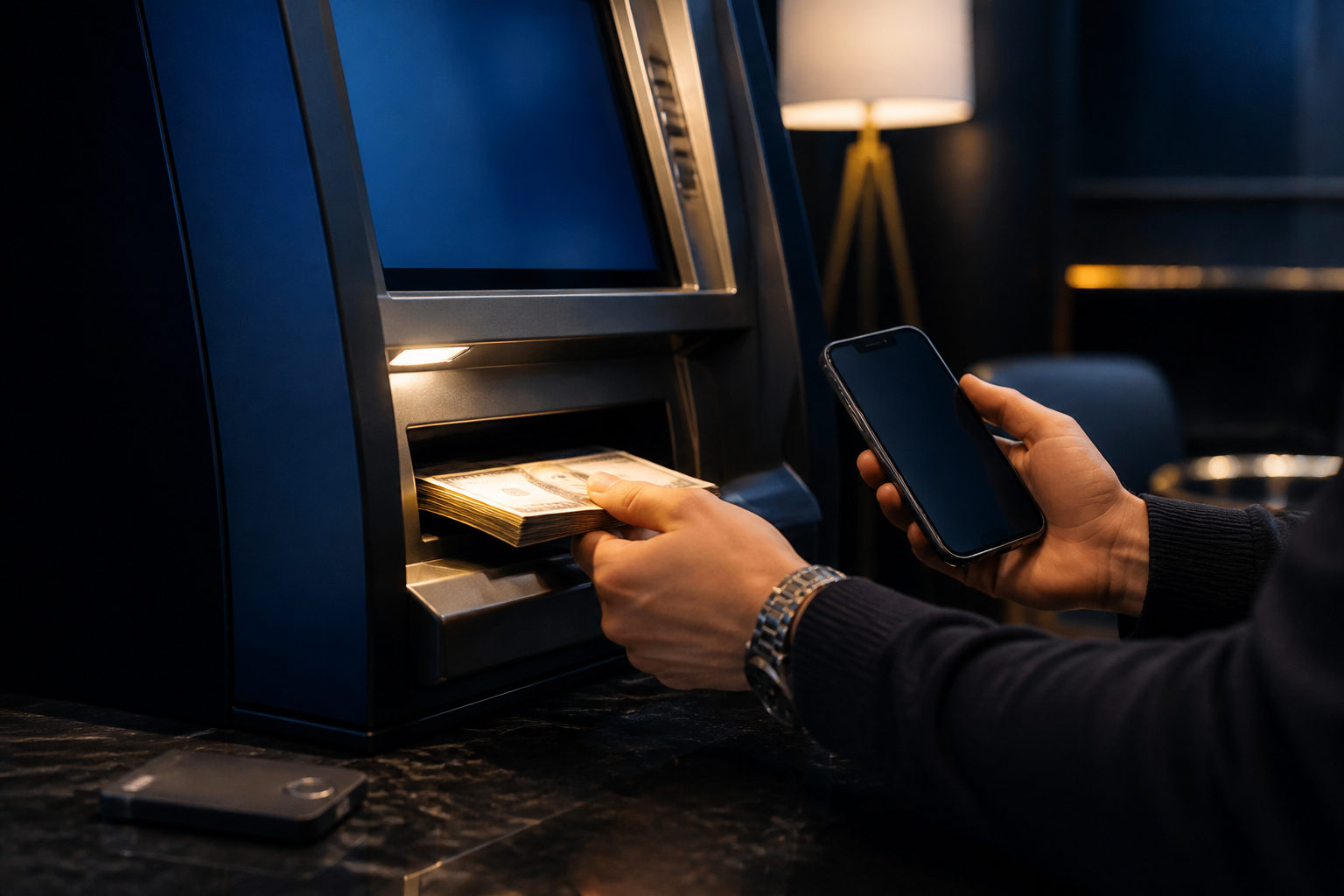
Withdrawing from Bitcoin Depot means one of two things: selling your bitcoin for cash at an ATM kiosk, or sending coins from your account to an external wallet. The steps differ, and so do the risks. Here is how each path actually works.
Know your goal before you touch a machine
"Withdrawal" in the Bitcoin context has two meanings. Match your situation against this table first:
| Comparison | Sell BTC for cash | Send BTC to an external wallet |
|---|---|---|
| Your goal | Convert BTC to US dollars on the spot | Move BTC out of your Bitcoin Depot balance to self-custody |
| Where you act | A Bitcoin Depot ATM kiosk | The mobile app or the kiosk's send option |
| What you need first | Phone number or ID, plus a target amount | A receiving wallet address or QR code |
| Result | Physical cash, no more BTC held | Coins move on-chain, no cash involved |
| Typical reason | Spending, cashing out | Long-term storage, consolidating wallets |
If your coins are not inside Bitcoin Depot's ecosystem at all — say they sit on another exchange — then "withdrawal" starts at that service, not here. Confirm where your BTC lives first.
Three things to prepare in advance
- Check your balance. Open the app and look at the balance. A zero balance usually means the coins are elsewhere; starting from the wrong place wastes time.
- Get verification ready. Most kiosks ask for a phone number and an SMS code, and larger amounts often trigger ID scanning. Keep your phone nearby and a photo of your ID on the device.
- Find a real kiosk with open hours. Use the official app's map function. Many machines sit inside stores or gas stations; when the store closes, the kiosk is effectively offline.
Selling BTC for cash: a six-step walkthrough
Screen wording varies between kiosk models, but the selling flow follows the same line.
- Tap "Sell" on the main screen. This sets the direction: you are converting bitcoin into cash. Choosing "Buy" would do the exact opposite with your money.
- Complete the identity check. Expect a phone number and a text code, with ID scanning for higher amounts. This is standard anti-money-laundering practice; a machine that brags about zero verification is a warning sign.
- Enter the amount. The interface may accept bitcoin quantity or dollar value. What you see now is an estimate; the rate locks only on the confirmation screen.
- Read the rate, fees, and net cash. The kiosk lists what you will actually receive. If that number is not clear, do not confirm.
- Confirm and wait. The machine broadcasts the transaction to the Bitcoin network. Some models print a small receipt with a QR code you can scan in a block explorer to track progress. Typical wait time runs from under a minute to several minutes.
- Take the cash and keep the receipt. The transaction number on the receipt is the key piece of evidence if you ever need support. Photograph it before you leave.
Sending BTC to an external wallet
This path does not touch cash. You are transferring coins from your Bitcoin Depot account to a wallet address you control.
From a kiosk, the Bitcoin network mining fee comes out of the transferred amount. From the app, a per-transaction service fee typically applies as well. Both costs appear on the confirmation screen, so compare the two routes before you choose.
- Check the address twice. A receiving address is a long string of letters and digits. Scan a QR code when possible, then manually match the opening and closing characters.
- Watch the mining fee. The fee rises when the network is congested. If you are not in a hurry, send later.
- Know the receiver's confirmation rule. Wallets and exchanges accept a transfer after a minimum number of block confirmations; some show the credit in minutes, others require more confirmations and take longer. A pending status on your side usually means that rule, not failure.
Scam prevention checklist
Bitcoin transactions are irreversible. Once a transaction is broadcast, recovering funds from a mistake or a scam is unlikely. These four risks cover most real incidents.
| Risk | What it looks like | Right move |
|---|---|---|
| Fake support staff | Someone calls, claims 'suspicious activity', and orders a transfer to a 'safe address' | No legitimate service gives such instructions. End the call |
| Tampered kiosk | A machine that looks official but runs on a scammer's backend | Use kiosks inside well-known retail stores with visible cameras |
| Seed phrase fishing | A caller asks you to 'verify' your wallet by reading your recovery phrase | The phrase is private; share it with nobody |
| Missing records | A failed transaction leaves you with no proof | Keep the printed receipt or a photo; use its transaction ID in official support channels |
FAQ
What fees apply when I withdraw from Bitcoin Depot?
Fees have two parts: what the kiosk owner charges and the Bitcoin network mining fee. Each machine is different. The confirmation screen shows the total and the net cash before you commit, and that screen is the number that matters.
Is selling for cash faster than sending to a wallet?
Selling gives you cash on the spot. Sending to a wallet depends on block confirmations — sometimes minutes, sometimes hours. Both finish with a receipt or a confirmation notice.
What if the transaction fails after the money is taken?
Write down the transaction ID, the kiosk's location, and the time, then submit a ticket through Bitcoin Depot's official support page. Any third party that offers to 'recover' your funds for a fee is almost certainly a scam.
Does Bitcoin Depot impose a daily withdrawal cap?
Limits come from the machine type and local regulations. A common pattern is phone verification for small amounts and full ID verification for larger ones. The exact figure appears on the kiosk screen when you operate it.
Before you move serious money, run the whole process with a tiny amount. One small pass through the flow teaches you more than reading a dozen guides, and the cost is negligible.