
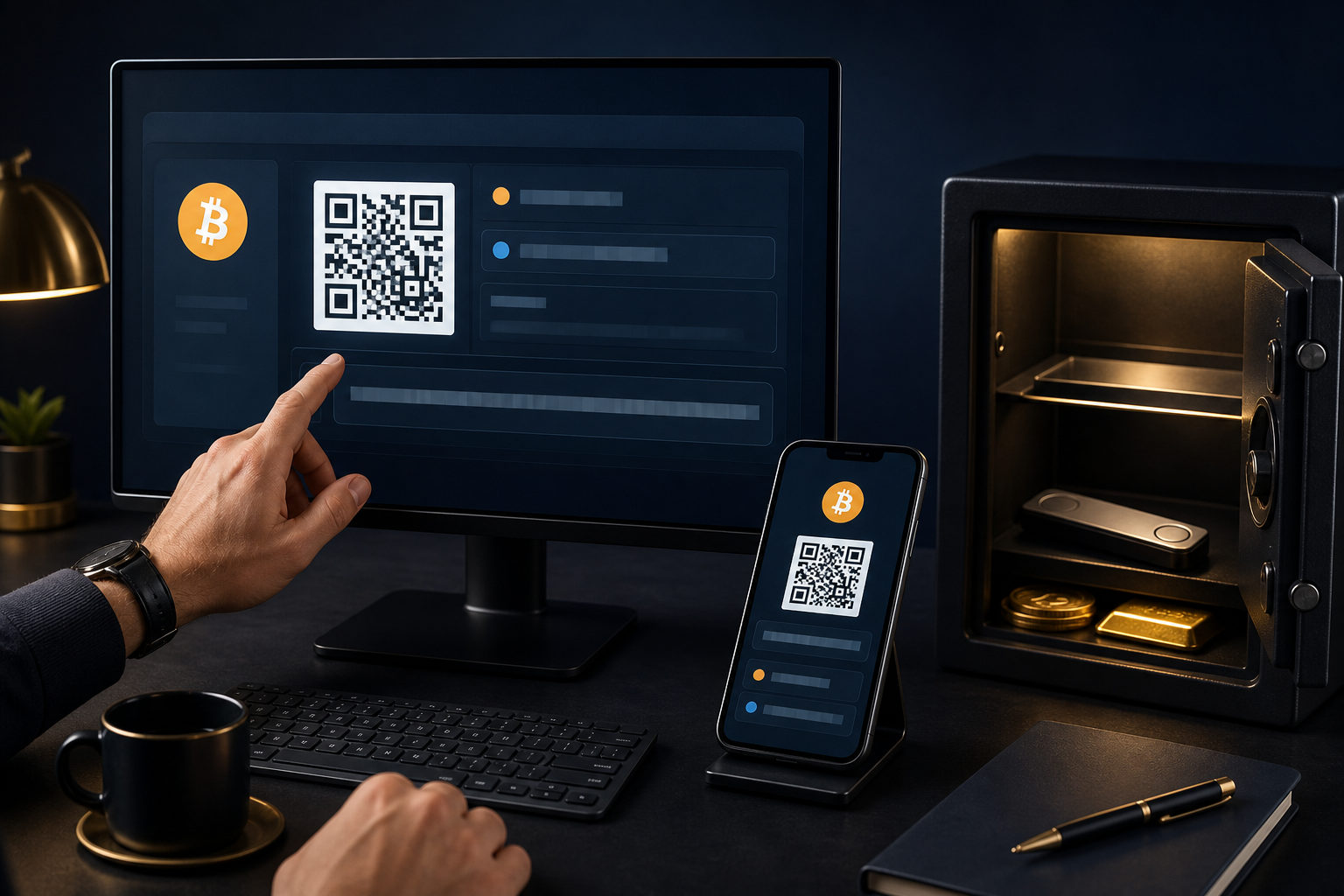
To see your bitcoin address on Kraken, you usually need to open the deposit flow inside your account, choose Bitcoin, and then view the BTC deposit address shown there. The real priority is not just finding the address, but making sure the asset, network, and transfer direction are all correct before you send anything.
Put this warning first: if you send funds to the wrong asset type, the wrong network, or the wrong destination, the transfer may not be recoverable. A blockchain transaction is generally not something you can cancel after it has been broadcast.
What your Bitcoin address on Kraken actually is
A bitcoin address on Kraken is a receiving destination used to deposit BTC into your exchange account. When someone sends bitcoin to that address and the deposit is credited, the balance appears inside your Kraken account. That address is for receiving funds. It is not your password, and it is not the same thing as holding the private key yourself.
This distinction matters because many beginners mix up account access, wallet ownership, deposit addresses, and private keys. A Kraken account is your exchange account. A bitcoin address shown during the deposit process is a receiving endpoint assigned by the platform. A private key is what controls spending authority on-chain. If your coins stay on an exchange, you are usually using a custodial setup rather than direct self-custody.
So when people ask how to see your bitcoin address on Kraken, the useful answer has two parts. First, you need the practical steps to locate it. Second, you need to understand what that address does and does not mean. Seeing a deposit address does not mean you alone control the on-chain asset. It means Kraken is giving your account a way to receive BTC under its custody framework.
Typical path to find your bitcoin address on Kraken
The exact labels can differ across app versions and desktop layouts, but the logic is usually the same. Sign in, go to the funding or assets area, choose deposit, select Bitcoin, and then view or generate the BTC deposit address. If Kraken requires identity verification, security setup, or certain account permissions first, complete those steps before expecting the address to appear.
Use this checklist as you go:
- Sign in to your Kraken account through the official app or official website.
- Open the funding, assets, balances, or deposit section.
- Select Bitcoin from the asset list. Do not assume anything with a similar name is the same asset.
- Read the on-screen instructions before copying anything.
- If the system asks you to create a deposit address, follow that prompt. If an address is already displayed, review the deposit details carefully.
- Confirm that the page clearly indicates BTC or Bitcoin for the receiving destination you are about to use.
If Kraken shows a QR code, that can make scanning easier, but it should not replace verification. It is still wise to compare the displayed address text before sending, especially if the coins are coming from another exchange or an external wallet.
Some users notice that the address shown now is different from one they saw before. That can happen. A platform may present a newer deposit address or direct users to use the current one displayed on the screen. The safest habit is simple: use the address shown during the current deposit session and follow the instructions attached to that specific page.
If you cannot see the address, check these things first
- You may be on a trading screen instead of the funding section.
- You may have opened withdraw instead of deposit.
- You may have selected the wrong asset.
- Your account may still need verification or security setup.
- The feature may be temporarily unavailable because of maintenance or account restrictions.
If the page does not show a usable address and only displays a notice or limitation, do not guess your way forward. Do not grab an old screenshot and send funds to that address just because it worked before. Go back through the deposit flow and rely on the current instructions in your account.
Why the private key point matters so much
This is the part people often skip. When you learn how to see your bitcoin address on Kraken, you are learning how to receive BTC into a custodial account. You are not learning how to access a self-custody wallet. Those are different situations with different responsibilities.
In a custodial account, the exchange handles the infrastructure that manages deposits, balances, and withdrawals. Your responsibility is centered on account security: a strong password, two-factor authentication, device hygiene, and phishing awareness. In a self-custody wallet, your responsibility shifts toward protecting your wallet backup and private keys. If you lose those, there is no account recovery desk that can restore direct control for you.
This is why the phrase “my bitcoin address” can be misleading if it is not explained. On Kraken, it usually means “the BTC deposit address assigned to my account for receiving funds on the platform.” It does not automatically mean “an address where I personally hold the spending keys.” That difference becomes very important when deciding where to store funds long term.
If your goal is to move BTC onto Kraken for trading, conversion, or account management, the deposit address is the tool you need. If your goal is independent control over your coins, you would need a non-custodial wallet and personal responsibility for the backup material tied to that wallet.
Before sending BTC, run through this safety checklist
Finding the address is only half the job. The bigger risk usually shows up in the final step, right before you confirm the transfer. Users lose funds when they rush, trust memory, or assume all bitcoin-related options are interchangeable. They are not.
- Confirm the asset: make sure you are sending BTC, not another asset with a similar label.
- Confirm the network: use only the deposit method and network details Kraken explicitly supports on that page.
- Confirm the source of the address: copy it only from the official logged-in Kraken interface during the current session.
- Confirm device safety: watch for clipboard malware, browser extensions, or compromised devices that can replace pasted addresses.
- Confirm the direction: this is a deposit to Kraken, not a withdrawal from Kraken.
- Test with a small transfer first: if your sending wallet allows it, send a small amount first and verify it arrives before sending more.
After copying the address, compare the first part and the last part of the string with what Kraken displays. That simple habit catches many avoidable errors. If you are viewing the address on one device and sending from another, verify it on both sides before confirming.
Also, do not treat a delayed credit as proof that the address is wrong. Deposit timing can depend on blockchain confirmations and the platform's crediting rules. The better sequence is to check the sending wallet's transaction status first, then review the deposit status inside Kraken, instead of sending a second transfer in a panic.
FAQ
Where do I find the BTC deposit address inside Kraken?
You usually find it in the funding or deposit area after selecting Bitcoin. It is not always displayed as a permanent item on the main dashboard.
Why is the Bitcoin address on Kraken different from the one I saw before?
The platform may show a newer receiving address or ask you to use the currently displayed one. When that happens, follow the current deposit page rather than relying on memory or old screenshots.
Does sharing my Kraken bitcoin address expose my password?
Sharing a deposit address by itself does not normally expose your password or sign-in details. The sensitive items are your password, two-factor codes, device access, and any security prompts sent to you by impostors.
Can I reuse the same Kraken BTC address every time?
Whether reuse is supported should be determined by the instructions shown in your account at the time of deposit. The safest routine is to open the deposit page each time and use the address and guidance shown there.
Can I send BTC from another exchange or wallet to Kraken?
In general, yes, as long as the asset is actually BTC and the transfer method matches Kraken's deposit requirements. Check the asset, network, and destination carefully before you confirm the transfer.
Does seeing the address mean I hold the private keys?
No. Seeing the deposit address means Kraken is providing a receiving route for your account on the platform. If you want direct control of the private keys, you need a non-custodial wallet and you must protect its backup yourself.
Best habits to keep every time you use a Kraken bitcoin address
Treat every BTC deposit as a financial operation that deserves a final review. Sign in only through official channels, copy the address only from the live deposit page, ignore links from suspicious messages, never share verification codes, confirm the asset and network one more time, and use a small test transfer when the source wallet allows it. Those habits are plain, but they do the most to reduce irreversible mistakes.