
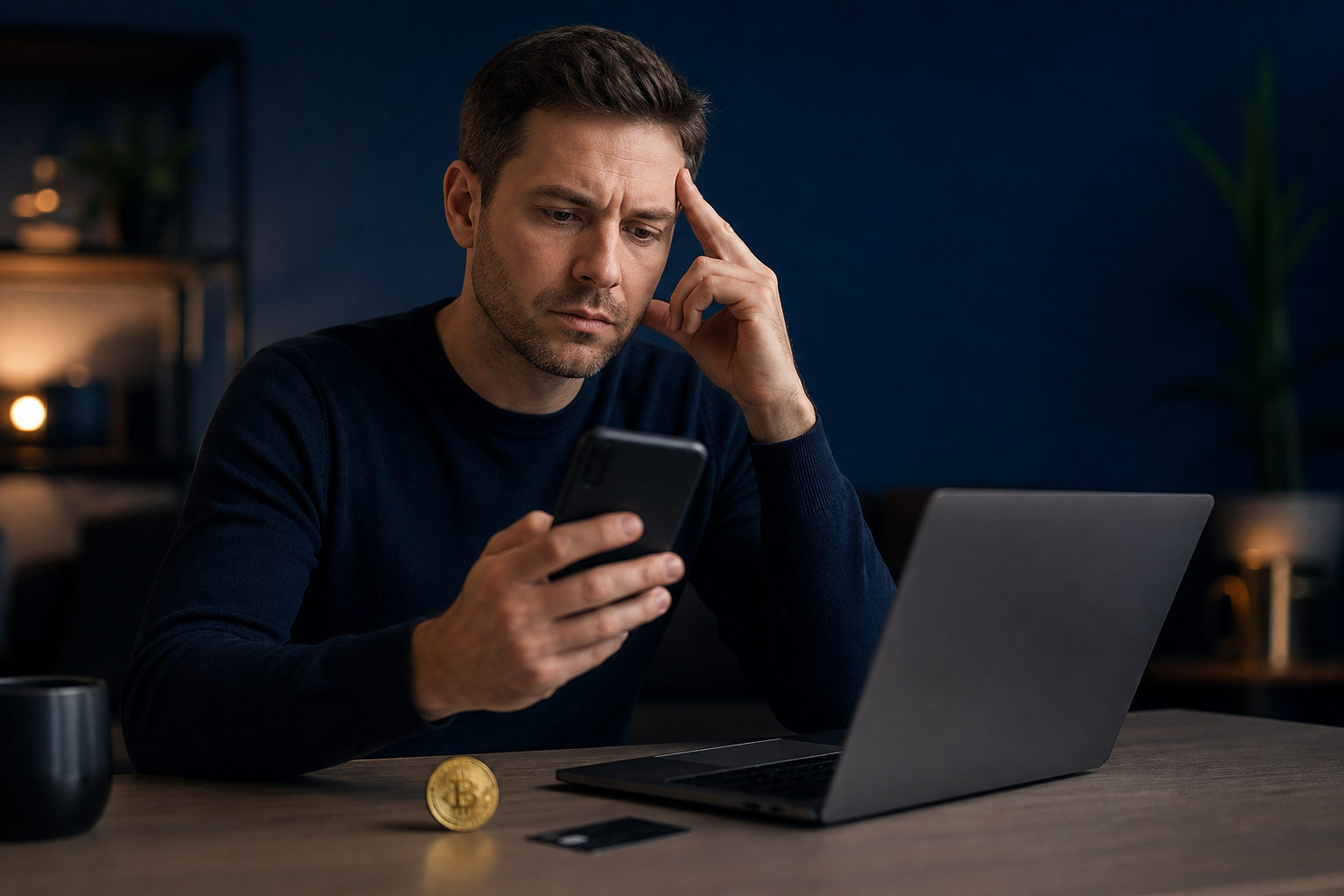
If your Bitcoin purchase seems missing in Robinhood, do not place the same order again right away. The safest path is to confirm you are in the correct account, check the order trail and the money trail separately, save evidence, and use only official support channels.
Start by defining what is actually missing
People often describe this as a missing Bitcoin purchase, but that label can cover several different problems. You need to identify the exact gap before you try to fix it.
| What you see | What it may mean | What to check first |
|---|---|---|
| No Bitcoin buy record at all | You may be in the wrong account or profile | Email used, phone number, notifications, device login history |
| You submitted a buy, but holdings did not change | The order may still be pending, may have failed, or may have been canceled | Activity history, status messages, funding movement |
| Money appears to have moved, but no related crypto entry is visible | A funding hold, delayed processing, or a mismatch in the date range you are viewing | Bank statement, card activity, filters in account history |
| A stranger offers to help recover the purchase | This is often a scam setup | Stop responding and use official support only |
This distinction matters because each version of the problem calls for a different response. If you skip this step, you can waste time looking at the wrong screen or giving support an unclear report.
Step 1: Make sure you are checking the right account and the right time window
A large share of missing-record complaints come down to account confusion. If you have changed your email, updated your phone number, signed in on multiple devices, or used more than one login path over time, begin there.
Check the basic identifiers tied to the account you used when you tried to buy Bitcoin. Look at where your notifications were sent, which email address received confirmations, and whether another device still shows an older signed-in session. If your current account details do not match the one you used at the time of the purchase attempt, the record may not be missing at all. You may simply be searching in the wrong place.
The reason this step comes first is simple: if the account is wrong, every later check becomes unreliable. A practical caution here is to avoid creating another account or resubmitting identity details just to test ideas. That can make the history harder to untangle later.
Step 2: Check the order side and the funding side as two separate tracks
Users often treat a purchase request as the same thing as a completed purchase. It is better to break the issue into two questions. Was the order completed, and did the money actually settle in a way that matches that order?
| Check | Why it matters | What to watch for |
|---|---|---|
| Order or activity record | Helps you tell whether the request was submitted, canceled, or still being processed | Do not rely on holdings alone; activity history can show more context |
| Bank or card movement | Shows whether money was actually pulled or only appears temporarily reserved | A visible change on the payment side does not always mean final completion |
| Email and app notifications | Can fill in gaps if the main account view is unclear | Verify the sender before treating a message as proof |
If you see a debit or a pending-looking change on your bank side but cannot find a matching Bitcoin purchase record, pause before drawing a hard conclusion. Payment systems and account activity views do not always line up at the same moment. A movement on one side can reflect an intermediate processing state rather than a finished result.
The most useful thing you can do here is preserve clean evidence. Save screenshots of the relevant account views, funding activity, and notifications. Keep timestamps visible when possible. At the same time, do not post sensitive account details publicly while asking others for help.
Step 3: Prepare a support packet before contacting official support
If you have ruled out account confusion and still cannot explain the missing Bitcoin purchase record, move to official support. Do not start that conversation with a vague message. Build a short, organized timeline first.
- State the action: explain that you attempted to buy Bitcoin and what is now missing from your view.
- State the symptom: clarify whether the issue is a missing order entry, missing holdings update, or funding movement without a matching record.
- State the evidence: include screenshots, messages, emails, and payment-side records that relate to the event.
- State the request: ask for confirmation of order status, confirmation of where the funds stand, and guidance on the next step.
This structure helps because support teams usually need verifiable details before they can narrow the problem. A message like “my Bitcoin is gone” forces the conversation to restart from zero. A message that lays out the sequence and the visible evidence is much easier to act on.
There is also a security reason to stay disciplined here. Scammers look for frustrated users and offer quick recovery help through search ads, private messages, fake phone numbers, or social accounts that imitate support. You should not hand over your password, one-time code, email credentials, or recovery phrase to anyone claiming they can restore access or find a missing purchase.
Step 4: If anything feels suspicious, secure the account before chasing the record
Sometimes the missing-purchase problem starts right after a strange email, text message, or pop-up. In that situation, the priority changes. You should focus on account safety first, because a display issue is less urgent than a possible takeover attempt.
Return to the official app or website from a device you trust. Review any recent security alerts, unfamiliar sign-ins, or changes that you do not recognize. If you clicked a suspicious link, change your password and review the security of the email account tied to the service. Email access matters because many recovery steps depend on it.
| Warning sign | Immediate action | Why it comes first |
|---|---|---|
| You get a message telling you to “verify assets” or “restore” a transaction | Stop engaging and do not open the link again | Scams often use urgency to push users into giving away access |
| You notice an unfamiliar login or device change | Change the password and review security settings | Blocking further access is more urgent than tracing one purchase |
| You receive an attachment or form from a supposed support contact | Do not download it and do not fill in sensitive details | Data exposure can expand the problem beyond one transaction |
A common mistake is to focus so much on the missing Bitcoin purchase that you overlook the possibility of account compromise. If a scammer is already trying to work the situation, every extra detail you share can make recovery harder.
Step 5: Avoid repeat orders until the first event is clarified
One of the worst moves in this situation is to submit another Bitcoin purchase immediately just to “see if it works.” That can create a second event with its own funding trail and make the first one much harder to isolate.
Instead, stop and document what has already happened. Wait until support helps confirm whether the original attempt completed, failed, or remains unresolved. Once you know the status of the first attempt and have checked the funding side clearly, you can decide what to do next.
The reason for this caution is practical. The more overlapping actions you create, the harder it becomes to explain the timeline, and the easier it is to misread your own records.
FAQ
Does a missing Bitcoin purchase record mean the order definitely failed?
No. A missing record only tells you that you cannot currently confirm the purchase from the view you are using.
You still need to compare account identity, activity history, notifications, and funding movement before you can make a solid judgment.
Why does my bank show activity if I cannot see the Bitcoin purchase?
A change on the bank or card side does not always prove that the purchase fully completed. It may reflect an intermediate processing state or a temporary hold.
That is why you should save the payment record and ask official support to match it against the order side, instead of assuming the asset has disappeared.
What information should I give support, and what should I never share?
Share only the details that help identify the event: screenshots, timestamps, notifications, and payment-side records tied to the attempted purchase. Those items can help support trace what happened.
Do not share passwords, one-time codes, email credentials, or recovery phrases. Anyone asking for those items is creating risk, not solving your problem.
I clicked a suspicious link before I noticed the issue. What should I do first?
Secure the account before you investigate the transaction. Use the official entry point, change your password, and review the security of your email and related accounts.
Once access is protected, go back and organize the evidence tied to the missing Bitcoin purchase. That order of operations limits further damage.
How should I describe the issue so support can understand it quickly?
Use a short timeline: what action you took, what is missing now, and what happened on the funding side. This gives support a clearer starting point than a broad statement that your Bitcoin is gone.
Attach evidence in the same sequence. Good organization often reduces back-and-forth and makes it easier to spot the real issue.
The most useful next move is simple: stop repeating the purchase, gather evidence, and work through official support only. If you also suspect account risk, secure the account and email first, then return to the missing Bitcoin purchase record with a clean timeline.