
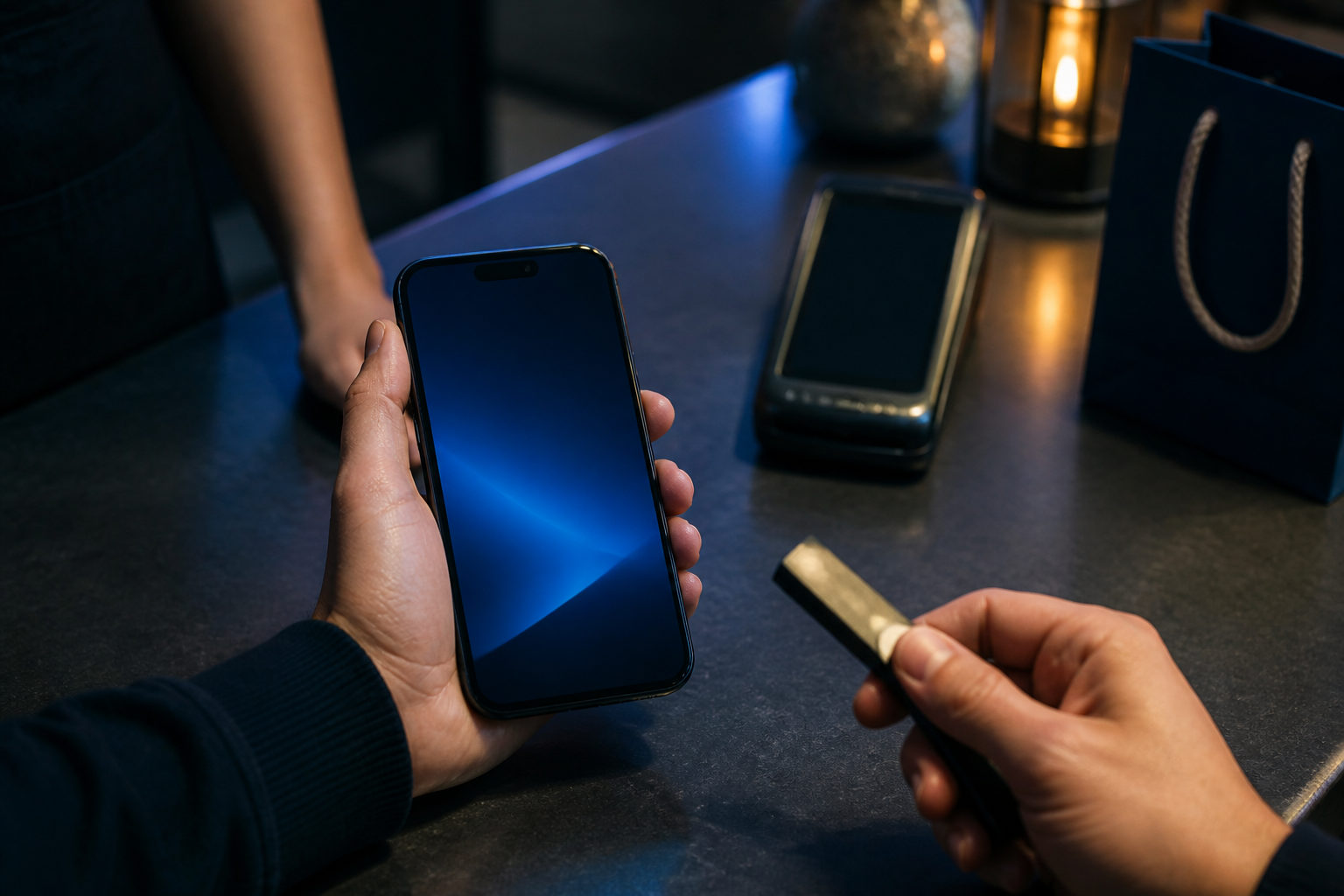
To buy something with bitcoin, you need a merchant that accepts BTC, a wallet you control, and a careful review of the payment details before you send anything. The payment itself is simple; avoiding bad addresses, fake support messages, and order mismatches is where most of the real work sits.
Decide whether bitcoin is the right payment method for this purchase
Before opening your wallet, inspect the merchant's checkout flow. A usable payment page should clearly show what you are buying, which coin the seller accepts, the receiving address or QR code, any payment deadline, and how the order will be marked as paid.
If someone sends you an address in a chat window without a proper order page, refund policy, or delivery terms, treat that as a warning sign. Bitcoin transfers usually cannot be reversed after broadcast, so checking the counterparty matters as much as checking the address.
The type of purchase changes what you need to verify. For physical goods, focus on shipping and return terms. For digital products, make sure you understand how access will be delivered. For services, agree on what counts as completion before payment, or a later dispute can become hard to settle.
Read the payment details carefully before you send
Use a wallet you control
Pay from a wallet where you manage the recovery phrase or private keys. That gives you direct visibility into balance, transaction status, and network fee settings, and it reduces the chance of getting stuck inside a third-party account system during checkout.
When the wallet is open, pause and confirm you are dealing with bitcoin. Many payment mistakes start when a buyer assumes any crypto payment screen is interchangeable with a BTC payment screen.
Confirm the merchant is asking for BTC
A seller may say they accept crypto without accepting bitcoin for that specific order. Look for BTC, Bitcoin, or an explicit statement that the invoice is payable in bitcoin before going further.
If the checkout page supports several assets, the receiving information may change when you switch the selected coin. Do not rely on memory and do not reuse an address copied from an earlier step if the coin selection has changed.
Check how the amount is displayed
Some merchants show the amount in BTC, while others use sats. Since 1 sat equals one hundred millionth of a BTC, the important part is not the visual size of the number but the unit attached to it.
If the page also shows a fiat reference price, treat that as secondary. What matters for payment is the exact BTC amount the merchant requires at checkout. Guessing the conversion or rounding by habit can stop an order from matching automatically.
Look for a payment window and order matching rules
Some merchants attach a countdown timer to the invoice. That usually means the quoted amount is only valid within that period, and a late payment may need manual review or a fresh order.
You should also check how the seller confirms receipt. Some systems watch the blockchain automatically, while others expect you to keep the transaction ID available. Knowing this in advance saves time if the order page does not update right away.
Send the payment with a fraud-first mindset
Verify the address even after scanning a QR code
QR codes are convenient, which is exactly why people stop paying attention after they scan them. Once your wallet fills in the destination, compare the beginning and end of the address shown in your wallet with the one displayed by the merchant.
If you copy and paste an address on a computer, be extra careful. Clipboard hijacking malware can replace a copied address with another one, so a second check after pasting is still necessary.
Consider a small test payment for unfamiliar situations
If the order is large, the merchant is new to you, or you are using that payment flow for the first time, a small test transfer can reduce the chance of a bigger mistake. It can reveal a wrong address, a checkout system that fails to detect incoming funds, or a misunderstanding about which asset the merchant wanted.
Check whether split payments are allowed before doing that. Some merchants expect one full payment tied to one invoice, and breaking the total into separate transfers can slow down processing.
Do not change the network fee without a reason
Many wallets suggest a fee automatically. If you do not have a clear reason to override it, leaving the suggested setting in place is often the safer choice because a very low fee can leave the transaction pending for longer than the order allows.
A higher fee is not automatically better either. First see whether the merchant only needs to detect a broadcast transaction or expects a later confirmation standard before releasing the product or service.
Check the amount one last time before pressing send
Some merchants generate an order-specific amount so their system can match your payment to your cart. If the checkout page tells you to send the exact displayed amount, do not round it and do not trim off the small tail end because it looks insignificant.
A quick final review helps: merchant name, item, coin, amount, address, deadline. That habit takes seconds and prevents many errors that are otherwise permanent.
After payment, keep the right records and avoid duplicate sends
Once the transaction is sent, save the transaction ID, order number, and a screenshot of the checkout page. Even if the merchant says payment detection is automatic, those records matter if there is a delay, a support dispute, or confusion over which order the payment belongs to.
Then watch the status in your wallet. If the transaction has been broadcast but the merchant page has not updated, do not rush into sending the same amount again. A duplicate payment can create more trouble than waiting for the seller's system to catch up.
After the goods or service arrive, review the experience for your own future use. A seller with clear payment instructions, visible refund terms, and a readable checkout flow is much easier to trust the next time you want to spend bitcoin.
Common scams and avoidable mistakes
- Fake support messages: A scammer may pose as customer support and ask you to pay to a new address. If an address changes, return to the original order page and verify it there instead of trusting a chat message.
- Treating a screenshot as proof of payment: A screenshot proves very little by itself. The useful record is the transaction ID and the wallet status tied to that transaction.
- Confusing a deposit with a purchase: Sending bitcoin into an exchange or platform account does not mean a specific order has been paid. Deposits and merchant payments are different flows.
- Assuming you can reverse a bad transfer later: Bitcoin payments usually do not come with a card-style chargeback process. A wrong destination can be very hard to fix.
- Ignoring the refund method: Some merchants refund to store credit, while others ask for a return address. If you skip that question before paying, a later refund can become messy.
FAQ
How do I know if a seller really accepts bitcoin?
Check the checkout page for a clear BTC or Bitcoin payment option and the matching receiving details. If the seller only says they accept crypto in general, do not assume your order can be paid with bitcoin.
How long does a bitcoin payment take to show up for the merchant?
That depends on the seller's order-matching rules and current network conditions. Your job is to keep the transaction ID, follow the invoice instructions, and avoid sending again before you confirm what the merchant is waiting for.
What if I send the wrong bitcoin amount?
Start by checking the merchant's payment terms and support process. If the amount was short, split across transfers, or sent after the invoice expired, the seller may need to review it manually, so keep your order number and transaction details ready.
Why won't my wallet complete the payment after I scan the code?
Possible reasons include using the wrong asset, running into a format your wallet does not support, or lacking enough balance for the network fee. Stop and review the invoice instead of retrying blindly in different ways.
What is the biggest risk when buying something with bitcoin for the first time?
The main risk is sending funds to the wrong address or to an untrustworthy seller. If you verify both the merchant and the payment details before sending, the rest of the process is much easier to handle.
If you are about to pay with bitcoin now, read the invoice from top to bottom before opening your wallet: coin, amount, address, deadline, and refund terms. That short review prevents a large share of the mistakes new buyers make.
Disclaimer: This article is for informational and educational purposes only and is not investment, financial, or legal advice. Crypto assets are highly volatile and you could lose your entire investment. Do your own research and decide carefully.