
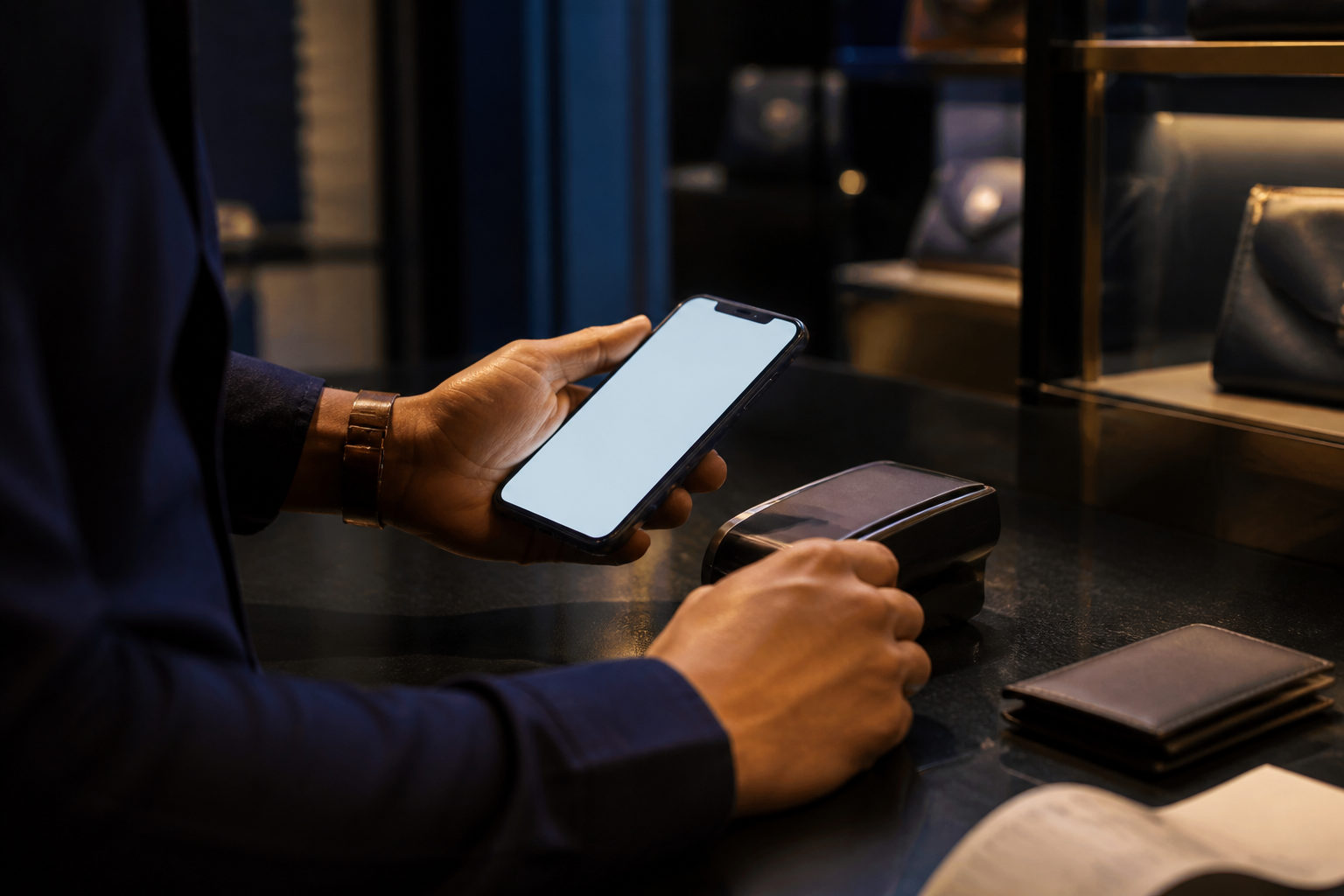
To pay with bitcoin in store, first confirm the merchant accepts BTC, then scan the payment QR code, verify the amount and payment details, send the transaction, and keep proof in case there is a dispute.
Step 1: Confirm the store actually accepts bitcoin
Before you open your wallet, ask how the store handles bitcoin payments. A shop may accept BTC directly, use a payment processor that converts the sale amount at checkout, or have a staff member who says yes without a working process behind the counter.
If the merchant cannot show a live payment screen, a QR code, or a clear receiving address, stop there and do not send anything.
| Store situation | What you should do | Why it matters | Watch out for |
|---|---|---|---|
| Merchant accepts BTC directly | Ask for the payment QR code or receiving address | You can verify the payment details yourself | Make sure it is BTC, not another coin |
| Merchant uses a payment service | Follow the checkout screen exactly | The amount is often generated for that purchase | Check whether a specific network is required |
| Staff says they can “try it” | Pause and ask for the proper payment screen | You avoid sending funds to a process no one can verify | Do not type an address from spoken instructions |
This prevents a common problem: the customer sends BTC, but the shop has no internal method for confirming receipt.
Ask whether the merchant treats broadcast as enough or waits for network confirmation. Bitcoin aims for a new block about every 10 minutes, so a store that requires confirmation may take longer to complete the sale at the counter.
Step 2: Verify the payment details before you send
Bitcoin payments are less forgiving than card payments. Once a transaction is sent, reversing it is usually not something a cashier can fix, so the safety work happens before you confirm.
| What to verify | What to do | Why | Common mistake |
|---|---|---|---|
| Asset | Confirm the merchant wants BTC | Different assets may use different address formats and payment flows | Sending a stablecoin or another token by mistake |
| Amount | Check whether the screen shows BTC or a fiat-converted amount | Helps you avoid underpaying or overpaying | Missing the decimal places |
| QR code or address | Scan the code instead of typing manually | Typing errors can be costly | Using a replaced or outdated QR code |
| Acceptance standard | Ask whether the store accepts broadcast only or wants confirmation | Sets the right expectation at checkout | Assuming sent means completed |
If the cashier asks you to work out the BTC amount on your own, or tells you to “just send something close,” do not go ahead.
Use QR scanning whenever possible. A safe habit is to compare the first and last part of the receiving address shown on your wallet with the merchant screen before sending.
Step 3: Send the transaction in a fixed order
Open your wallet, scan the merchant QR code, review the amount and fee, send the transaction, then show the result without exposing more account information than necessary.
| Step | Action | Reason | Caution |
|---|---|---|---|
| Open your wallet | Use a wallet app you already know how to use | Familiar screens reduce input errors | Make sure your phone has battery and a stable internet connection |
| Scan the QR code | Use the wallet camera tool to read the merchant code | Scanning is safer than typing | Rescan if glare or poor lighting affects the image |
| Review payment details | Check amount, address fragment, and fee | You catch mismatches before funds leave | Stop if the amount differs from the checkout screen |
| Send the transaction | Approve the payment once | This is the moment the payment is broadcast | Do not tap repeatedly if the store seems impatient |
| Show proof | Display the transaction result or wallet history to staff | Helps the merchant verify receipt | Show only what is needed, not your full holdings |
Many wallets let you adjust the fee manually. If you do not understand the fee controls, sticking with the wallet’s normal suggestion is often safer than changing it on the spot.
Do not send again until you check your own wallet history first. If the transaction is already there, ask the merchant to verify it with the transaction record rather than asking you to pay twice.
Step 4: Watch for common scams and pressure tactics
In-store bitcoin fraud often relies on urgency, confusion, or sloppy procedures.
| Risk scenario | What it looks like | What you should do | Why it works |
|---|---|---|---|
| Replaced QR code | A printed code is stuck at the counter and never changes | Ask the cashier to generate the code from the register system | You reduce the chance of paying a swapped address |
| False “payment failed” claim | Staff pushes you to pay again immediately | Check your wallet history before doing anything else | You avoid duplicate payment |
| Extra amount requested after payment | You are told to send the difference to a new address | Return to the original checkout screen and reconcile the order | You avoid sending money to a personal wallet |
| Fake support help | Someone asks you to install software or reveal wallet secrets | Refuse and stop the transaction | A normal store payment never requires your seed phrase or private keys |
A store payment does not require your seed phrase, private key, one-time code, or remote access to your phone.
Before you agree to any refund, ask which order it relates to, which address will receive it, who authorizes it, and how the merchant will confirm completion. Keep a record of that answer.
Step 5: Keep the right records after payment
After the payment goes through, keep enough proof to connect the on-chain transaction to the physical purchase. This matters more for repairs, reservations, expensive items, or anything with later customer support.
| Record to keep | Why it helps | Best practice |
|---|---|---|
| Transaction hash or wallet record screenshot | Shows that you sent the payment | Hide unrelated balance information in the screenshot |
| Receipt or order number | Links the payment to the item you bought | Keep it together with the transaction record |
| Merchant confirmation screen or note | Reduces later disputes | Save a photo if the store allows it |
| Refund terms | Clarifies the process if the sale is reversed | Ask the merchant to state it clearly |
If this is your first time paying with bitcoin in a store, start with a small purchase. What matters is that you can scan correctly, verify carefully, send once, and keep proof.
Bitcoin is divisible down to 1 satoshi, which equals 0.00000001 BTC, so a wallet may show many decimal places during checkout. That is normal. The practical question is whether the amount on your wallet matches the sale and whether both sides agree on what counts as payment completion.
FAQ
Does a bitcoin payment count as complete the moment I send it?
Not always. Some merchants accept a transaction once it has been broadcast, while others wait for at least one confirmation on the Bitcoin network.
Ask before you pay.
Can I pay if the cashier gives me only a text address and no QR code?
You can, but it is riskier. Manual entry increases the chance of an error, and a mistaken bitcoin transfer is usually hard to fix.
A safer approach is to ask the merchant to display a scannable payment screen generated at checkout.
What should I do if the store says they have not received my payment?
Check your own wallet history first. If the transaction is already recorded there, show that record and ask the merchant to verify it rather than sending again.
If nothing was broadcast from your wallet, restart the process and verify the QR code and amount from the beginning.
Who usually pays the network fee for an in-store bitcoin purchase?
In most cases, the buyer pays the mining fee when sending the transaction. The exact display depends on the wallet, and the fee level can change with network conditions.
For small purchases, that fee can affect the total experience, so review the final screen before you approve the payment.
Can a merchant send change or a refund back to a different wallet address?
It can be done, but the process needs to be explicit. You should know which order is being adjusted, which address will receive the funds, and who at the store is authorizing the return.
If the merchant suddenly moves the discussion to a private chat or asks you to install extra software, stop the process.
What is the safest way to try bitcoin in a physical store for the first time?
Pick a merchant with a clear checkout flow and a visible payment screen. Before you reach the counter, make sure your phone is charged, connected, and that your wallet is ready to use.
At the register, focus on four checks only: BTC, amount, receiving details, and the merchant’s acceptance standard.
When you pay with bitcoin in store again, choose merchants that can show a proper checkout screen and explain refund handling clearly. If anyone asks for your seed phrase, pushes a repeat payment, or wants you to install unfamiliar software, walk away from the transaction.
Disclaimer: This article is for informational and educational purposes only and is not investment, financial, or legal advice. Crypto assets are highly volatile and you could lose your entire investment. Do your own research and decide carefully.