
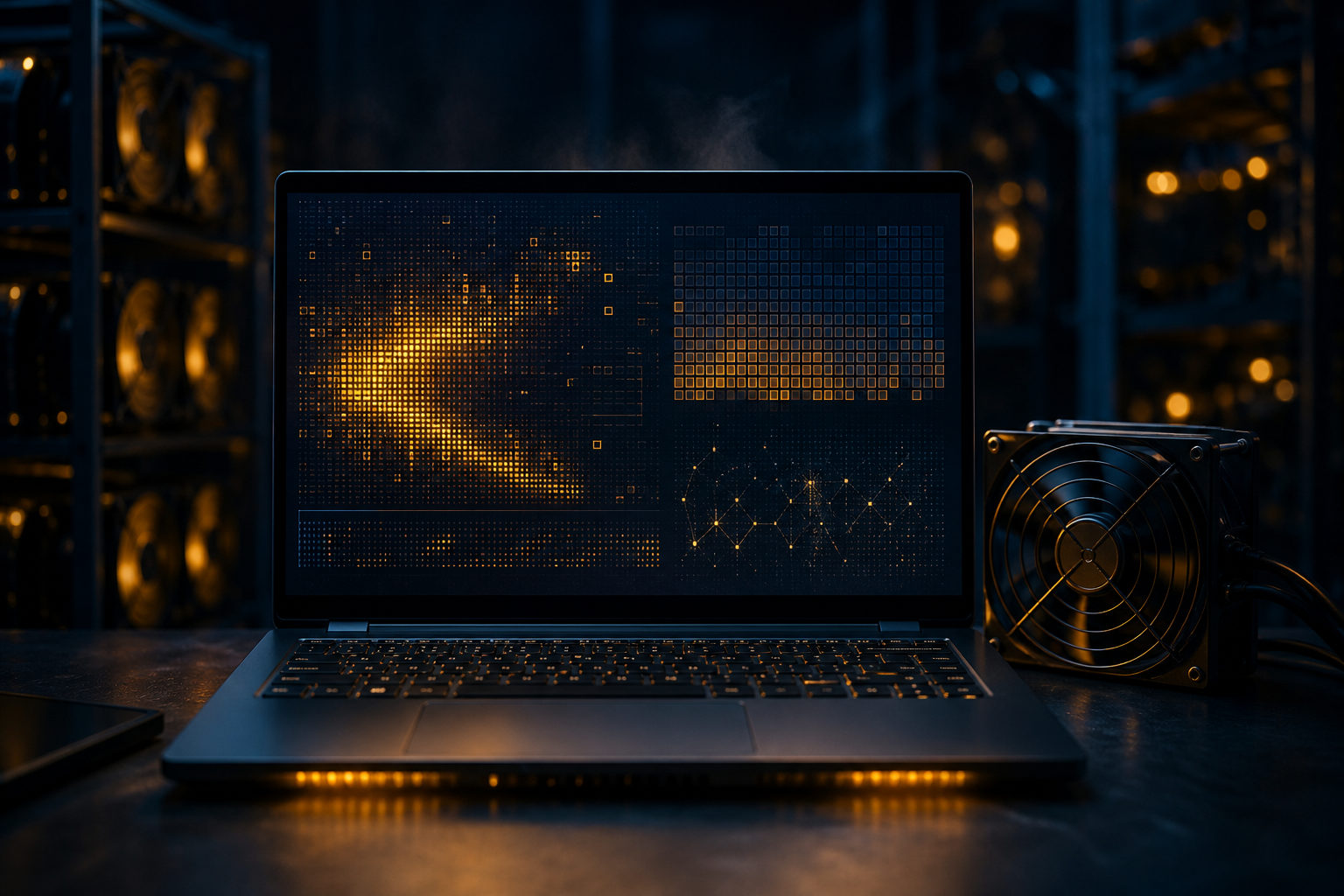
If you want to mine bitcoin on a laptop, you can take part in the process, but that does not mean it makes sense for regular use. The useful answer is about how mining works, what a laptop can actually do, and where the hard limits show up.
Start with the right mental model: mining is a race to win the next page of the ledger
Bitcoin mining makes more sense when you stop thinking of it as a computer creating coins out of thin air. A better comparison is a public bookkeeping contest. Many participants compete to earn the right to package recent transactions into a new block, and the winner can broadcast that block to the network and receive the block reward plus transaction fees under the protocol rules.
This is the proof-of-work system. A new block is found about every 10 minutes, which means miners keep running large amounts of hashing work until someone finds a valid result first. So the real issue is not whether a laptop can run mining software. The real issue is whether a laptop can stay competitive in a process built around nonstop computation, steady power, and heat control.
In a narrow technical sense, almost any device that can perform the required calculations can join. That includes a laptop. In practical terms, though, Bitcoin mining is now highly specialized. Ordinary consumer laptops were built for portability, mixed daily tasks, and battery life, not for round-the-clock hashing.
How to mine bitcoin on laptop: the paths people usually mean
When people ask how to mine bitcoin on laptop, they usually mean one of two things. They either want to run mining software directly on the machine, or they want to connect that machine to a mining pool. Both are possible as learning exercises. Neither changes the fact that a laptop has limited thermal headroom, limited sustained performance, and a design goal that conflicts with long periods of full-load mining.
Running mining software on the laptop itself
The straightforward route is to install mining software, set a payout address, enter the required pool or device settings, and let the machine work. This can be useful if your goal is educational. You get to see how software reports hashrate, how the system responds to a sustained workload, and how mining fits together with wallets and payout addresses.
That said, the gap between “it runs” and “it is worth doing” is large. A laptop may launch the software without issue, yet still be a poor tool for Bitcoin mining because the machine will often run hot, fan noise will rise, and performance may drop once thermal limits kick in. What looks possible at the start can turn into throttling and stress after a longer session.
Connecting to a mining pool
A mining pool combines the work of many participants. Instead of trying to find a block alone, each miner contributes hashing power to a shared effort, and rewards are distributed according to the pool's rules and each participant's contribution. For a small participant, a pool makes mining activity easier to observe because you can see accepted shares, worker status, and payout settings in one place.
Still, a pool does not upgrade your hardware. It changes how work and rewards are organized, not the physical reality of your laptop. If the machine is weak for sustained mining on its own, it remains weak inside a pool. This is where many beginners get the wrong impression and confuse access with viability.
Using a laptop as a learning tool, not a production miner
This is the healthiest way to frame it. If you want to understand how Bitcoin secures its ledger, a short test on a laptop can teach you a lot. You can learn what a payout address is, how pool settings work, what mining software looks like in practice, and how much heat a heavy workload creates.
If your goal is steady income from laptop mining, the same setup looks very different. The technical process may be real, but the machine is still a consumer device facing a competitive environment built around specialized gear.
Why laptops are usually a bad fit for Bitcoin mining
The biggest problem is not just raw speed. It is the mismatch between what laptops are for and what Bitcoin mining demands. Laptops are designed around mobility, noise control, balanced performance, and battery use. Mining asks for long periods of intense computation, stable power delivery, and continuous heat removal.
- Limited cooling space: thin chassis and compact airflow leave less room to move heat away over long sessions.
- Thermal throttling: once temperatures rise, the system may cut performance to protect itself.
- Component stress: the processor, graphics hardware, fans, battery area, and surrounding parts can all face sustained strain.
- Poor everyday usability: heat, fan noise, and slowdowns can interfere with normal work or study.
- Maintenance burden: dust buildup and aging thermal materials make long-term heat problems worse.
There is also a common misunderstanding around high-end laptops. A powerful laptop can handle short bursts of heavy work very well. That does not make it a suitable mining machine. Short performance peaks and continuous full-load operation are different jobs with different design assumptions.
Zoom out a bit and the point becomes clearer. Modern Bitcoin mining is not a casual contest among ordinary personal computers. It is a specialized activity shaped by hardware efficiency, cooling strategy, power costs, and operational discipline. A laptop enters that contest with the wrong tool for the job.
If you still want to try it, set the right goal and clear limits
If you want hands-on experience, a laptop can still be useful. The key is to define success properly. Success is not proving that your laptop can sit at full load for endless hours. Success is learning how the process works without damaging a device you rely on.
Reasonable uses
- Prepare a wallet or, at minimum, understand what a payout address is before you start.
- Download mining software only from sources you trust, and verify what you are installing.
- Run a short test first instead of treating the laptop like dedicated hardware from day one.
- Watch temperature, fan behavior, system responsiveness, and stability during the session.
- Read pool rules carefully if you join one, including fees, payout terms, and account security options.
Mistakes to avoid
- Do not assume “easy mining” claims are honest. If the pitch sounds effortless, be careful.
- Do not hand over a wallet seed phrase or private key to mining software. A payout address is usually all that should be needed.
- Do not ignore electricity use, wear on the machine, or the value of your time just because you are not calculating a profit estimate.
- Do not push aggressive overclocking on a laptop without understanding the thermal and stability trade-offs.
For many people, the real question is not “can my laptop mine bitcoin” but “what am I giving up if I do this.” Once you include noise, heat, battery stress, hardware wear, security risk, and inconvenience, the answer becomes much less exciting.
A more realistic takeaway: learn the system before trying to force the hardware
You do not need to start with laptop mining to learn Bitcoin. In fact, many users get more value from understanding the system first. Learn what hashing does, why miners compete, how blocks are added, why difficulty exists, how mining pools work, and how the halving cycle changes miner incentives over time.
Bitcoin's total supply is capped at 21 million coins. The genesis block appeared in January 2009, and the white paper, Bitcoin: A Peer-to-Peer Electronic Cash System, was published in 2008 under the name Satoshi Nakamoto, whose identity remains unknown. The block subsidy halves about every 4 years, or every 210,000 blocks, with halvings having occurred in 2012, 2016, 2020, and 2024. Those rules help explain why mining is now a long-term competitive business rather than a casual laptop activity.
If you still want a direct feel for the process, a short controlled test can be worthwhile. Treat it as a lab session. Watch how the machine behaves, see how mining software interacts with a wallet address or pool account, and stop as soon as the laptop shows signs of overheating or reduced stability.
FAQ
Can a laptop really mine Bitcoin?
Yes, a laptop can participate in Bitcoin mining at a technical level. That does not mean it is suitable for sustained use, and for most people it makes more sense as a short learning exercise than as a serious mining setup.
How do I try mining Bitcoin on my own laptop?
Start by understanding payout addresses and wallet basics, then choose trusted software and, if needed, a mining pool. Begin with a short test and pay close attention to heat, fan noise, and overall system stability.
Will mining Bitcoin damage my laptop?
Long periods of heavy load can increase heat and put stress on internal components. A brief test is one thing; repeated or continuous operation is a different level of wear and risk.
Does joining a mining pool make laptop mining worthwhile?
Not by itself. A pool changes how work is shared and how rewards are distributed, but it does not solve the laptop's limits in cooling, sustained performance, or operating costs.
Where should I check live Bitcoin price or mining information?
For price, use a major market data site or a large exchange page that shows current trading activity. For mining details, check official pool documentation and software instructions instead of relying on random screenshots or promotional posts.
If you decide to test mining on a laptop, keep the session short enough that you can watch it closely, plug into stable power, and stop right away if you see excess heat, severe lag, or repeated throttling. Those signals matter more than proving the machine can keep going.
Disclaimer: This article is for informational and educational purposes only and is not investment, financial, or legal advice. Crypto assets are highly volatile and you could lose your entire investment. Do your own research and decide carefully.