
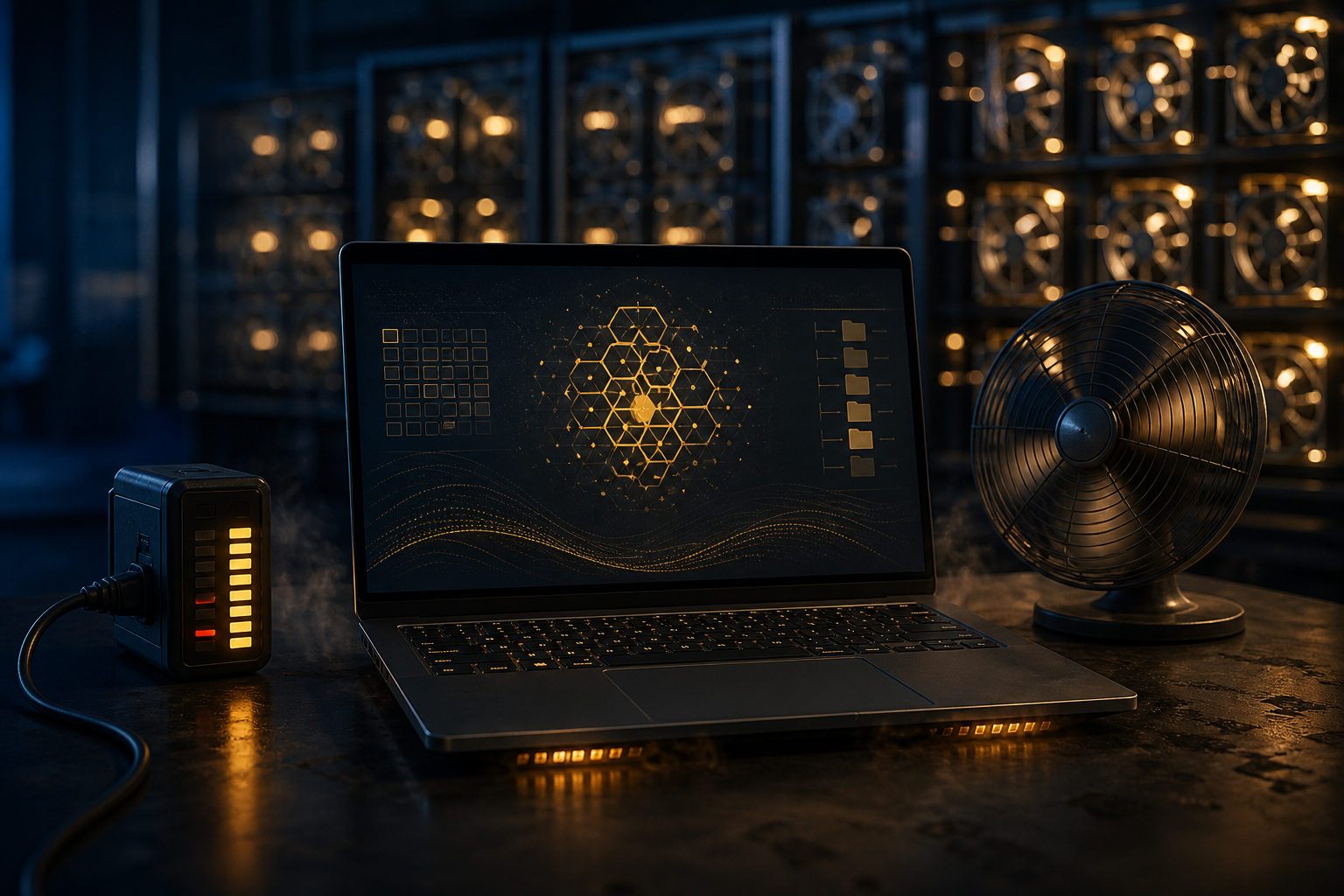
Bitcoin mining on a laptop in 2026 is usually not profitable. The main issue is not whether mining software can run, but whether a laptop can compete in a network where hash power, electricity cost, cooling, and hardware durability decide the outcome.
A simple way to picture bitcoin mining is to think of it as an open bookkeeping race. Miners across the network compete for the right to add the next block to the blockchain. The winner follows the protocol rules, publishes a valid block, and receives block rewards and transaction fees according to the system. Everyone plays by the same rules, but not everyone brings the same computing power or operating setup.
What bitcoin mining is really competing on
Many beginners treat mining like a background task: leave a computer on, let it calculate, and expect steady output over time. That misses the main point. Bitcoin mining is a hash competition. Machines keep trying different inputs, looking for a valid result that meets the network target.
The network produces a block about every 10 minutes, but that does not mean each participant gets a slice just for showing up. Your chance of finding a block depends on how much hash power you control compared with the entire network. That is why the real question is not whether a laptop can mine, but whether a laptop has any practical edge in that contest.
Bitcoin launched with the genesis block in January 2009, and mining has changed a lot since then. What started as a task that early users could approach with general-purpose hardware has become a specialized business built around purpose-made machines, stable power, and constant maintenance. Laptops were designed for portability, office work, school tasks, browsing, and light creative use. They were not built for nonstop, full-load hashing.
Why laptop bitcoin mining usually fails the profit test
The first problem is raw competitiveness. Bitcoin mining today is dominated by specialized hardware. Even if a laptop processor or graphics chip can run related software, that does not mean it can produce meaningful results on the Bitcoin main network. A regular user is not competing against other casual home computers. The competition comes from professional setups optimized for exactly this job.
The second problem is energy efficiency. Profit is never just about whether coins are produced. It depends on how much real-world cost is spent to get that output. Even without using any earnings figures, one point is clear: low-efficiency hardware can get buried by electricity expense long before it produces useful value. For a laptop, the amount of effective hash power generated per unit of power is generally poor for Bitcoin mining.
The third issue is heat. A laptop has tight internal space and limited cooling headroom. Under long, heavy workloads, temperatures rise, fans stay loud, and the system may throttle performance to protect itself. Mining needs stable output over long periods, not a short burst followed by thermal slowdown. Once heat becomes a bottleneck, advertised performance stops mattering.
The fourth issue is wear and tear. Battery health, fan life, thermal compound aging, motherboard stress, and general hardware fatigue all count as real costs. Many people look only at possible output and forget that the machine itself is being consumed in the process. If that same laptop is also needed for work, study, editing, or development, the opportunity cost becomes even more obvious.
There is also the usability problem. A laptop pushed near full load for long stretches can become noisy, hot, and annoying to use. Background tasks slow down, the keyboard area may warm up, and daily reliability can suffer. Even before electricity costs become the deciding factor, the machine may stop being pleasant for its original purpose.
What “participating in bitcoin mining” should mean in 2026
It helps to separate two ideas: learning how mining works and expecting a laptop to generate worthwhile bitcoin mining profit. The first goal makes sense. The second usually does not. For most people, the more useful path is to understand the role miners play, how block production works, and how incentives are structured, rather than trying to turn a daily-use laptop into a mining machine.
Bitcoin has a hard supply cap of 21 million coins. Miners are rewarded through block subsidies and transaction fees, and the subsidy falls over time through the halving process. A halving happens about every 4 years, or every 210,000 blocks, and the halving years so far include 2012, 2016, 2020, and 2024. That design means miners must think in terms of efficiency and survival in a competitive system, not just whether a device can stay online.
If you want hands-on experience, a better use of a laptop is education. You can learn how mining pools present statistics, how wallet addresses receive funds, how payout methods differ, and how security practices work. That kind of learning has value even if the laptop never mines profitably on the main network.
It is also important to watch for misleading claims. If someone says an old household laptop can simply be left on to produce steady bitcoin income, treat that as a warning sign. Real mining economics depend on hardware capability, power cost, heat management, uptime, and maintenance. Any pitch that skips those details and jumps straight to “passive income” is hiding the hard part.
How to judge the economics without relying on hype
If you still want to evaluate whether using a laptop for bitcoin mining makes any sense, break the question into parts. This approach is useful even if the final answer is no.
Check the hardware class first
Is the machine an ultrabook, a standard office laptop, or a performance-heavy gaming model? Thin and light machines are usually the worst fit for sustained heavy loads. A gaming laptop may handle stress better, but that still does not make it well suited for Bitcoin mining. Those products are often tuned for short bursts of performance, game frame rates, or creative workloads, not nonstop hashing.
Look at cooling headroom
Does the laptop get too hot under load? Do the fans stay at high speed for long periods? Does performance drop after extended use? These questions matter because mining is a constant workload. If the machine cannot stay stable when pushed, it will not become a good miner by wishful thinking.
Treat electricity as a core cost
Many people focus on software dashboards and estimated output while treating electricity like a side note. That is a mistake. Mining exchanges real operating cost for uncertain return. If power cost is not measured directly, the conclusion will likely be wrong from the start.
Include hardware depreciation
A laptop is not a free asset once you already own it. Long-term heat and stress still reduce its useful life. Cleaning, fan replacement, declining resale value, weaker battery condition, and general aging should all be counted. A setup that looks acceptable on paper can quickly stop looking acceptable once hardware wear is treated as a real expense.
Confirm what you are actually doing
This point gets overlooked all the time. Some services blur the line between “your computer can participate” and “your laptop is efficiently mining bitcoin.” Those are not the same claim. Running software, contributing some form of compute, or receiving a payout does not automatically mean you are mining Bitcoin on the main network in an economically sound way.
Better ways to use a laptop if your goal is learning
For most users, a laptop is far better as a learning and management tool than as a serious Bitcoin mining device. That does not make it useless. It just changes the role it should play.
- Study the protocol: Read the 2008 white paper, Bitcoin: A Peer-to-Peer Electronic Cash System, and connect the ideas behind blocks, hashing, difficulty, fees, and incentives.
- Learn wallet basics: Practice backups, understand what private keys control, and learn safe recovery steps.
- Review mining pool interfaces: See how pools display hash rate, worker status, payout methods, and account settings, while remembering that a dashboard is not a profit guarantee.
- Run light supporting tools: Use the machine for research, note-taking, security checks, and general Bitcoin education instead of keeping it under maximum load for long periods.
That shift in mindset matters. If your real goal is to participate in Bitcoin, learning to protect keys, spot unrealistic promises, and understand how mining economics work can be more valuable than forcing a laptop into a role it was never meant to fill.
FAQ
Can a laptop mine bitcoin at all?
It can run some mining-related software, but that does not mean it is a practical or profitable Bitcoin mining machine. Technical possibility and economic sense are very different things.
Is home computer bitcoin mining still worth trying in 2026?
If you mean competing directly with specialized hardware using a regular home computer, the odds are poor. As a learning exercise, it can still be useful because it helps you understand how the system works.
Does joining a mining pool make laptop mining profitable?
A mining pool can smooth out variance by sharing results among participants, but it does not fix weak hardware efficiency. Your power cost, cooling limits, and device wear remain the same after joining a pool.
Is a gaming laptop a better choice for bitcoin mining?
A gaming laptop may tolerate heavy workloads better than a thin office model, but that alone does not make it a strong Bitcoin mining option. Heat, power use, hardware stress, and network competition still dominate the economics.
Where should I check the live bitcoin price and mining information?
Use major market data platforms for the live bitcoin price, and compare mining details across pool pages, wallet documentation, and official project materials. Do not rely on a single dashboard, and be careful with any claim that sounds risk-free.
If you only have one laptop that you also need for daily work or study, the safer move is usually to check electricity cost, cooling limits, hardware wear, and usage conflicts before doing anything else. In most cases, keeping that laptop for the tasks it handles well is a better decision than trying to make it compete in bitcoin mining.
Disclaimer: This article is for informational and educational purposes only and is not investment, financial, or legal advice. Crypto assets are highly volatile and you could lose your entire investment. Do your own research and decide carefully.