
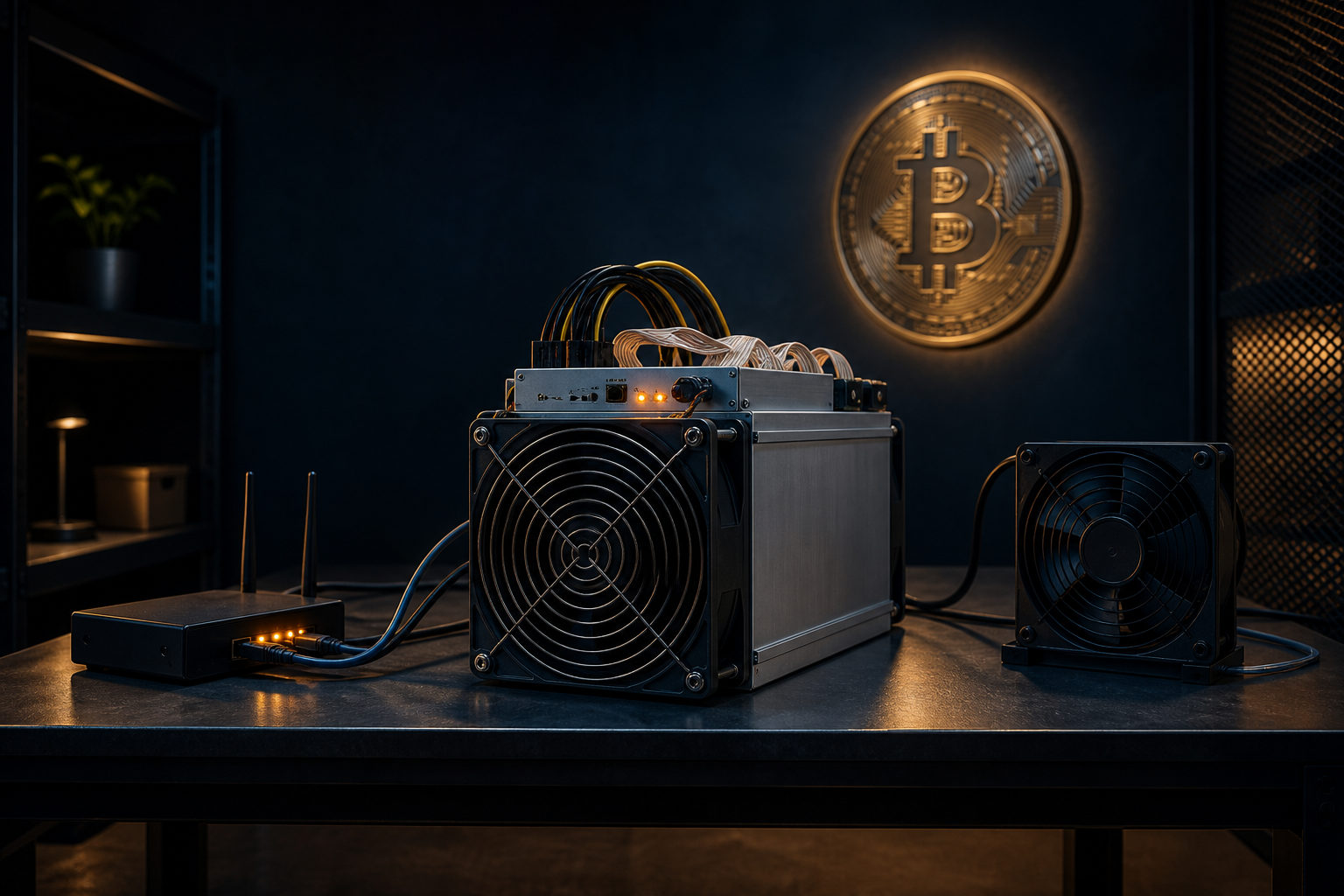
How to set up a solo bitcoin miner starts with one key point: solo mining is not just plugging in a machine, but running your own setup so your hardware, node, and wallet work together as one system.
A simple way to picture it is a public bookkeeping contest. Everyone is trying to solve the same type of puzzle under Bitcoin's rules, and the first valid result can earn the right to add the next block. In solo mining, you do not merge your hashrate with a pool. You run the process yourself and accept that results can be very uneven.
What solo Bitcoin mining actually means
Bitcoin launched from its genesis block in January 2009, and its creator used the name Satoshi Nakamoto. The network is built around proof of work, with a new block appearing about every 10 minutes when miners find a valid block header under the current difficulty target.
That is the technical base. The practical difference between solo mining and pool mining is simpler: in a pool, many miners combine their computing power and the pool operator distributes work and payouts. In solo mining, you are responsible for your own block template source, your own validation path, and your own payout address.
This matters because it changes your expectations. A pool can smooth outcomes across many participants. Solo mining does not do that. Even if your setup is correct and your machine runs without interruption, you may wait a long time before seeing a block found by your system.
The three parts you need before you start
Many beginners think the answer to "how to set up a solo bitcoin miner" is simply buying ASIC hardware. That is only one part of the setup. A workable solo arrangement usually includes a miner, a Bitcoin full node, and a wallet you control.
Mining hardware
For Bitcoin, miners normally use ASIC machines designed for SHA-256 mining. A laptop or desktop can still be useful for management tasks, wallet access, or node administration, but not as a practical substitute for dedicated mining hardware in current network competition.
The miner's job is to test nonce values and related combinations as fast as possible. Most of the settings you will see in the device interface are really about where work comes from and where valid results get sent.
A Bitcoin full node
If you want a setup that is meaningfully solo, running a Bitcoin full node is usually central to the process. A full node downloads and validates blockchain data, checks whether blocks and transactions follow consensus rules, and helps provide the information needed for mining work generation.
This gives you more control than sending your machine to a third-party pool and trusting its decisions. You can verify the chain yourself and inspect the behavior of your own system when something goes wrong.
A wallet for the payout address
If your system finds a valid block that the network accepts, the block reward is directed to the address you configured. That makes wallet control a basic part of setup, not an afterthought.
Bitcoin has a maximum supply of 21 million coins, and its smallest unit is 1 satoshi, or one hundred millionth of 1 BTC. You do not need advanced wallet features just to begin planning a solo setup, but you do need to know who controls the keys and how recovery is handled.
How to set up a solo bitcoin miner step by step
The cleanest way to build the system is to handle the wallet first, then the node, then the miner. That order keeps mistakes easier to isolate. If something fails, you can tell whether the issue is key control, blockchain sync, local networking, or miner communication.
1. Create a wallet you control
Start with a wallet where you control the private keys, then generate an address dedicated to mining receipts. Keeping this address separate from routine spending can make monitoring and troubleshooting easier.
Store backups offline. Do not leave recovery data on only one internet-connected device. Before moving forward, be clear about who can restore the wallet and where the backup material exists.
2. Install and sync a full node
Next, run Bitcoin full node software on a stable machine that can stay online. The node needs time to download and validate blockchain data, and it should remain current if you want a reliable foundation for solo mining.
If the node is not fully synced, often disconnects, or runs on unstable storage or networking, your miner may not get usable work. Problems at this layer can look like miner trouble even when the hardware is fine.
3. Configure the mining connection
Once the node side is ready, connect your ASIC miner to the service you control. The exact menu labels vary by manufacturer. Some interfaces still use terms borrowed from pool mining, but the logic is the same: the miner needs a target for work and a path for submitting results.
At this stage, common mistakes include a wrong address, incorrect authentication details, local network issues, or permissions not enabled on the node side. If the setup does not behave as expected, check logs and connection status before assuming the miner itself is defective.
4. Verify that the system is really working
A powered machine with spinning fans does not prove that solo mining is active. You need to confirm that the miner is receiving work, that the node is responding as expected, and that the payout address remains exactly the one you intended to use.
This is where many first attempts fail. Hardware can look busy while the overall system is not producing valid coordination at all. A quiet configuration mistake can waste far more time than a hardware fault.
Costs, environment, and the reality of home setups
The biggest surprise for newcomers is often not software complexity but the physical side of mining. Bitcoin mining hardware runs under sustained load. That means heat, noise, constant power draw, and an ongoing need for airflow and maintenance.
Before you even think about leaving a machine online for long periods, review the environment. Can your electrical setup handle a high-load device steadily? Is ventilation good enough? Will the noise be acceptable where the hardware runs? Can your internet connection stay up consistently rather than only being fast at short intervals?
- Power: Stable power matters as much as raw availability.
- Cooling: Poor airflow can hurt uptime and reliability.
- Networking: Continuity matters, not just bandwidth.
- Maintenance: Dust, fan issues, and unexplained restarts need attention.
For many people, these practical factors become the limiting issue long before they hit a software wall. A home or office may be good enough for testing a node and managing a wallet, yet still be a poor fit for long-running mining hardware.
Why solo mining is not the same as steady income
Solo mining is direct participation in Bitcoin's block race. It is not a service that smooths results into small, regular payments. Your experience depends on your hardware, how long it stays online, the network's difficulty conditions, and simple probability.
That is why many people approach solo mining as a way to learn Bitcoin's mechanics and keep more direct control over the process, not as an easy passive-income setup. Even a well-built system can go long stretches without finding a block.
Bitcoin's issuance schedule also changes over time. The subsidy halves about every 4 years, or every 210,000 blocks, and halving years so far include 2012, 2016, 2020, and 2024. This affects the structure of block rewards, but it does not remove the operational demands of solo mining.
If your goal is to understand how miners get work, how nodes validate blocks, and how Bitcoin's rules are enforced in practice, solo mining can be a valuable technical exercise. If your only goal is smoother results, many people find pool mining closer to that expectation.
Security points that should not wait until later
A solo setup puts more control in your hands, which also means more responsibility. Wallet backups, node permissions, miner login credentials, and local network exposure all deserve attention from the start.
Do not leave default passwords in place on the miner interface. Do not expose management panels more broadly than necessary. If someone changes your payout address or redirects your work path, the machine may still appear to be running while the result no longer benefits you.
- Keep wallet recovery backups offline.
- Change default miner credentials immediately.
- Limit node access to only what is required.
- Check logs and settings regularly for unwanted changes.
Security is not a final polish step. It is part of setup from the first wallet screen onward.
FAQ
Do I need more than just a mining machine to mine solo?
Yes. A machine alone is not a full solo setup. You also need a wallet you control and, in most serious setups, a Bitcoin full node so the system can validate and coordinate work under your control.
If the device still points to a third-party pool, that is pool mining, not true solo mining.
Is running a full node required for solo Bitcoin mining?
If you want a setup that is genuinely independent, a full node is usually a core part of it. It lets you validate Bitcoin's rules yourself instead of handing that role to someone else.
It also makes troubleshooting much clearer because you can inspect activity at the node layer directly.
Can a normal computer be used for solo Bitcoin mining?
A normal computer can help with wallet management, miner administration, and in some cases running the full node. It is not a practical replacement for ASIC hardware in actual Bitcoin mining competition.
It helps to separate support tasks from the task of providing meaningful hashrate.
Why does my miner look active but still show no useful result?
The node may not be fully synced, the network path may be broken, credentials may be wrong, or the payout and work settings may not match what you intended. There is also the simple fact that solo mining can run correctly for a long time without finding a block.
Check logs and connectivity first, then judge whether you are looking at a configuration problem or normal variance.
Where should I check the live Bitcoin price?
If your goal is to see the current market price, use major market data platforms or large trading services that publish live quotes. An article about solo mining can explain what drives price, but it cannot replace a real-time quote page.
When you compare sources, make sure the quoted market and unit are actually comparable.
Before you leave any machine running for extended periods, confirm four things one by one: your wallet backup is safe, your node is synced, your local network path works, and your miner login details are no longer set to defaults.
Disclaimer: This article is for informational and educational purposes only and is not investment, financial, or legal advice. Crypto assets are highly volatile and you could lose your entire investment. Do your own research and decide carefully.