
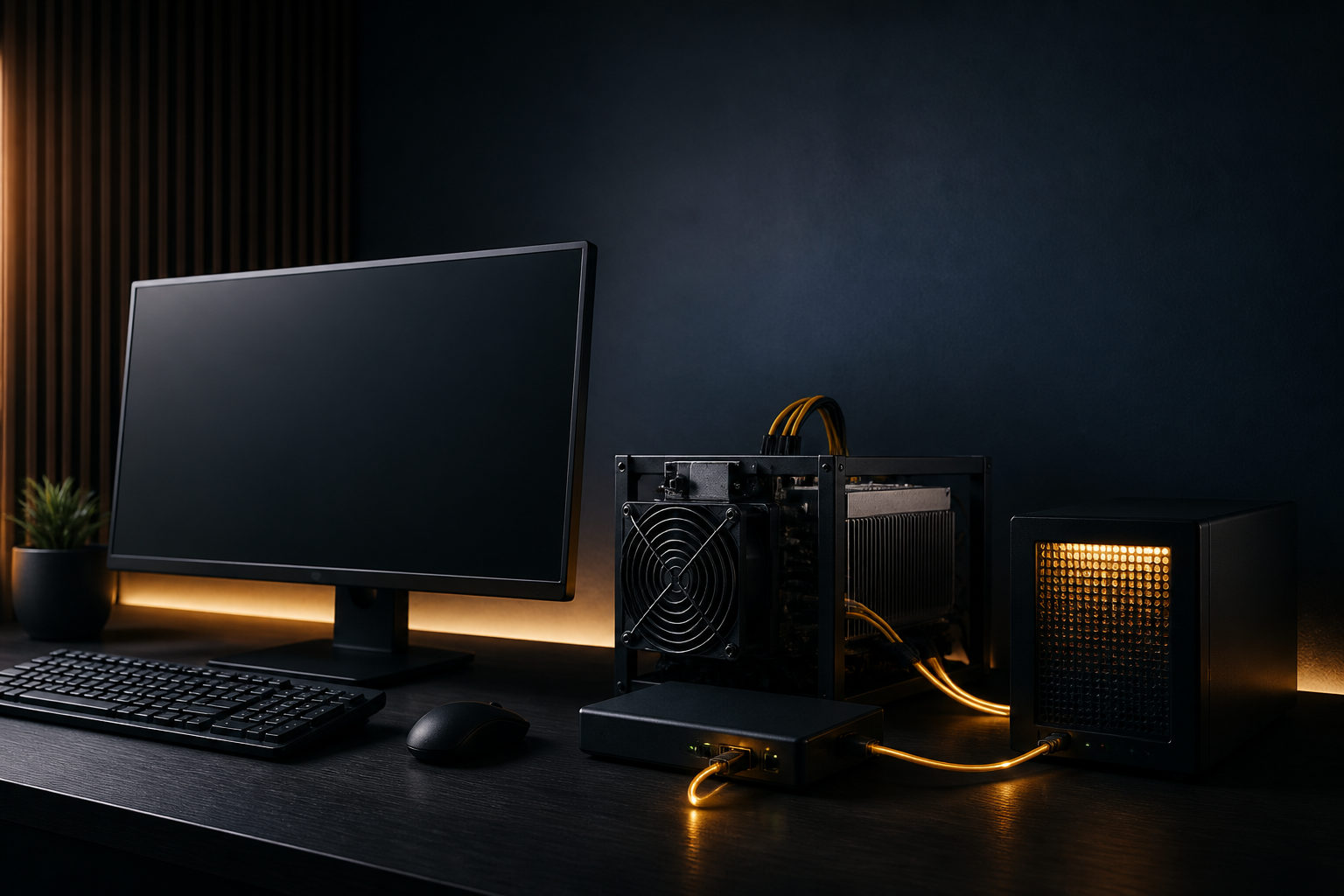
There is no direct cable between a public pool and your Windows Bitcoin node. What matters is wiring three pieces together: a synced node, mining software that accepts pool credentials, and the pool’s server address. Here’s how to do it.
Who Does What in a Pool Connection
People often assume the node is the device that “joins” the pool. It is not. The node keeps a full copy of the blockchain, validates blocks independently, and holds the wallet address you want the pool to pay. The pool, by contrast, is a service that combines hashing work from many participants and splits rewards. The mining software or ASIC miner is the party that actually speaks to the pool.
| Role | What It Does | Its Part in a Pool Connection |
|---|---|---|
| Windows Bitcoin Node | Stores the ledger, validates blocks, manages receiving addresses | Does not need to talk to the pool directly; it validates and receives payments |
| Public Pool | Assigns work, collects results, calculates payouts | Provides the server address, port, and worker credentials |
| Mining Software / Miner | Computes hashes and submits results | The part that actually communicates with the pool server |
A simple analogy: your node is your own bookkeeper, a public pool is a lottery-syndicate coordinator, and your miner is the machine that prints tickets. The coordinator collects tickets and handles the accounts. Your bookkeeper checks what happened against the public record.
Before You Connect
- A Windows computer with Bitcoin Core installed. The first sync takes a long time and needs enough disk space and bandwidth. Do not rush this stage.
- A receiving address generated by Bitcoin Core. You can create one from the Receive tab; this is where the pool sends your BTC.
- An account on a public mining pool. After registering, create a worker. A worker is a login slot for your mining machine, not a wallet address.
- Mining hardware or mining software that supports the Stratum protocol. Most modern Bitcoin mining tools accept this protocol and display an “accepted shares” statistic.
How to Make the Connection
There are two routes. Route one: use the pool as the main provider of work and leave your node mostly for validation and payments. Route two: let your own node propose block templates through GBT mode, which is closer to independent mining.
Route One: Pool-First Setup
- Start Bitcoin Core and wait until it is fully synced. A partially synced node can still coexist with a miner, but it cannot act as a trustworthy local validator.
- Go to the Receive tab, copy a fresh address, and paste it into the pool’s payout settings.
- Create a worker inside the pool dashboard. Use a name and password you will enter into the mining software.
- Open the miner configuration and enter the pool server address and port. The pool will normally give you a string that starts with stratum. Do not paste the node address there.
- Launch the miner and watch the log. When you see accepted shares, the pool has received and accepted your submitted work.
Route Two: Node-First Setup
If you want the mining software to build block templates from your own node, enable Bitcoin Core’s RPC interface, create local credentials, and switch the miner to GBT mode. Point it at the local node’s RPC address instead of a pool address. This route gives you more control, but it is more demanding: the node must stay synchronized, and you need to understand how block templates are produced.
Mistakes That Waste Your Time
| Common Mistake | What Happens |
|---|---|
| Putting the pool server address into the node RPC setting | The miner cannot connect and keeps throwing errors |
| Using a receiving address as the worker password | The pool cannot identify the worker and rejects the connection |
| Switching to GBT mode before the node has finished syncing | No usable block template is available, so mining does not move forward |
| Never backing up the private key | A Windows failure may make coins in that address unrecoverable |
FAQ
Can one Windows node connect to more than one pool?
A node is not a hub. A single miner usually connects to one pool at a time. If you have several machines, you can point different machines to different pools, but the node itself does not need to be listed anywhere.
Why is the pool hashrate lower than the miner’s hashrate?
Network delay, stale shares, and difficulty changes make the pool-side number lag behind the miner’s local reading. Do not judge stability from a few minutes of data; wait for several hours and look at the trend.
Can I turn off the node after I set a payout address?
Yes. The payout is recorded on the blockchain, not in your node. When you start the node again, it will synchronize and show the balance. Still, a node that is often offline cannot give you independent validation.
Is enabling RPC risky?
It depends on the setup. If RPC listens only on the local machine and uses a strong password, the risk is manageable. The danger appears when you expose RPC to the internet or leave weak credentials. If you only mine through a pool, you can skip RPC entirely.
Before you let the miner run for days, check three things: accepted shares appear in the pool dashboard, the node is at the latest block height, and the payout address matches the one your node generated. When those checks pass, the setup is about as solid as it needs to be.
Disclaimer: This article is for informational and educational purposes only and is not investment, financial, or legal advice. Crypto assets are highly volatile and you could lose your entire investment. Do your own research and decide carefully.