
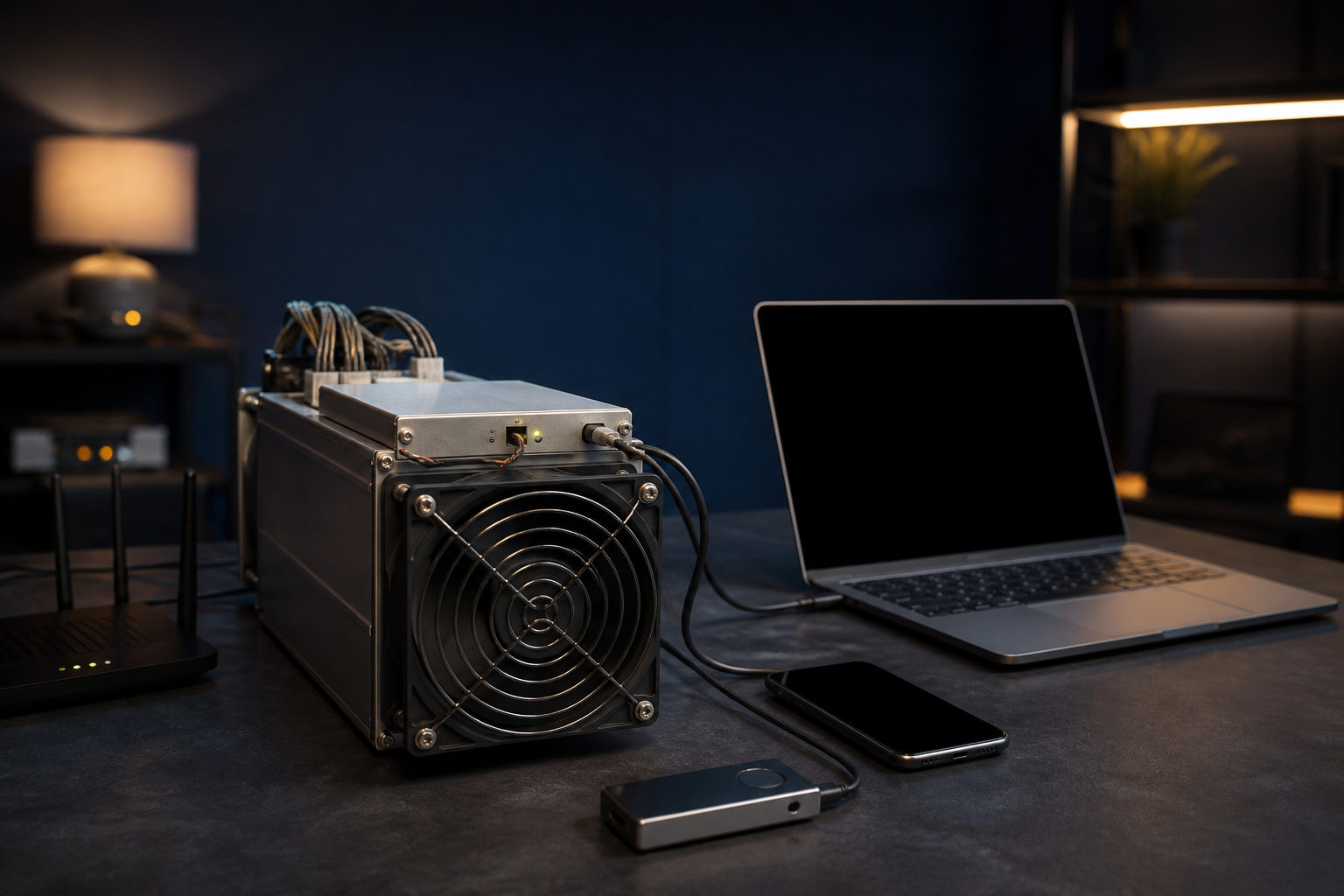
To join a bitcoin mining pool, you need suitable mining hardware, a payout wallet, a pool account, and the correct server settings entered into your miner or mining software.
Think of a mining pool as a shared bookkeeping race
Bitcoin mining is an ongoing race to win the right to add the next block to the chain. Machines perform specialized calculations, and the participant that finds a valid block gets the block reward plus transaction fees. For a single operator working alone, that outcome can be extremely uneven.
A mining pool changes how you participate. Many miners combine their hash power under one pool coordinator. The pool assigns work, collects valid shares, and distributes payouts according to its rules. For most individual miners, the appeal is usually a smoother payout pattern that is easier to track against power bills, maintenance, and downtime.
A pool is a coordination tool, not an income guarantee. Your hardware efficiency, electricity cost, network stability, pool fees, and uptime all matter more than simply joining.
What you need before you join a bitcoin mining pool
Your miner provides hash power. Your wallet receives payouts. The pool organizes the work and accounting. Your miner interface or mining software connects the machine to the pool.
| Item | Purpose | What to verify first |
|---|---|---|
| Mining hardware | Produces hash power for bitcoin mining | Make sure it is suitable for Bitcoin, stable under load, and properly cooled |
| Power setup | Keeps the machine running continuously | Check cost tolerance, circuit stability, and whether the setup can handle long sessions |
| Internet connection | Links your machine to the pool server | Look for stable latency, low interruption risk, and reliable router behavior |
| Wallet address | Receives mining payouts | Confirm the address format and who controls access to the funds |
| Pool account | Shows worker status and payout records | Review security settings and whether worker naming is supported |
| Miner interface or software | Holds the pool connection details | Prepare the server address, port, worker name, and password field |
If you use a dedicated ASIC machine, much of the setup happens in the miner dashboard. In other setups, you may need a separate mining program. First confirm that your hardware is actually appropriate for Bitcoin mining.
You should also decide where pool payouts will go. Some miners prefer a custodial platform address for convenience. Others want a wallet they control directly. One route can feel simpler at the start, while the other gives stronger control over access. The right choice depends on how you plan to manage security, withdrawals, and backups.
Step-by-step: how to join a bitcoin mining pool
Most failed setups come from small errors: a wrong server line, a bad worker name, an unsupported address format, or a machine that seems active locally but never submits valid shares to the pool.
| Step | What to do | Common mistake |
|---|---|---|
| Choose a pool | Compare payout method, fee structure, server options, and dashboard clarity | Picking by brand familiarity without reading the payout rules |
| Create the account | Register the main account and add workers if the pool uses them | Using a worker format that the pool does not accept |
| Set the payout address | Enter your wallet address in the pool dashboard and review payout settings | Copying the wrong address or using an address type the pool does not support |
| Enter pool details | Fill in the server address, port, worker name, and password field | Typing the wrong endpoint or skipping backup servers |
| Start the miner | Save settings and let the machine connect | Assuming spinning fans mean the pool connection is working |
| Check the dashboard | Watch for valid hash rate, share submission, and payout records | Looking only at the local machine page and never verifying the pool side |
When you choose a pool, focus on the rules rather than the marketing copy. You want to understand how payouts are calculated, what fees are charged, whether the pool offers backup endpoints, and how clearly it reports valid shares and worker activity.
Many pools let you create worker names for each machine. That makes it easier to tell which unit is online, which one is unstable, and which one has gone silent. Even if you only run one miner today, a clean naming habit makes troubleshooting easier.
The four settings that usually matter most are the pool server, port, worker name, and password field. New miners often assume that the password field should match their website login. In many pool setups, it does not. It may be a placeholder or a parameter field defined by the pool. Follow the pool instructions exactly.
After launch, verify the connection in two places. First, inspect the miner locally to see whether it reports an active pool session. Then open the pool dashboard and look for valid shares or a recognized hash rate. Until the pool shows accepted work, do not assume the machine is truly connected. If nothing appears after a reasonable wait, review the node entry, worker format, firewall behavior, time sync, and network path.
How to compare mining pools in a practical way
Instead of asking which pool is best, ask which pool fits your setup and operating style. Pools differ in payout rules, account tools, server quality, reporting, and how easy they are to troubleshoot when a machine stops behaving normally.
| Comparison point | What to examine | Why it matters |
|---|---|---|
| Payout model | How the pool counts shares and distributes rewards | Affects payout consistency and how easy the rules are to understand |
| Fees | Service charges and any deductions tied to pool use | Directly changes what reaches your wallet |
| Server coverage | Whether the pool has endpoints suitable for your network location | Can affect latency, rejected shares, and connection stability |
| Dashboard visibility | Hash rate history, worker status, and payout records | Helps with fault finding and payout checks |
| Payout threshold | When the pool sends funds or allows withdrawal | Shapes waiting time and cash flow planning |
| Account security | Two-factor authentication, alerts, and payout address protection | Reduces the risk of unauthorized access or address changes |
If you run a small setup, clean monitoring tools can matter more than extra features. A miner that goes offline quietly can waste time and electricity before you notice. Alerts, worker-level reporting, and clear payout history make a real difference in day-to-day operation.
Security belongs in the core setup, not as an afterthought. Use strong account credentials, enable two-factor authentication if the pool offers it, and check payout address settings regularly.
The cost reality behind pool mining
A bitcoin mining pool solves the coordination problem. It does not remove business reality. Hardware, power, cooling, noise, repairs, dust, ventilation, network interruptions, and downtime all shape the final outcome.
One common beginner mistake is treating “machine online” as proof that the operation is healthy. A miner can be powered on and still perform badly because of heat issues, unstable internet, rejected shares, or poor configuration. You need to watch for accepted work, not just visible activity.
Home mining adds another layer of friction. Dedicated machines can produce substantial heat and noise over long sessions, which can make a residential setup uncomfortable and harder to maintain. Poor airflow or dirty conditions can shorten stable run times and create more maintenance work.
A simple operating routine helps. Check the dashboard regularly, keep a record of disconnects, review fan and power behavior, and confirm that your payout destination has not changed.
FAQ
How long does it take for a miner to appear on the pool dashboard?
You usually need to wait for the machine to establish a connection and submit valid shares. If the local miner page looks active but the pool still shows nothing, start by checking the server entry, worker format, and network path.
Can I use an exchange deposit address for pool payouts?
Some miners do that for convenience. You should confirm that the platform supports this kind of incoming transfer and understand any limits or account controls that could affect later access.
What happens if the pool connection drops?
If the machine is not submitting valid shares to the pool, that work period usually will not be counted normally. Setting backup pool endpoints can reduce idle time by letting the machine switch automatically when the main server fails.
Do I need a separate worker name for one miner?
Yes, it is still a good habit. A distinct worker name makes your dashboard easier to read now and saves time later if you add more machines or need to isolate a problem.
What is the main difference between solo mining and pool mining?
The biggest difference is payout pattern. Solo mining depends on your own machine finding a block, which makes results highly uneven, while pool mining combines many participants and distributes rewards by rule.
Before you connect your machine, write down your main pool server, backup server, wallet address, account name, and worker naming pattern in one place. That checklist makes setup cleaner and shortens the time it takes to diagnose a silent miner, a bad payout setting, or a failed connection.
Disclaimer: This article is for informational and educational purposes only and is not investment, financial, or legal advice. Crypto assets are highly volatile and you could lose your entire investment. Do your own research and decide carefully.