
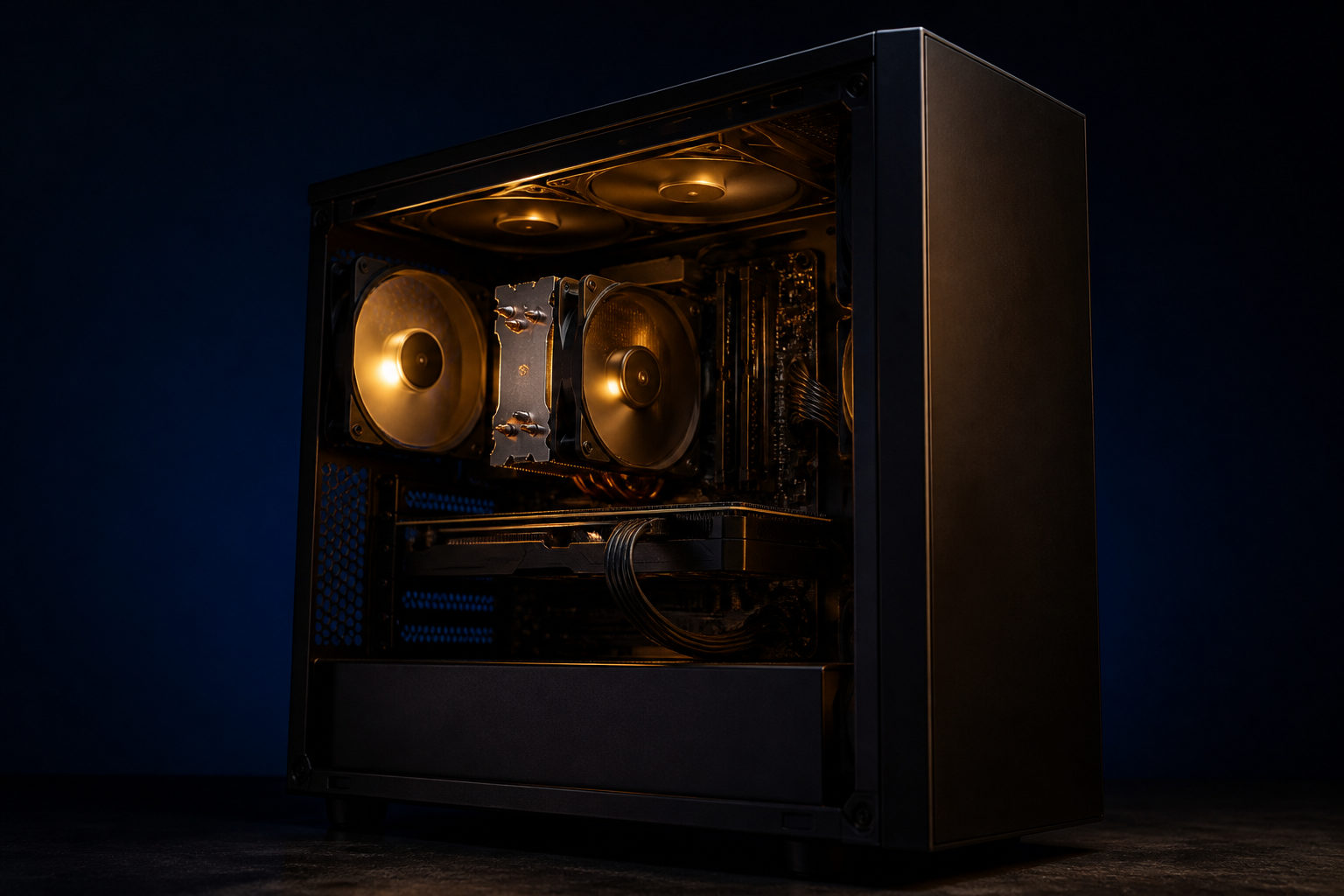
Mining bitcoins can hurt your computer over time, mainly through constant heavy load, heat, poor cooling, and unsafe software rather than instant damage from opening a mining app once.
Think of mining as a race to write the next page of a ledger
Bitcoin mining makes more sense when you picture the network as a public ledger that anyone can verify. Miners compete for the right to add the next block, and they do that by running repeated calculations until one machine finds a valid result under the network rules.
This is not a light task. Bitcoin produces a new block about every 10 minutes, so mining equipment keeps working at high intensity for long stretches. That constant load is what changes the risk profile for a computer. A web browser, office app, or video player rises and falls in resource use. Mining pushes hardware much closer to sustained maximum effort.
That does not mean a computer breaks the moment mining starts. It means wear factors that stay small during normal use become more important: heat buildup, fan fatigue, dust, airflow, and power stability. If any of those are weak, the machine feels the strain sooner.
What actually puts stress on a computer
| Source of stress | What it can do | What you may notice |
|---|---|---|
| Long periods of high temperature | Speeds up wear on fans, power delivery components, and other parts | Hot chassis, louder fans, unstable performance |
| Weak cooling | Traps heat and can trigger throttling or shutdowns | Slowdowns, freezes, restarts |
| Low-quality or unstable power | Adds stress to internal components | Black screens, crashes, strange device behavior |
| Dust and poor room conditions | Reduces airflow and cooling efficiency | Fans ramping up often, temperatures staying high |
| Unsafe mining software | Can steal resources and carry malware | Background usage spikes, system slowdown, account risk |
People often focus only on the processor or graphics card, but the whole system is involved. Fans spin harder for longer, the power supply works under steadier demand, and heat affects nearby components too. A machine built for casual daily use may tolerate short spikes well, yet react badly when that spike becomes the default state.
Software source matters just as much as hardware stress. Some programs marketed as mining tools are really malware with a mining function attached. In that case, the bigger threat may not be component wear at all. It may be stolen passwords, remote access, hidden background processes, or a system that stays compromised after the mining app is gone.
Laptops, desktops, and dedicated miners are not in the same category
| Device type | Can it run bitcoin mining tasks? | Main pressure point | Practical view |
|---|---|---|---|
| Standard laptop | It may run related software, but it is poorly suited for long sessions | Tight cooling space, fan strain, heat concentration | Fine for learning concepts, poor for sustained use |
| Desktop PC | Better thermal room than a laptop | Case airflow, power supply, dust control | More manageable for testing, still not ideal by default |
| Dedicated mining machine | Built for bitcoin mining | Heat, noise, power setup, maintenance | Closer to industrial equipment than a home PC |
If you are asking about a laptop, the answer leans toward caution. Laptops are designed around portability, battery life, and compact thermals. Running a high-load task for long periods can push their cooling systems hard, and the small internal space gives heat fewer ways to escape.
A desktop has more room for airflow and larger fans, which helps. Even so, that does not make it immune. Poor cable management, a dusty case, a weak power supply, or a warm room can still create the same basic problem: too much heat for too long.
Dedicated bitcoin mining machines are different again. They are purpose-built for this work, so the issue is less about whether they can handle mining and more about whether the owner can handle the operating reality: noise, heat output, maintenance, placement, and power planning. For many home users, those practical limits arrive before hardware failure does.
You do not need to mine to take part in Bitcoin
Many people search this topic because they are interested in Bitcoin, not because they are committed to running mining hardware. That distinction matters. Mining is one role in the network. It is not required for every user.
| Way to take part | Needs long-running hardware? | Best for | What to learn first |
|---|---|---|---|
| Buying bitcoin and storing it yourself | No | People focused on holding the asset | Wallet basics, backups, transaction checks |
| Using a trading platform | No | People who want convenience | The difference between platform custody and self-custody |
| Running wallet or node-related software | Depends on the purpose | People who want to understand the network better | This is separate from mining |
| Studying the mining business | Not always | People interested in the industry side | Hardware, energy, maintenance, and operating risk |
If your goal is education, learning how wallets work, what private keys do, how addresses are used, and how transactions are verified usually gives more value than trying to mine on a home computer. It teaches you what Bitcoin actually asks from users and helps you spot exaggerated claims about easy participation.
If your goal is exposure to bitcoin as an asset, security and storage matter more than forcing your main computer through a workload it was never meant to carry all day.
Questions to ask before you try it
Start with the role of the machine. Is this your daily work computer, your school laptop, or the system you use for editing, gaming, or other demanding tasks? If yes, mining can interfere with normal use long before anything physically fails. Heat, fan noise, lag, and reduced responsiveness often become the first warning signs.
Then think about maintenance. Can you monitor temperatures? Do you know how to clean dust safely? Is the airflow around the machine decent, or is it pressed against a wall or used on soft surfaces? These details change whether a test stays harmless or turns into ongoing stress.
There is also the resale and service angle. Even when a part still works, heavy long-term use can affect how buyers and repair shops judge the machine. A computer that has spent long periods under full load may raise concerns about remaining lifespan, especially if cooling has been neglected.
If you simply want to experiment, keep the goal narrow. Learn how the software behaves, watch temperature and system usage, confirm you can stop the process cleanly, and check that nothing suspicious remains in the background. Treat it as a controlled test, not as an assumption that a normal home computer should tolerate sustained mining indefinitely.
FAQ
Is a laptop more likely to be damaged by bitcoin mining?
In many cases, yes. Laptops have tighter thermal limits and less room for heat to disperse, so long periods of heavy load can stress cooling parts faster than on a larger desktop.
If I mine only for a short time, will my computer be ruined?
A short test usually does not ruin a healthy computer by itself. The bigger issue is when a quick experiment turns into repeated or continuous high-load use without temperature checks or software verification.
Does a slow computer always mean hidden crypto mining malware?
No. Slowdowns can come from many causes, including updates, storage problems, or driver issues. Still, unexplained high resource use, constant fan noise, and unknown background processes are good reasons to inspect the system.
Is GPU mining the same as bitcoin mining?
People often use the phrase loosely, but different cryptocurrencies rely on different kinds of hardware competition. In bitcoin mining, professional specialization is much higher, so a normal home GPU setup is usually not competitive.
What should I learn first if I want to understand bitcoin mining?
Start with blocks, hashing, mining difficulty, and why miners compete for the next block. Once that clicks, the heat and hardware strain make much more sense, and marketing claims become easier to judge.
If you decide to test mining software at all, do it on a clean system, use trusted sources, watch temperatures closely, and stop immediately if the machine shows unstable behavior or suspicious background activity.
Disclaimer: This article is for informational and educational purposes only and is not investment, financial, or legal advice. Crypto assets are highly volatile and you could lose your entire investment. Do your own research and decide carefully.