
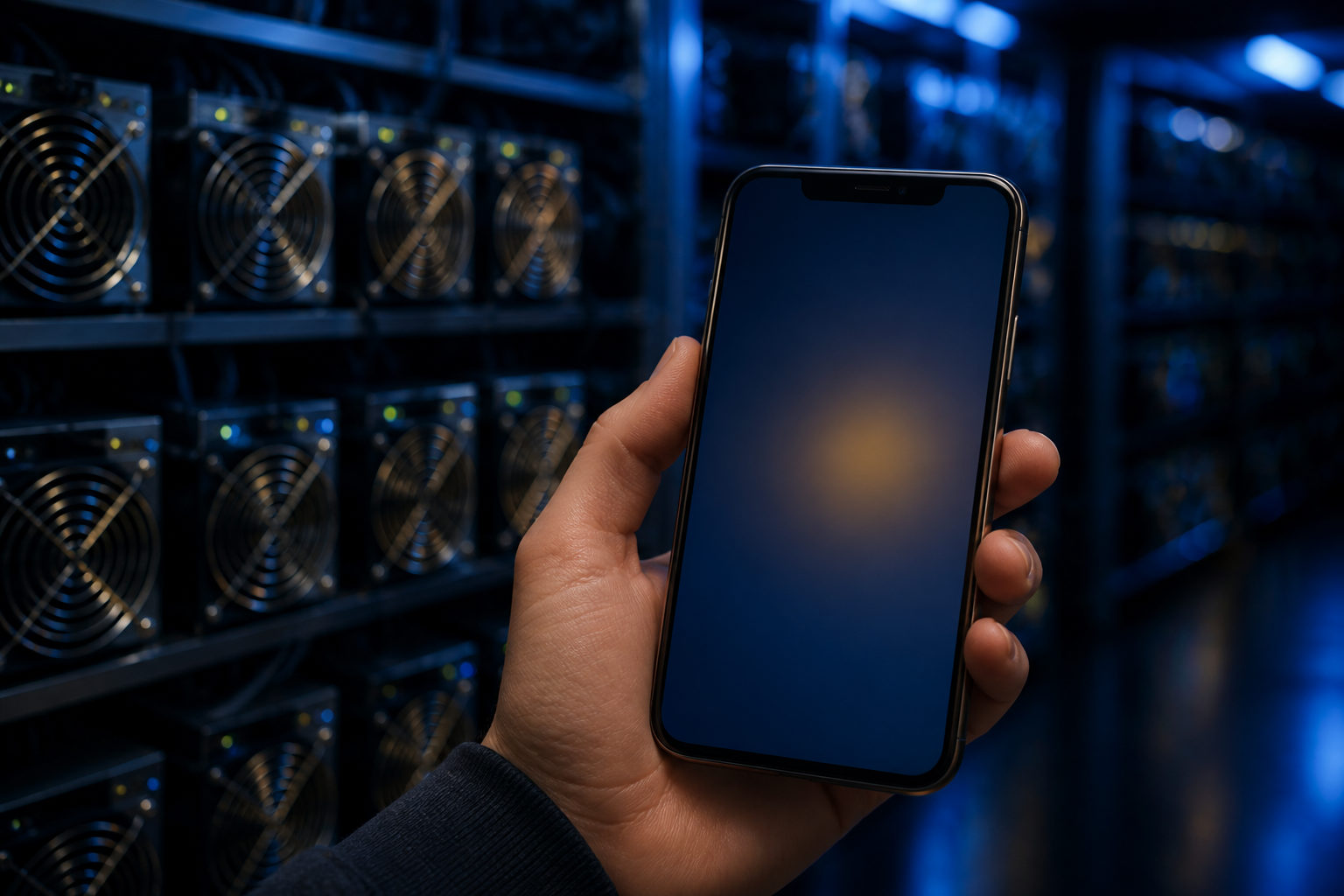
If you are asking how to mine bitcoin in mobile, the short answer is this: a phone is not a practical device for directly mining Bitcoin. In real use, mobile usually means managing mining through apps, cloud services, pool accounts, or remote hardware.
Think of Bitcoin mining as a race to write the ledger
A simple way to understand Bitcoin mining is to picture a constant race for bookkeeping rights. Participants compete to package transactions and add a new block to the blockchain, and the network follows strict rules to decide which block is valid.
Bitcoin began with the genesis block in January 2009, and the system keeps producing a new block about every 10 minutes. That schedule does not make mining easy; it only defines how the network works. As more specialized operators compete, effective mining shifts toward hardware built for that job.
This is why the phrase “mobile Bitcoin mining” often causes confusion. It can mean using the phone’s own processor to mine, or using a phone to access an actual mining setup. Those are very different things, and only the second one is realistic for most people.
Why direct Bitcoin mining on a phone does not make sense
At first glance, the idea sounds simple: install an app, leave it running, and let the phone earn Bitcoin. The problem is that Bitcoin mining has long moved beyond the stage where a general-purpose mobile chip can compete in any meaningful way.
| Factor | Phone mining directly | Dedicated Bitcoin mining hardware |
|---|---|---|
| Processing design | Built for mixed everyday tasks | Built for mining work |
| Heat handling | Limited by thin device design | Designed for continuous heavy operation |
| Power model | Battery and charging limits | Continuous external power |
| Typical role | Demo, simulation, or service access | Real hash power for network competition |
| Main downside | Heat, battery wear, device stress | Hardware, maintenance, and operating setup |
The key question is not whether a phone can run software. It is whether that software is doing useful Bitcoin mining at all. Many so-called mining apps show dashboards, task counters, or balance-like screens. That does not prove the phone is contributing valid mining work to the Bitcoin network.
There is also a hardware reality. A smartphone is meant for communication, media, apps, and short bursts of varied processing. It is not a machine built to sit under heavy sustained load for long periods. Constant heat and charging stress can degrade normal usability even before any mining claim is examined.
What mobile Bitcoin mining usually means in practice
Once you separate direct on-device mining from mobile-based participation, the topic gets clearer. In practical terms, a phone is mainly a control panel, not the engine.
| Participation route | What the phone does | Who it suits | What to verify first |
|---|---|---|---|
| Cloud hash power service | Account access, contract review, payout tracking | People avoiding hardware management | Fee terms, withdrawal rules, service clarity |
| Mining pool account | Monitor hash rate reports and payout pages | Users who already have miners elsewhere | Pool rules, account protection, payout method |
| Remote miner management | Status checks, alerts, settings review | Owners of mining hardware | Access control, network stability, permissions |
| Learning or simulation app | Understand workflow and terminology | Beginners studying the process | Whether it is educational only |
For most users, this is the realistic mobile path. The phone helps you log in, monitor equipment, confirm wallet addresses, receive warnings, and keep an eye on payouts or service status.
That difference matters because some apps blur the line on purpose. They may present rising “hash rate” figures or daily production displays while the real activity is something else entirely, such as a simulated reward system, a rental product, or a sign-up funnel for another service.
How to evaluate a mobile mining app or service
Before installing anything, figure out what the service is actually offering. A name that includes “mining” is not enough.
- Define your goal. Are you trying to learn how Bitcoin mining works, or are you trying to participate in real mining? Those are separate goals and should lead you to different tools.
- Identify the product type. It may be a pool app, a cloud mining dashboard, a wallet, a remote management tool, or just a simulator. The label matters because the risks are different.
- Read the fee and withdrawal rules. Many problems show up here. If costs, restrictions, or payout conditions are vague, the service deserves extra caution.
- Limit account permissions. A monitoring app does not always need full asset control. If read-only access is available, that is often the safer choice.
- Protect wallet credentials. Recovery phrases, private keys, and verification codes should stay under your control. No support account or group admin should ever need them.
- Watch the device impact. If an app pushes the phone into constant heat, asks for broad permissions, or encourages unsafe installation steps, treat that as a warning sign.
Bitcoin itself has fixed, public rules. Its supply is capped at 21 million coins, and the issuance schedule changes through halvings that occur every 210,000 blocks, roughly every 4 years. Claims that suggest effortless, low-friction, high-output mobile mining do not fit well with that structure.
Common mistakes people make with “mobile mining”
| Mistake | What it looks like | Why it matters |
|---|---|---|
| Treating a demo app as real mining | Animated counters and growing balances | The display may not reflect actual Bitcoin mining work |
| Ignoring service terms | Focusing only on the app screen | Withdrawal limits, fees, or lock conditions may be hidden in the rules |
| Running heavy apps on a main phone | Fast battery drain and constant heat | The device may become less reliable for daily use |
| Granting too much wallet access | Using one app for everything | A compromised account can expose more than expected |
| Believing easy-income messaging | Promises of passive output with no real trade-off | That often signals poor transparency or a weak business model |
If your goal is education, a learning app can still be useful. It can help you understand what a mining pool does, how payouts are tracked, what a wallet address is for, and how miners relate to the blockchain.
If your goal is actual Bitcoin mining, mobile should be seen as an access layer. The real work happens elsewhere, through dedicated hardware or a service that controls that hardware.
FAQ
Does installing a mining app mean my phone is mining Bitcoin?
No, not automatically. Some apps are educational, some connect you to a remote service, and some use mining language without showing that the phone is performing valid Bitcoin mining work.
The useful test is whether the service clearly explains the source of the mining activity, the payout logic, and the withdrawal process.
Is Android or iPhone better for mobile Bitcoin mining?
If you mean direct on-device Bitcoin mining, neither is a practical option. If you mean account management, monitoring, or wallet checks, both can serve that role.
What matters more is the trustworthiness of the app source, security settings, and how much access the app requests.
Can mobile mining damage my phone?
Heavy continuous workloads can increase heat, battery stress, and performance slowdowns. That can reduce comfort and reliability for a device you use every day.
Even for monitoring apps, it is smart to avoid software that demands broad permissions without a clear reason.
What do I need if I want to join a mining pool from my phone?
You usually need a pool account and a Bitcoin wallet address for payouts. If you do not have access to actual mining hardware or a service providing hash power, the phone alone does not replace that missing piece.
The mobile part is mostly about monitoring and account control, not producing competitive mining power by itself.
How can I tell whether a mobile mining service is legitimate?
Start by checking whether it clearly states what it sells: remote miner access, cloud hash power, pool management, or education. A service that stays vague about the product while pushing easy-profit language deserves extra skepticism.
Then review fees, withdrawal terms, account permissions, and support channels. If the core rules are hard to find, walk away.
If you want a practical next step, use your phone only as a management device at first: monitor accounts, verify wallet details, and review service terms before giving any app deeper access or relying on it for real Bitcoin mining participation.
Disclaimer: This article is for informational and educational purposes only and is not investment, financial, or legal advice. Crypto assets are highly volatile and you could lose your entire investment. Do your own research and decide carefully.