
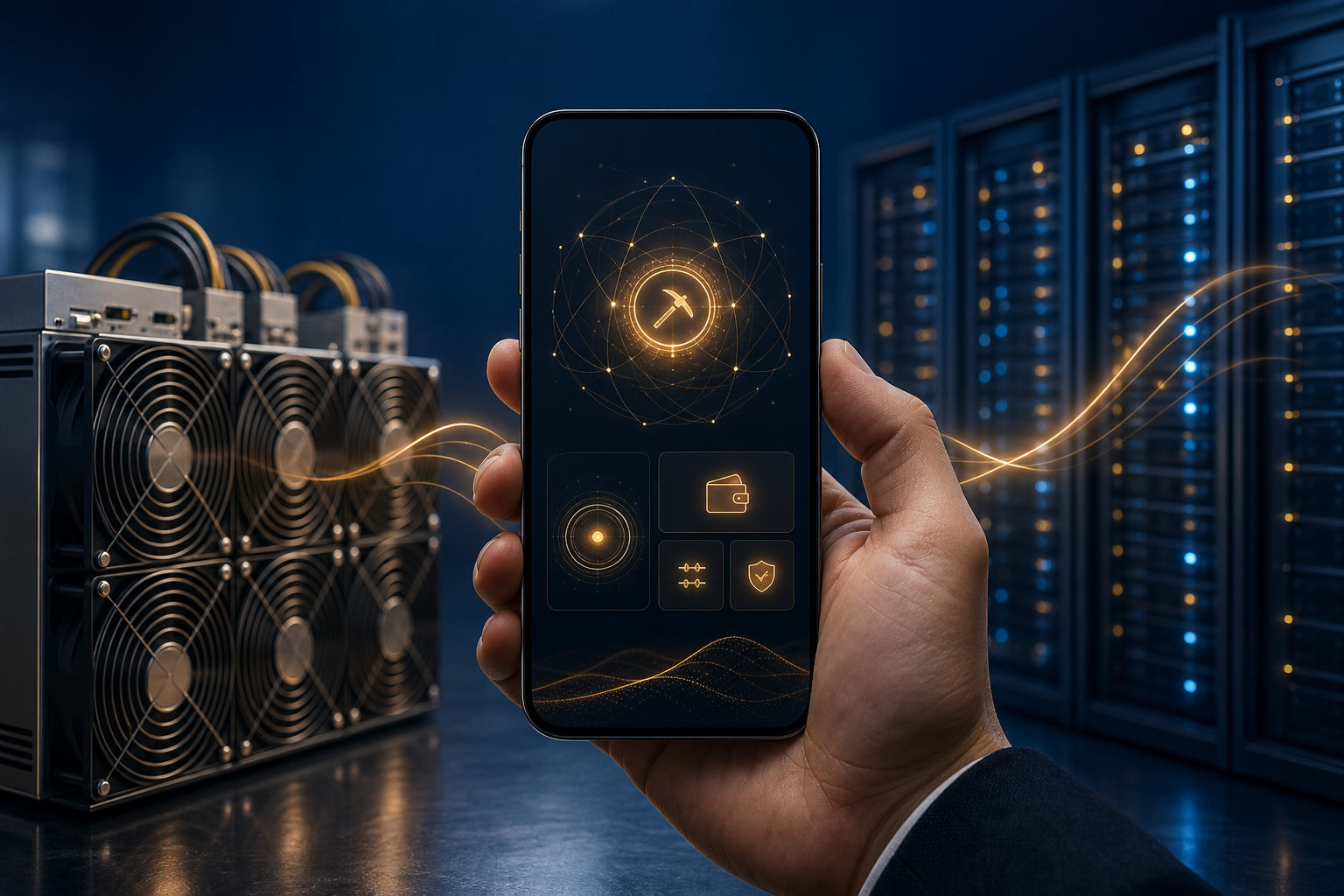
If you want to know how to mine bitcoin on iPhone, the short answer is simple: an iPhone is not a practical device for direct Bitcoin mining. What it can do well is help you manage mining-related services, monitor hardware, or receive bitcoin through a wallet.
Think of mining as a race to post the next ledger entry
Bitcoin mining is a competition to add the next block to the blockchain. Participants keep running calculations under the network rules, and the one that finds a valid result first gets the chance to publish that block and claim the related block reward and transaction fees.
This process is continuous and demanding. The network produces a new block about every 10 minutes, so miners need machines that can perform hashing work at scale while staying stable for long periods.
That is where the iPhone runs into a wall. It is built for mobile computing, battery life, and heat control in everyday use, not for nonstop high-load hashing.
Why an iPhone is not a realistic Bitcoin miner
People searching for how to mine bitcoin on iphone are often asking whether a phone can be a low-barrier entry point. In practice, Bitcoin mining is dominated by specialized mining hardware, not smartphones.
The first problem is processing power. A phone cannot compete with dedicated mining machines designed for this single purpose. The second is thermals: sustained heavy workloads create heat, and a phone has limited room to dissipate it. The third is platform limits, since mobile operating systems and app stores place restrictions on apps that consume large amounts of device resources or touch financial activity in risky ways.
There is also a common misunderstanding around mining apps. Some apps display hashrate-like numbers, mining dashboards, or progress bars, but that does not always mean your iPhone is mining Bitcoin locally. In many cases, the phone is only showing remote account data, simulated output, or a cloud service interface.
So if your goal is to learn how mining works, an iPhone can help. If your goal is to mine Bitcoin directly on the phone in a meaningful way, that is not the realistic path.
What iPhone users can actually do instead
An iPhone can still play a role in the mining process, just not as the machine doing the real hashing. The useful distinction is local mining versus mobile management.
Use your iPhone to manage cloud mining or hosted services
Some services let users view remote mining activity, hosted machines, account records, or payout settings from a mobile app or browser. In that setup, the iPhone works as a control panel rather than the miner itself.
You should be careful with any service in this category. If the operator is vague about withdrawals, equipment, fee rules, or wallet control, the risk is obvious. A polished app interface does not prove the mining business behind it is genuine.
Monitor mining hardware from your phone
If you already own hardware or use a hosted mining arrangement, the phone becomes a convenient monitor. You can check whether machines are online, whether pool settings changed, and whether payout addresses are configured as expected.
This is much closer to real mining participation. The actual hashing happens on dedicated hardware, while the iPhone helps with visibility and account management.
Use an iPhone wallet to receive mining-related payments
You can also use an iPhone to run a Bitcoin wallet for receiving payouts tied to mining activity. A wallet can generate addresses, display balances, and authorize transactions, but it does not replace mining hardware.
Security matters here. Backup phrases, device locks, and strong account protection are basic steps if your phone is part of how you manage digital assets.
Understand the economics before you chase the idea
Many people asking how to mine bitcoin on iphone really want to know whether it is worth doing. Without live market data or hardware-specific figures, the better question is whether the setup is real, transparent, and under your control.
Bitcoin has a supply cap of 21 million coins. The genesis block appeared in January 2009, and the issuance schedule is shaped by block production and halving events. A new block is produced about every 10 minutes, and halvings occur about every 4 years, or every 210,000 blocks, with halving years including 2012, 2016, 2020, and 2024.
Those rules matter because they show that Bitcoin mining is structured and competitive. A phone app does not change the underlying math, the hardware race, or the cost pressure faced by miners.
Mining pools are another part of the picture. Many participants join pools so results are shared according to pool rules rather than relying on solo outcomes. Even there, the phone usually acts as the place where you log in, review reports, and confirm payout settings.
If you are starting from zero, it makes more sense to learn the mechanics first: blocks, hashing, mining pools, wallets, and custody. That approach will teach you far more than installing an app that claims your iPhone can mine Bitcoin on its own.
FAQ
Can an iPhone mine Bitcoin directly?
In a narrow technical sense, a phone can run computation. In real Bitcoin mining conditions, though, an iPhone is not competitive because of weak processing power, heat limits, and battery strain.
Are iPhone mining apps legitimate?
Some are interfaces for cloud or hosted services, while others may only simulate mining or wrap a rewards system in mining language. You need to check how withdrawals work, what the service actually provides, and who controls the wallet or account.
Does joining a mining pool on a phone count as mining?
If the phone is only used to access the pool dashboard, change settings, or view payouts, then the phone is not doing the mining itself. The hashing work is still being performed elsewhere.
What can beginners do if they do not own mining hardware?
Start by learning the basic structure of Bitcoin mining and wallet security. After that, use your iPhone for observation, account management, and receiving funds, rather than expecting the device to function as a serious miner.
What is the biggest risk with mobile-based mining offers?
The main risk is not low output on the phone. It is ending up with a fake service, unclear custody, or a closed system where deposits are easy but withdrawals are restricted.
Check these points before you sign up anywhere
Decide first whether you want education, hardware management, or exposure to a hosted mining service. Then confirm whether withdrawals are under your control, whether the fee model is clear, and whether your wallet security is fully in your hands. If your aim is to understand Bitcoin mining, an iPhone is a useful companion device, but not a serious mining machine.
Disclaimer: This article is for informational and educational purposes only and is not investment, financial, or legal advice. Crypto assets are highly volatile and you could lose your entire investment. Do your own research and decide carefully.