
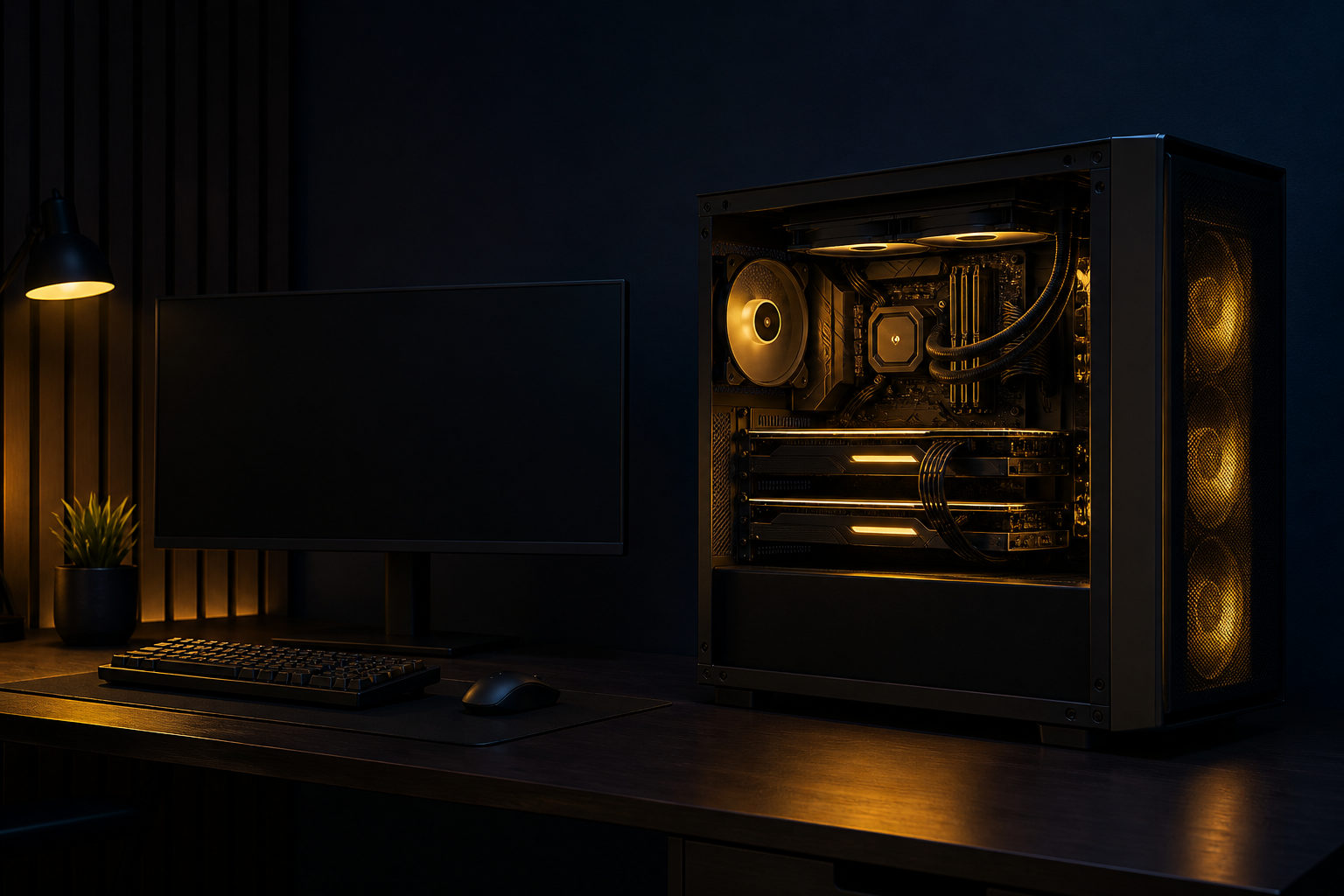
You can mine Bitcoin on a PC, but for most people today, it works better as a way to learn the process than as an efficient way to acquire Bitcoin.
Think of Bitcoin mining as a bookkeeping race
If you want to understand how to mine bitcoin on pc, start with the right mental model. Mining is not digging coins out of a device. It is a public competition to verify transactions, assemble a new block, and find a valid result before other participants do.
The winner gets the chance to add that block to the blockchain. Bitcoin produces a new block about every 10 minutes, and miners keep trying calculations under shared rules so the network can stay synchronized without a central operator.
What your PC is actually doing
When a computer mines Bitcoin, it repeatedly runs hashing operations. That does not mean it is breaking passwords or bypassing security. It is following an open protocol and making repeated attempts until someone on the network finds a result that matches the current target.
Bitcoin has a hard cap of 21 million coins, and new issuance is tied to block creation. The block subsidy is cut roughly every 4 years, or every 210,000 blocks; the halving years so far are 2012, 2016, 2020, and 2024.
That is also why the idea of mining on a home PC sounds simpler than it is in practice. Competition is intense, and many participants use specialized hardware built for this exact kind of work. A standard personal computer usually cannot match that efficiency.
How to mine bitcoin on pc: the practical path
If your goal is to learn the mechanics instead of chasing unrealistic expectations, a PC can still be useful. The safest approach is to treat it as a controlled setup and move step by step.
1. Set up a Bitcoin wallet first
You need a wallet before you begin so any mining proceeds have somewhere to go. Focus on wallet control, backup options, recovery steps, and basic security rather than extra features you may never use.
2. Check your hardware and cooling
Mining pushes hardware for long periods. Your processor, graphics hardware, fans, and power delivery all matter, and laptops are usually a poor fit because heat builds up quickly in a compact chassis.
A desktop gives you more room to monitor temperatures and keep airflow under control. Even then, long runs can make the machine noisy and less pleasant to use for normal work.
3. Choose a mining approach
- Solo mining: You compete on your own against the entire network. It is the most direct model, but it is rarely practical on a normal PC.
- Mining pool: You combine your computing power with others and receive results according to the pool’s rules. For beginners, this is usually easier to understand and monitor.
- Cloud mining pitches: This is not the same as mining on your own PC, and the category includes many high-risk offers. Be careful with any service that sounds effortless.
4. Install mining software carefully
Pick software with a clear origin, active community discussion, and transparent setup instructions. A typical configuration includes the pool information if you use one, your wallet address, and basic options that fit your machine.
Do not download random “one-click profit” tools from unknown forums or file-sharing pages. Fake mining software can carry malware, steal account data, or quietly consume system resources for someone else’s benefit.
5. Watch the machine after launch
Once the software is running, monitor stability, temperature, fan behavior, and network connectivity. Mining is closer to a long background workload than a simple start-and-finish task, so ignoring the system after setup is a mistake.
Why a normal PC is rarely ideal for Bitcoin mining
Many people search for “how to mine bitcoin on pc for free,” but free often only means not buying extra equipment at the start. Electricity, wear on hardware, time spent configuring, and troubleshooting are all real costs.
Bitcoin has used proof of work since the genesis block in January 2009. Over time, the competition for block production has become highly specialized, which makes general-purpose consumer hardware a weak fit for direct Bitcoin mining.
Another common misconception is that if a PC can run mining software, it must be suitable for long-term mining. In reality, heat, noise, power stability, and component lifespan are often the first issues home users notice. If the same machine is also your daily computer, responsiveness may drop fast under sustained load.
Costs and risks you should not ignore
Bitcoin mining is not an automatic income button. Even without putting any revenue figures on the table, the trade-offs are clear.
- Electricity use: Continuous high load means an ongoing power bill.
- Hardware wear: Heat and sustained stress can shorten component life.
- Noise and heat output: A mining PC can be loud and uncomfortable in a home setting.
- Software risk: Untrusted programs may expose your wallet, accounts, or operating system.
- Opportunity cost: The same time may be better spent learning wallet security, self-custody, or how Bitcoin transactions work.
If your real goal is simply to own Bitcoin, buying it through a legitimate venue is often more straightforward than trying to figure out how to mine bitcoin on pc. If your goal is educational, though, running a small test can teach you a lot about mining, pools, wallets, and network rules.
FAQ
Can I still mine Bitcoin with a home computer?
Yes, a home computer can still participate at the software level. The harder question is whether it makes sense, and for most people it is better for learning than for serious mining.
Is CPU mining or GPU mining better for Bitcoin?
People often assume the CPU is enough because every PC has one. In practice, standard CPUs and consumer GPUs usually struggle to compete in Bitcoin mining, since the field is dominated by specialized hardware.
Can I mine Bitcoin on a PC for free?
Only in the narrow sense that you might use hardware you already own. Electricity, cooling, wear, and your own time still count as costs, and any offer promising zero cost with guaranteed results deserves skepticism.
Is joining a mining pool the better option?
For a normal PC user, a mining pool is usually the more realistic way to see how participation works. You still need to manage your machine and wallet safely, but the process is easier to observe than mining alone.
How do I choose mining software safely?
Start with software that has a clear source, visible user discussion, and setup documentation that makes sense. Avoid anything that promises automatic high returns, asks you to disable security protections, or hides what it is doing in the background.
Before you try anything, back up your wallet, scan your system, and make sure your cooling is adequate. Even if you decide a PC is not the right tool for long-term Bitcoin mining, you will at least understand how the process works from end to end.
Disclaimer: This article is for informational and educational purposes only and is not investment, financial, or legal advice. Crypto assets are highly volatile and you could lose your entire investment. Do your own research and decide carefully.