
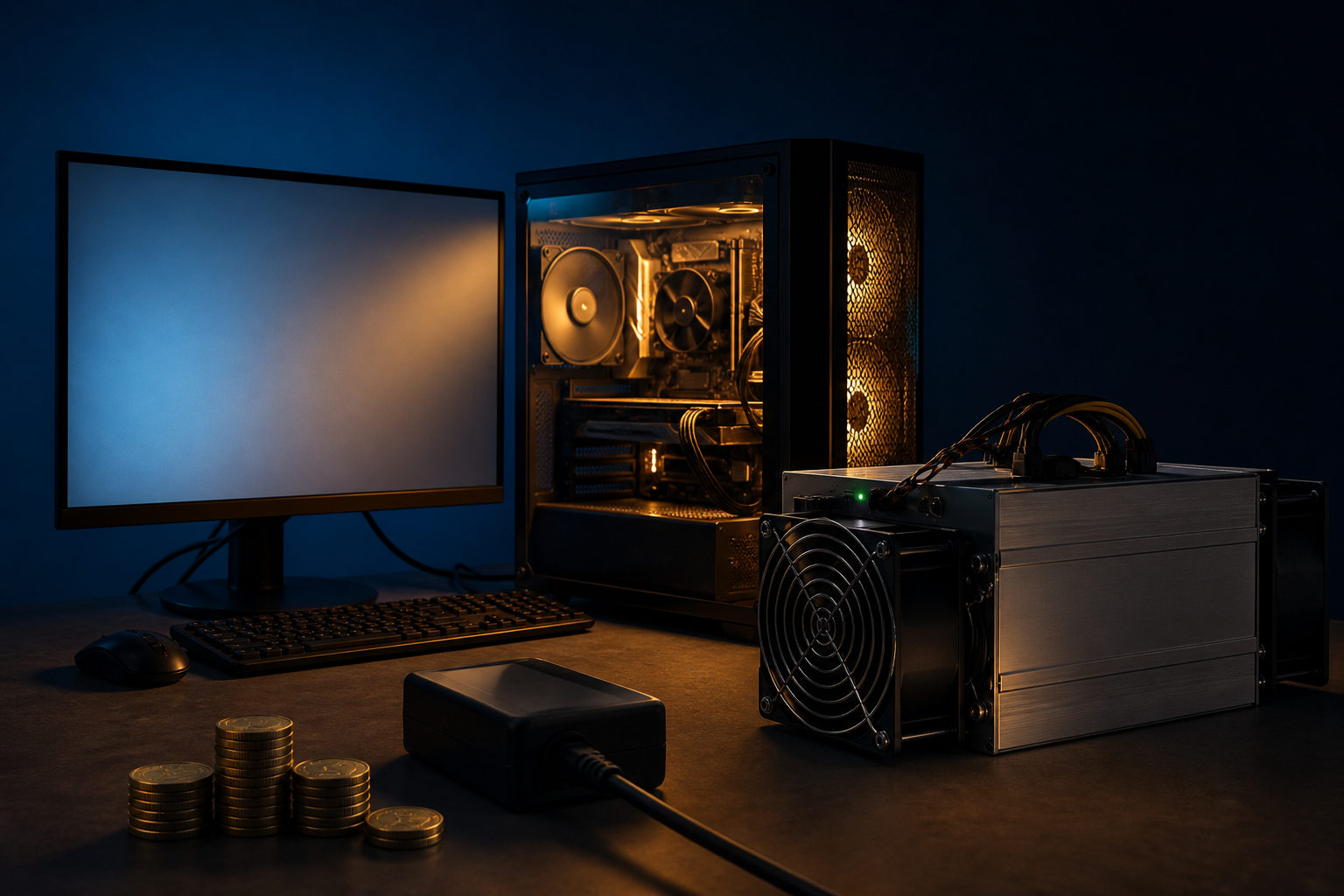
How to mine bitcoin with EasyMiner? The short answer is that EasyMiner can help you manage the setup through a visual interface, but mining Bitcoin in any practical sense still depends on dedicated hardware, pool access, and ongoing operating costs.
Think of mining as a race to write the next page of the ledger
Bitcoin runs on a public ledger. Transactions are grouped into blocks, and miners compete to add the next block by performing large amounts of computation under the network's rules. The winner gets the chance to publish that block and receive the block reward plus transaction fees.
This is why mining is not just a software task. Bitcoin produces a new block about every 10 minutes, and the network adjusts difficulty as total mining power changes. So when people ask how to mine bitcoin with EasyMiner, the real issue is not whether the app opens on a PC; it is whether the equipment behind it can compete at all.
EasyMiner sits at the interface layer. It can give you a graphical way to launch mining software, watch status, and edit settings without living in a command line window. That makes the process easier to follow, but it does not change the hardware reality of Bitcoin mining.
What EasyMiner does, and what it cannot do for you
| Area | What EasyMiner helps with | What still matters more |
|---|---|---|
| Setup | Provides a visual way to configure mining tasks | The underlying miner, supported algorithm, and device type |
| Monitoring | Shows status, activity, and basic runtime information | Whether the machine is actually suited to Bitcoin mining |
| Pool connection | Can help you enter pool details and worker information | The pool's own rules, payout method, and reliability |
| Ease of use | Reduces friction for beginners | Ease of use does not create competitive hash power |
| Profit expectations | Lets you start and manage a mining session | Hardware, electricity, cooling, and uptime drive the outcome |
A lot of beginners treat EasyMiner as if it were the mining edge itself. It is better understood as a control panel. If your machine is not suitable for Bitcoin mining, a cleaner interface will not fix that.
This matters because Bitcoin mining has become highly specialized. A general-purpose desktop or laptop may be able to run mining-related software, yet that is very different from having a realistic shot at participating effectively on the Bitcoin network. EasyMiner can make the process easier to read; it cannot turn a normal computer into a serious Bitcoin miner.
How to approach the full process step by step
Before installing anything, decide what you are trying to do. Some people want to learn the workflow. Others want to join real mining activity for an extended period. Those are very different goals, and they lead to different decisions.
| Step | What to check | Common mistake |
|---|---|---|
| Define the goal | Learning the process or running a real mining setup | Treating a demo-style setup as a practical plan |
| Check the hardware | Whether you have equipment suited to Bitcoin mining | Assuming software can make up for weak hardware |
| Choose a pool | Connection method, payout rules, and operating stability | Picking a pool based only on a simple interface |
| Configure the software | Pool address, worker name, and device settings | Copying settings without understanding them |
| Watch the runtime | Errors, heat, connection issues, and rejected work | Starting once and never checking again |
| Prepare a wallet | A receiving address and a backup plan | Focusing on mining while ignoring storage security |
If your goal is education, EasyMiner can be a reasonable starting point. You get a clearer view of how worker credentials, pool addresses, hash rate readouts, accepted work, and device status fit together. For someone new to mining tools, that visual layer can save time.
If your goal is to actually mine Bitcoin, attention shifts fast. Hardware capability, cooling, stable networking, and pool terms become more important than the interface itself. Once you move past the basics, the software window is only one small piece of the setup.
Why many people stop after installing EasyMiner
The first surprise is usually the gap between expectation and reality. New users often imagine mining as something like running a background app and waiting. Bitcoin mining is closer to a continuous industrial-style computing task, where power draw, heat, and maintenance are part of daily operation.
The second issue is solo mining versus pool mining. Mining alone means trying to win block discovery on your own, which is extremely hard for an individual operator. Most participants use a mining pool, where many miners contribute work and share results based on the pool's rules. That can smooth out participation, but it also means you need to understand the pool's setup and account structure.
The third issue is maintenance. A machine that runs for long periods may face temperature problems, noisy operation, driver conflicts, permissions trouble, or network interruptions. EasyMiner can reduce some setup friction, yet it does not remove those basic operating demands.
| Practical hurdle | How it shows up | Why it matters |
|---|---|---|
| Specialized hardware | Bitcoin mining is dominated by purpose-built machines | A standard PC has limited practical value here |
| Recurring costs | Electricity, cooling, and upkeep continue over time | Installation is only the beginning |
| Pool rules | Each pool handles access and payouts in its own way | You need to understand the arrangement before joining |
| Operational stability | Heat, disconnects, and errors reduce effectiveness | Mining requires regular monitoring |
| Wallet management | Rewards need a receiving address and safe storage | Poor asset handling creates avoidable risk |
What to focus on if you still want to try
Start by checking compatibility. Do not assume that a program labeled as mining software will suit every device, every backend miner, or every target network. Look at what EasyMiner supports in practice, how it connects to a pool, and whether your operating environment matches the intended setup.
Next, prepare a wallet before you begin. Bitcoin has a maximum supply of 21 million coins, and its smallest unit is 1 satoshi, which equals one hundred millionth of a BTC. That means even very small amounts can be handled precisely, so wallet access, backup, and recovery planning should be sorted out before you run a long session.
Then do a short test instead of jumping straight into extended runtime. During testing, watch whether the pool connection stays stable, whether the machine reports repeated errors, whether temperatures stay under control, and whether your worker information is being recognized correctly. A setup that looks fine at launch can still fail once it runs for longer.
One point matters more than any visual feature: EasyMiner lowers the barrier to understanding the workflow, not the barrier to competing in Bitcoin mining itself.
FAQ
Can I mine Bitcoin with EasyMiner on a regular home computer?
You may be able to install the software and connect parts of the workflow. In practice, a normal home computer usually lacks the kind of hardware needed to compete on the Bitcoin network, so it is better for learning than for serious mining.
Is EasyMiner a mining pool?
No. EasyMiner is better thought of as a front-end tool. A mining pool is the service you connect to so your machine can contribute work alongside others under a shared payout structure.
Why do I see hash rate on screen but still get poor results?
A hash rate display only tells you that some work is being attempted. You still need matching hardware, a valid setup, stable connectivity, and low rejection levels for that activity to have practical meaning.
Should I learn the software first or buy hardware first?
If your goal is to understand the process, learning the software flow first can help. If your goal is real Bitcoin mining, hardware should be evaluated early, because it determines whether the rest of the setup is even worth building.
Is EasyMiner good for complete beginners?
It can be, especially for people who prefer graphical tools over command line utilities. Even so, you still need to understand wallets, pool settings, worker details, and basic security before treating the setup as usable.
If you plan to act on this, the most useful order is simple: verify the hardware, confirm how EasyMiner fits the setup, prepare your wallet and pool details, and run only a short test first. That approach reveals problems early and keeps you from mistaking a successful installation for a workable Bitcoin mining plan.
Disclaimer: This article is for informational and educational purposes only and is not investment, financial, or legal advice. Crypto assets are highly volatile and you could lose your entire investment. Do your own research and decide carefully.