
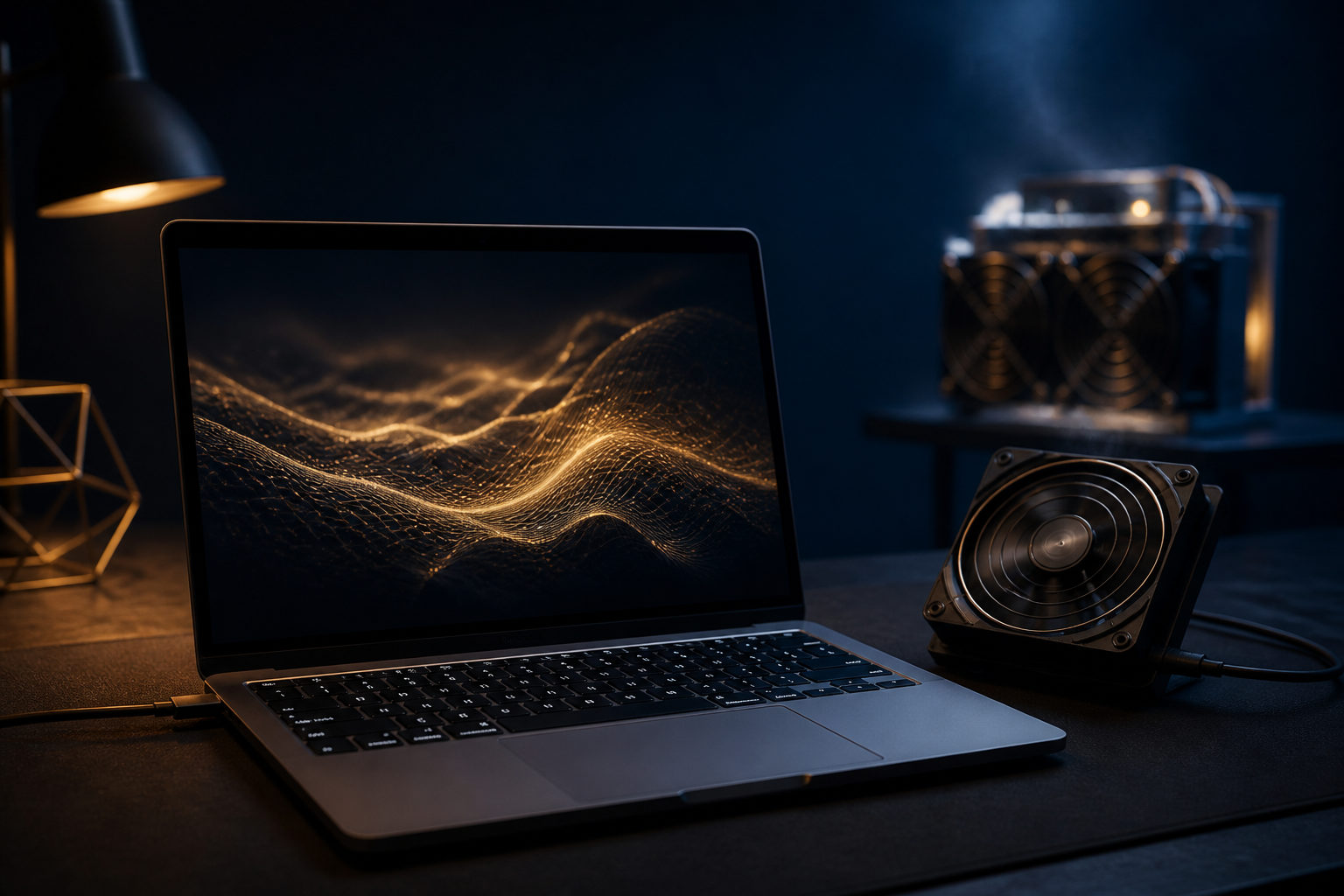
You can use a Mac to mine bitcoins in a limited sense, but for most people it makes far more sense as a learning or management device than as a serious Bitcoin mining machine.
People searching for "how to mine bitcoins mac" are usually asking a bigger question: can a Mac really do this, what does mining involve, and is it still realistic without specialized hardware? The short answer is yes, a Mac can help you join the process, connect to mining software, and understand how the network works. The harder truth is that ordinary Macs are not built to compete well on the Bitcoin network.
Think of mining as a race to update a public ledger
Bitcoin runs on a shared ledger that records transactions in blocks. Mining is the process of gathering pending transactions, building a candidate block, and performing repeated hash calculations to see who can meet the network's rules first.
The winner gets to add the new block and receives the block reward plus transaction fees under the protocol rules. Bitcoin produces a new block about every 10 minutes, and the network adjusts difficulty so that pace stays relatively steady. That means mining is not about pulling coins out of a computer. It is about competing in a nonstop verification and record-keeping race.
From that angle, a Mac is useful for seeing the mechanics up close. It can help you understand wallets, mining pools, software settings, and system behavior under load. It is much less suited to being your primary source of hashing power.
What a Mac can do in Bitcoin mining
Good use cases
- Learn the basics of Bitcoin mining, including blocks, hashes, difficulty, and mining pools.
- Set up a wallet so you understand addresses, seed phrases, private keys, and backups.
- Run compatible tools on macOS to test pool connections and basic mining workflows.
- Monitor dedicated hardware, check pool dashboards, and manage account settings.
What not to expect
- A regular Mac becoming an efficient long-term Bitcoin miner on the main network.
- High sustained load without extra heat, fan noise, battery strain, or slower general performance.
- A simple software install turning a daily-use laptop into a dependable income tool.
This distinction matters. Many beginners look for a guide on how to mine bitcoin on Mac, but the more useful lesson is often how mining works, how pool participation is set up, and how to avoid bad security habits. The process is real. The expectations often need adjustment.
Common ways to participate with a Mac
One option is to use your Mac as a learning platform. Start with a wallet, learn how to back up your seed phrase, understand the difference between a public address and a private key, and then move on to pool settings and worker names. This route is ideal for beginners because it teaches the structure behind mining without pretending a consumer computer can do the same job as dedicated equipment.
Another option is to use a Mac as a control center. In real-world setups, many participants rely on specialized mining hardware for computation while using a Mac to monitor machines, sign in to dashboards, review account changes, and keep an eye on alerts. That role fits macOS far better.
A third option is short testing. You can run compatible software for a limited period and watch CPU usage, temperature, fan activity, and system responsiveness. Even a brief test can make the economics easier to understand because it shows how quickly ordinary computing priorities clash with nonstop mining workloads.
Before you begin, prepare a wallet, use software only from trusted sources, and set a clear goal. If your goal is education, a Mac can be a good fit. If your goal is serious Bitcoin mining, your next questions should be about dedicated hardware, power costs, cooling, and operational security.
Why a normal Mac is not a practical main miner
The first reason is specialization. Bitcoin mining has moved far beyond the stage where a general-purpose computer could stay competitive for long. The network is dominated by purpose-built machines designed around hashing performance and efficiency.
The second reason is cost, and cost means more than the computer itself. Mining involves electricity, heat, wear on hardware, setup time, and maintenance. A Mac is designed for daily work, creative tasks, development, and a polished user experience. It is not designed to run at full mining load all day as if it were a dedicated appliance.
Heat is another issue people underestimate. Sustained heavy workloads can raise temperatures, increase fan noise, and affect comfort during regular use. On a laptop, that can be especially noticeable. Even if the machine remains stable, the tradeoff may not make sense for someone who also depends on that Mac for work or personal projects.
So when people ask "how do I mine bitcoins on my Mac," the most honest answer is often this: use the Mac to learn the process and manage participation, not as the backbone of a serious Bitcoin mining operation.
Risks to understand before trying
- Software risk: fake mining apps, bundled malware, and wallet lookalikes are common traps.
- Account risk: weak pool passwords or poor account hygiene can expose payout settings.
- Device risk: long periods of high load can affect heat, noise, battery health, and daily usability.
- Cost risk: people often focus on whether mining is possible and forget to count power and time.
- Expectation risk: a test setup is not the same thing as a sustainable mining plan.
If you want hands-on experience with Bitcoin's mechanics, a Mac can still be useful. It lets you see how wallets, pool settings, system load, and security practices fit together. That knowledge is valuable even if the machine itself is not the right choice for full-scale mining.
FAQ
Can I mine Bitcoin directly on a Mac?
Yes, you can run compatible software and take part in parts of the workflow. That does not mean a standard Mac is a practical long-term miner on the Bitcoin network.
Is an Apple silicon Mac better for Bitcoin mining?
Apple silicon is efficient for general computing, but Bitcoin mining is a specialized competition. What matters there is dedicated hash performance and total operating cost, not how smooth the computer feels in everyday use.
Does it make sense to join a mining pool with a Mac?
It can make sense if your goal is to learn. Pool setup teaches wallet handling, worker configuration, account protection, and the basics of how mining participation is organized.
Can mining damage my Mac?
Short tests are different from sustained heavy use. Long periods of high load can increase heat and noise, and on portable devices that can affect comfort, battery condition, and overall wear.
Why learn Mac mining if it is not ideal for profit?
Because it gives you a practical view of how Bitcoin works. Once you set up a wallet, examine pool settings, and watch the machine respond under load, the network becomes easier to understand in concrete terms.
If you want to try, begin with wallet backups, trusted software sources, and a limited test on your Mac. If you want to mine bitcoins seriously, move quickly from the laptop question to the hardware, power, cooling, and security questions that actually matter.
Disclaimer: This article is for informational and educational purposes only and is not investment, financial, or legal advice. Crypto assets are highly volatile and you could lose your entire investment. Do your own research and decide carefully.