
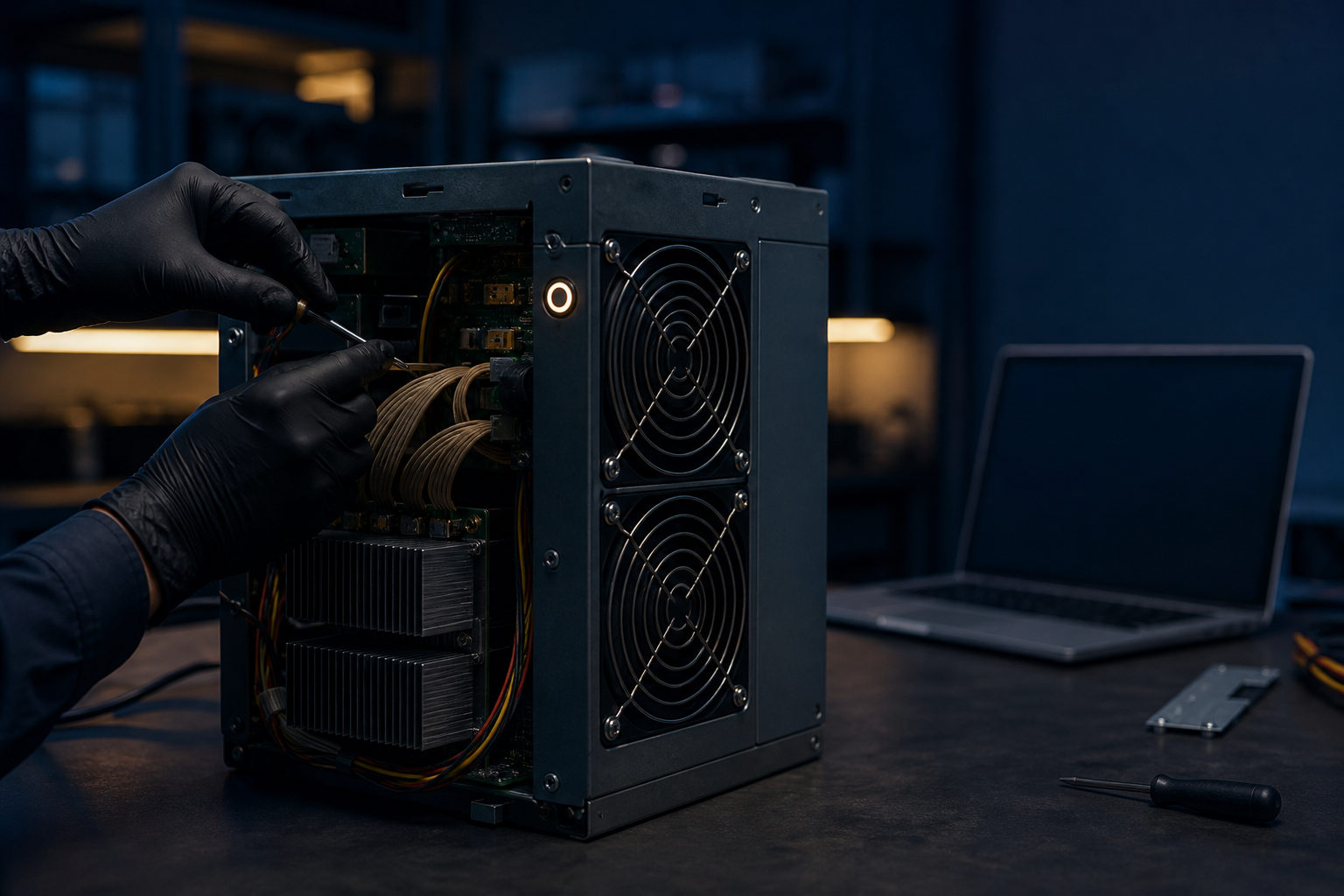
How to reset a bitcoin miner starts with a simple distinction: a reboot, a factory reset, and a full reconfiguration are not the same thing. If you pick the wrong one, you can erase working settings and still leave the real fault untouched.
What “reset” actually means on a bitcoin miner
Bitcoin mining can be pictured as a nonstop bookkeeping contest. The miner keeps running calculations, while a pool groups many machines together so their work can be tracked and credited. When a miner stops contributing, the cause may be a bad network setting, a wrong pool entry, lost login access, or a deeper system issue.
That is why the first job is classification. A temporary freeze usually calls for a reboot. Mixed-up settings or lost credentials may justify a factory reset. If the miner still behaves badly after that, repeating the reset is rarely the answer.
| Action | Best use case | Does it erase settings? | When to use it |
|---|---|---|---|
| Reboot | Web panel freeze, brief instability, settings changed but not applied cleanly | Usually no | First |
| Factory reset | Forgotten login, broken configuration, pool details entered incorrectly | Yes | Second |
| System rebuild or fresh configuration | Corrupted system, failed startup, persistent issues after factory reset | Usually yes | Last |
This order matters because a miner can look dead while the real problem is only that it no longer knows where to send work. Wiping the machine too early creates another problem: you now need to rebuild the entire connection setup before you can test anything again.
What to save before you reset the miner
The biggest mistake is treating a reset as a harmless button press. A factory reset often removes the exact details that let the machine work in the first place: pool address, port, worker name, local network settings, and any custom behavior you enabled in the management panel.
If the interface is still reachable, write down every field that affects connectivity and identity. Even if you suspect a setting is wrong, keep a copy of it. A bad note is still useful for comparison; no note leaves you guessing.
| Item to record first | Why it matters | What happens if you skip it |
|---|---|---|
| Pool address and port | The miner needs a destination for its work | It powers on but never mines properly |
| Worker or sub-account name | Work must be credited to the right account | Hashrate may appear missing or misassigned |
| Network mode | Some setups do not use automatic addressing | The miner may disappear from the local network |
| Login details | Helps separate access problems from system problems | You may misdiagnose the fault |
| Current symptoms | Useful for comparison after the reset | Troubleshooting becomes slower |
If you manage several miners, label your notes carefully. In multi-device setups, one common failure is not the reset itself but restoring the wrong configuration to the wrong machine.
How to reset a bitcoin miner step by step
Start with a normal reboot
If you can still sign in to the miner, begin there. Use the management panel reboot option, or follow the normal power cycle process recommended for that unit. This is often enough for stuck processes, temporary panel glitches, or settings that did not load cleanly after a change.
After the reboot, do not stop at “the fans are spinning.” Check whether the miner has returned to the local network, whether the panel is reachable again, and whether it reconnects to the mining pool. A powered-on machine is not the same as a working machine.
Move to a factory reset only when needed
A factory reset makes sense when login access is gone or the configuration has become unreliable. The exact button behavior differs by model, so the safe approach is to follow the official instructions for that specific miner instead of guessing based on another device.
Once the reset finishes, the miner usually returns to its default management state. That means the job is only half done. You still need to rediscover the device on your network, sign in again, enter the pool and worker settings, save them, and confirm the machine is actually submitting work.
If the problem remains, stop repeating the reset
When a factory reset changes nothing, the fault may sit outside the configuration layer. Look next at network cabling, switch or router behavior, cooling conditions, stable power delivery, and the miner’s control system state.
| Symptom | Likely cause | Better next step |
|---|---|---|
| Miner powers on but panel is unreachable | Local network issue, address conflict, bad network settings | Check cable, router, switch, addressing |
| Panel works but mining does not start | Wrong pool entry, wrong worker name, unsaved settings | Review and re-enter mining settings |
| Miner keeps dropping offline after reset | Power, cooling, or system instability | Inspect environment and hardware state |
| Repeated freezing or no response | Control-side problem or broader system fault | Preserve symptoms and investigate deeper |
How to bring the miner back after the reset
The reset itself is not the goal. The real goal is restoring a usable connection path from the miner to the pool. Once the device is visible again on the network, sign in to the management panel and restore the required pool details, worker name, and any necessary network parameters.
Three mistakes appear often here. The address is correct but the port is wrong. The worker format does not match what the pool expects. Or the settings were entered but never saved properly. Any of those can leave the miner looking healthy while producing no valid work record.
If you use third-party management software, check whether the miner must be rebound or rediscovered there as well. A local panel can look fine while the remote fleet tool still treats the unit as offline.
Resetting does not solve the hard parts of mining
A bitcoin miner is one part of a larger operating setup. Resetting can fix some configuration errors, but it will not solve weak cooling, unstable power, poor network quality, noise constraints, or the workload of ongoing maintenance.
That matters for anyone thinking about joining mining. The technical barrier is not only “can I reset the machine.” The harder part is running it consistently, diagnosing failures without panic, and accepting the operating costs and maintenance demands that come with the hardware.
| Problem type | Will resetting help? | What deserves attention instead |
|---|---|---|
| Forgotten login or bad configuration | Often yes | Backup habits and accurate re-entry |
| Short-lived software glitch | Sometimes | Reboot and observe |
| Cooling, power, or network weakness | Usually no | Physical setup and infrastructure |
| System corruption or hardware trouble | Not reliably | Repair, replacement, or system recovery |
FAQ
Is rebooting the same as resetting a bitcoin miner?
No. A reboot usually reloads the current state, while a factory reset clears stored configuration and sends the miner back to a default starting point.
I forgot the miner password. Should I factory reset it right away?
If there is no other way to regain access, a factory reset is often the direct route. Before you do it, make sure you have the pool and network details needed to rebuild the setup afterward.
Why does the miner still not mine after a factory reset?
The most common reason is incomplete reconfiguration. Pool address, port, worker name, or network settings may still be missing or entered incorrectly.
My miner keeps going offline. Will repeated resets fix that?
Not if the root cause is unstable power, poor cooling, or network trouble. In that case, repeated resets only erase time that should be spent tracing the actual operating fault.
Is a bitcoin miner suitable for beginners to manage on their own?
It can be, if you are comfortable with network basics and careful configuration work. The first setup is only the start; the ongoing part is learning how to recover cleanly when the machine stops behaving as expected.
When you do need to reset a bitcoin miner, save the existing settings first, try a reboot before anything destructive, and only use a factory reset when access or configuration is clearly the problem.
Disclaimer: This article is for informational and educational purposes only and is not investment, financial, or legal advice. Crypto assets are highly volatile and you could lose your entire investment. Do your own research and decide carefully.